
Examples
All examples live in examples/.
Run them from the repository root:
uv run python examples/<name>.pypython3 -m venv .venvsource .venv/bin/activatepip install pyzed-uipython examples/<name>.pypy -m venv .venv.venv\Scripts\Activate.ps1pip install pyzed-uipython examples/<name>.pypython3 -m pip install pyzed-uipython3 examples/<name>.pypy -m pip install pyzed-uipy examples/<name>.py| Example | What it shows | Tutorial |
|---|---|---|
counter.py |
The bare minimum: state, messages and callables. | Quickstart |
todo.py |
Forms, lists, filters, focus and shortcuts. | To-do list |
downloads.py |
Command.perform, pz.post from threads, progress and notifications. |
Background tasks |
mini_editor.py |
A code editor with a file tree and tabs in ~150 lines. | Mini editor |
gallery.py |
Every component, interactive, with a theme picker. | Components |
zed_editor.py |
Full editor: file finder, palette, docks, terminal, themes and git markers. | |
tutorial/ |
Five steps: window, state, layout and themes, async, notes app. | 5-step tutorial |
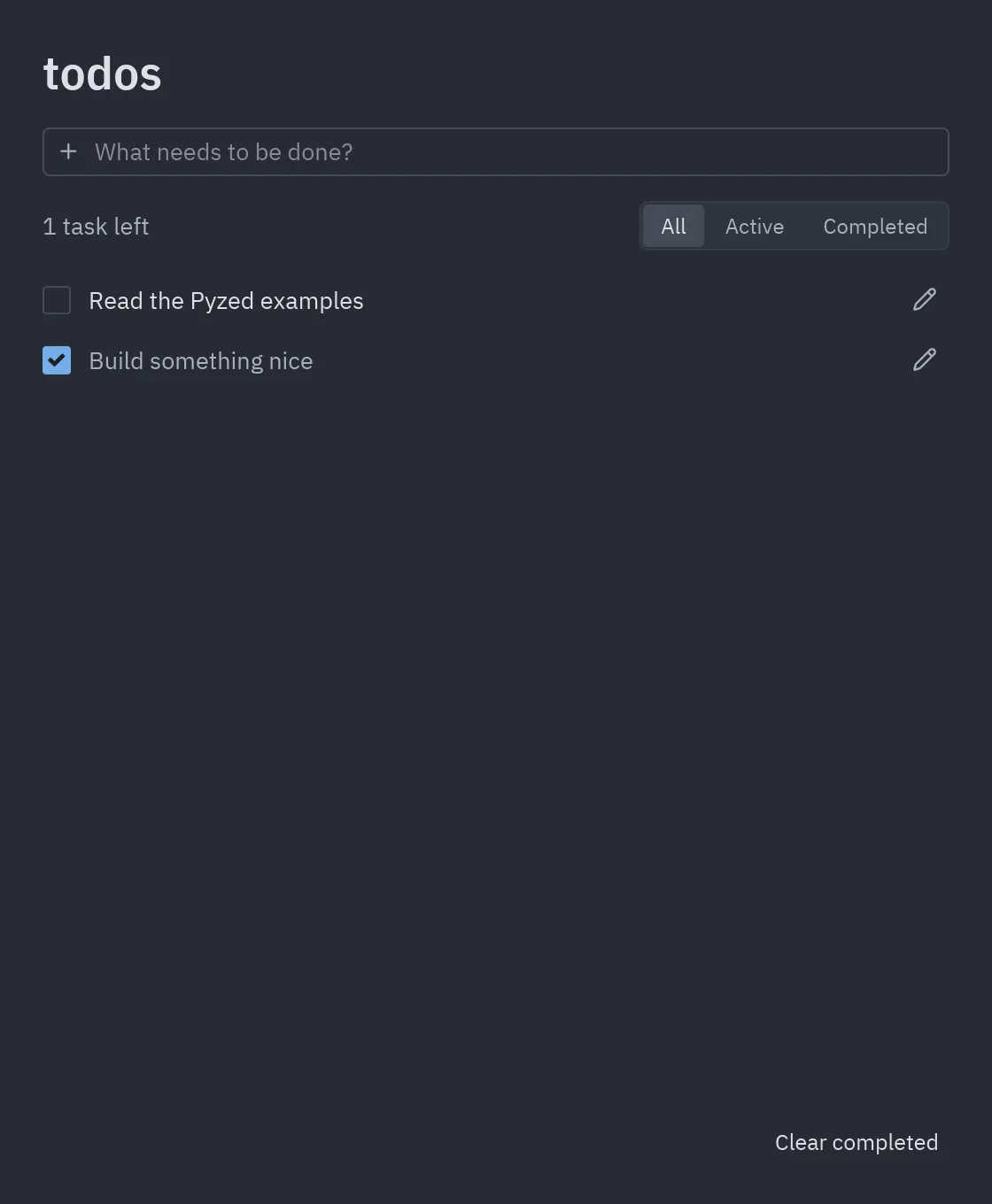
todos.py |
Iced’s todos: add, edit, complete, filter and save. | |
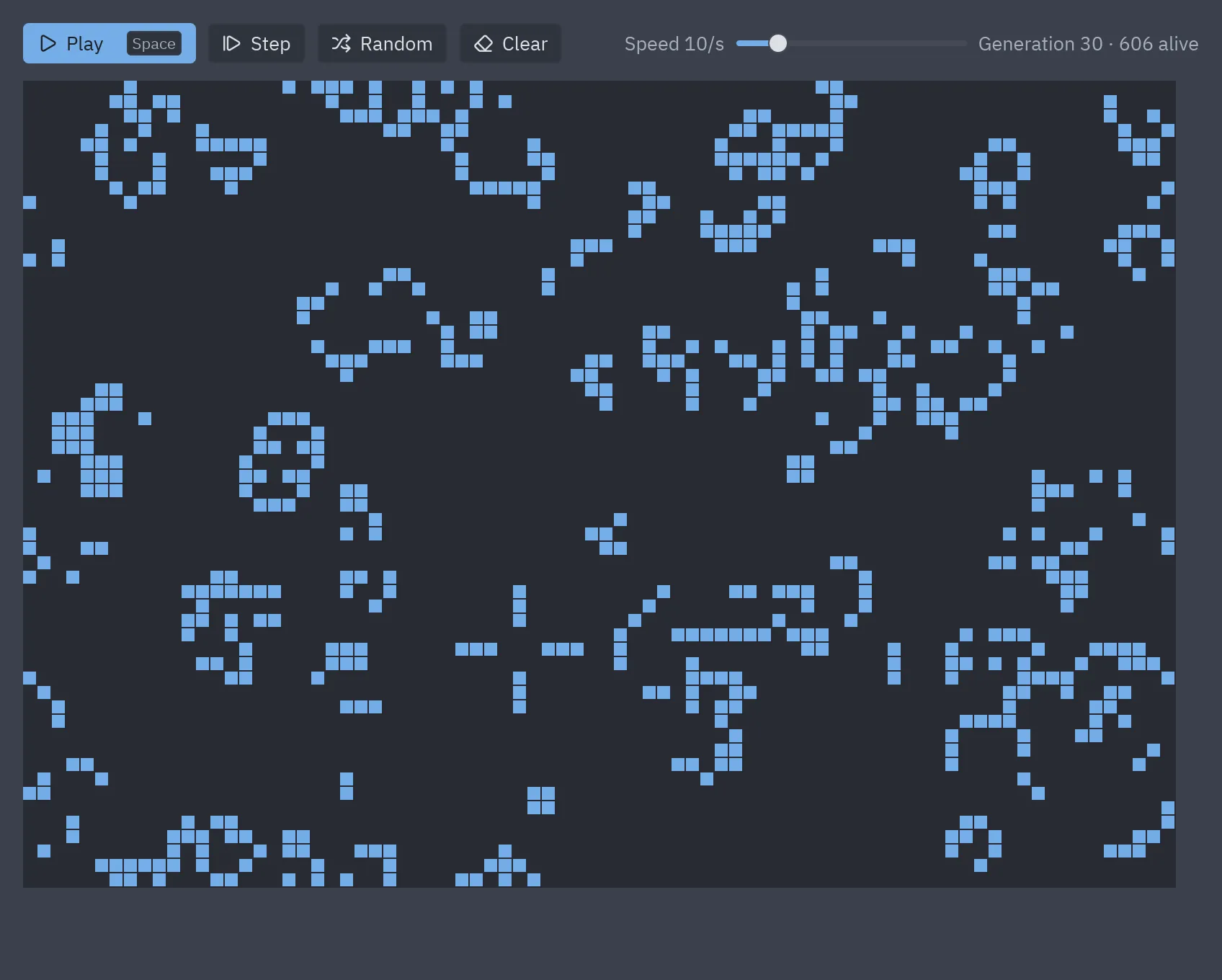
game_of_life.py |
pz.canvas with thousands of cells and pz.every as the engine. |
Canvas |
games/snake.py |
Snake on a fixed timer, key queue and a glass game-over card. | Snake |
games/breakout.py |
60 fps loop with pz.frames, held keys, collisions, particles and shake. |
Breakout |
games/neon_invaders.py |
A space shooter: pixel-art sprites, neon glow and a HUD with glass and bloom. | Neon Invaders |
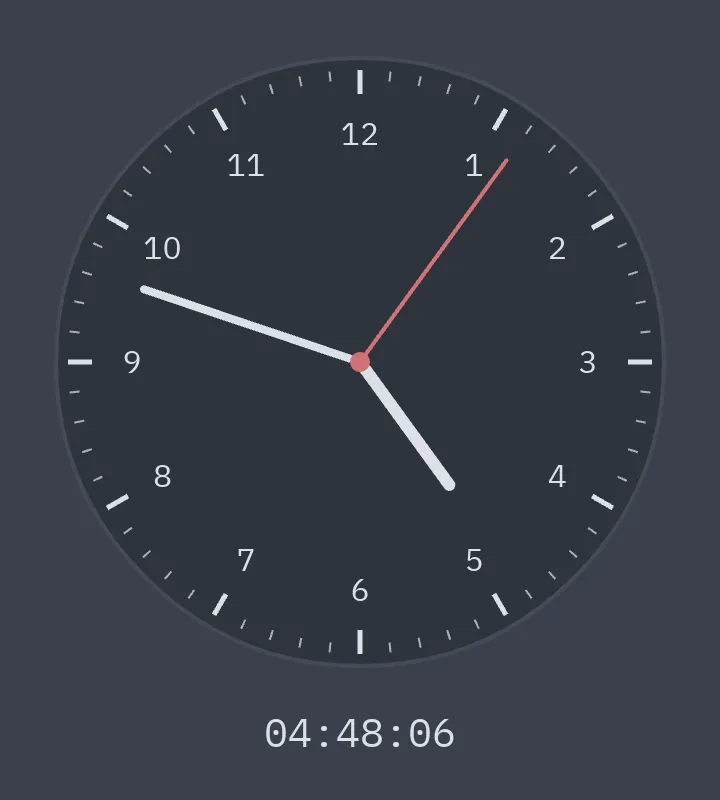
clock.py |
Analog clock drawn on a canvas. | Canvas |
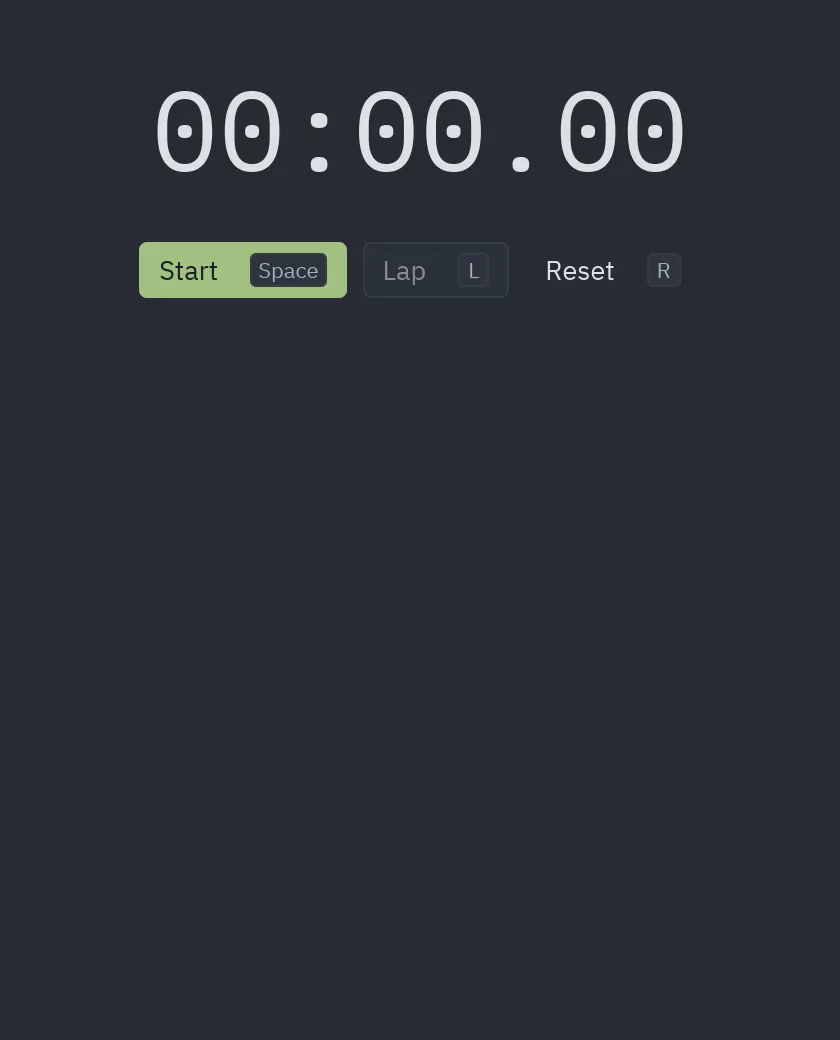
stopwatch.py |
Stopwatch with laps and shortcuts. | Async |
download_progress.py |
Concurrent downloads with async generators and progress. |
Async |
websocket_stream.py |
Live data with pz.listen and an async generator. |
Async |
multi_window.py |
Several pz.Window with shared state and different themes. |
Multiple windows |
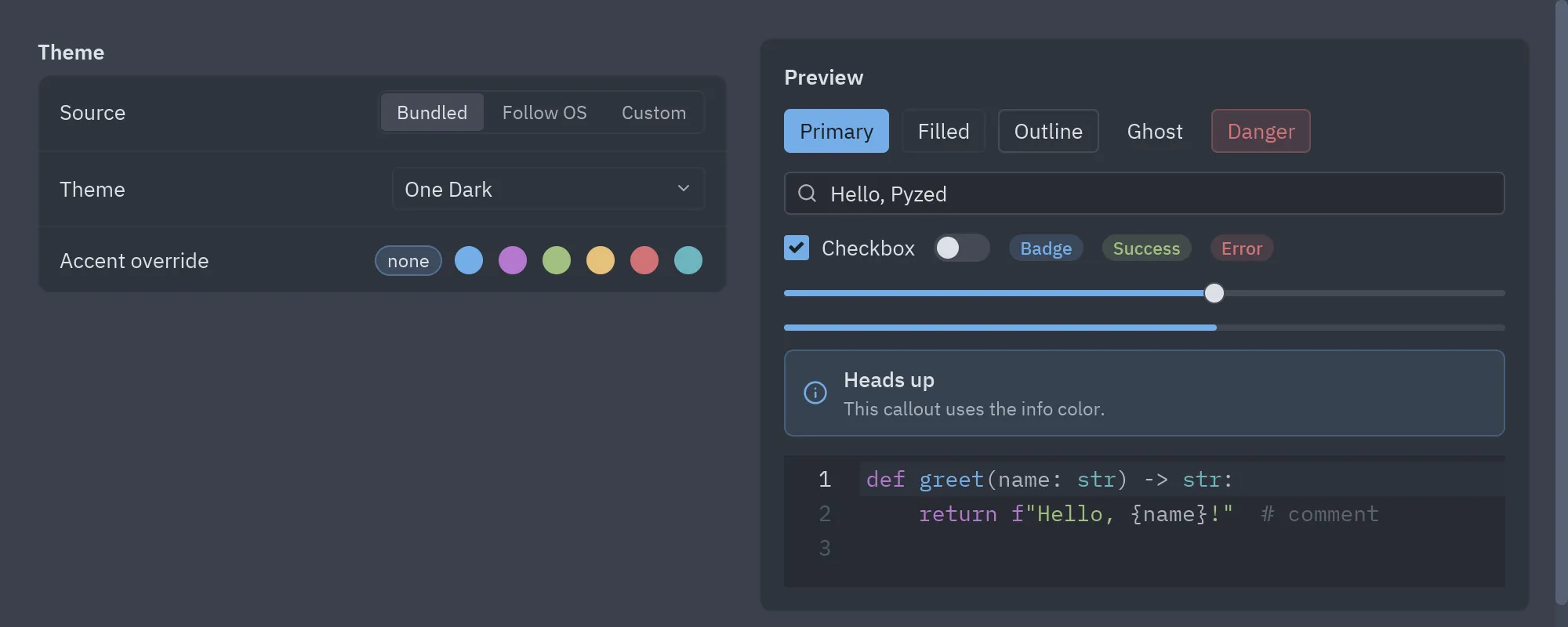
styling.py |
Theme picker, system mode, Theme.generate and accents. |
Themes |
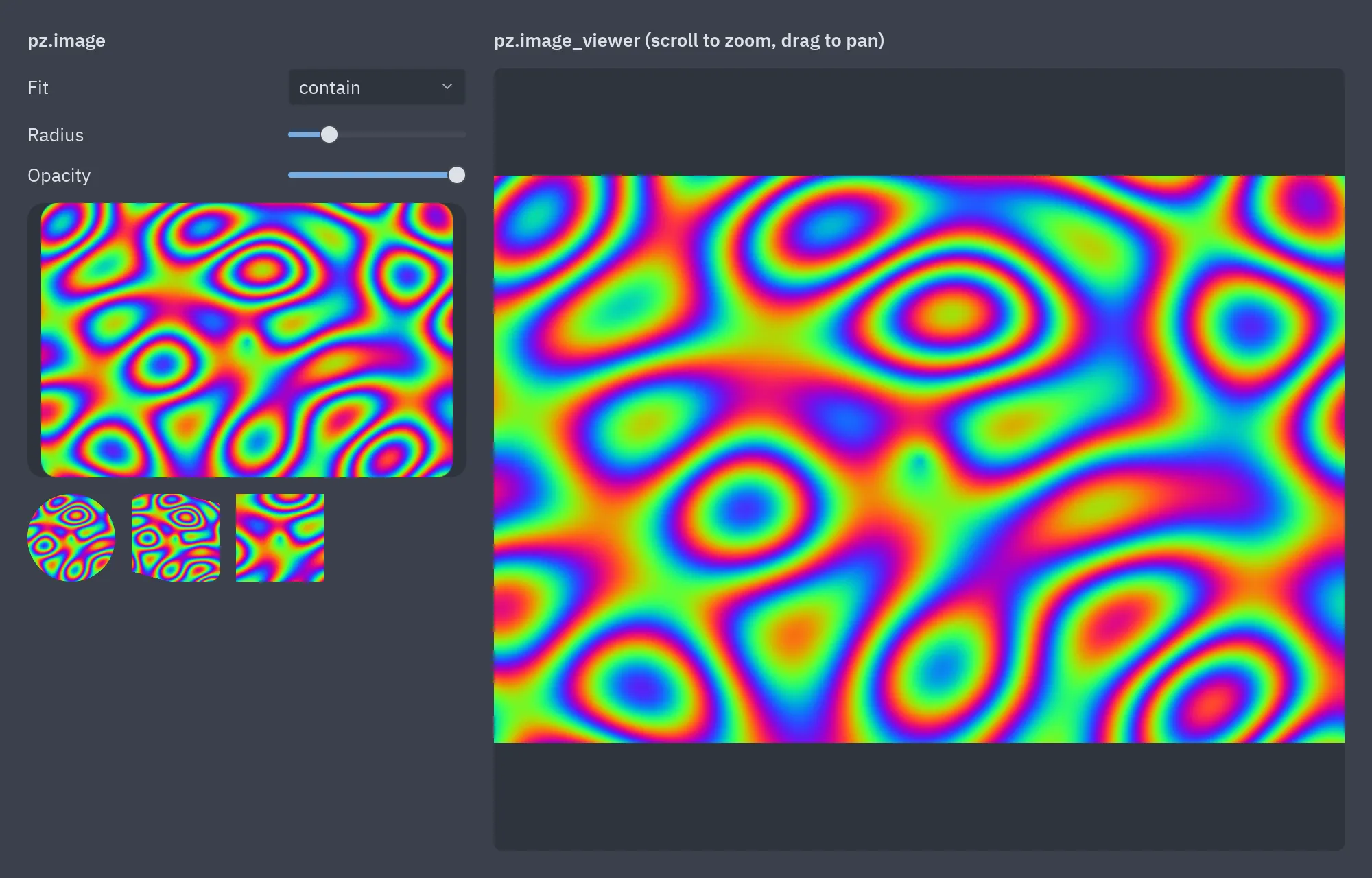
image_viewer.py |
pz.image and the zoomable pz.image_viewer. |
Content |
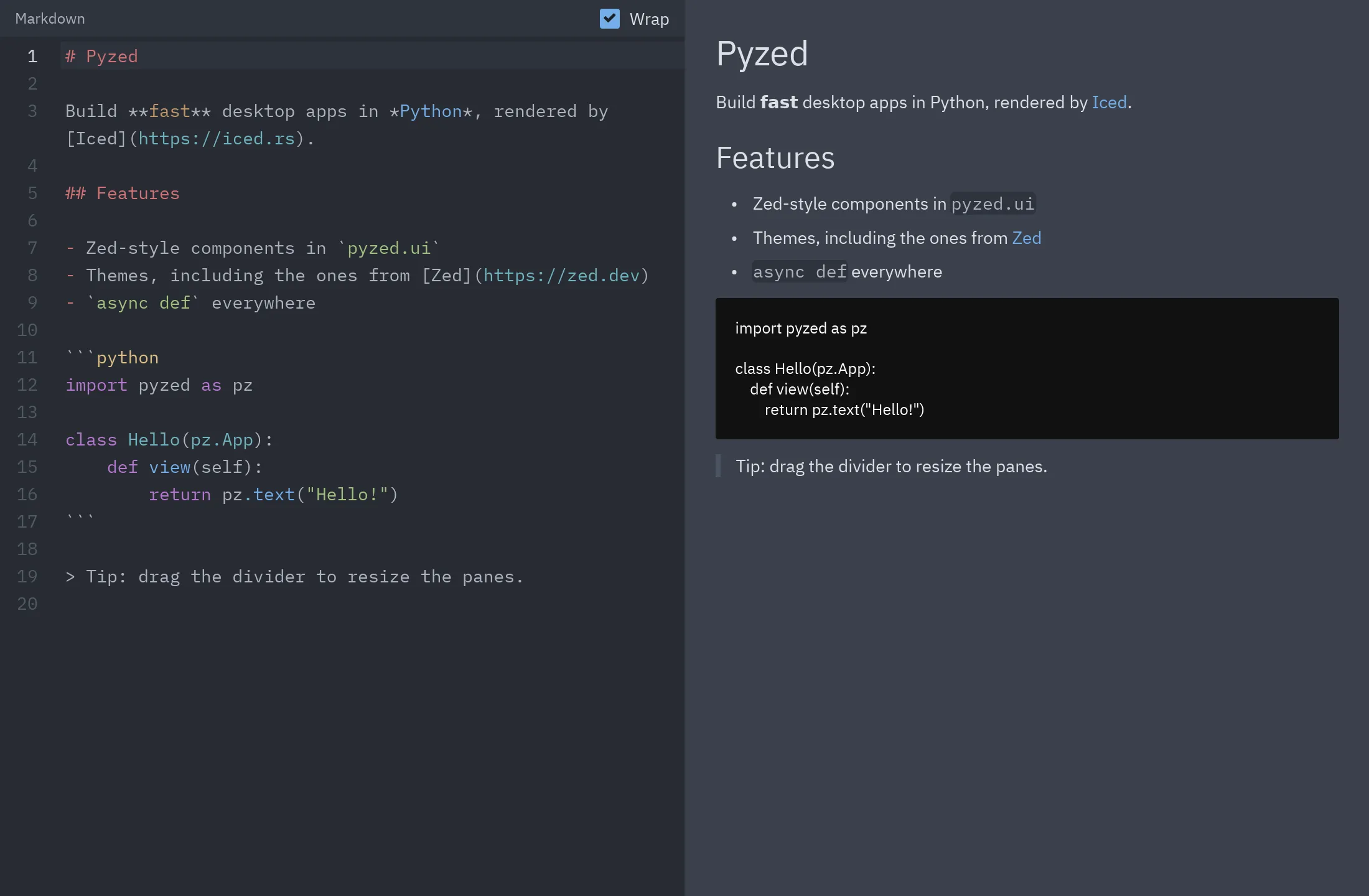
markdown_viewer.py |
Markdown editor with live preview. | Content |
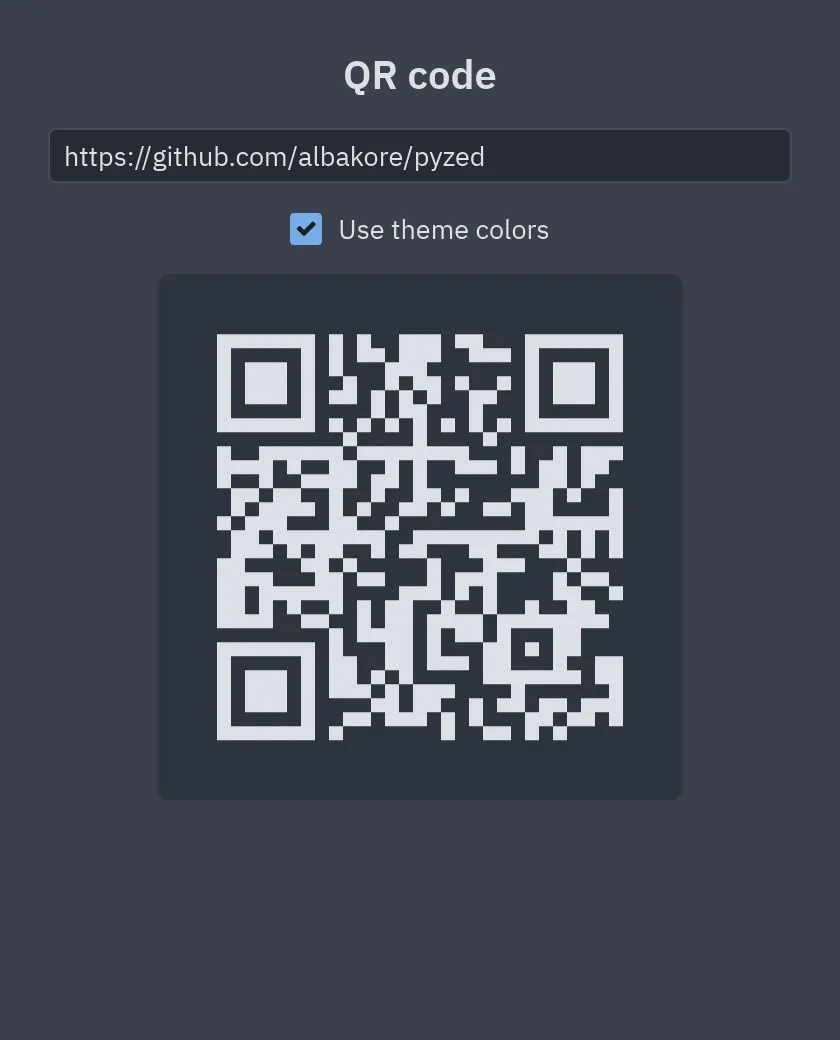
qr_code.py |
Generates a QR code as you type. | Content |
panes.py |
Resizable panes with nested ui.split. |
Content |
context_menu.py |
Context menu with ui.popover and ui.menu. |
Content |
screenshots.py |
Regenerates the documentation screenshots. | Tests and screenshots |
Integrations
Section titled “Integrations”examples/integrations/ holds
desktop apps built on backend and data libraries. Each one is a uv project: cd into it and run
uv run main.py.
| Example | Libraries | Tutorial |
|---|---|---|
fastapi_heroes |
FastAPI, SQLModel, httpx | FastAPI |
django_polls |
Django, httpx | Django |
sqlalchemy_quickstart |
SQLAlchemy 2.0, aiosqlite | SQLAlchemy |
sqlalchemy_contacts |
SQLAlchemy 2.0 | SQLAlchemy |
sqlmodel_heroes |
SQLModel | SQLModel |
sqlmodel_inventory |
SQLModel, Pydantic | SQLModel |
httpx_pypi |
httpx, Pydantic | httpx |
httpx_download |
httpx | httpx |
pydantic_signup |
Pydantic | Pydantic |
aiosqlite_journal |
aiosqlite | Other libraries |
Code editor
Section titled “Code editor”uv run python examples/zed_editor.py .python examples/zed_editor.py .python3 examples/zed_editor.py .py examples/zed_editor.py .Shortcuts: Ctrl+Shift+P palette, Ctrl+P file finder, Ctrl+S save, Ctrl+B, Ctrl+J and Ctrl+Alt+B docks.
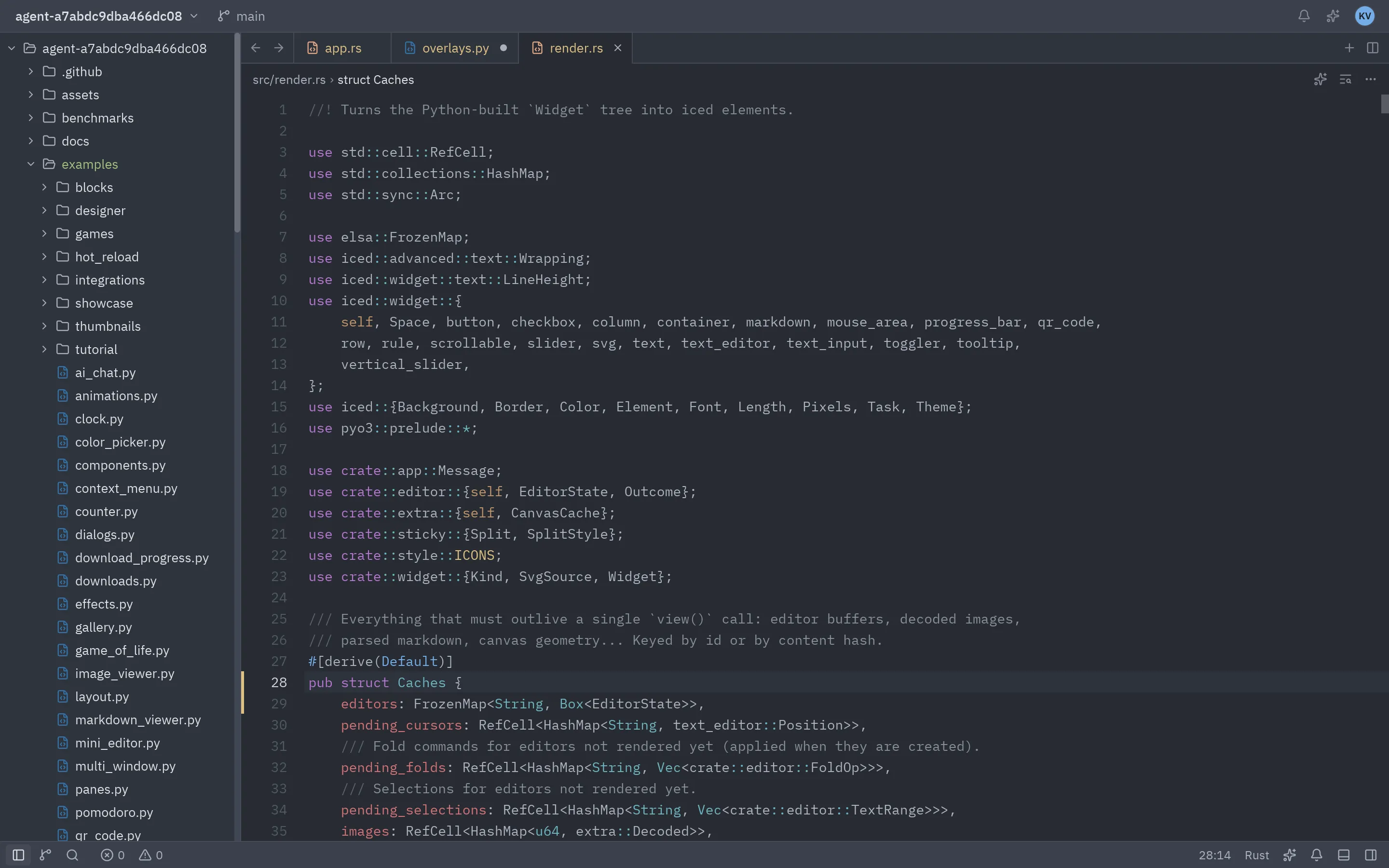
| Command palette | File finder (Gruvbox) |
|---|---|
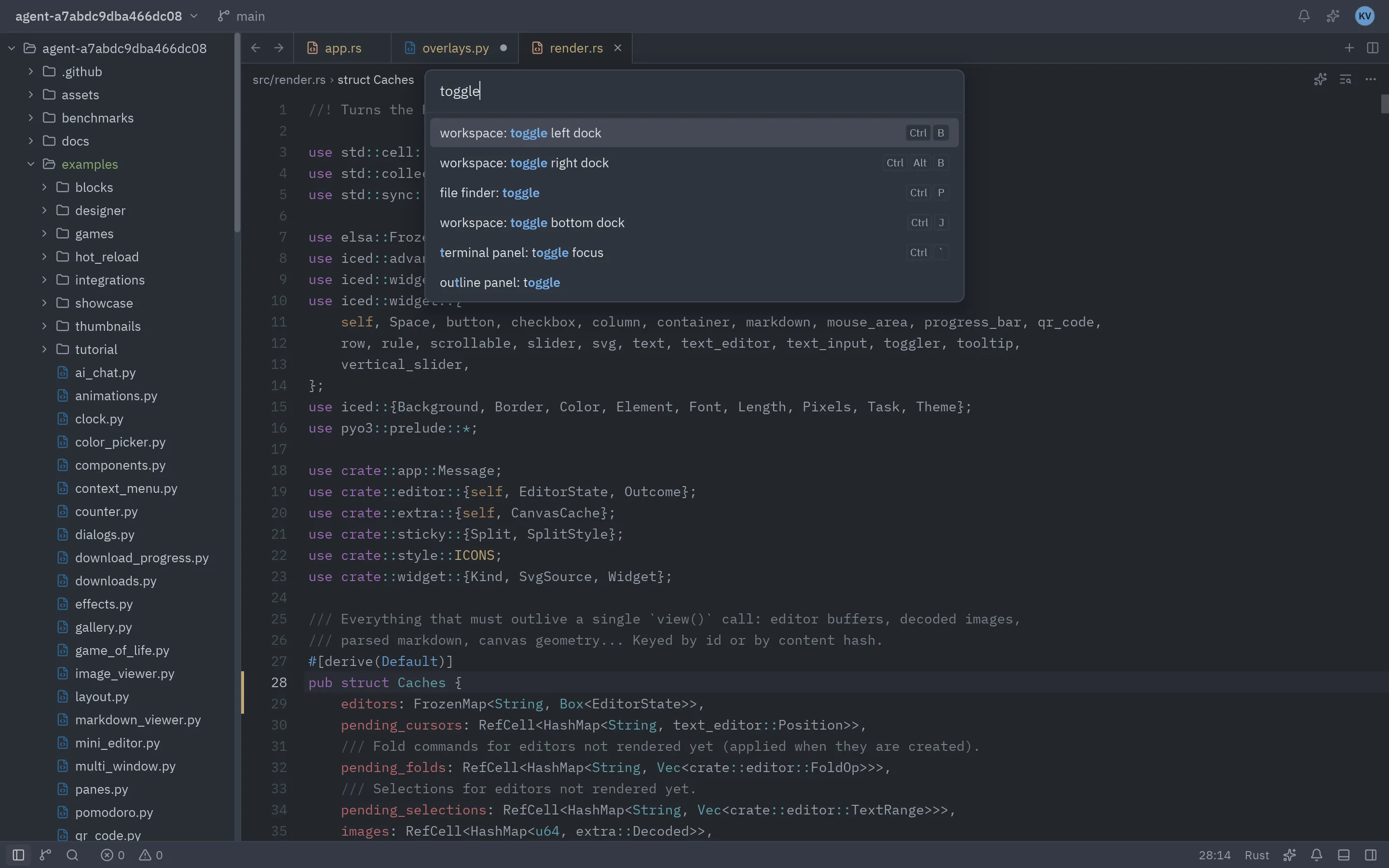 |
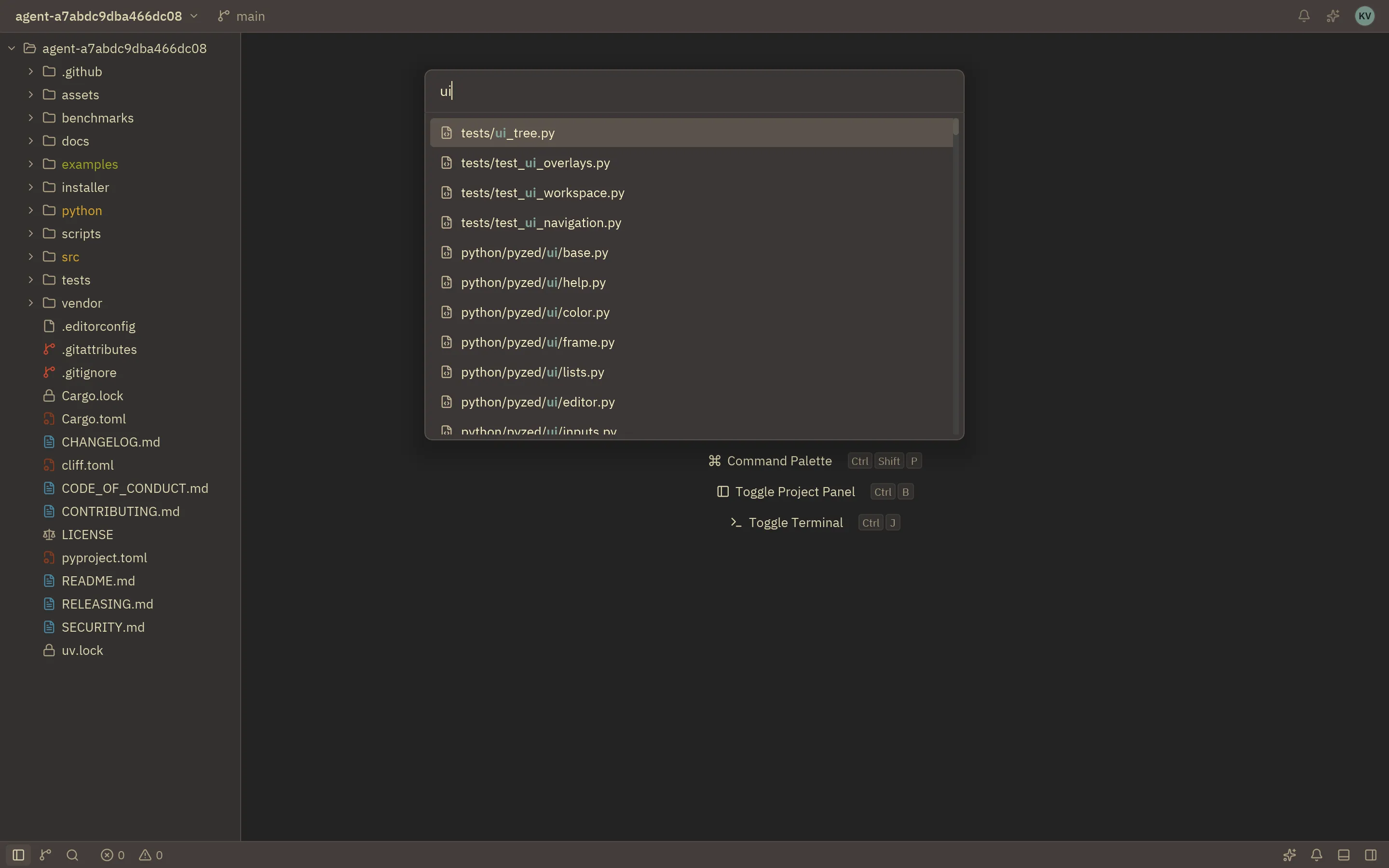 |
Component gallery
Section titled “Component gallery”uv run python examples/gallery.pypython examples/gallery.pypython3 examples/gallery.pypy examples/gallery.py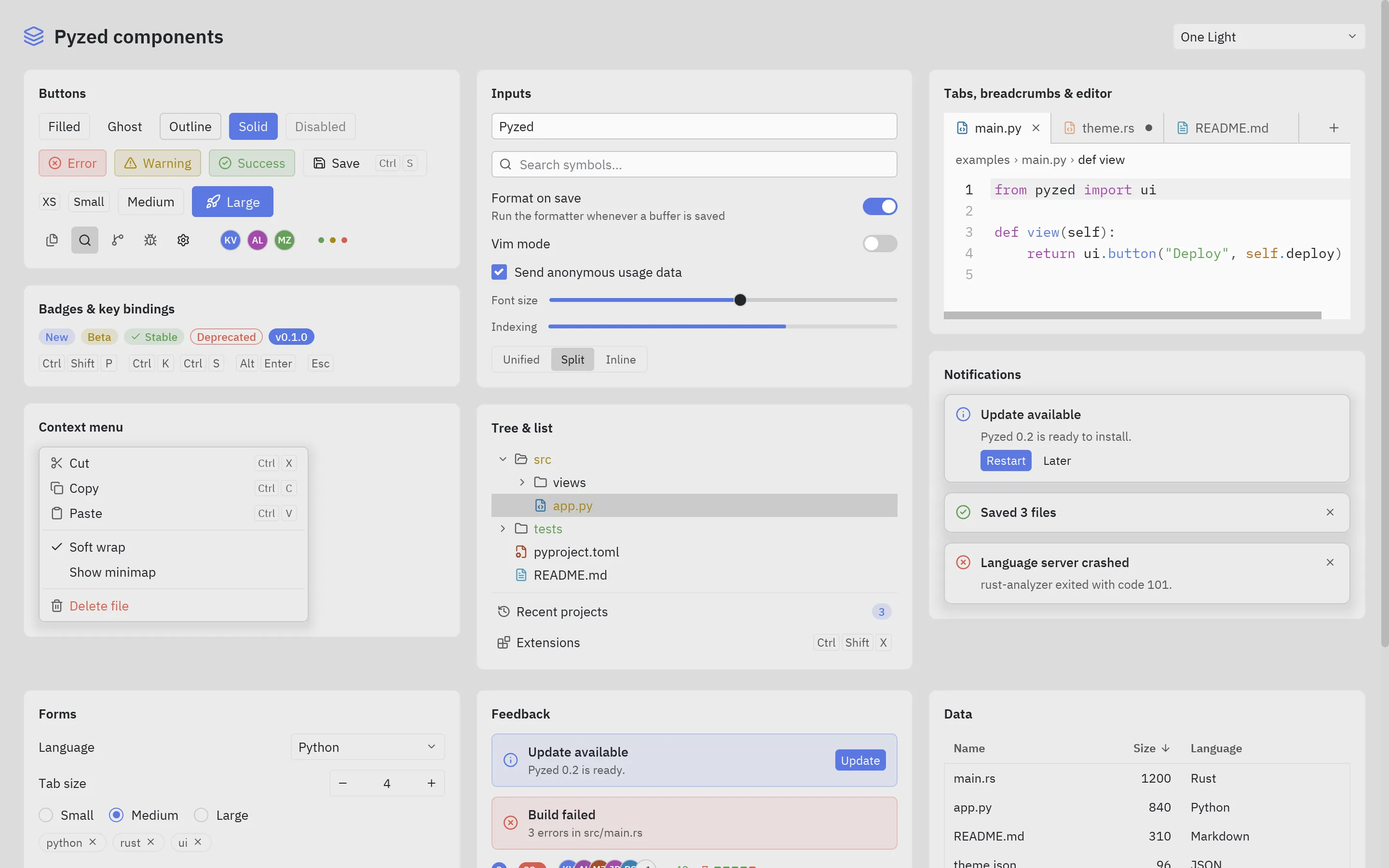
Downloads
Section titled “Downloads”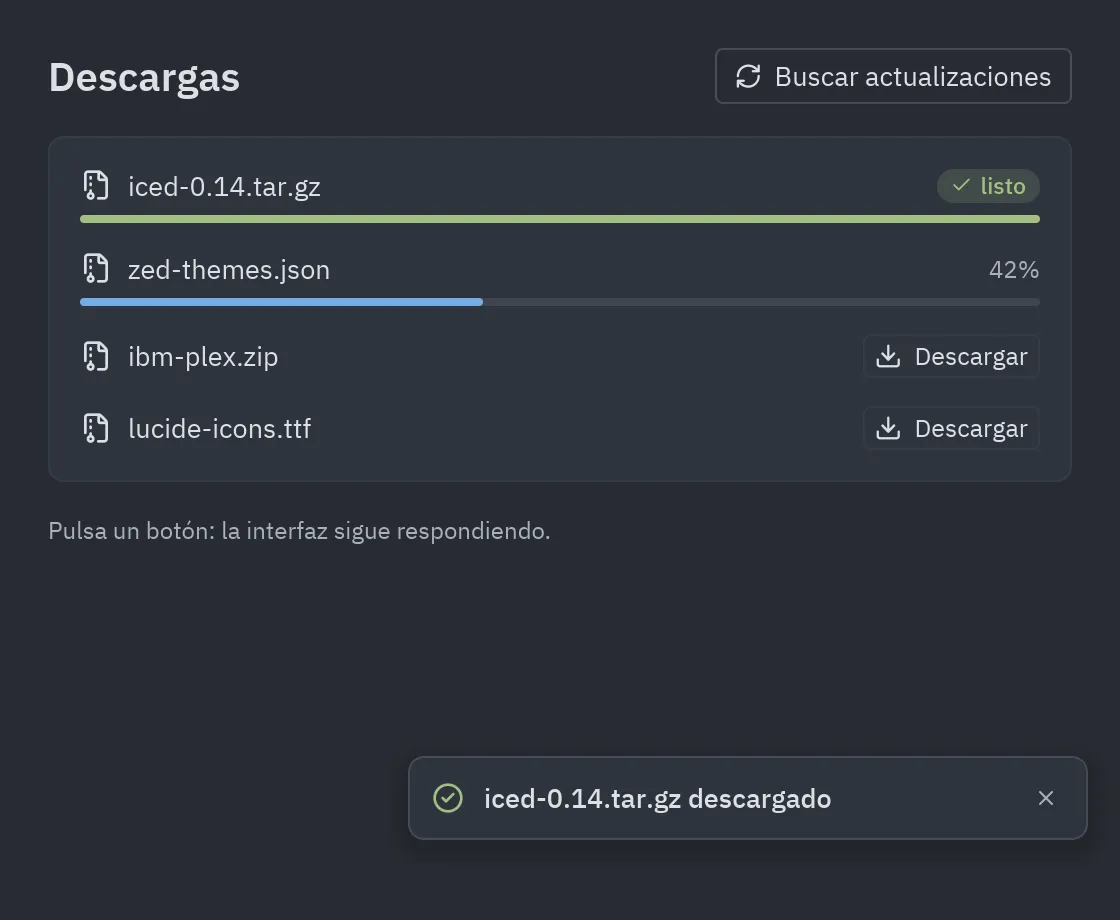
Iced demos
Section titled “Iced demos”Python recreations of the Iced demos.
| Game of Life | Styling |
|---|---|
 |
 |
| Clock | Stopwatch |
|---|---|
 |
 |
| Todos | QR code |
|---|---|
 |
 |
| Image viewer | Markdown |
|---|---|
 |
 |
Multiple windows
Section titled “Multiple windows”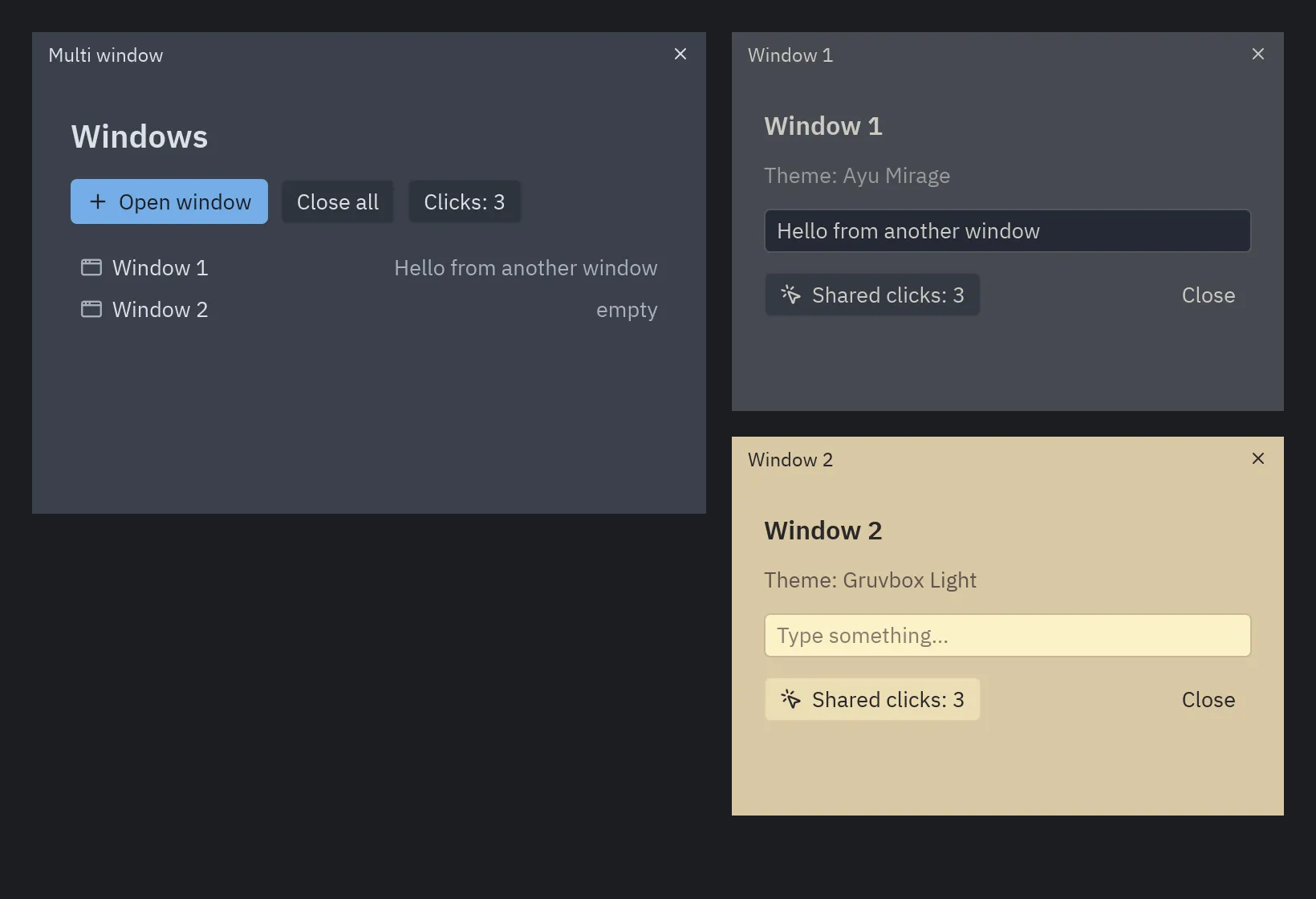
AI and Blocks
Section titled “AI and Blocks”| Example | What it shows | Page |
|---|---|---|
ai_chat.py |
A streaming AI chat over any OpenAI-compatible API, with a demo mode that needs no network. | Building AI apps |
pomodoro.py |
The timer an agent builds with the MCP tools in the prompting guide. | Prompting guide |
blocks/ |
Nine ready-made screens: login, dashboard, settings, data table, chat, IDE, onboarding, music player, kanban. | Blocks |
The screenshots on this page are generated with python docs/scripts/example_shots.py.