
Theming
Theming
Make the app yours. Pick a theme or create one, style any widget like CSS, and choose its icons and fonts, in code or in the designer.
Pyzed separates what your interface shows from how it looks. Every component reads its colors from the
current theme, a set of named colors called tokens (background, text, border, accent…). Change the
theme and the whole app follows; change one widget with style() and only that widget changes.
import pyzed as pzfrom pyzed import ui

class Notes(pz.App):    theme = "Gruvbox Dark"  # any name from pz.themes.names()
    def view(self):        card = pz.Style(background="elevated", border=(1, "border"), radius=10, padding=16)        return pz.column([            ui.heading("Notes"),            pz.container(ui.label("Styled like CSS, colored by the theme.")).style(card),        ])
How it fits together
Section titled “How it fits together”flowchart LR
T["Theme<br/>named colors (tokens)"] --> C["Components<br/>variants · tints · sizes"]
C --> S["style()<br/>one widget, like CSS"]
G["Global style<br/>App.style"] --> S
- Theme: the palette of the whole app. Pick a bundled one, follow the system’s light or dark mode, or create your own from three colors.
- Components take their colors from the theme. Their variants and tints (
variant="outline",tint="error") choose which of those colors they use. style()changes one widget, like CSS; named styles reuse a look;App.stylesets the font and colors of the whole window.
Pyzed Design follows it too
Section titled “Pyzed Design follows it too”The visual designer is a Pyzed app, so it has themes as well: pick one in Settings → Appearance → Theme and the whole editor changes at once. Each form keeps its own theme, set in its Look properties (see Styling forms), so the editor and the app you design can look different.

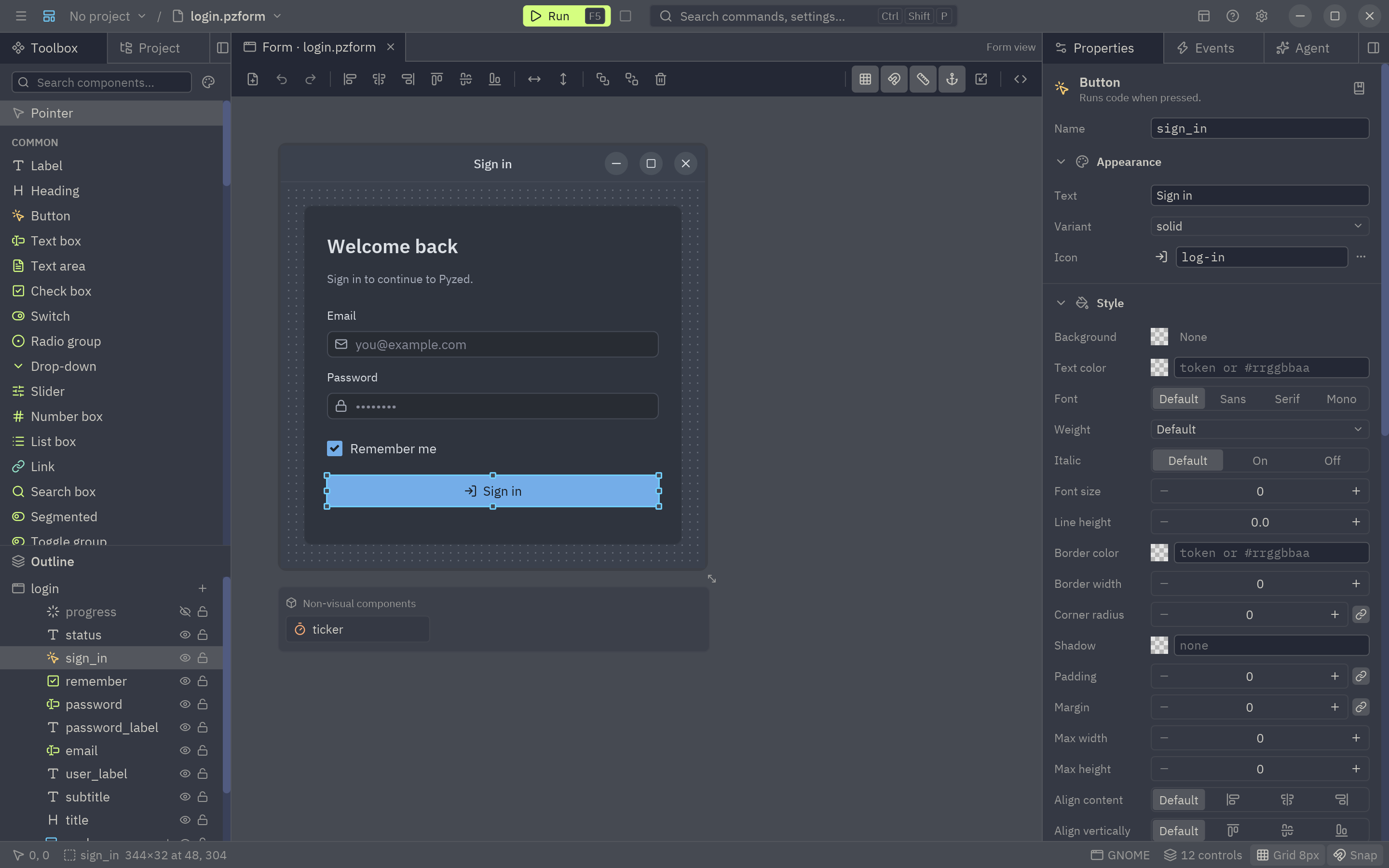
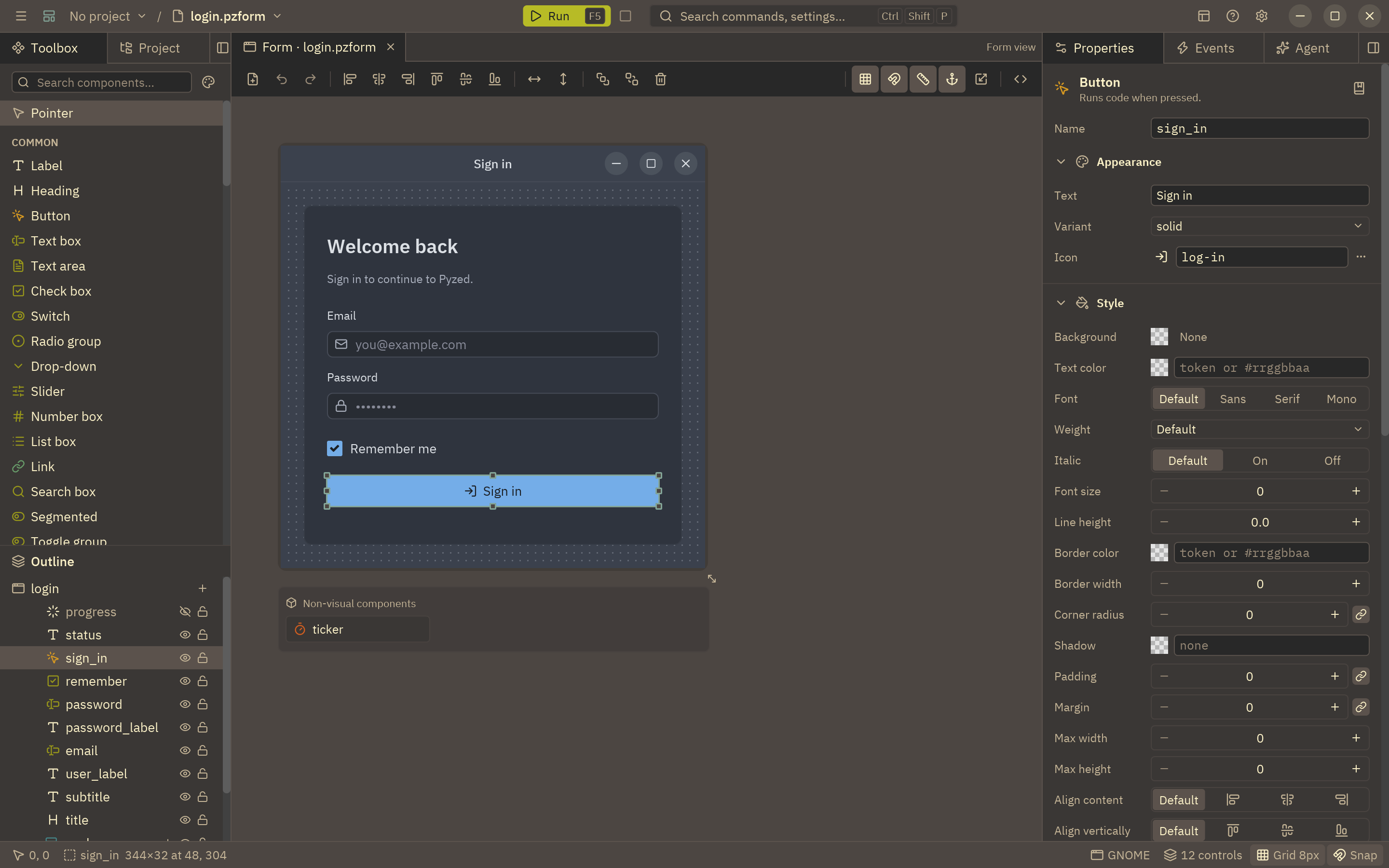
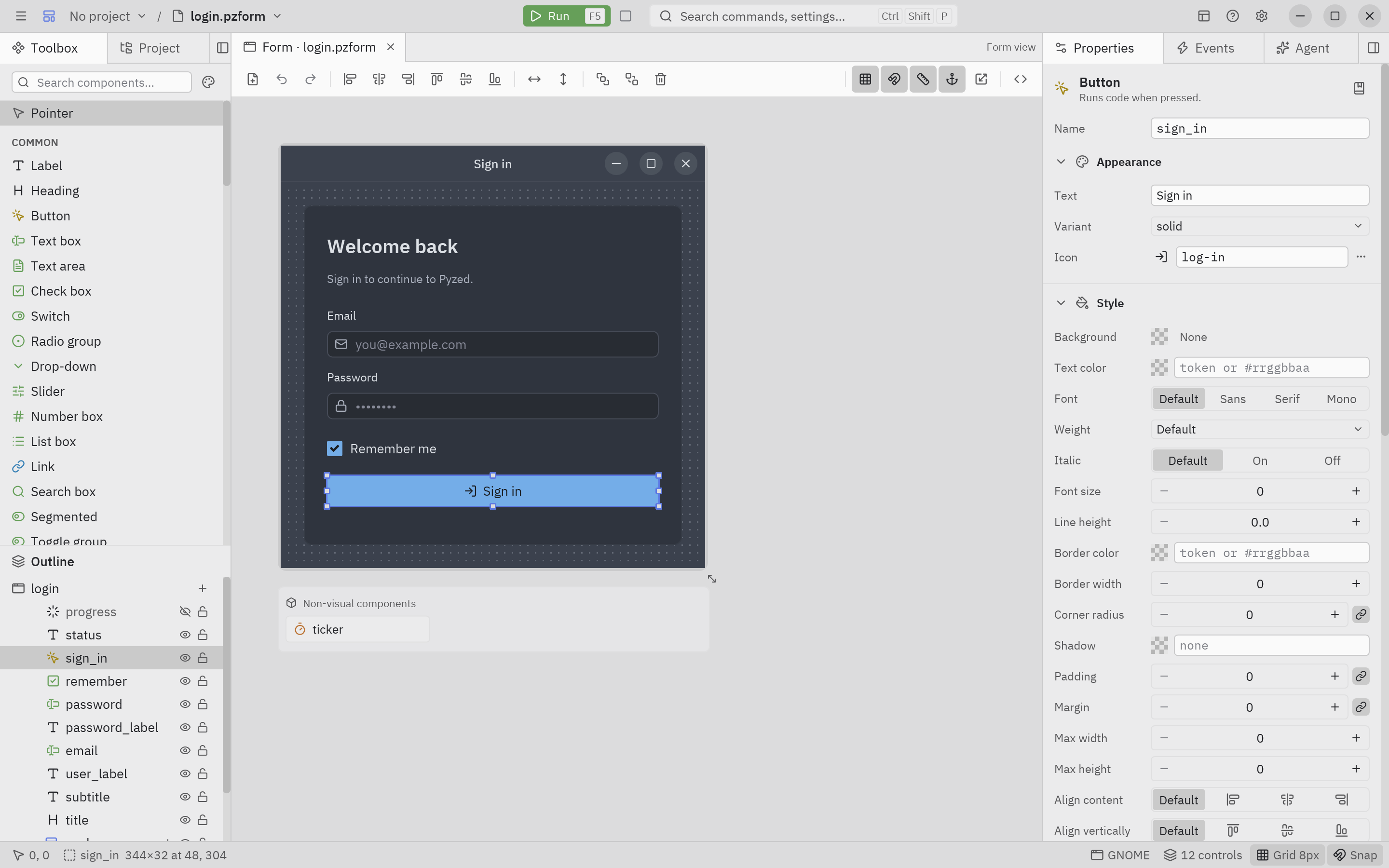
In this section
Section titled “In this section”Start hereChoosing a themeThe bundled themes, dark, light or following the system, and switching themes while the app runs.Theme tokensEvery color of a theme and what it paints, with the values of One Dark and One Light.Creating themesChange the accent, derive, generate from three colors, write a JSON theme file, import Zed themes.StylesBackgrounds, borders, radius, shadows, gradients and effects for any widget, and the global style.Styling componentsVariants, tints and sizes,
style() on components, named styles and theme-aware components.DesignerStyling formsTheme, accent, radius and fonts of a form in Pyzed Design, and what the .pzform file stores.Icons and fontsAbout 2000 bundled icons, file-type icons, and loading your own fonts.ExamplesTheme cookbookSix complete themes to copy: brand, high contrast, retro terminal, glassy, pastel and mixed.Theme APITheme, themes and the color helpers, method by method.