
Content and panels
Markdown, rich text and QR
Section titled “Markdown, rich text and QR”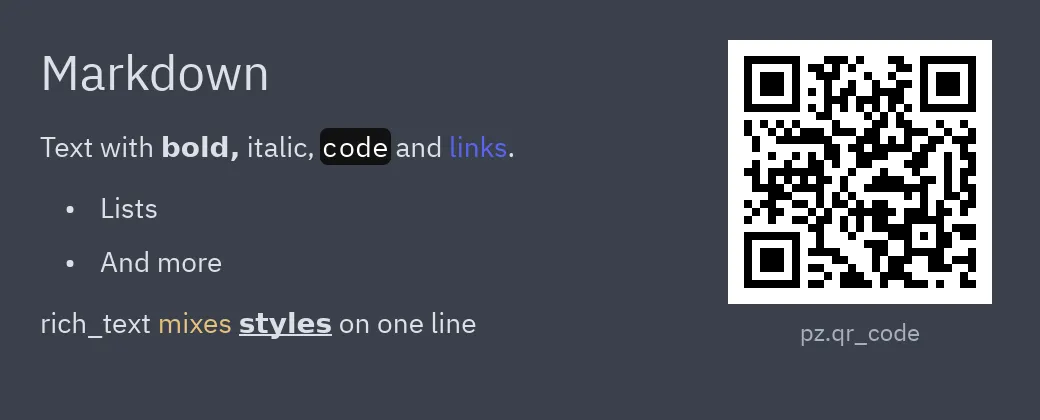
pz.markdown("## Markdown\n\nText with **bold**, `code` and [links](https://iced.rs).",            on_link=webbrowser.open)   # import webbrowser
pz.rich_text([    pz.span("rich_text "),    pz.span("mixes ", color="#e5c07b"),    pz.span("styles", weight="bold", underline=True),    pz.span(" in one line", italic=True),])
pz.qr_code("https://albakore.github.io/pyzed/", cell_size=4)pz.markdown(source)renders Markdown with the theme colors.ui.markdownis the same idea with the components’ sizes and colors.on_link(url)receives clicked links.pz.rich_text(spans)combinespz.span(text, color=, size=, font=, weight=, italic=, bg=, underline=, strikethrough=, link=)fragments into a single block of text.pz.qr_code(data)draws a QR code;colorandbgchange its colors.
Full example: markdown_viewer.py.
Images
Section titled “Images”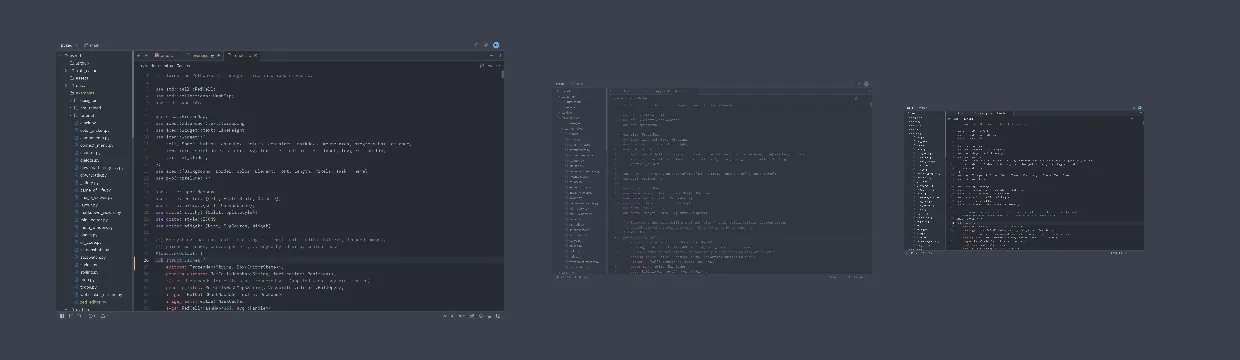
pz.image("screenshot.png", width=240, height=140, content_fit="contain")pz.image("screenshot.png", width=160, height=140, opacity=0.5)pz.image("pixel-art.png", width=120, height=140, filter="nearest")pz.image_viewer("map.png", width="fill", height="fill") # wheel to zoom, drag to pansource can be a path, bytes with the file (PNG, JPEG, GIF, WebP, BMP…) or RGBA pixels
with size=(width, height). Options: content_fit ("contain", "cover", "fill", "none",
"scale_down"), filter ("linear" or "nearest"), opacity, radius, rotation and scale.
For vector icons use pz.svg.
Full example: image_viewer.py.
Resizable panels
Section titled “Resizable panels”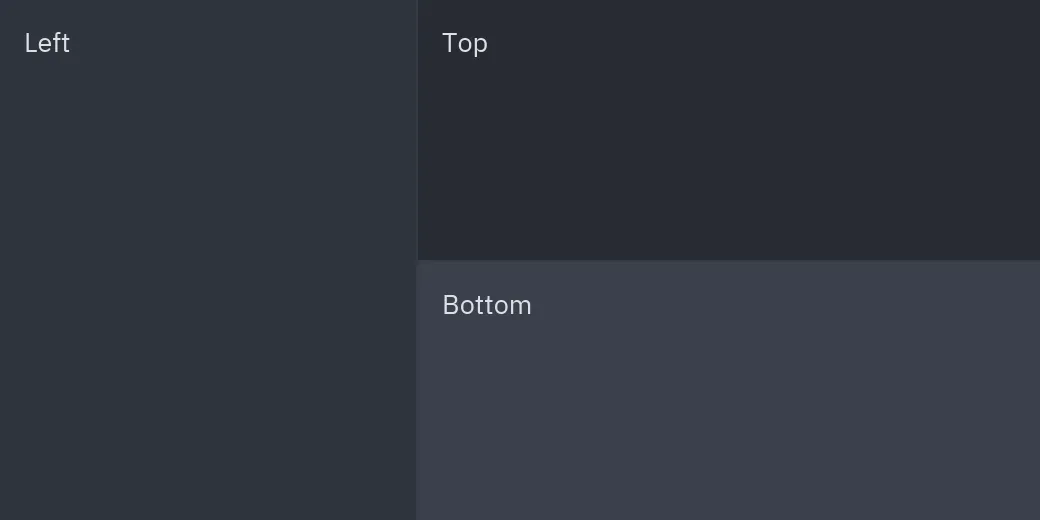
ui.split( sidebar, ui.split(editor, terminal, vertical=True, ratio=self.height, on_resize=self.set_height), ratio=self.width, on_resize=self.set_width,)ui.split(first, second) separates two widgets with a draggable divider. The ratio is yours:
store it in on_resize(ratio). vertical=True stacks them. pz.split is the base version, with
configurable color, hover_color, thickness and handle.
pz.grid([card(p) for p in projects], columns=3, spacing=12)pz.grid(thumbnails, max_width=180, spacing=8, aspect_ratio=1) # columns based on widthcolumns sets the number of columns; max_width computes them from the available space.
Popover
Section titled “Popover”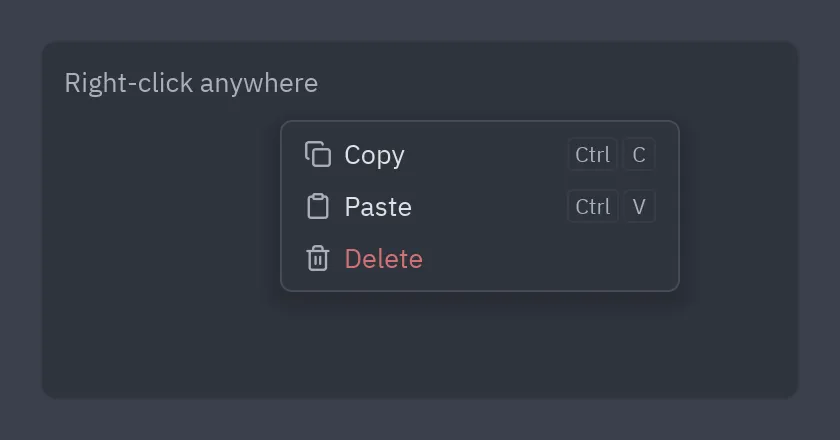
def view(self): base = pz.mouse_area(content, on_move=self.track_pointer, on_right_press=self.open_menu) menu = ui.menu([ui.MenuItem("Copy", self.copy), ui.MenuItem("Paste", self.paste)]) if self.menu else None return ui.popover(base, menu, x=self.x, y=self.y, on_dismiss=self.close_menu)ui.popover(base, content, x=, y=) shows content on top of base at that position; clicking
outside calls on_dismiss. With content=None only base is shown.
Full example: context_menu.py.
Reference: Base widgets and Overlays.