
Showcase
Showcase
What people build with Pyzed: apps and utilities, forms, games, shaders and dashboards. Each one is a file you can run, read and copy.
Everything on these pages is a real program in the
examples folder of the repository, drawn by Pyzed with
the GPU. Click a card to see how it is made, read the full code and run it. Want to build one yourself, step by
step? The Tutorials take you there.
Apps and utilities
Section titled “Apps and utilities”Small, complete programs: viewers, timers, live data, an AI chat and a code editor workspace. See them all.
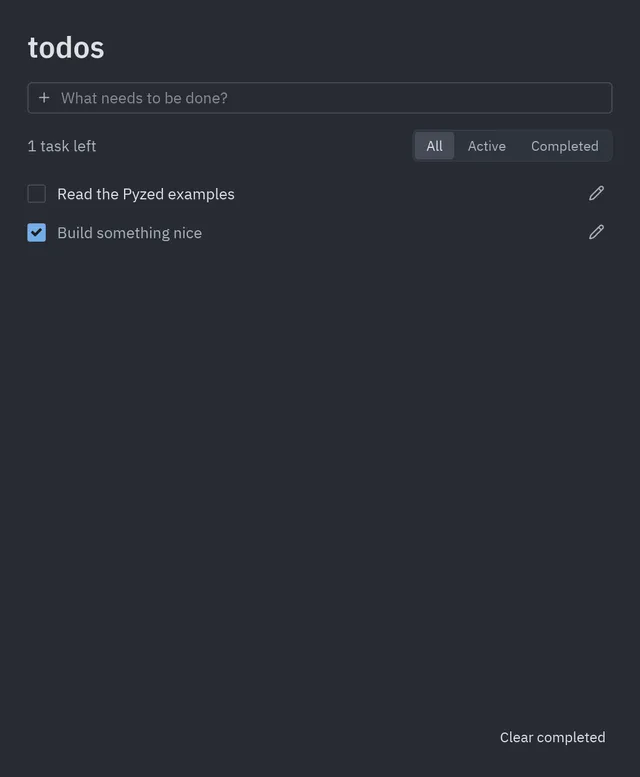 TodosAdd, edit, filter and save tasks to disk.
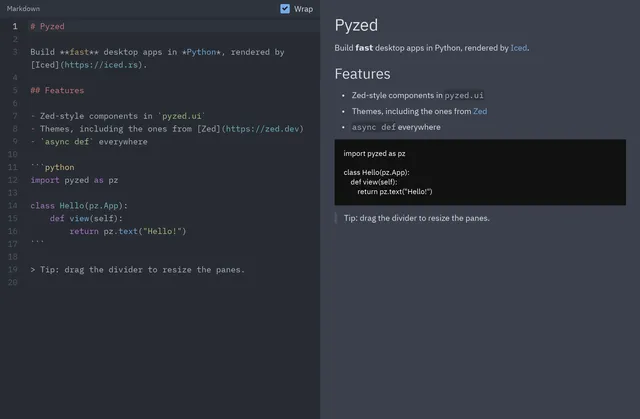 Markdown viewerWrite on the left, see it rendered on the right.
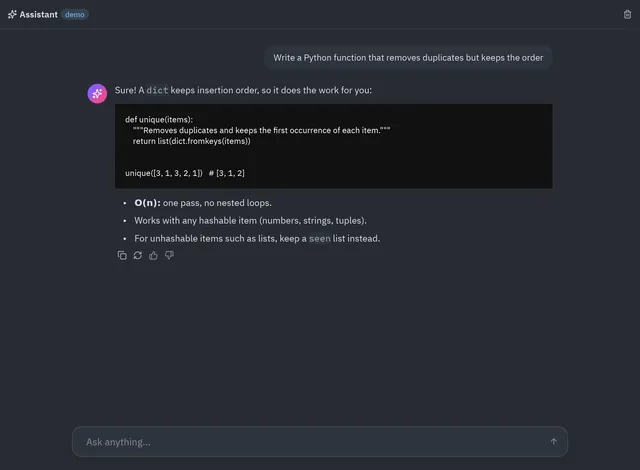 AIAI chatAnswers streamed word by word from any OpenAI-compatible server.
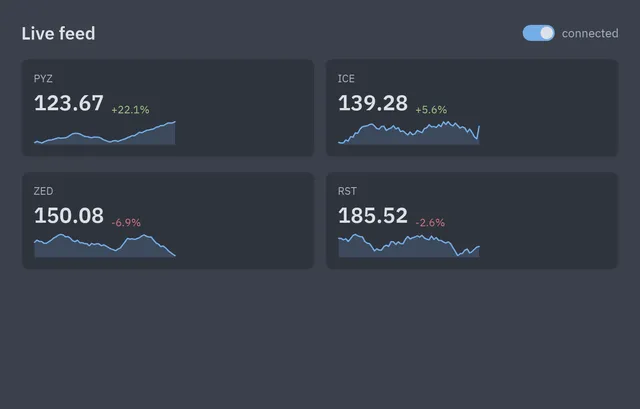 Live dataPrices fed by an async generator, with trends.
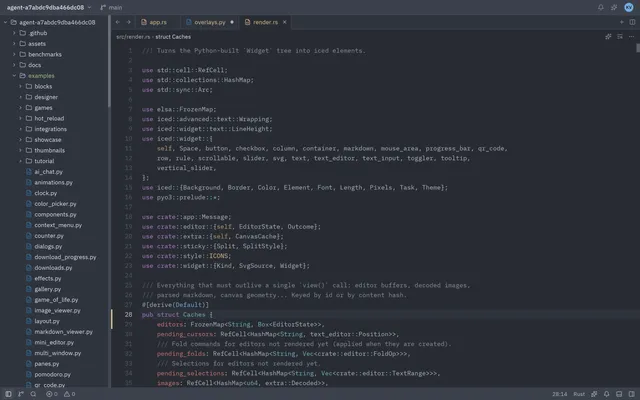 Workspace editorProject panel, tabs, highlighting, outline and a command palette.
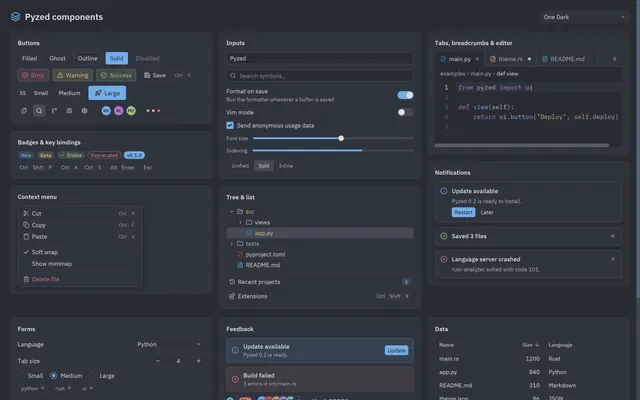 Component galleryEvery ready-made component, in any theme.
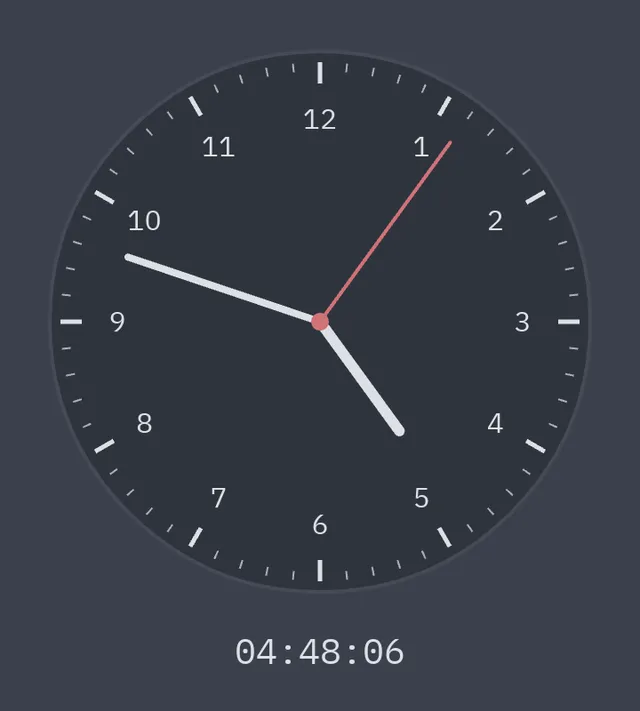 ClockAn analog clock drawn on a canvas.
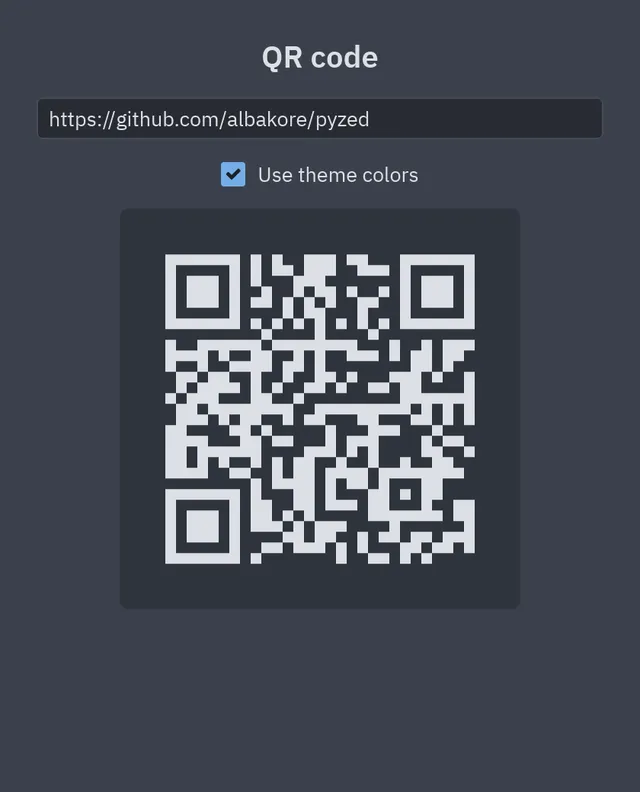 QR codeType a link, get its QR code, in 30 lines.
Sign-in, sign-up, settings and wizards, drawn in Pyzed Design or written in code. See them all.
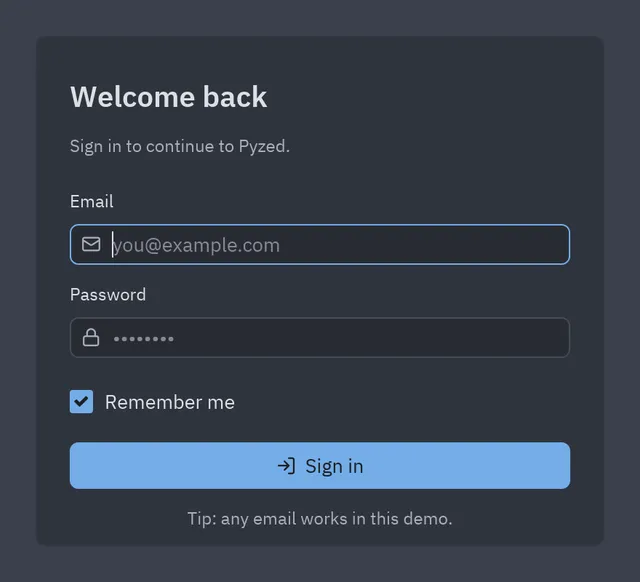 DesignerSign-in formDrawn in the designer, with four small event handlers.
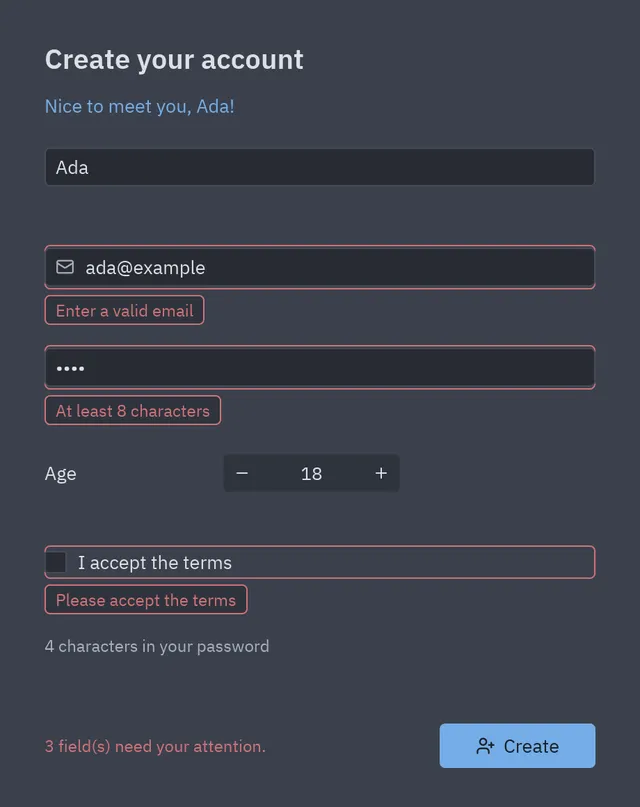 DesignerSign-up with validationBound fields, rules and one-line validation.
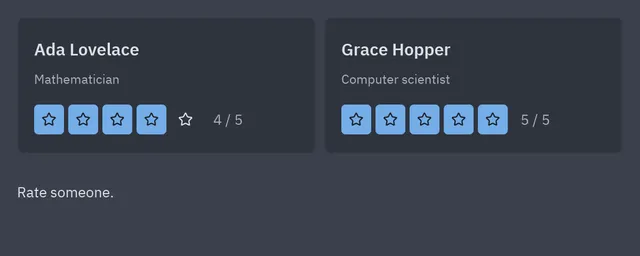 DesignerReviewsReusable star-rating components in a flexible row.
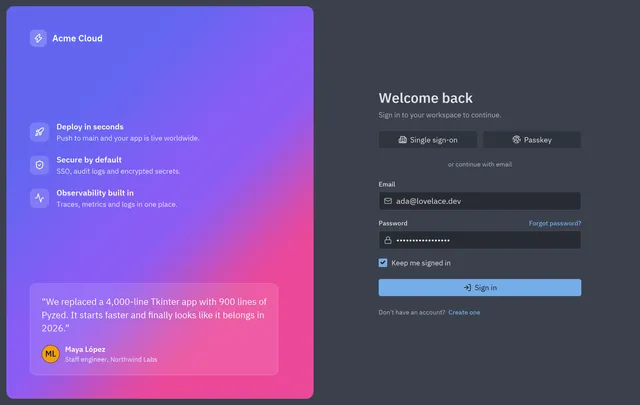 Login screenBrand panel, single sign-on and an email form.
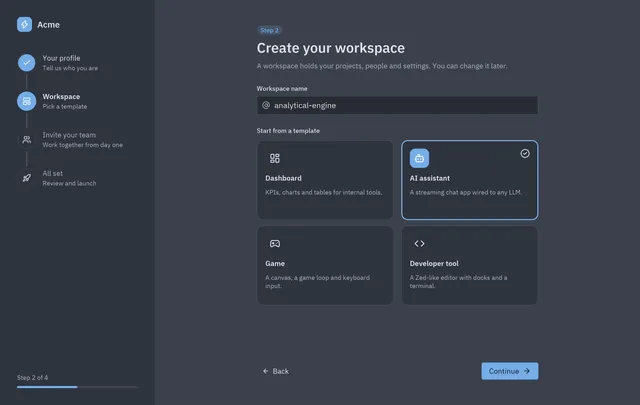 Onboarding wizardA stepper, choice cards and a summary.
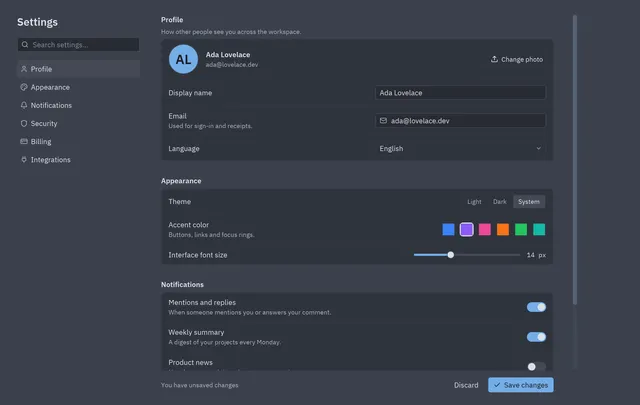 Settings pageSections, switches, theme and accent pickers.
Real-time 2D games with a frame loop, held keys, particles and a HUD made of regular widgets. How games work.
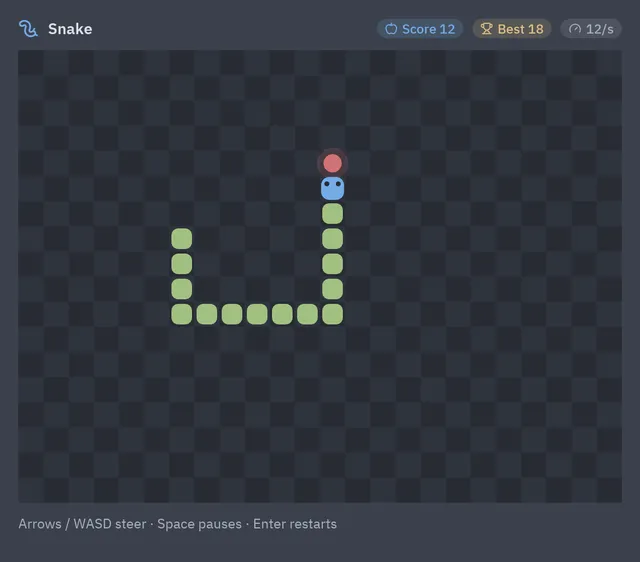 TutorialSnakeA grid, a timer and a key queue. The first game to read.
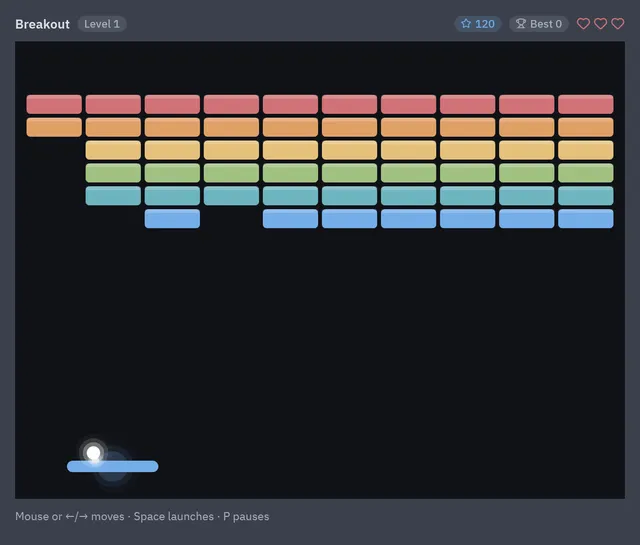 TutorialBreakoutA 60 fps loop, ball physics, particles and shake.
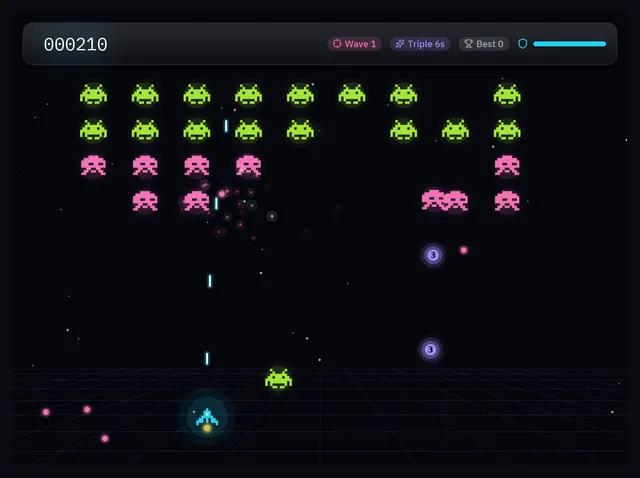 TutorialNeon InvadersPixel-art sprites, waves, power-ups and neon glow.
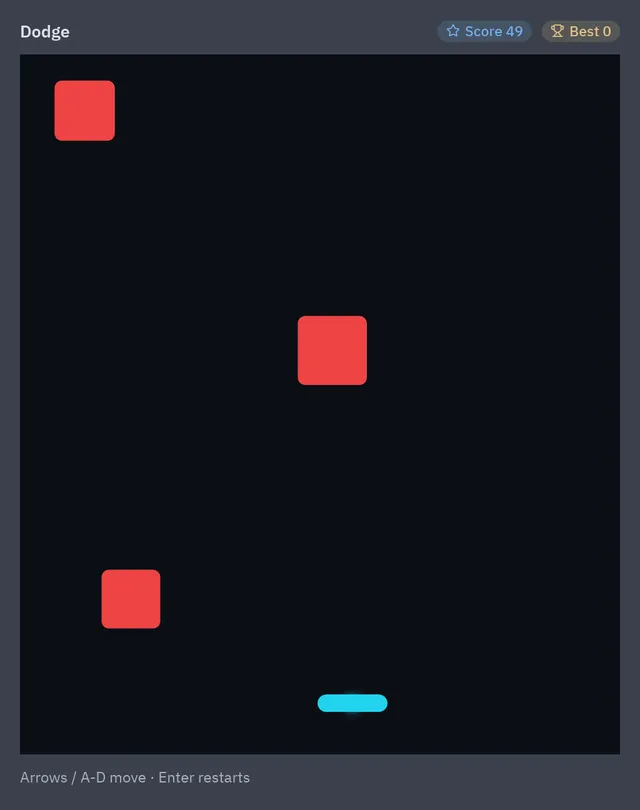 TutorialDodgeA whole game in one sitting: the game loop tutorial.
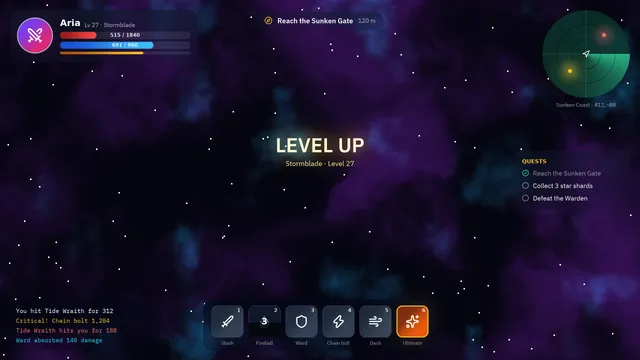 Game HUDHealth bars, a shader radar and cooldowns on glass.
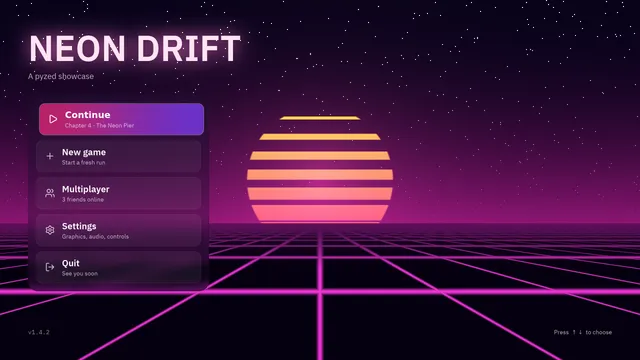 Main menuA synthwave title screen that follows the mouse.
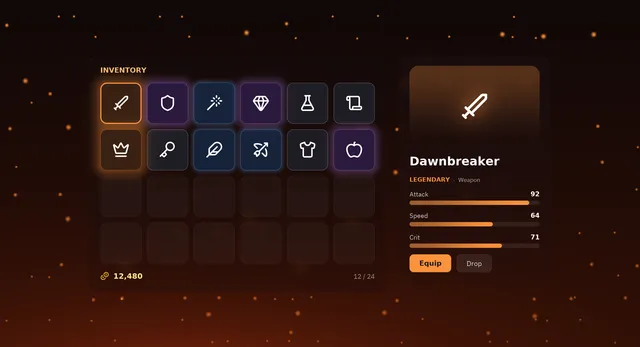 RPG inventoryItems that glow by rarity and an animated details panel.
Shaders and effects
Section titled “Shaders and effects”GPU shaders made of nodes, and glass, bloom, blur and animations on any widget. See them all.
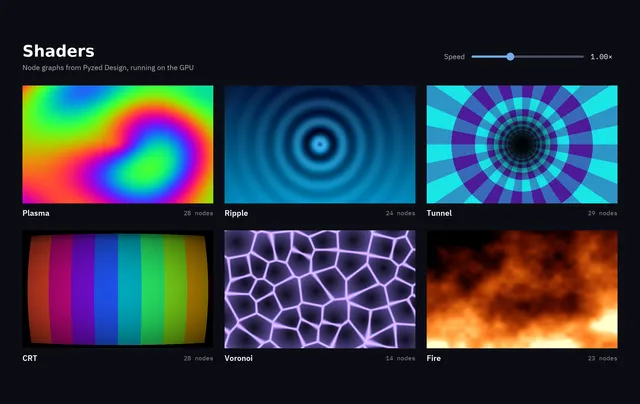 GPUShader gallerySix node graphs and one speed slider for all of them.
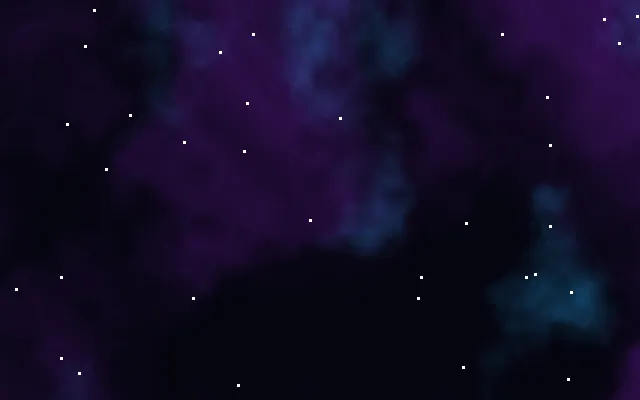 GPUEvery graphEleven .pzshad files to open, change and reuse.
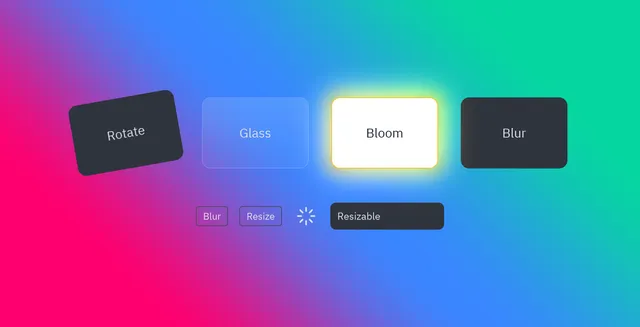 EffectsRotate, glass, bloom and blur, animated.
Dashboards and data
Section titled “Dashboards and data”Admin panels, tables, boards and media apps. See them all.
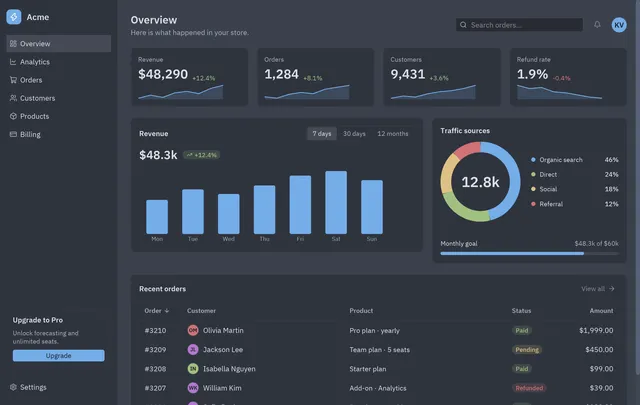 DashboardKPI cards, a revenue chart, traffic and orders.
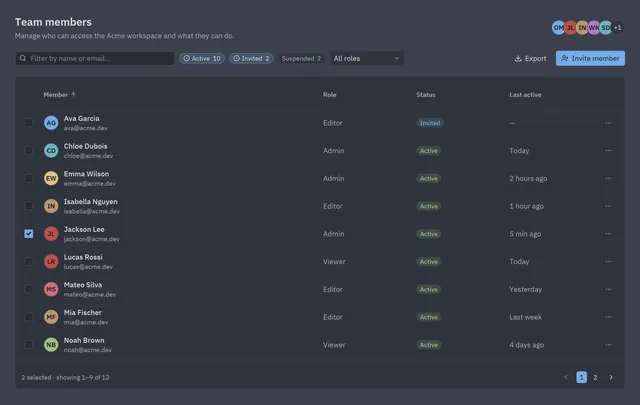 Data tableSearch, filters, sorting, selection and paging.
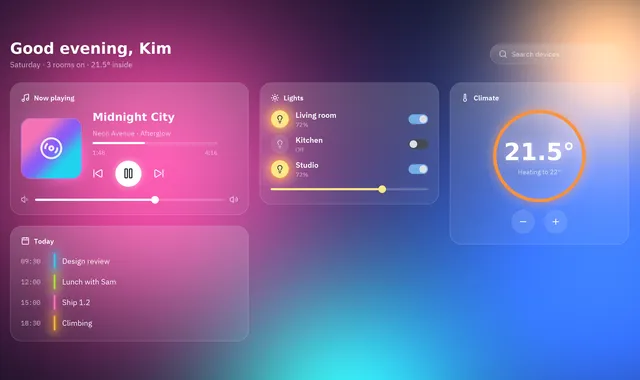 GPUGlass control centerFrosted-glass cards over a moving shader.
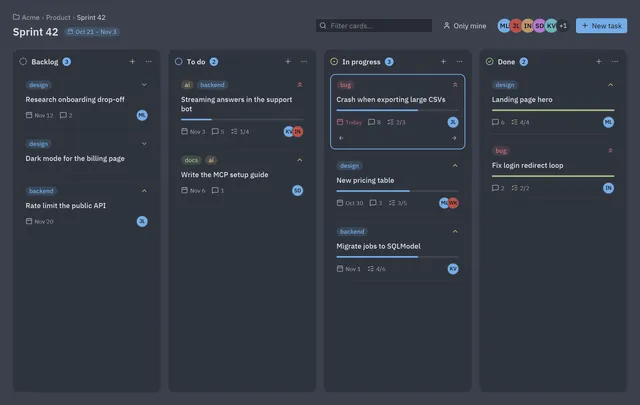 Kanban boardColumns, labelled cards, assignees and progress.
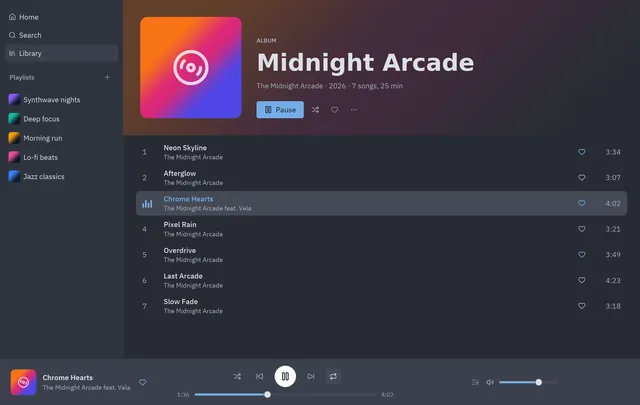 Music playerA library, an album and a live player bar.
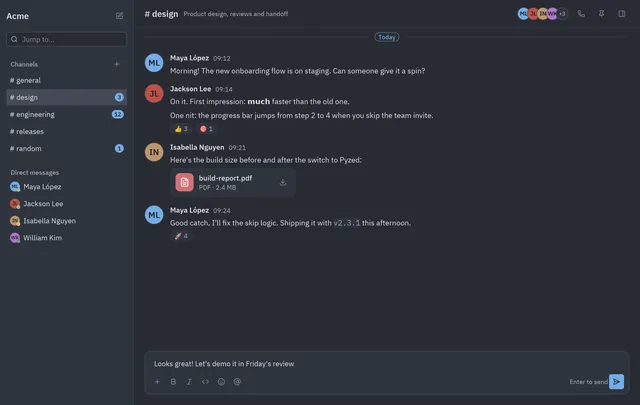 Team chatChannels, direct messages and a thread.