
Introduction
Pyzed is a library for building desktop interfaces in Python with the performance of Iced, a GUI toolkit written in Rust. It includes a set of components inspired by the Zed editor: tabs, file tree, command palette, code editor, terminal, menus, notifications and a workspace with dockable panels.
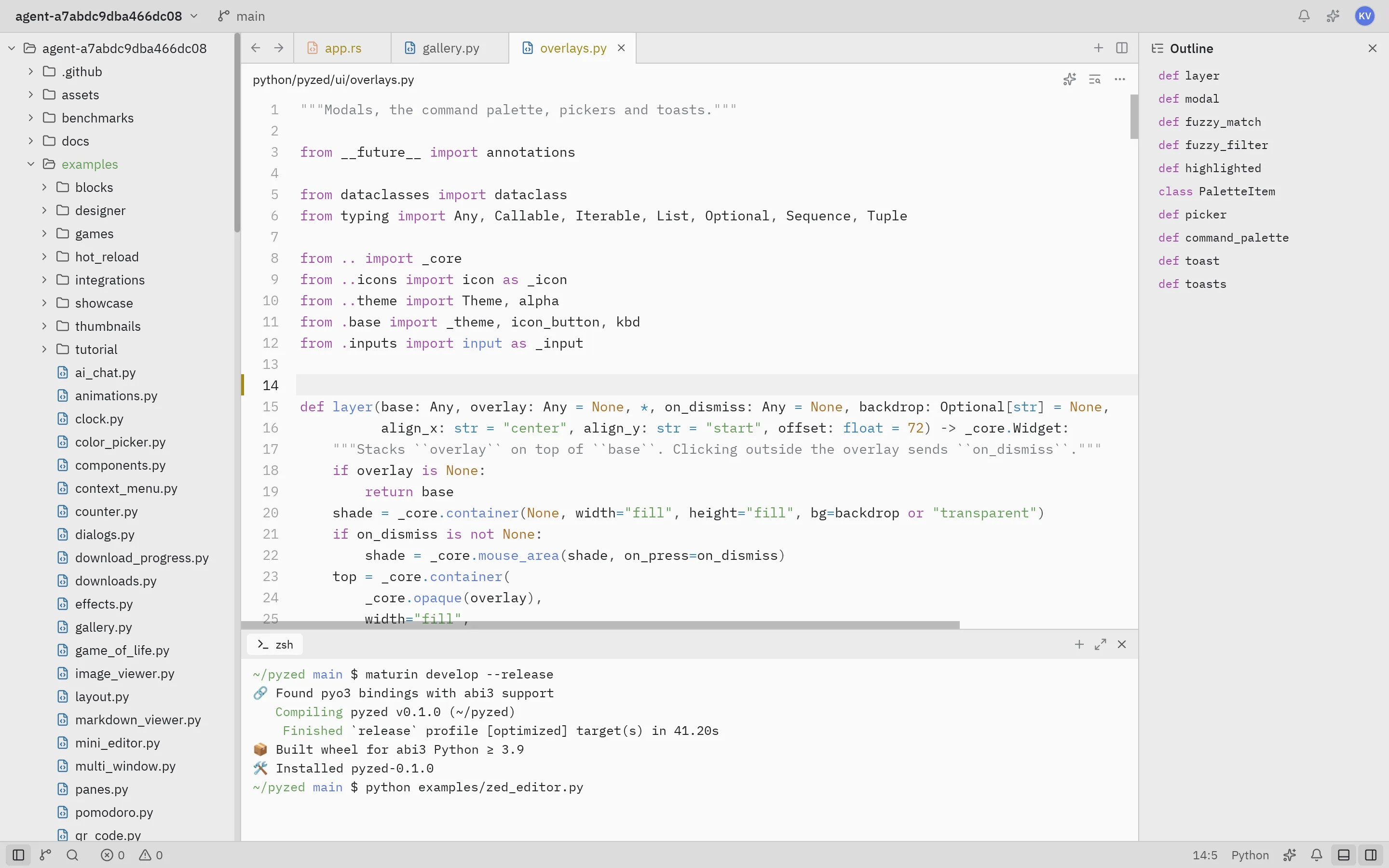
The interface style takes after the Zed editor, and Pyzed Design, the visual designer, takes after the form and scene editors of Godot, Unreal Engine, Visual Basic and Qt Designer.
How it works
Section titled “How it works”Your Python code describes what is shown. Rust takes care of how it is drawn.
Python Rust (pyzed._core, PyO3) Iced 0.14App.view() ──► Widget tree ──► render.rs: Widget → iced::Element ──► layout + wgpu/tiny-skiaApp.update() ◄── messages ◄────── app.rs: Message, Command → Task ◄──── events (mouse, keyboard)view()returns a tree ofWidgets. They are immutable Rust objects, so building it is cheap.- When the user interacts, Pyzed calls your
update(message)or directly the callable you passed (on_press=self.save). Then it callsview()again. - Layout, text, syntax highlighting and drawing happen in Rust.
- The GIL is released while the event loop runs, so your Python threads keep working.
When to use Pyzed
Section titled “When to use Pyzed”- Desktop tools, internal dashboards, editors and utilities that should feel fast.
- Dense IDE-style interfaces with many panels, lists and keyboard shortcuts.
- Apps you want to test or document with screenshots generated headlessly.
What you need to know
Section titled “What you need to know”Basic Python: classes, functions and lambdas. No Rust or Iced knowledge required.
Continue with the installation or jump straight to the quickstart. Questions about licensing, platforms or how Pyzed compares with tkinter, Kivy, PyQt or Flet? See the FAQ.