
The Python frontend framework for desktop apps
- ready-made components
- 90+
- built-in themes
- 11
- Lucide icons
- ~2000
- desktop platforms
- 3
- native rendering (Iced)
- Rust
Explore
Everything Pyzed covers
Pyzed is a library, a visual designer and a set of tools around them. Jump straight to the part you need.
Features
Everything you need to build a desktop app
From the first sketch to the executable you ship: a visual designer, a component system, a code editor that knows your project, and a modern UI toolkit with themes and dark mode.

Pyzed Design
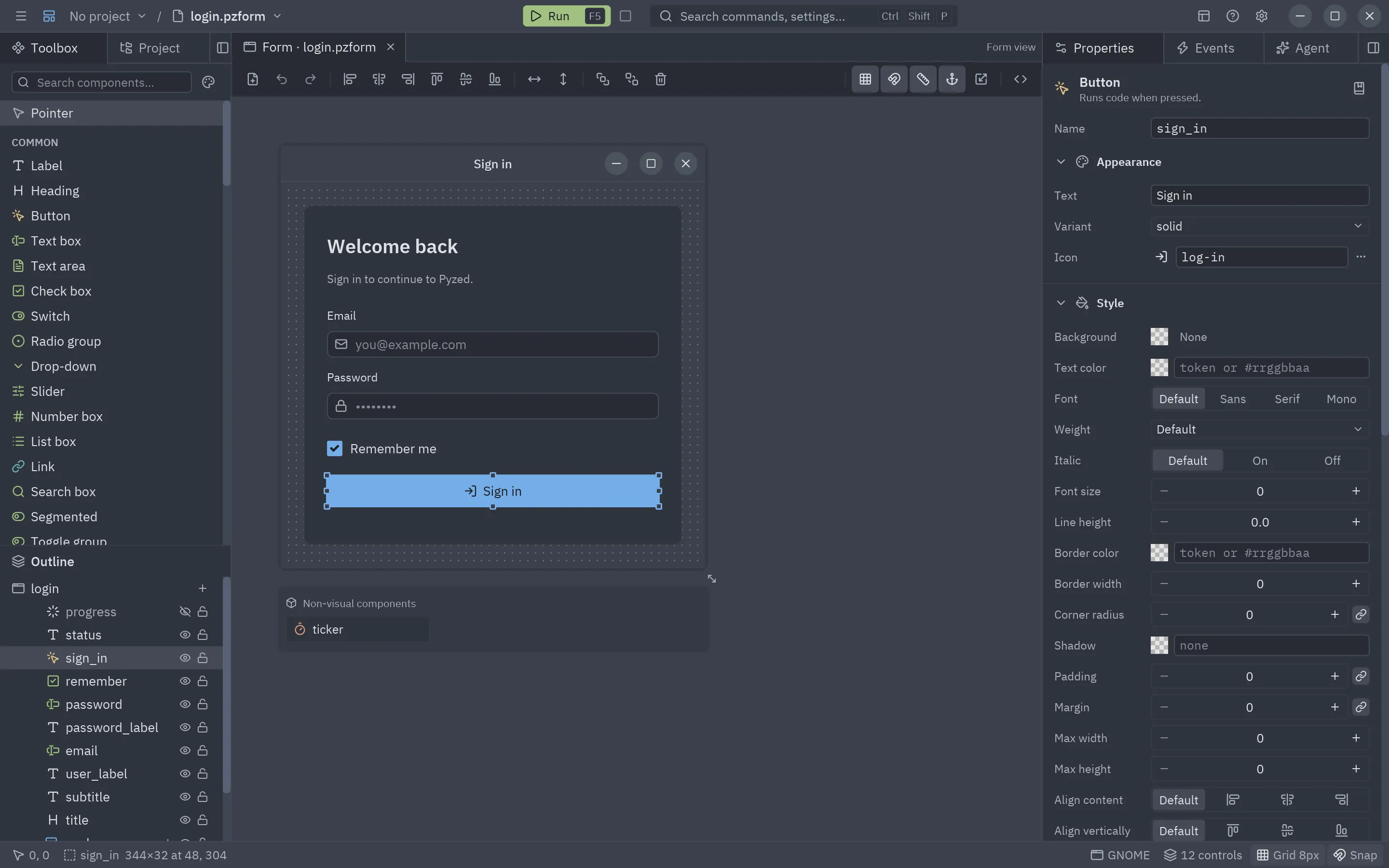
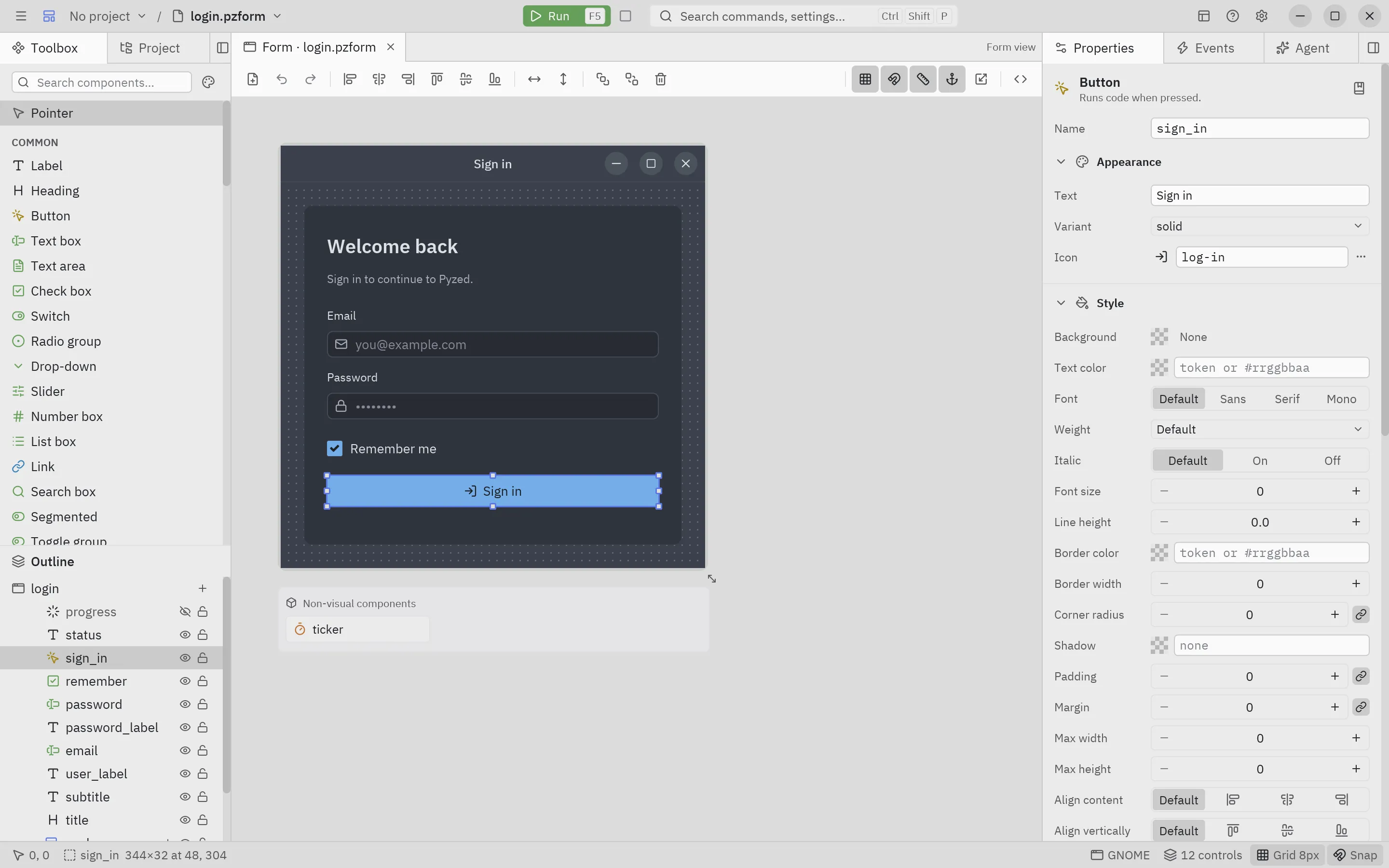
Draw your windows, then press F5
A form editor in the spirit of Visual Basic and Qt Designer, built with Pyzed itself. What you draw is what runs: no code generation step, no surprises.
- Drag components from the toolbox, nest them in panels, flex rows and grids
- Smart guides, snap to grid, align, distribute and anchors like WinForms
- Properties and Events panels: double-click an event to write its handler
- Saved as a readable
.pzformplus a plain Python file, run withpyzed run
Component designer
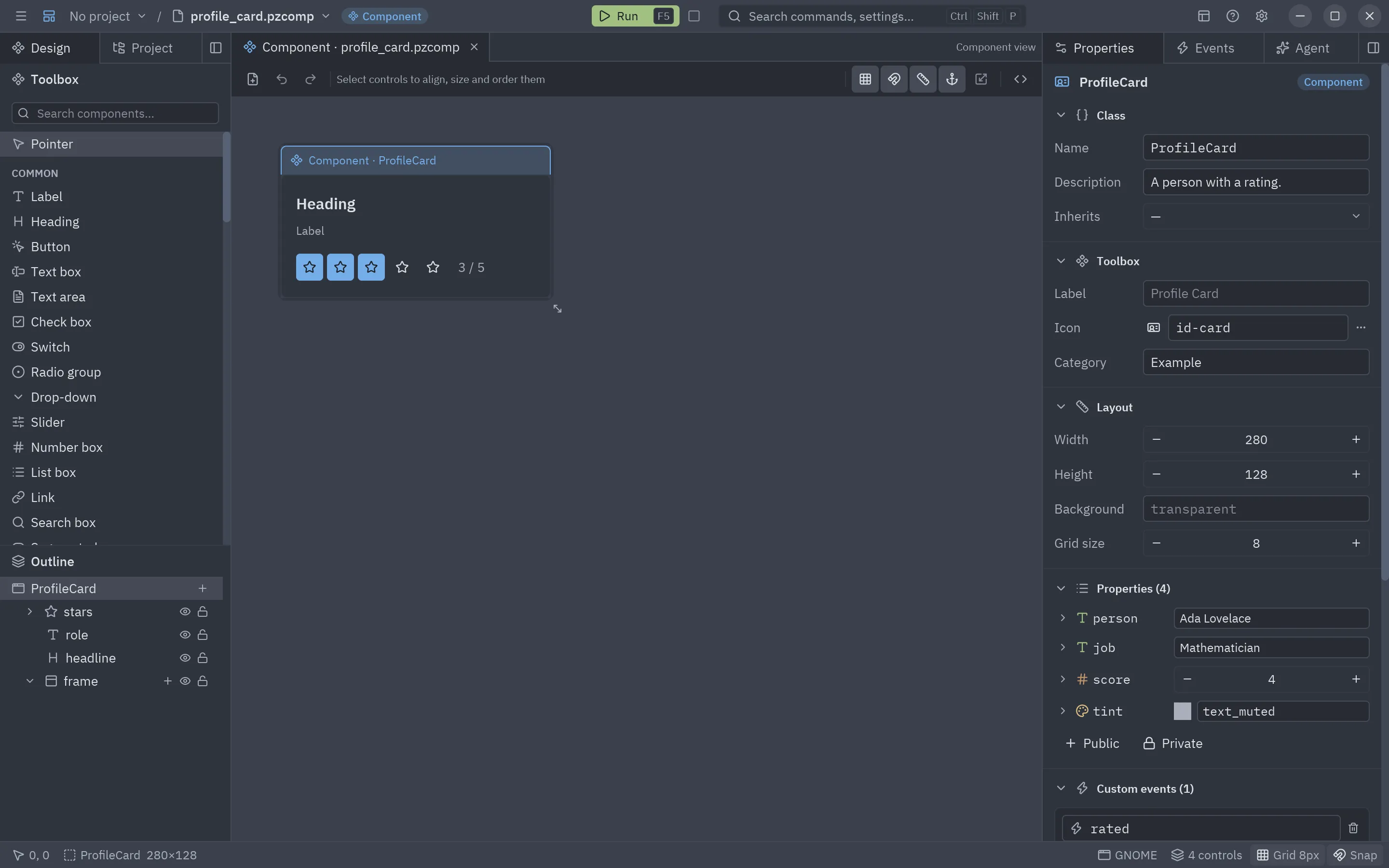
Reusable components, like Godot scenes
Design a component once and drop it into any form, or inside other components. Each one is an ordinary
pz.Component class, so drawing it and writing it by hand are the same thing.
- Typed properties, internal state, methods and custom events
- Bindings that keep child controls in sync with properties
- Inheritance and nesting, with responsive layouts
- Appears in the toolbox with its own label, icon and category
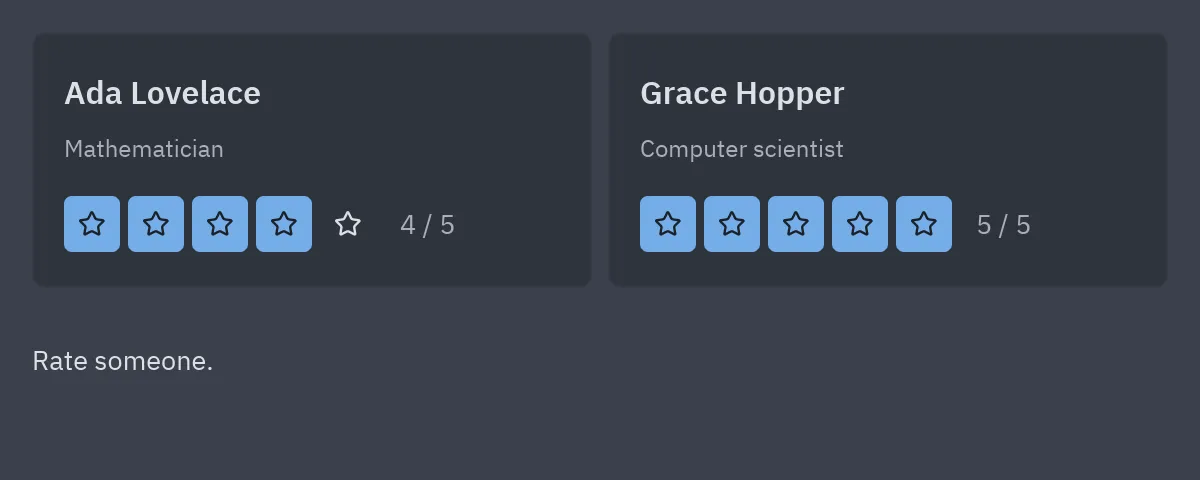
Code editor
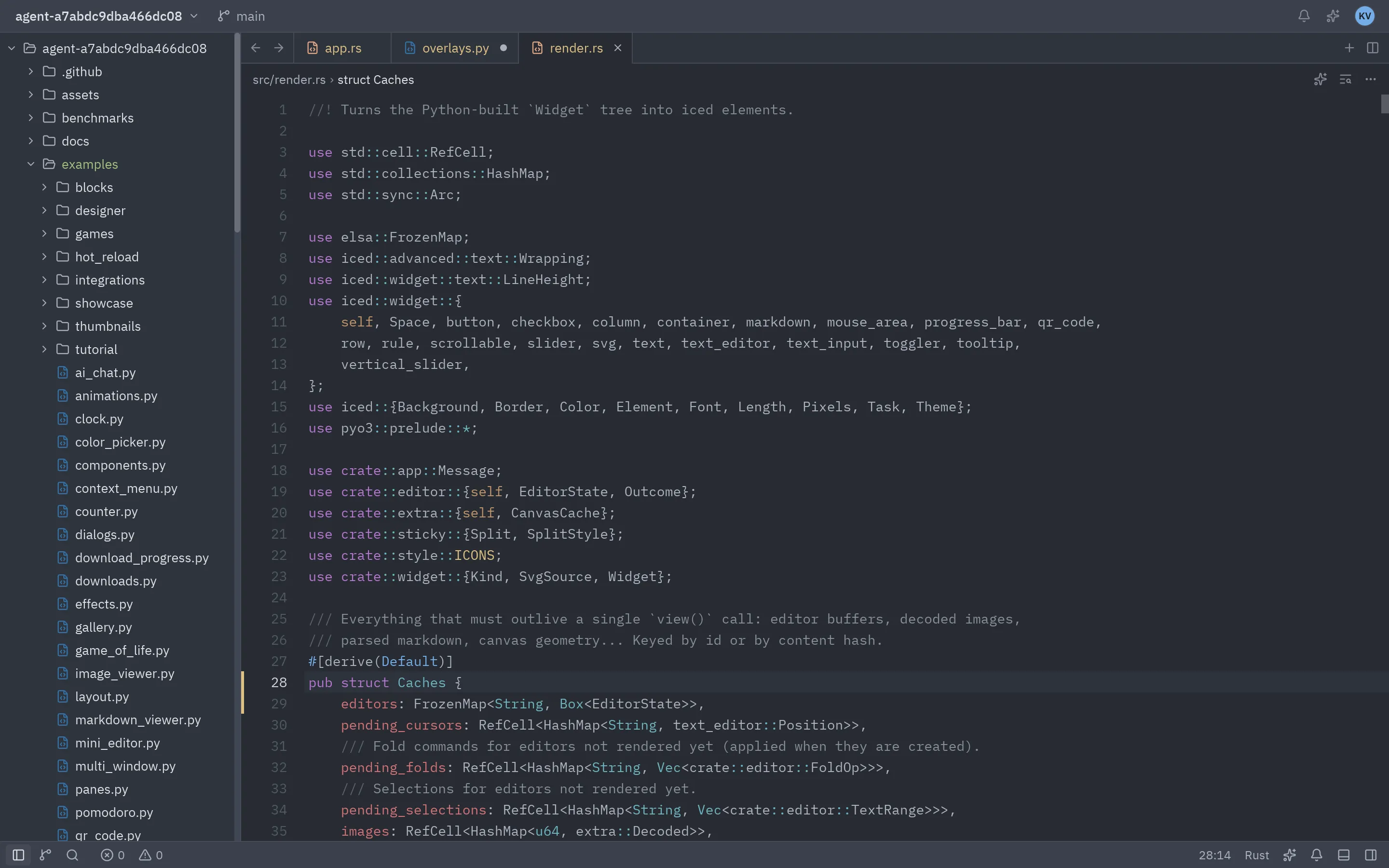
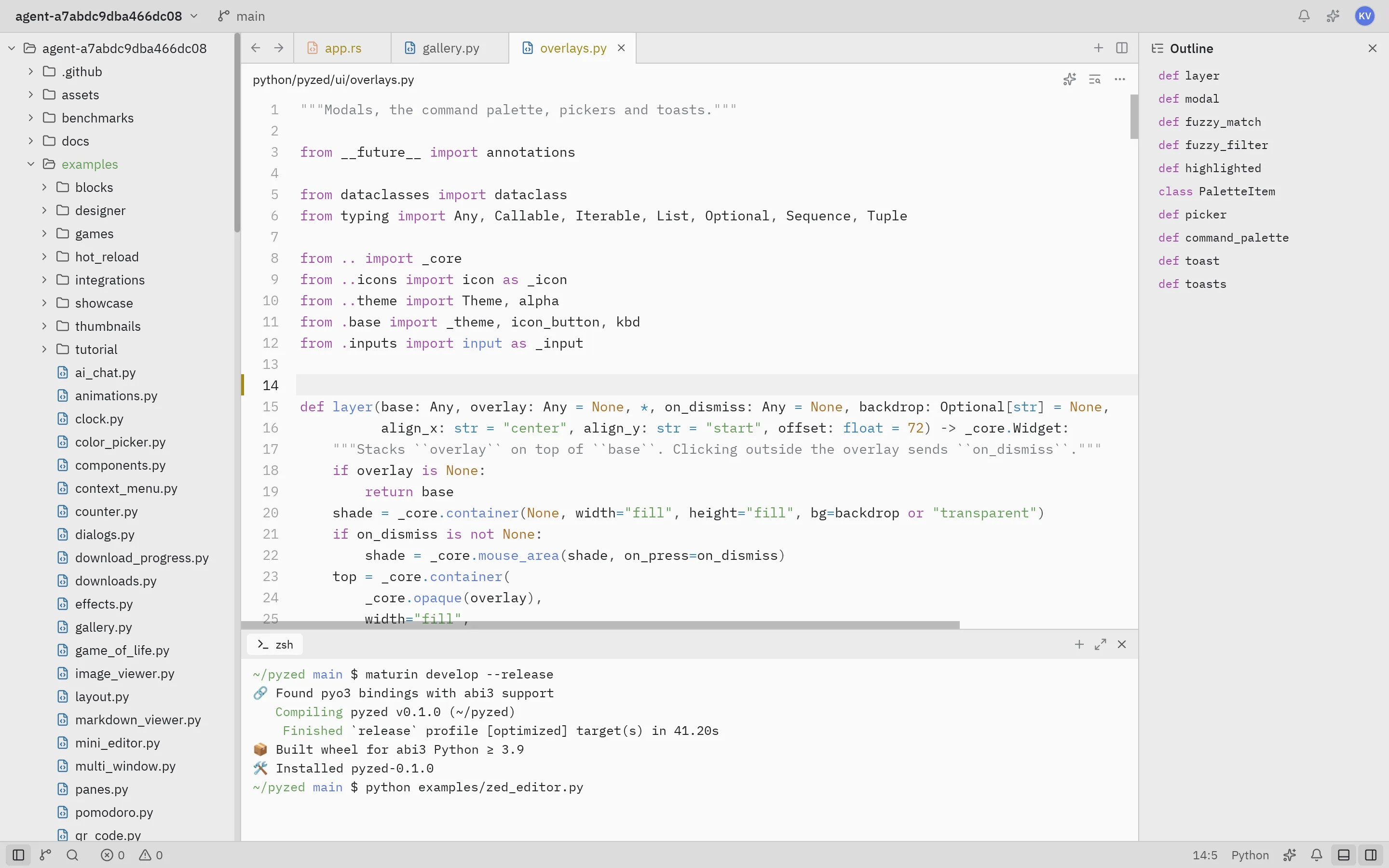
A Python editor that knows your project
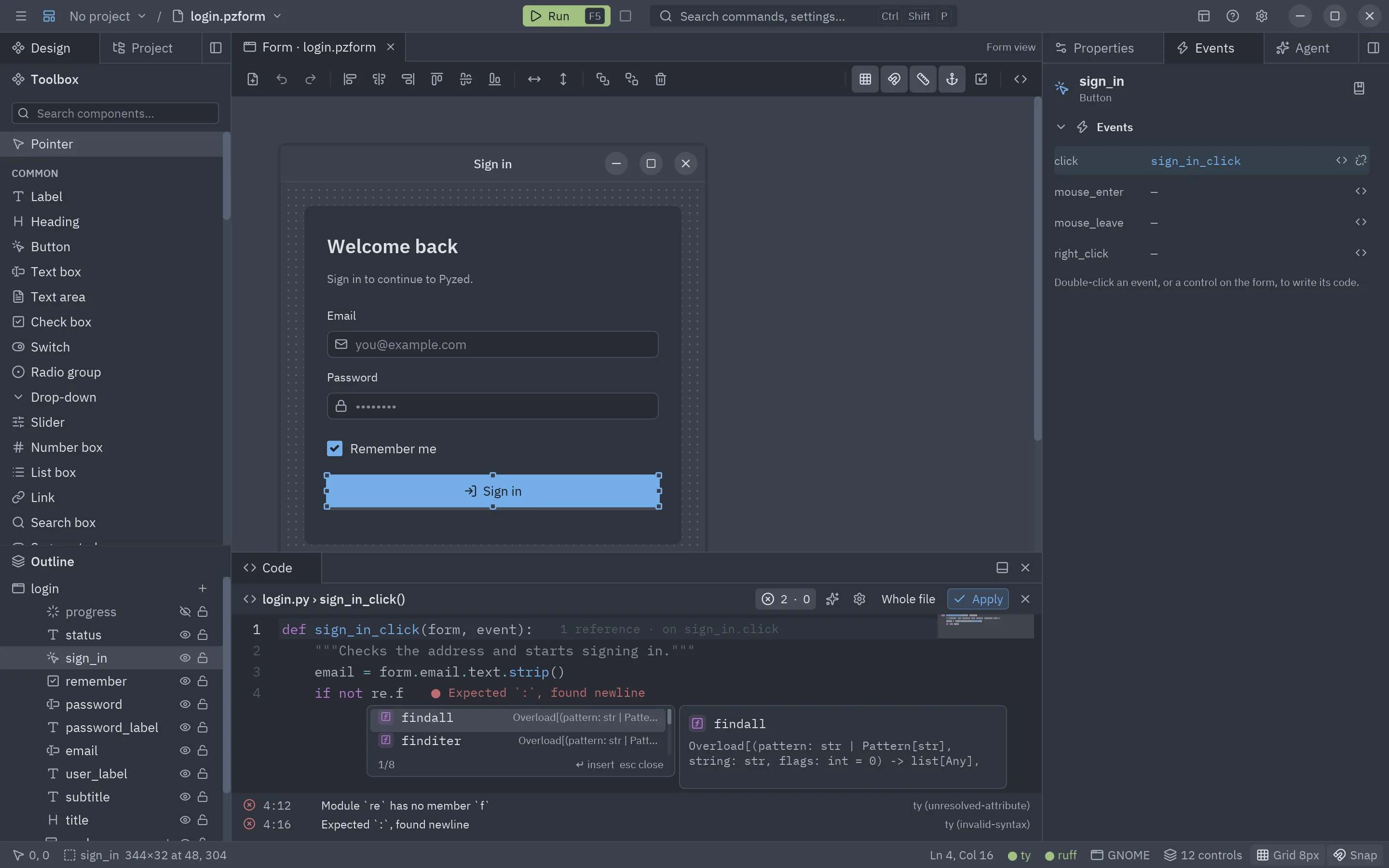
Event handlers are written right inside the designer, backed by Astral’s ty and ruff language servers running in your project’s own environment.
- Completion with signatures and docstrings, auto-imports and
form.controls - Inline diagnostics (error lens), a problems list and code lens references
- Code folding, minimap, auto-closing brackets, cursor styles and a separate theme
- Format with ruff when you apply your changes
Projects
Real projects, managed for you
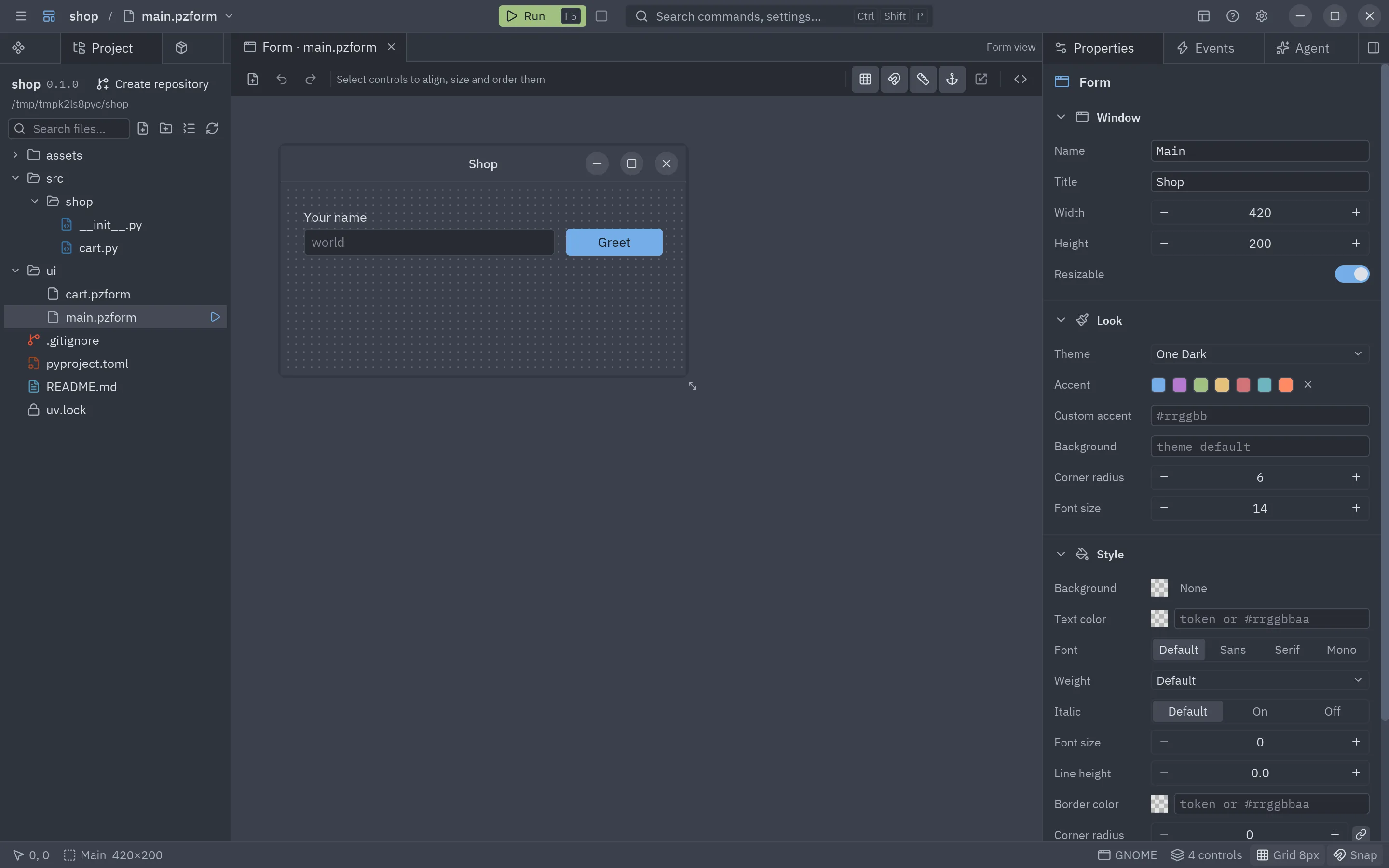
Every app is a normal uv project with its own .venv. Pyzed Design creates it,
installs packages and runs the tools, so your forms can import any library from PyPI.
- Add, upgrade and remove dependencies from the Project tab
- One click to lint, format and type-check with ruff and ty
- Create a git repository and keep the UI next to your backend code
AI agents
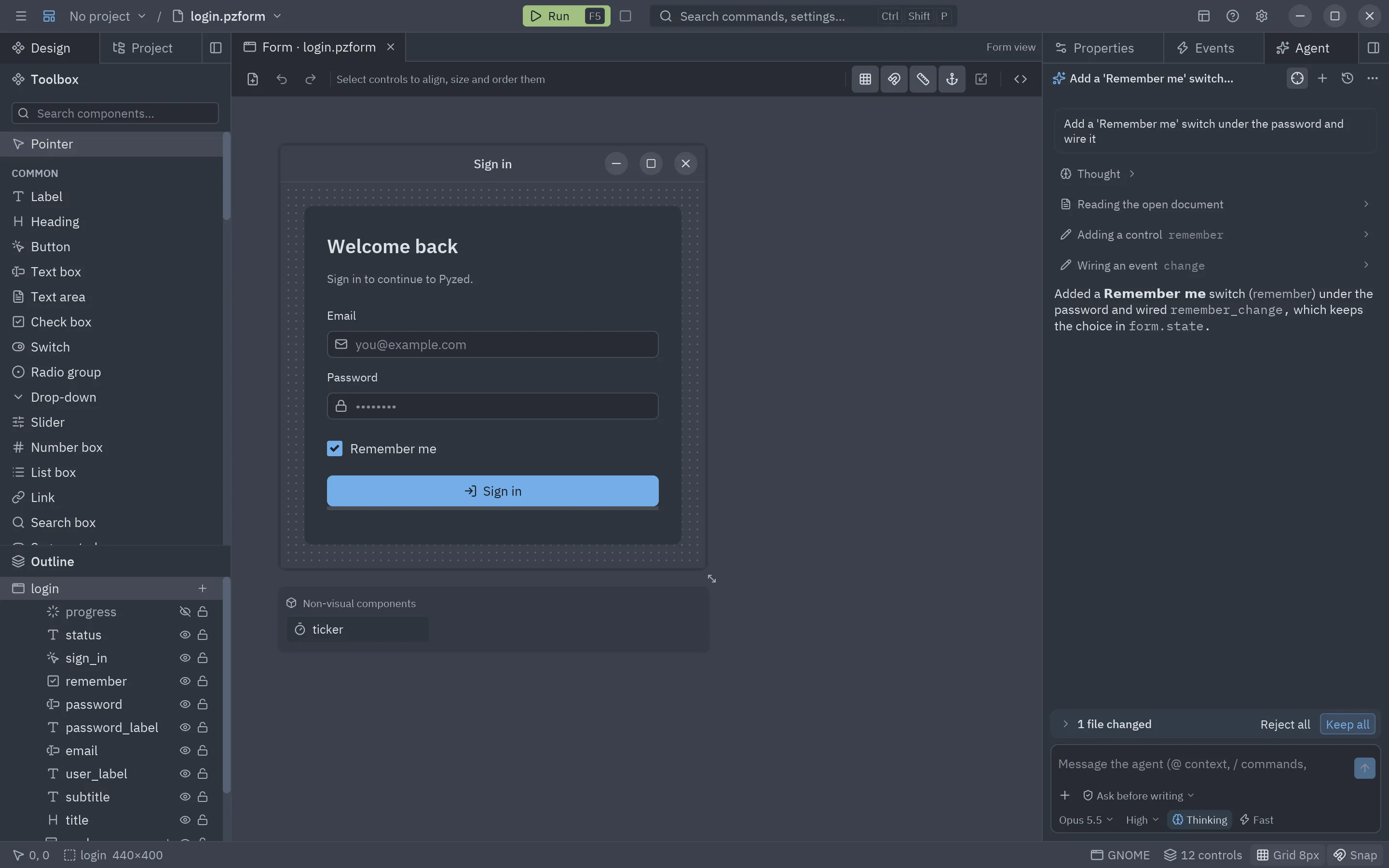
An AI agent that builds with you
Describe a screen and the agent in Pyzed Design places the controls, writes the handlers, looks at the result and checks its code; every change can be undone. Your own coding agent gets the same knowledge through MCP.
- Any model: Claude, GPT, Gemini, Copilot, OpenRouter, local models with Ollama, and external agents
- Attach images, add MCP servers, keep keys in the system keychain
- An MCP server and llms.txt so Cursor, VS Code or Zed write correct Pyzed code
pyzed.agentsputs the same agent loop inside your own apps
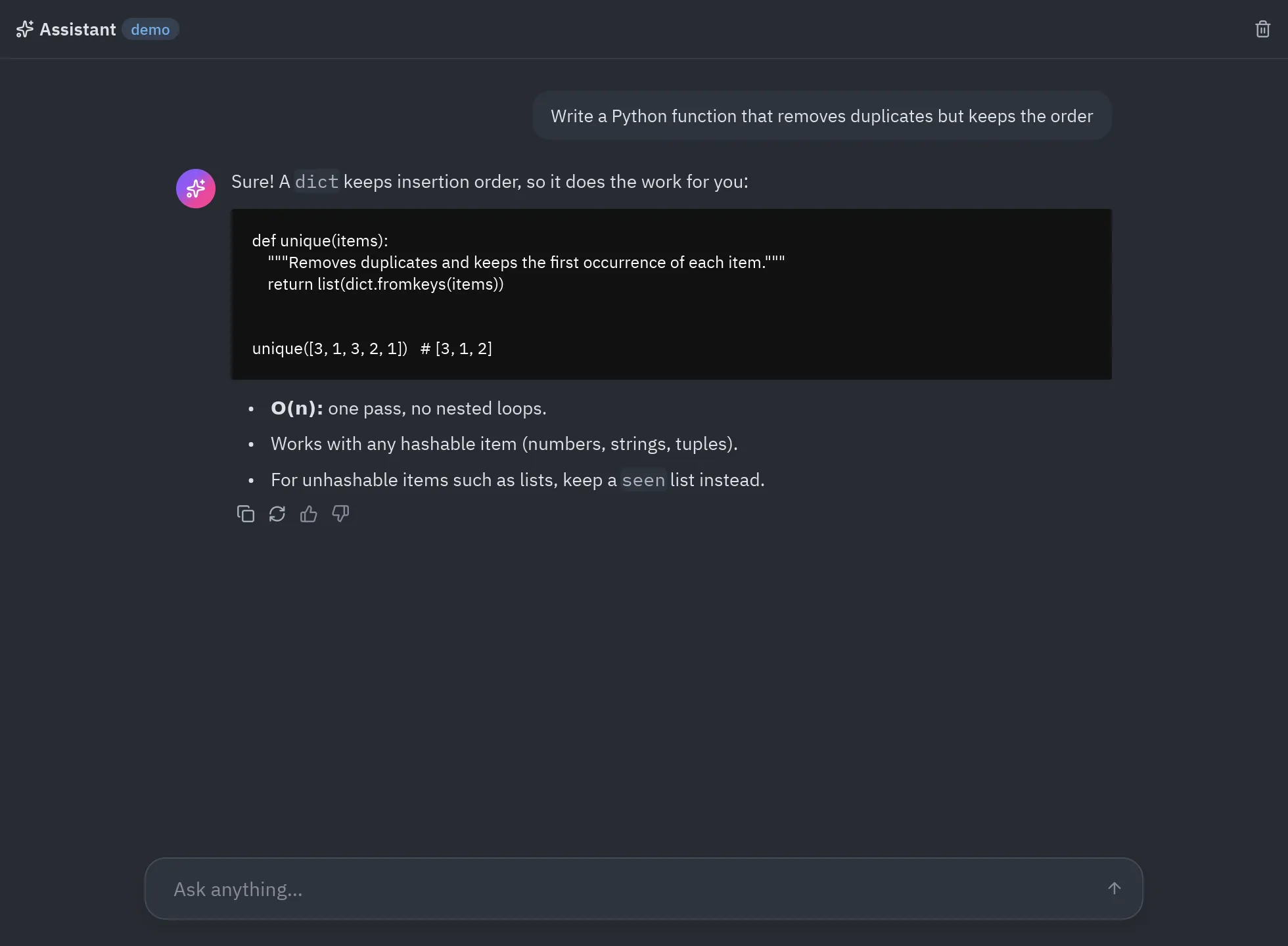
Component library
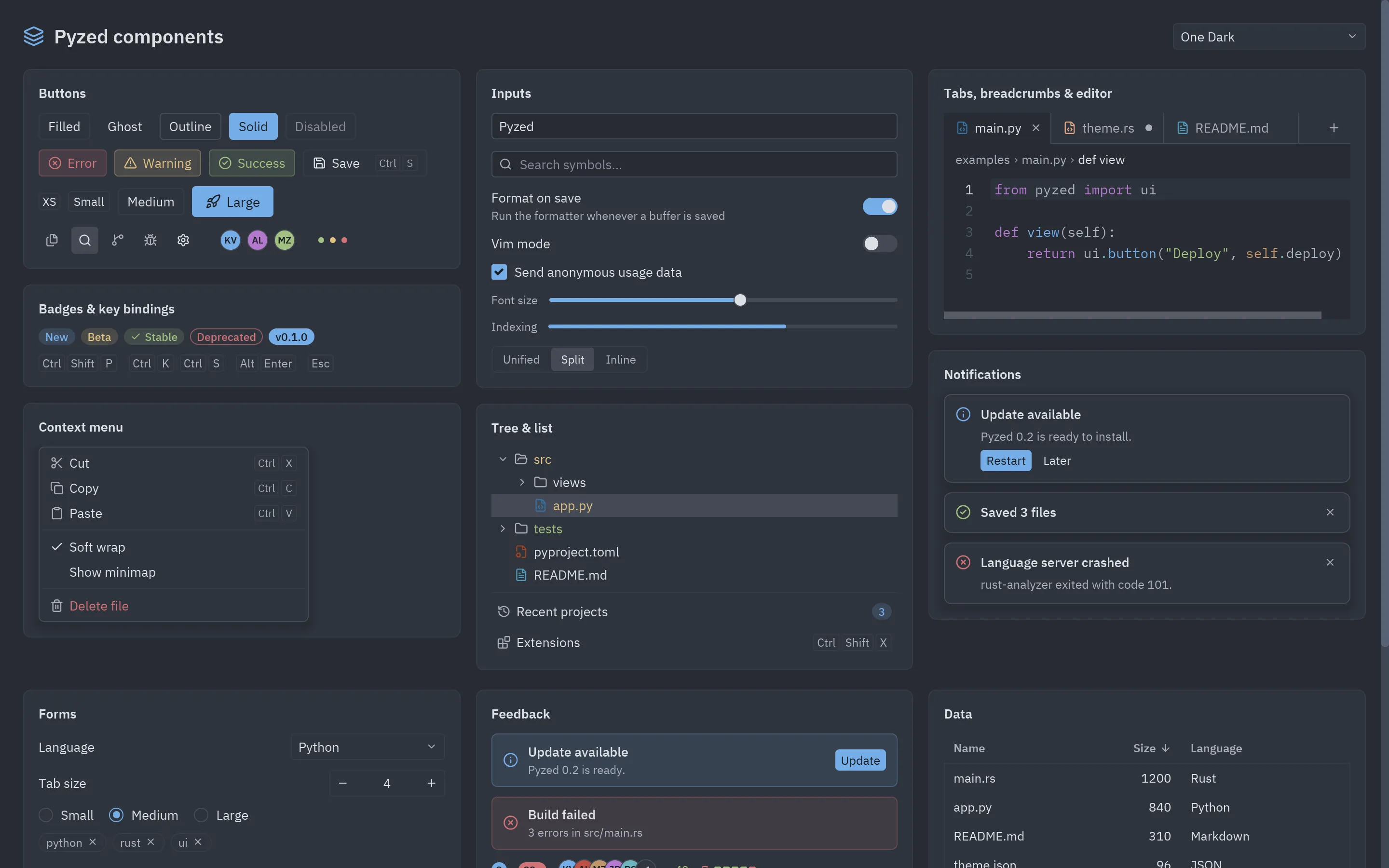
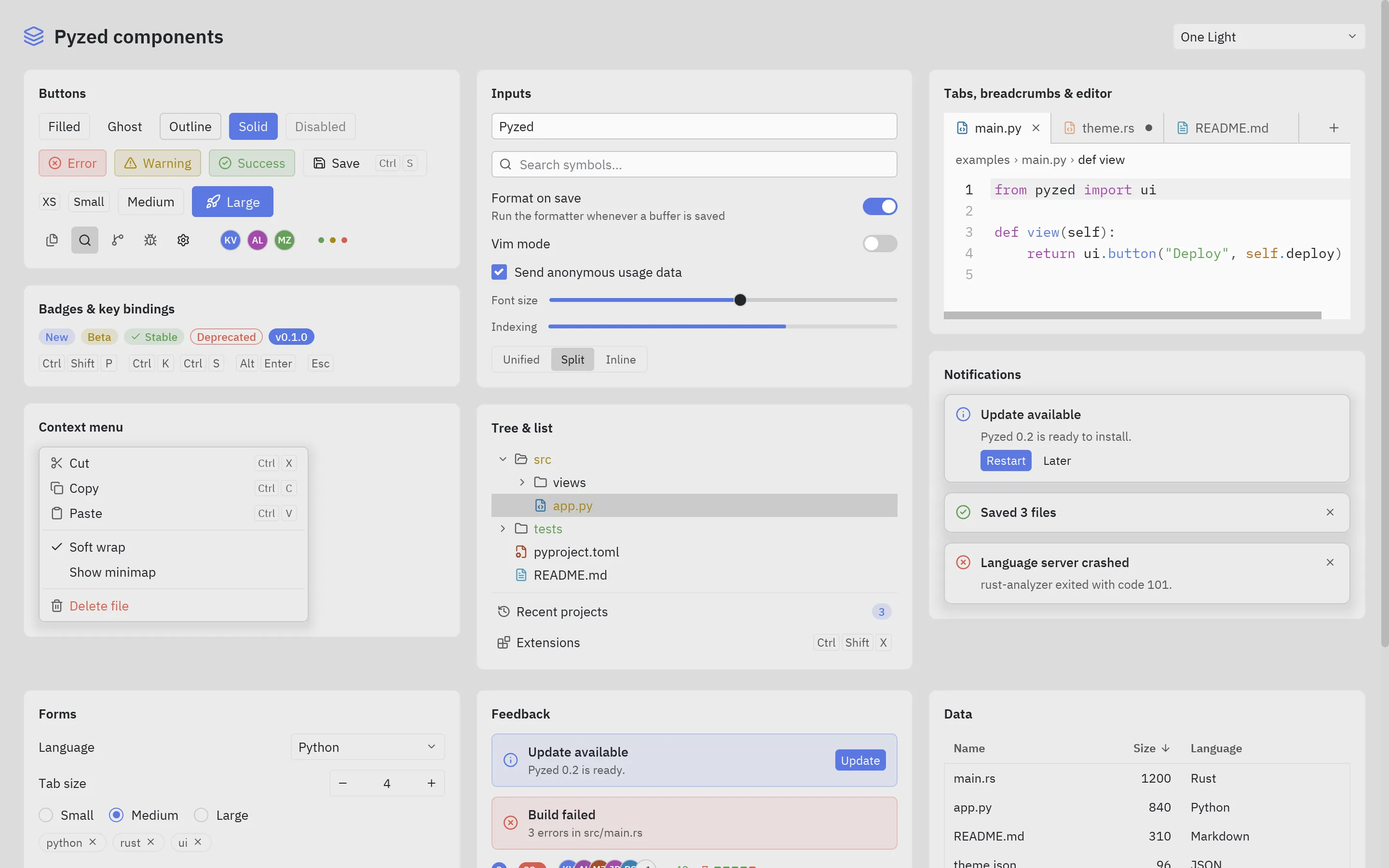
90+ ready-made components
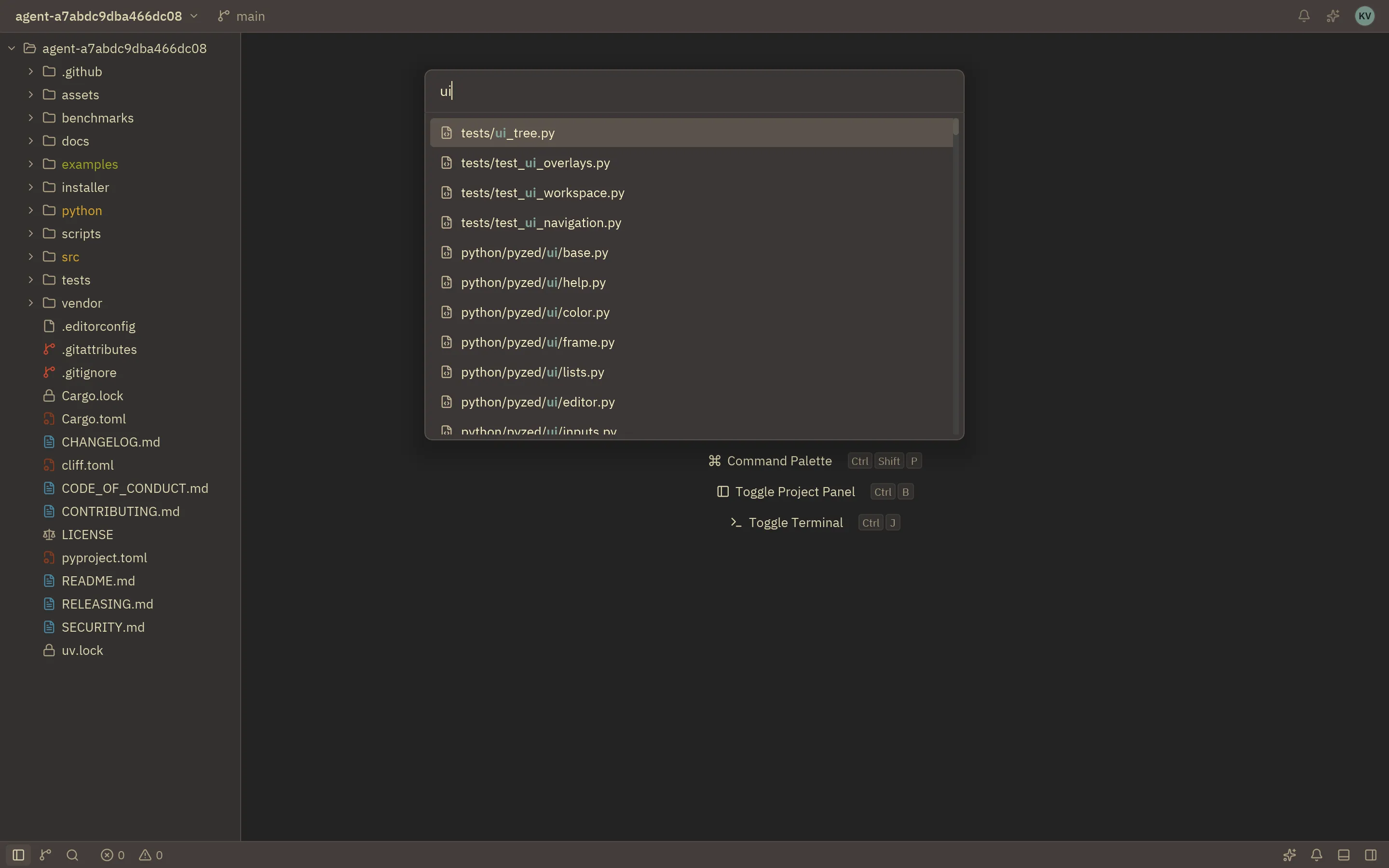
Buttons, inputs, tabs, a file tree, a command palette, tables, charts, toasts, dialogs, a code editor with syntax highlighting, a terminal and a whole workspace with resizable docks. All of them follow the active theme and can be styled per instance.
- Build them from code with
pyzed.ui, or place them from the designer’s toolbox - IBM Plex fonts and about 2000 Lucide icons included
Blocks
Whole screens, ready to copy
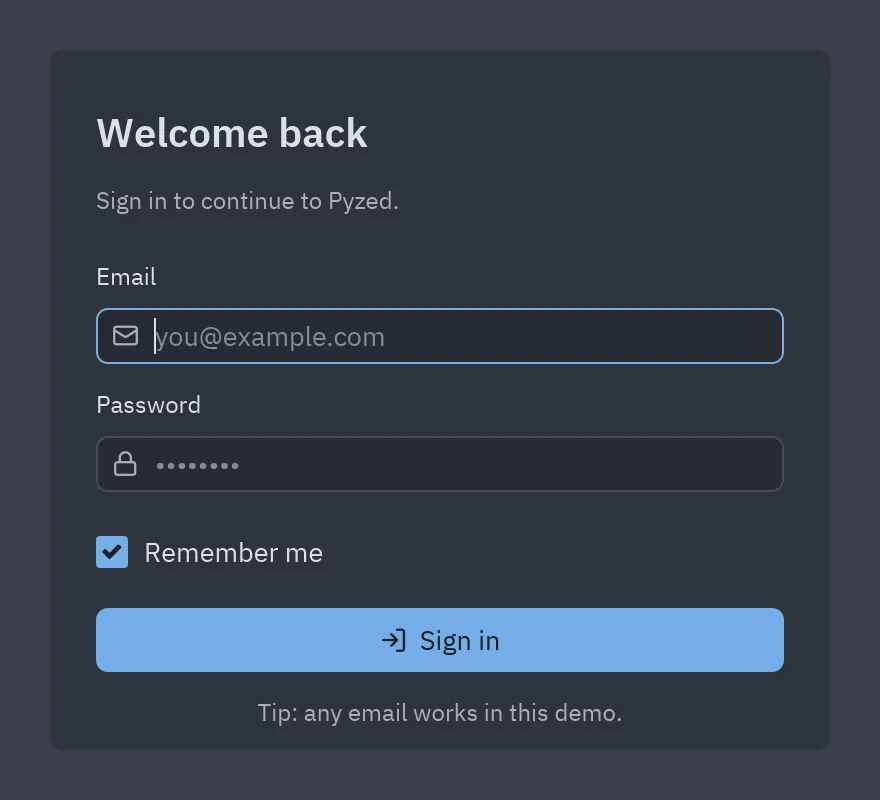
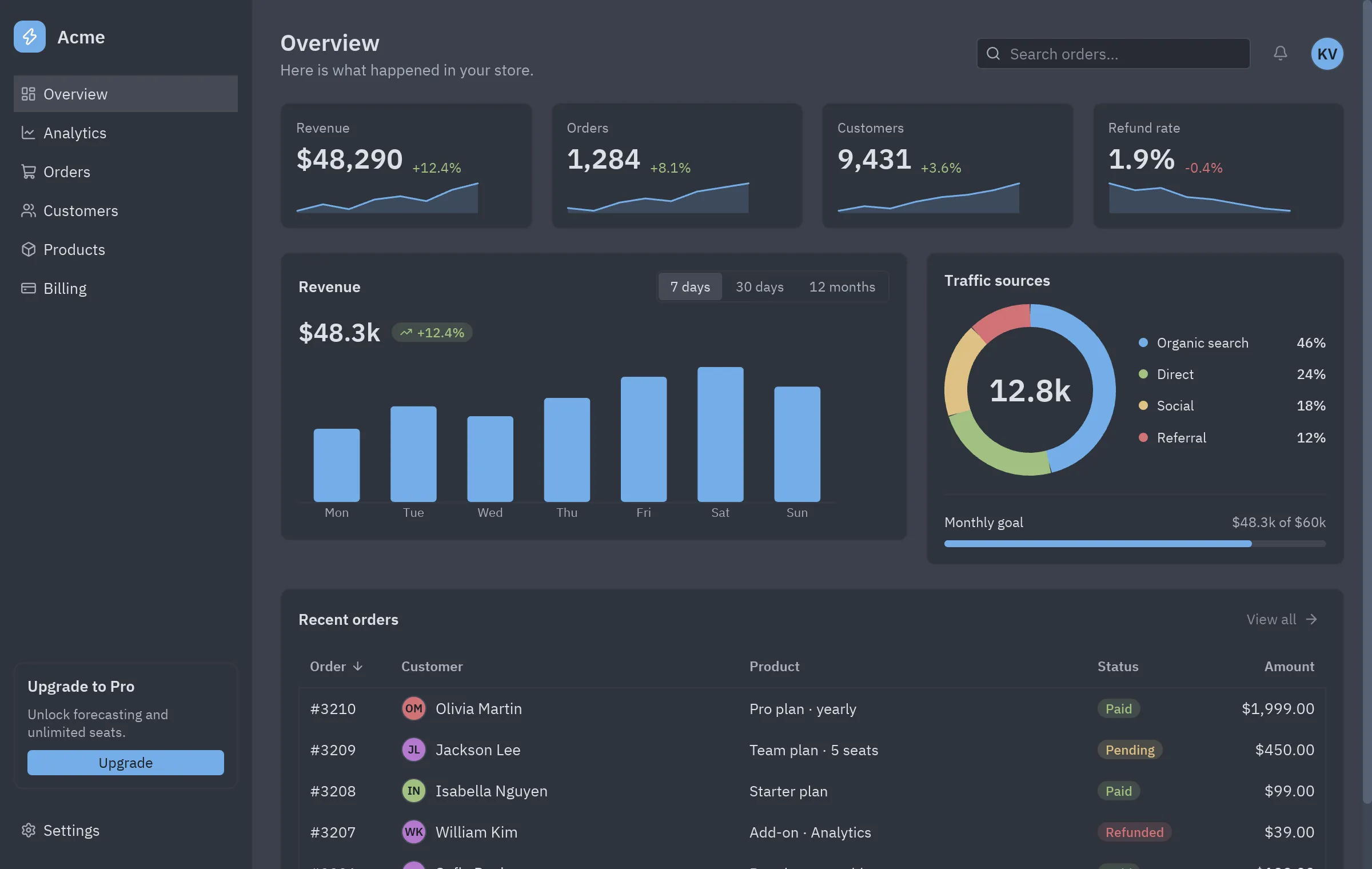
Dashboards, a login, settings, a chat, a kanban board, a data table, a music player and more: complete, tested screens built from the component library. Copy one into your project and change what you need.
- Every block has a dark and light preview and its full source
- Small, readable files: a good starting point for you or for your AI agent
Themes
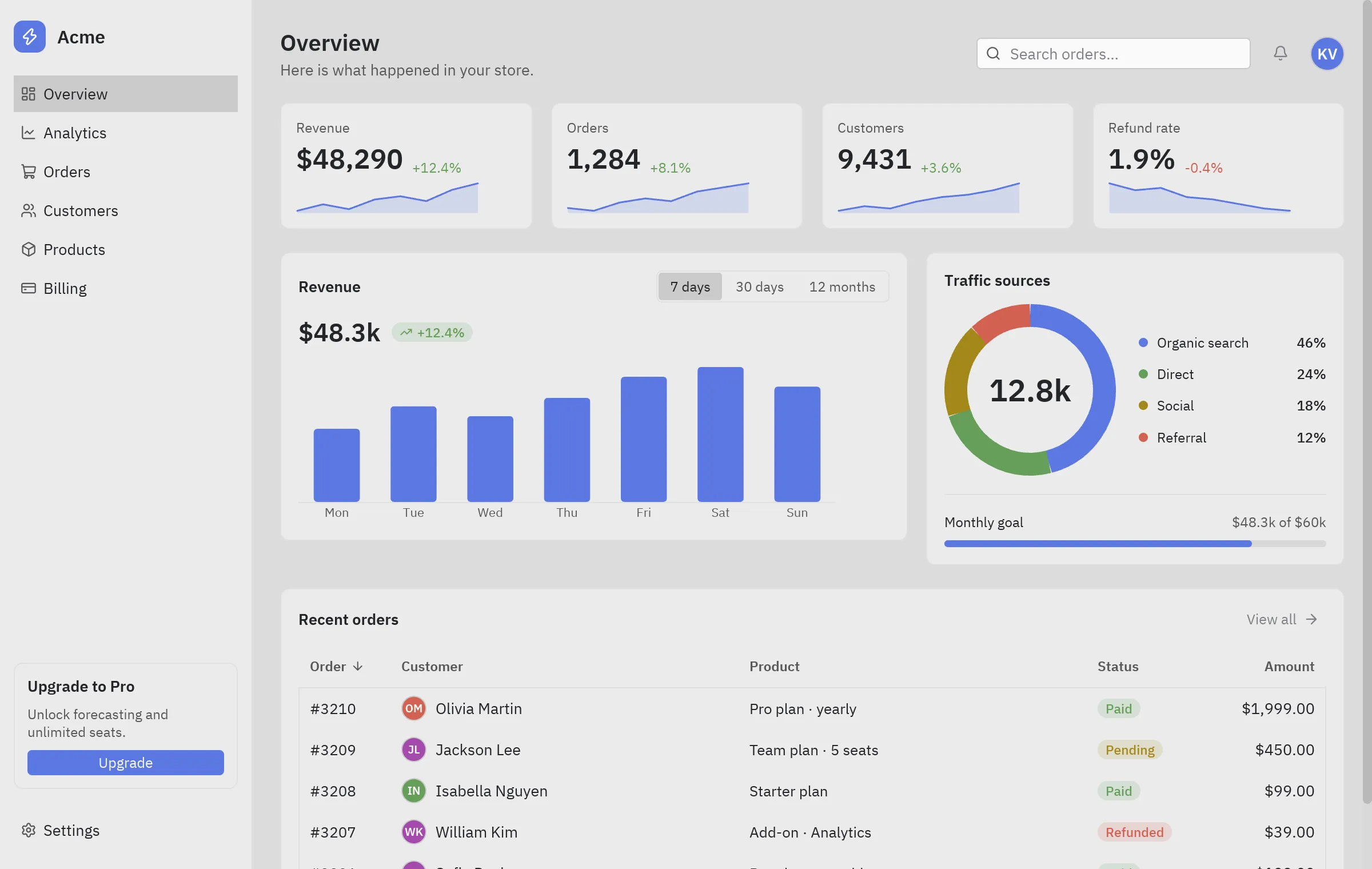
Light, dark, and your own themes
One, Ayu and Gruvbox ship with one shared set of color tokens, in light and dark variants. Follow the system appearance, switch themes at runtime, derive your own in one line or import a Zed theme file.
- 11 built-in themes, one set of color tokens for every component
- Per-window themes and accent colors
Effects & game-style UIs
Interfaces that glow
Pyzed draws on the GPU, so a Python app can look like a modern game: frosted glass with real backdrop blur, bloom that spills light from bright parts, transparency, rotation and your own WGSL shaders.
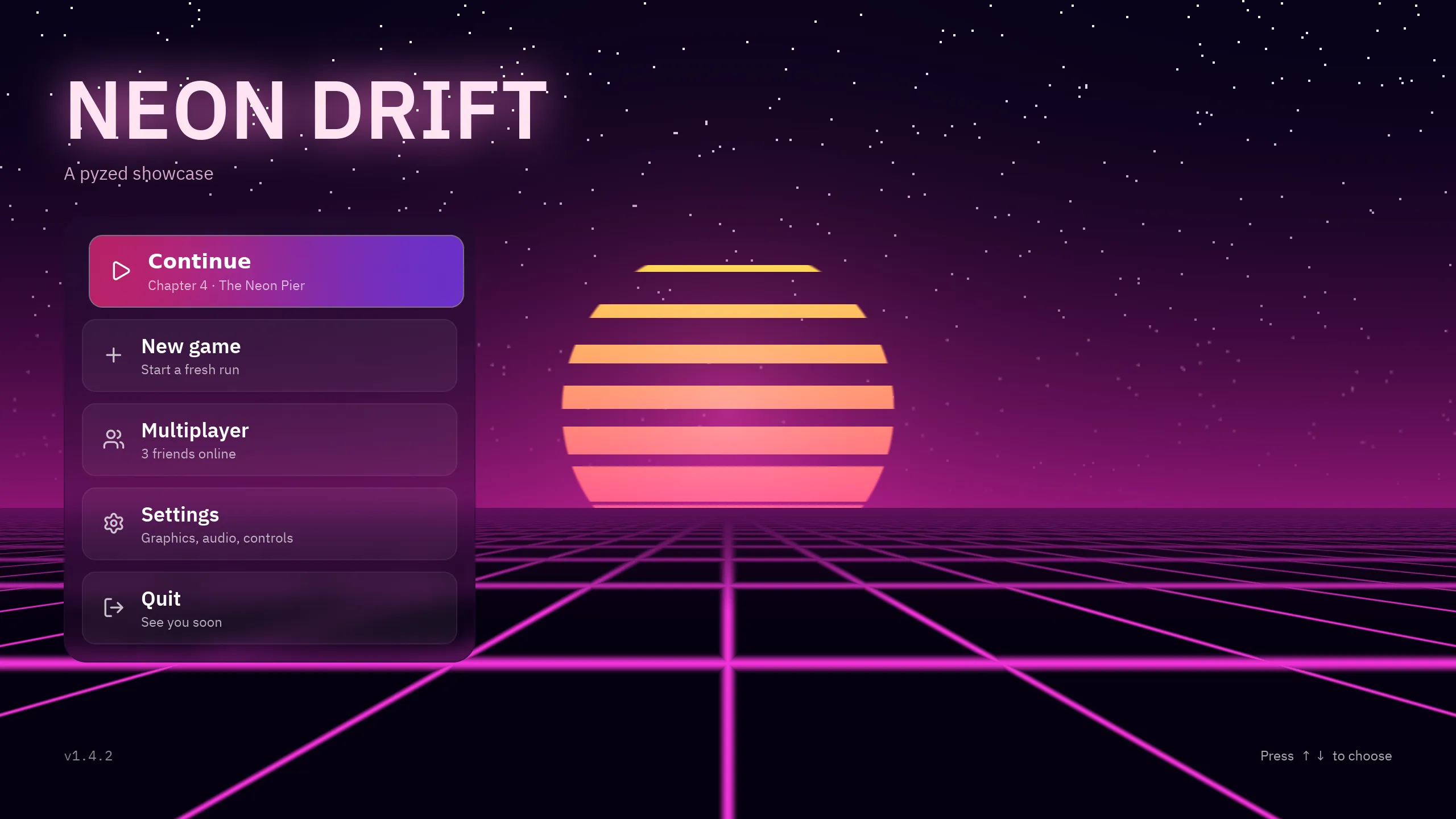 Game main menuShader backdrop, glowing title, glass buttons
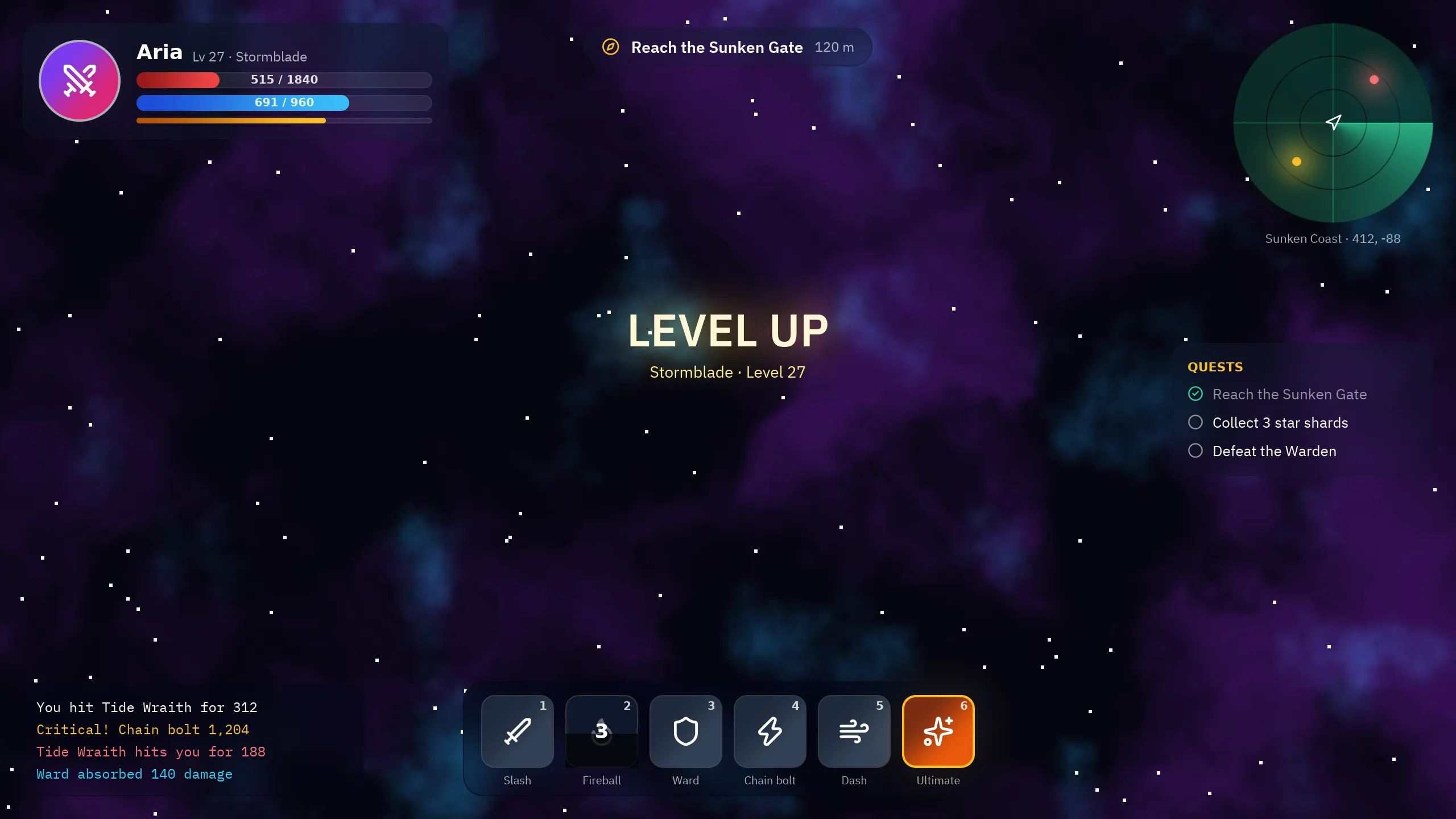 Game HUDHealth bars, a shader radar, cooldowns
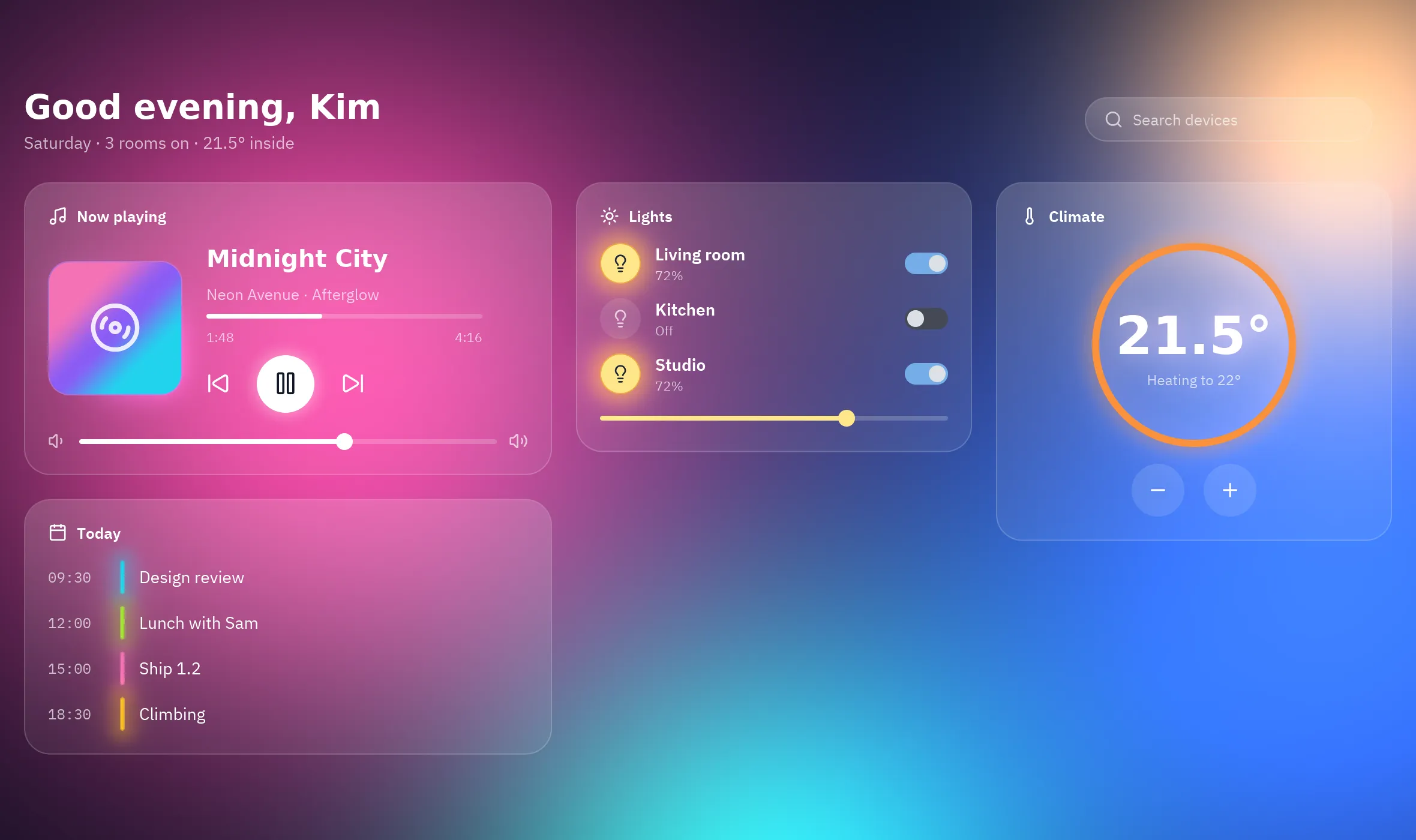 Glass control centerBackdrop blur and transparency
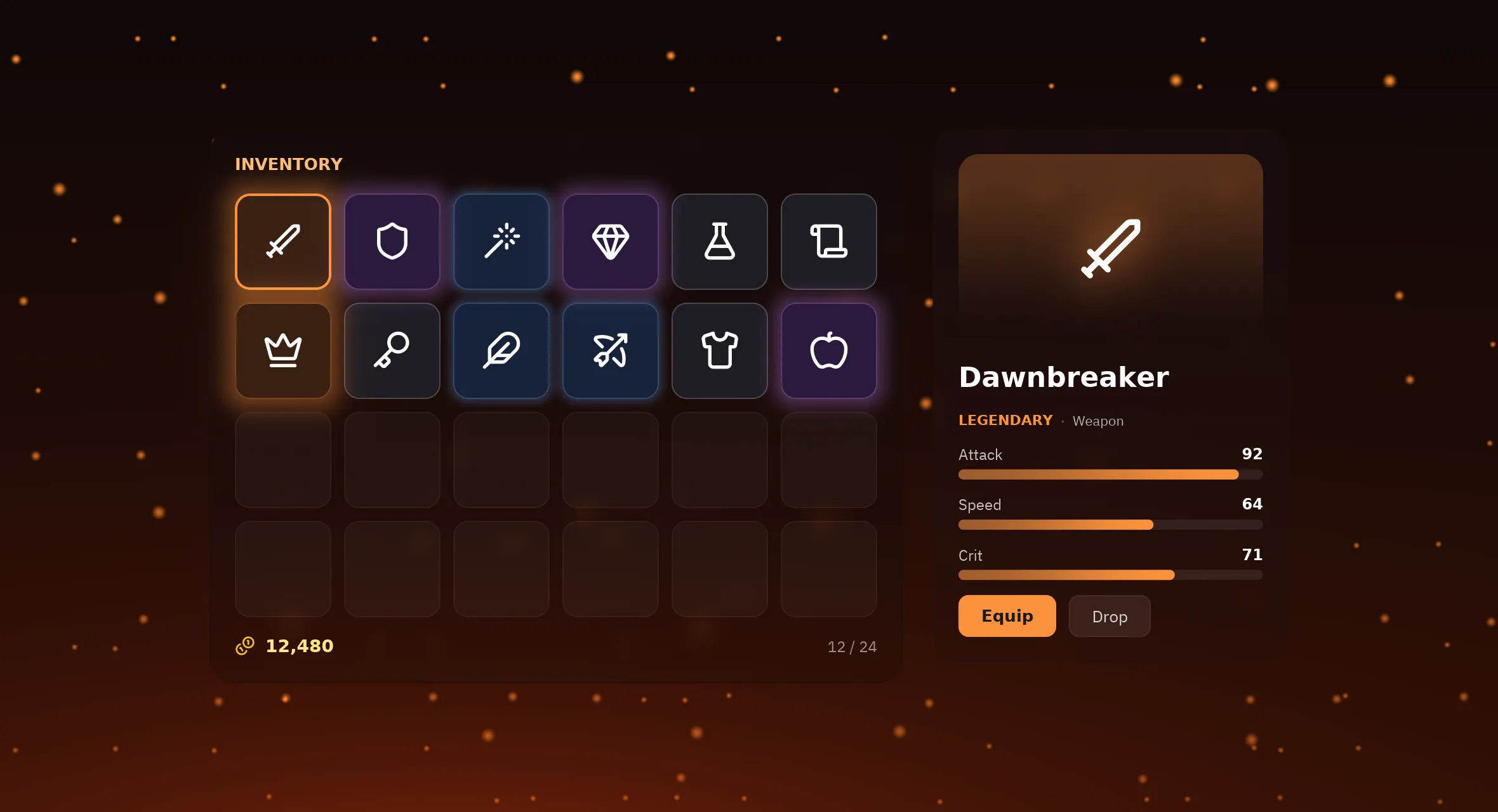 RPG inventoryRarity glow and bloom
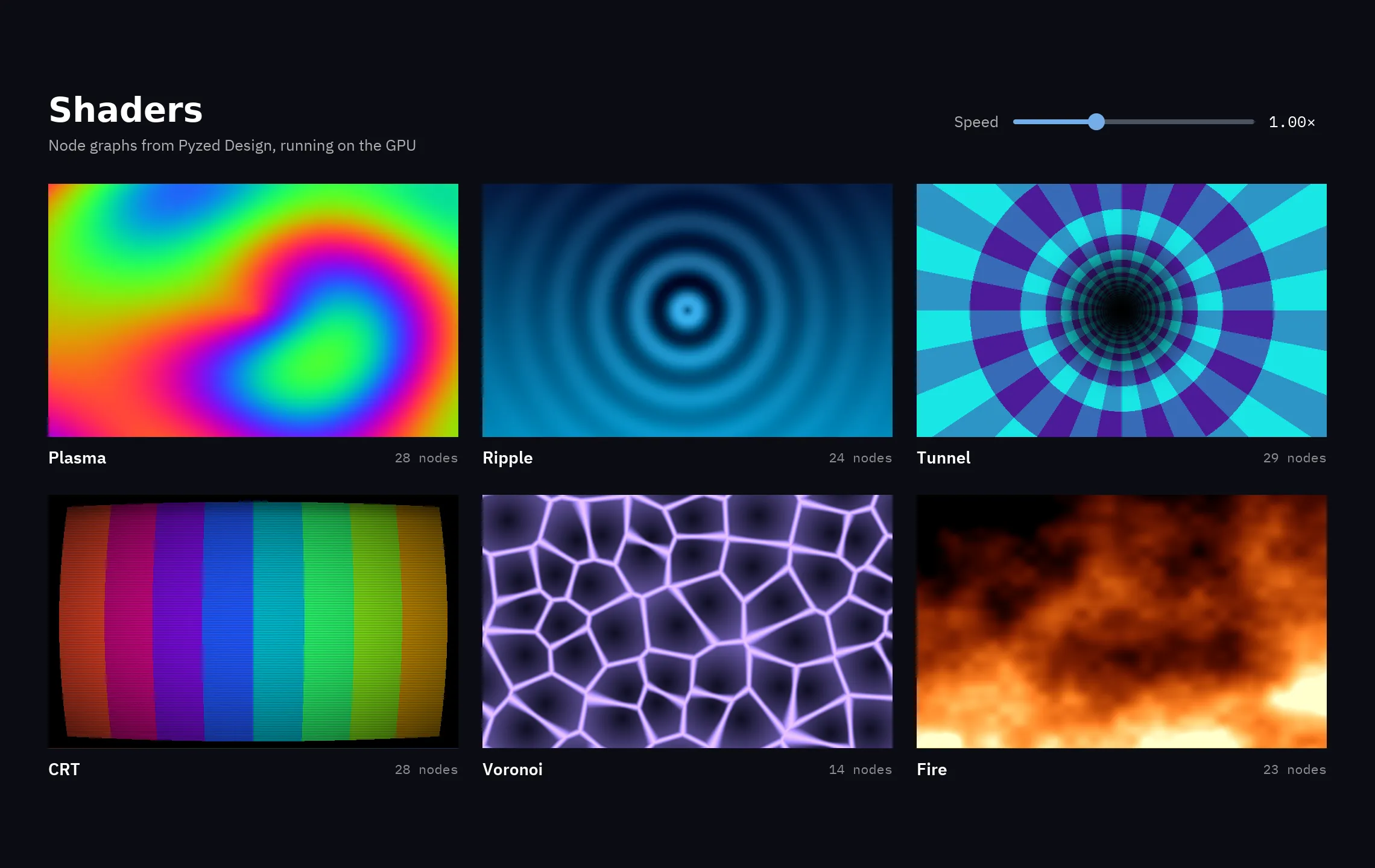 ShadersYour own WGSL with pz.shader
See every demo and how it is made
Make games
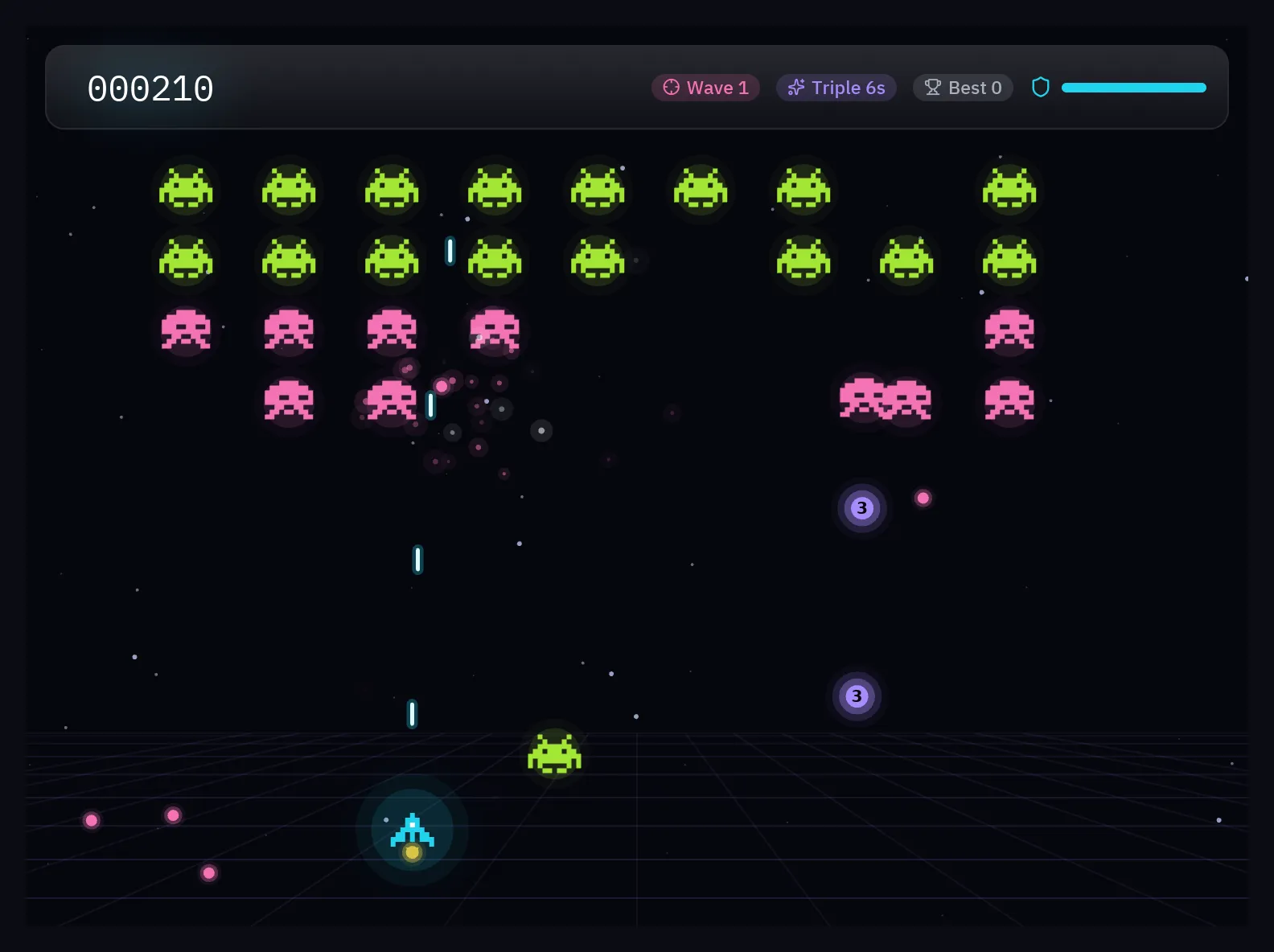
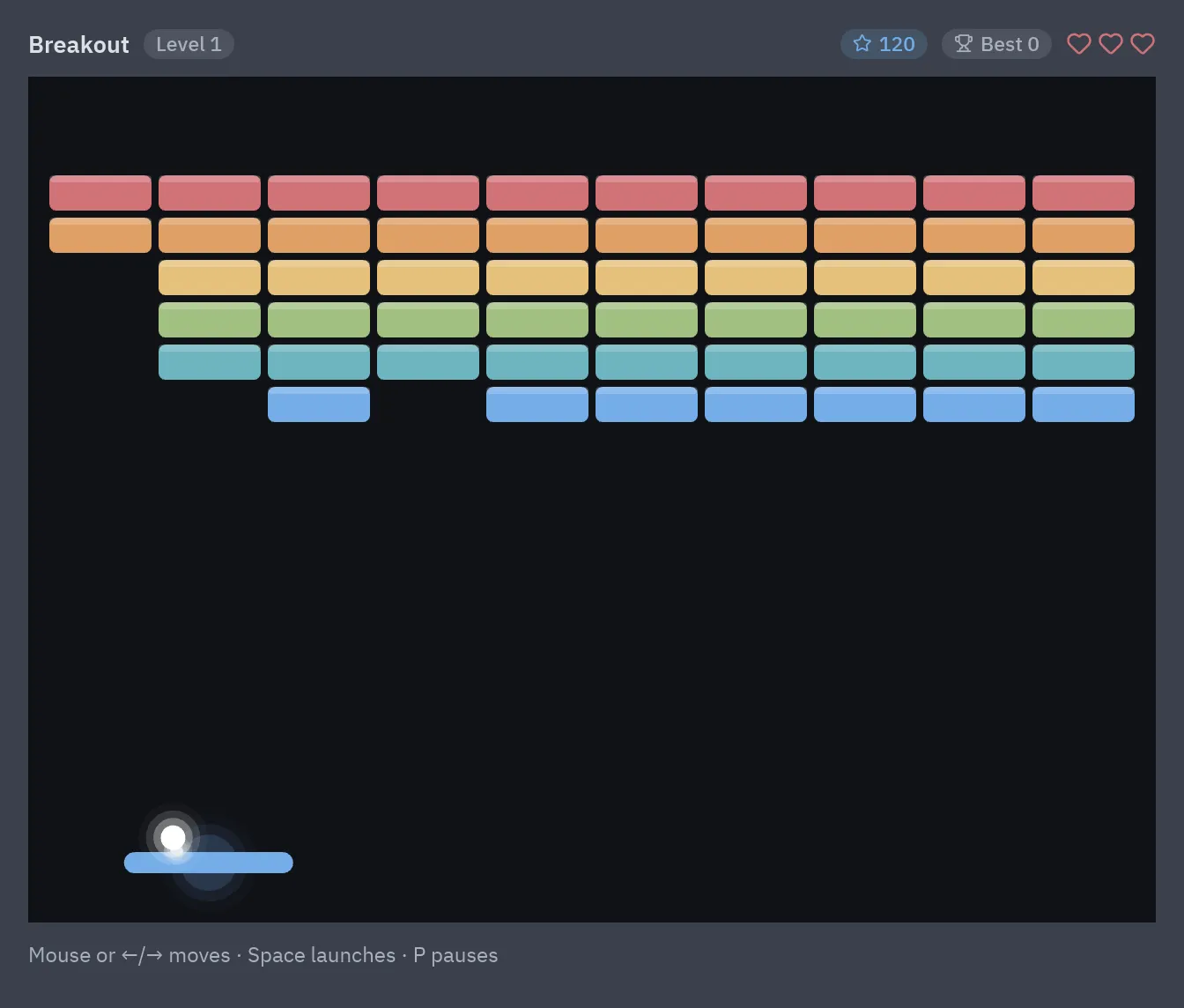
From Snake to a neon shoot 'em up
Everything a 2D game needs is already in Pyzed: a GPU canvas, a loop that runs once per frame, the keys held down right now, sprites and particles, and the whole widget library for menus and HUDs.
- Three complete games, explained step by step: Snake, Breakout and Neon Invaders
pz.framesfor a smooth 60 fps loop, held keys and mouse input- Bloom, glow and glass on top of the action, written in plain Python
Connect your backend
The libraries you already use
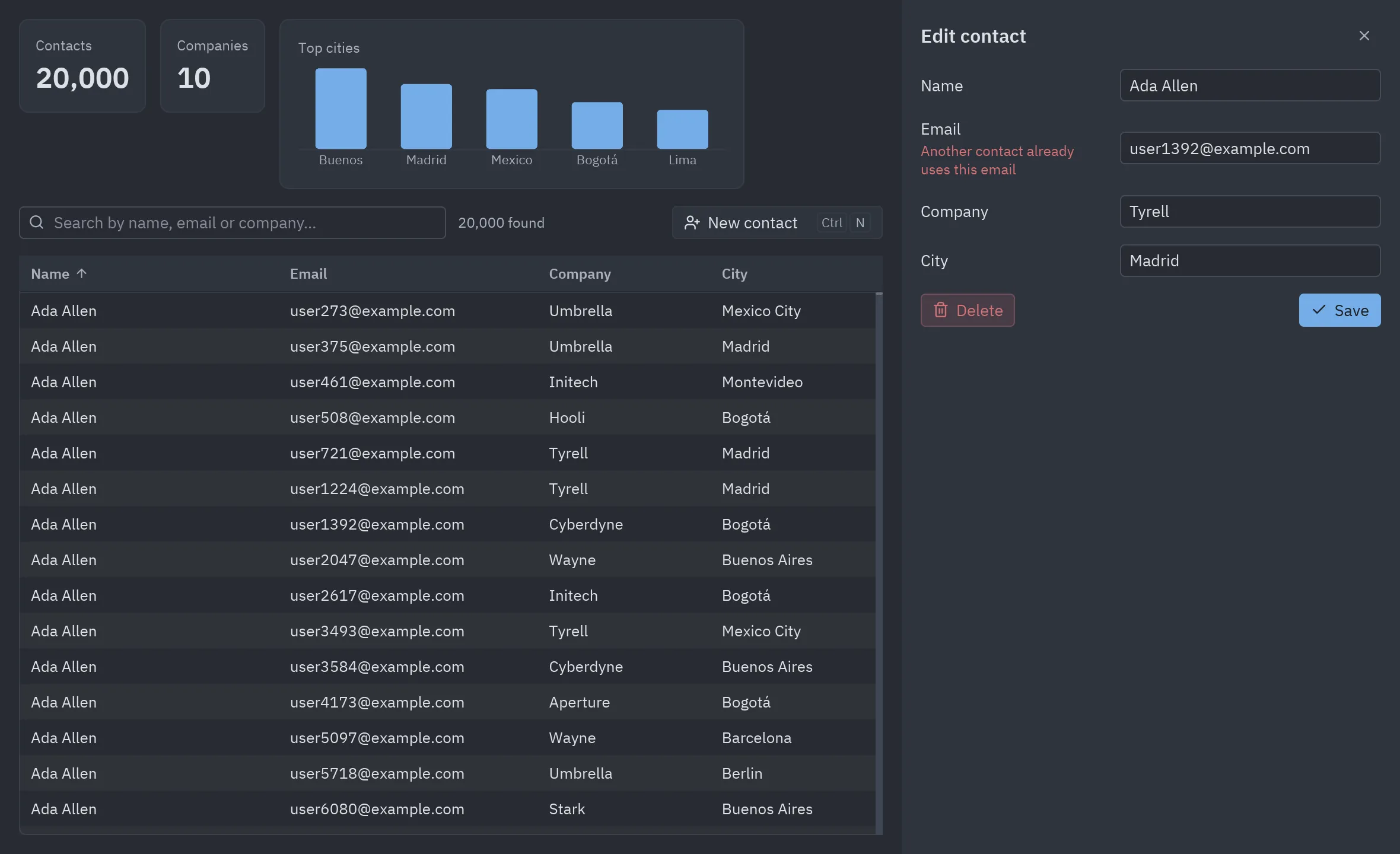
Pyzed is only the interface: the rest of your app is ordinary Python. Runnable demos show how to put a native desktop front end on the backend stack you know.
- FastAPI client with the server embedded in the same process
- SQLAlchemy and SQLModel: 20,000 rows in a virtual table, forms validated by your models
- Django’s async ORM, httpx and Pydantic, aiosqlite and more
Why Pyzed
A Python GUI for a new generation
tkinter, Kivy and PyQt made Python desktop apps possible. Pyzed makes them look and feel like the tools you use every day, and is honest about where the others still win.
| Pyzed compared with other Python GUI toolkits | Pyzed | tkinter | PyQt / PySide | Kivy | Flet |
|---|---|---|---|---|---|
| Modern look and dark mode by default | Yes11 themes | No | Partly or third-partystylable | Partly or third-partyKivyMD | YesMaterial |
| GPU rendering | Yeswgpu | No | Partly or third-partyQt Quick | YesOpenGL | YesFlutter |
| Visual designer | Yesbuilt in | Partly or third-partythird-party | YesQt Designer | No | No |
| Hot reload that keeps state | Yes | No | Partly or third-partyQML only | Partly or third-partythird-party | Partly or third-partyrestarts |
| async callbacks | Yes | No | Partly or third-partyQtAsyncio | Yes | Yes |
| AI tooling (MCP, llms.txt, agents) | Yes | No | Partly or third-partyC++/QML | No | YesMCP server |
| Mobile and web | Nodesktop only | No | Partly or third-partyAndroid preview | Yesmobile | Yes |
YesPartly or third-partyNo
And much more
Batteries included
The details that turn a prototype into an app people enjoy using.
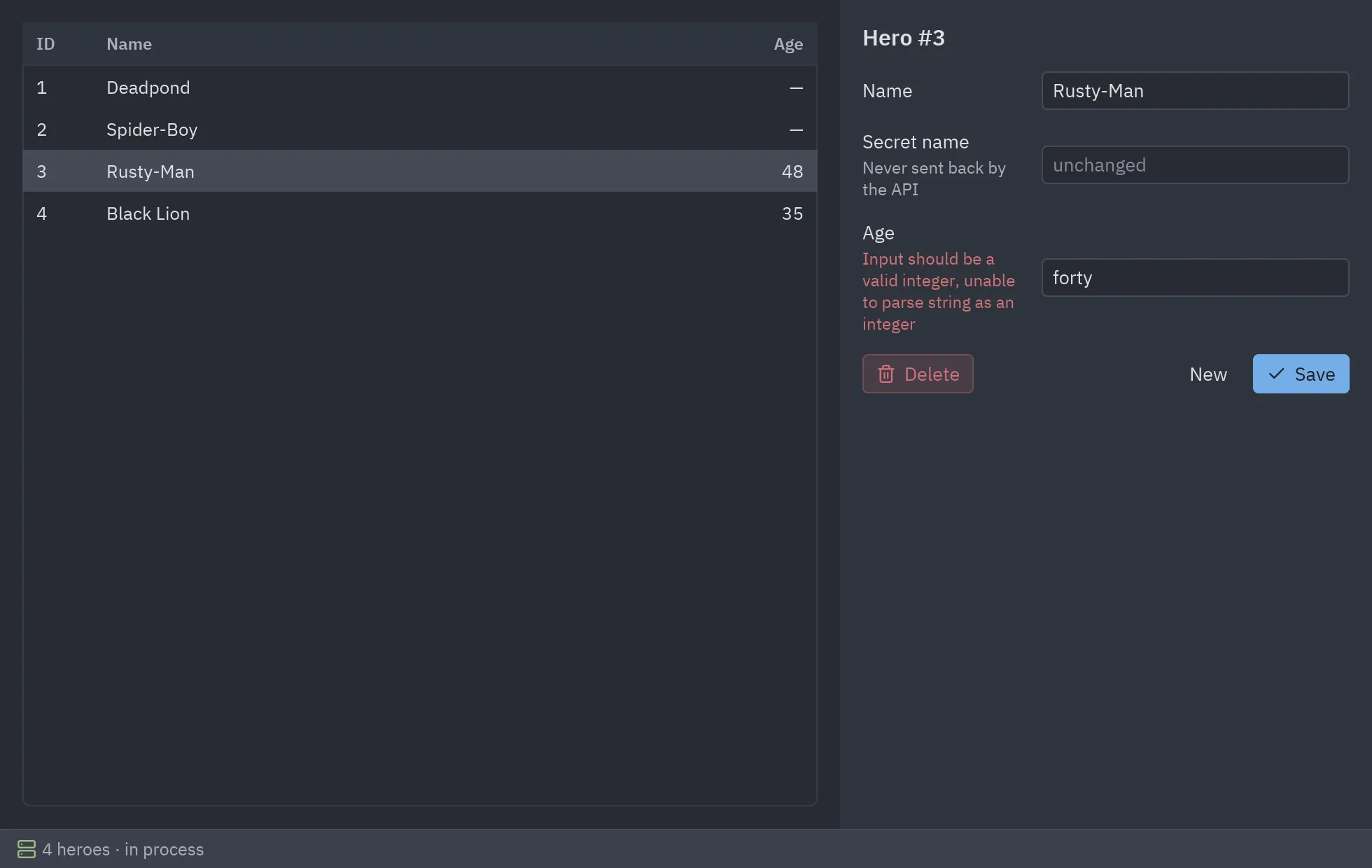
pyzed dev and pyzed run --reload.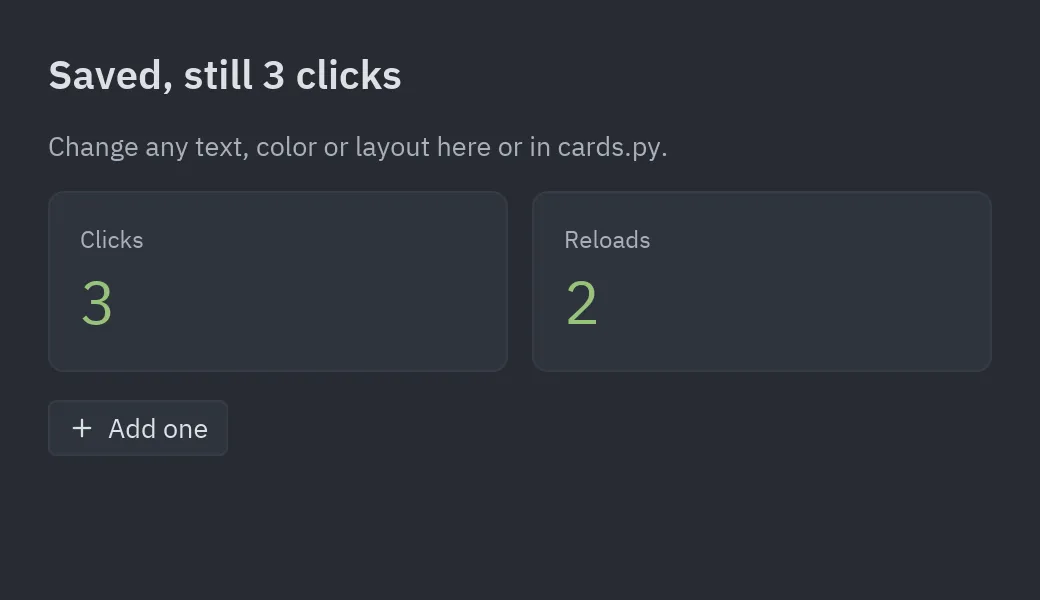
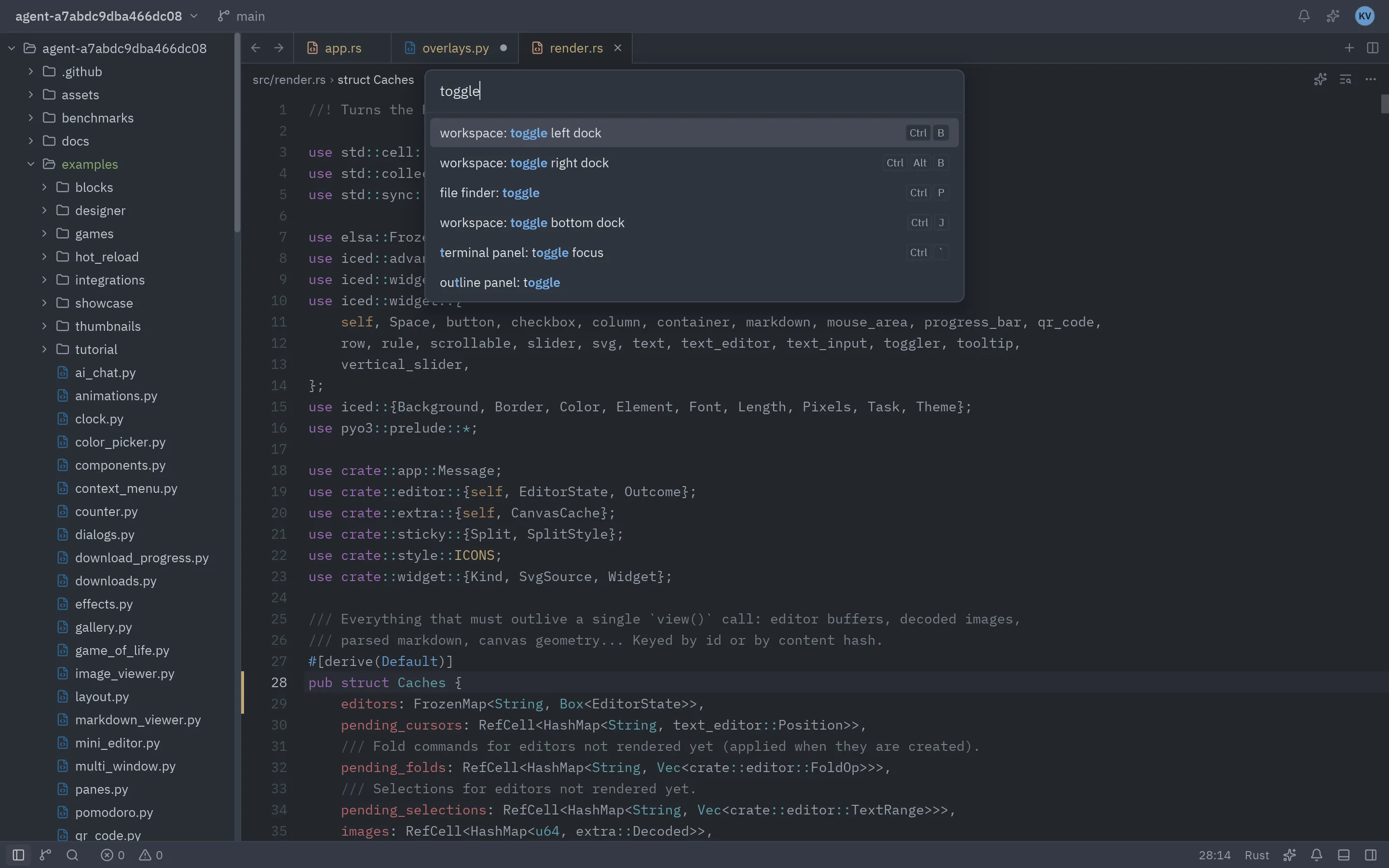
fr tracks, scrolling, and a workspace with docks you can drag and resize.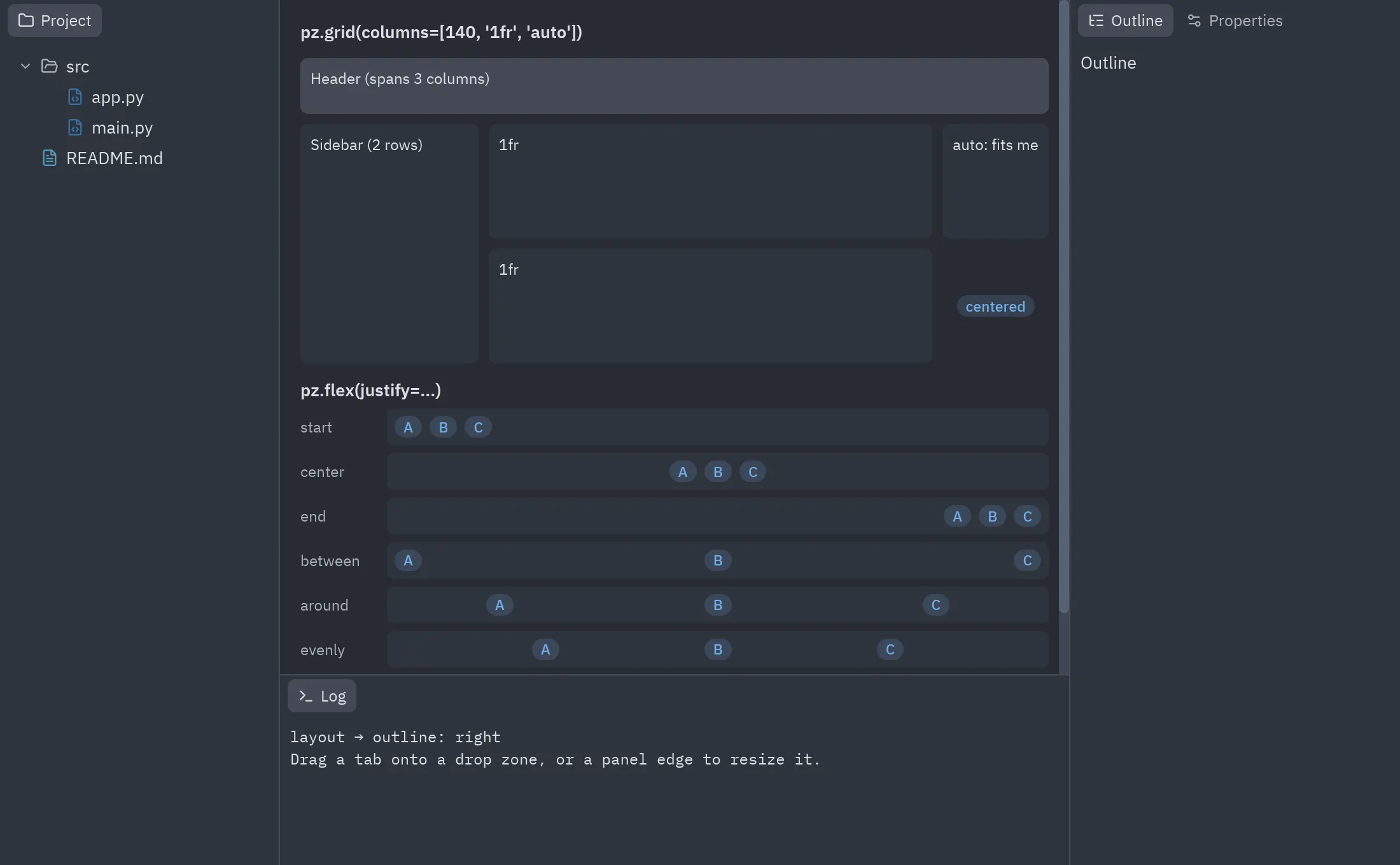
async callbacks never freeze the UI; pz.every and pz.listen handle timers and streams; each pz.Window has its own theme.LanguagesTranslate with pz.t and switch the language while the app runs, plurals included.Ship it: pyzed buildOne command packages your project as a standalone app for Windows, macOS or Linux, with Python inside.Cross-platformLinux, macOS and Windows, rendered with wgpu and a tiny-skia fallback when there is no GPU.Canvas and chartsDraw shapes, paths and text with transforms and mouse events, or use the ready-made charts.Headless screenshotsapp.screenshot("ui.png") renders off-screen for tests and docs. Every image on this site is made that way.Simple architectureState, update and view without the ceremony: a button can call self.save directly.Code first, too
An app in 20 lines
Prefer to write everything by hand? Pyzed is a regular Python library. This is a complete app:
import pyzed as pzfrom pyzed import ui

class Counter(pz.App):    title = "Counter"    size = (360, 220)
    def __init__(self):        self.count = 0
    def add(self, step):        self.count += step
    def view(self):        return pz.center(pz.column([            ui.heading(str(self.count)),            pz.row([                ui.button("1", lambda: self.add(-1), icon="minus"),                ui.button("1", lambda: self.add(1), icon="plus", variant="solid"),                ui.icon_button("rotate-ccw", lambda: setattr(self, "count", 0)),            ], spacing=8),        ], spacing=16, align="center"), bg=self.theme.editor)

pz.run(Counter)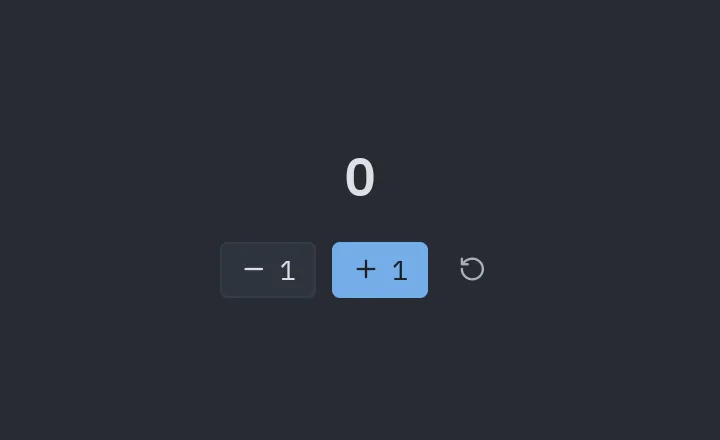
python counter.py
Learn
Explore the docs
Pick a starting point.
Start building today
Free and open source. Get the designer as a standalone app, or install the library with pip.
pip install pyzed-ui