
Library
Blocks
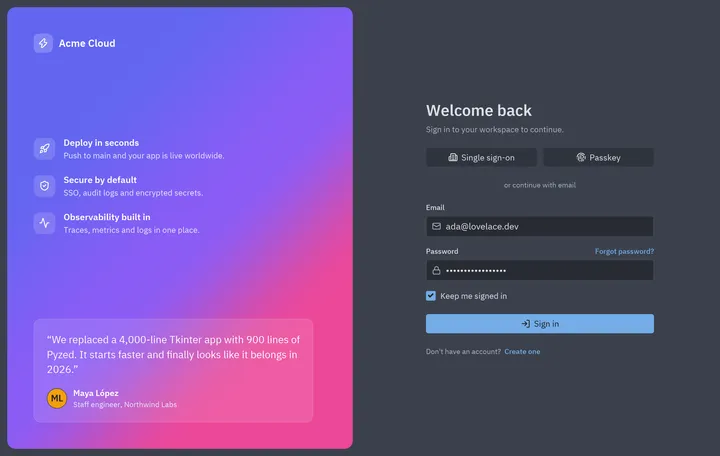
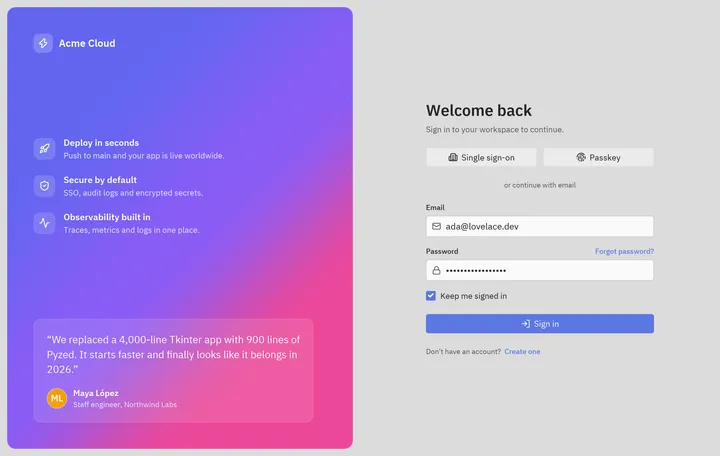
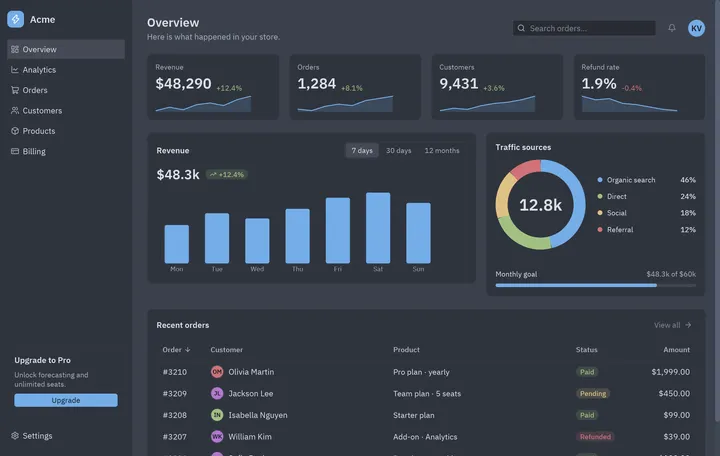
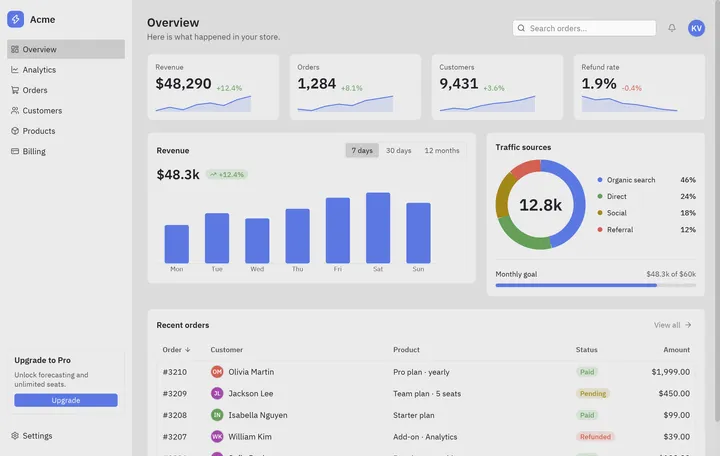
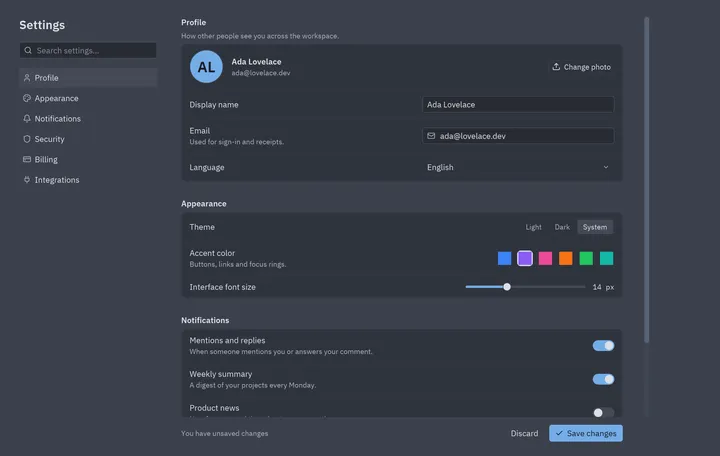
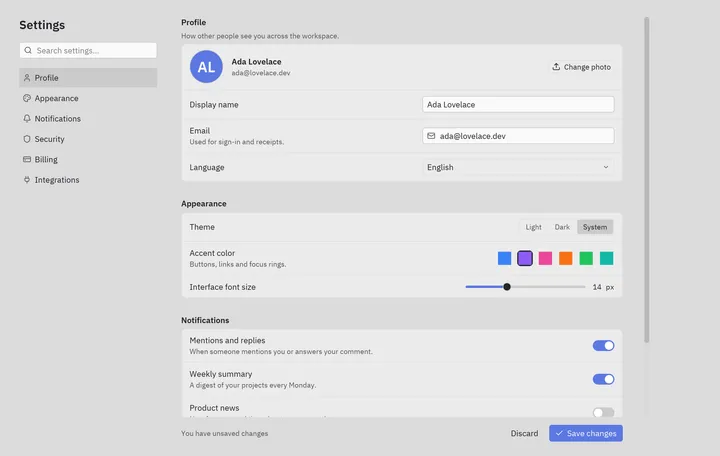
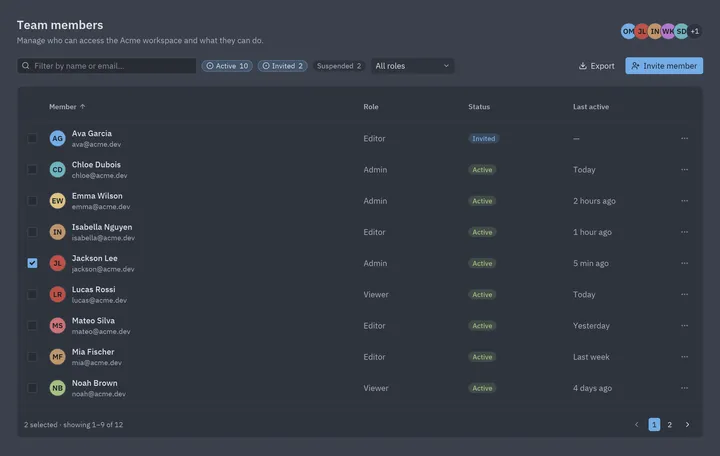
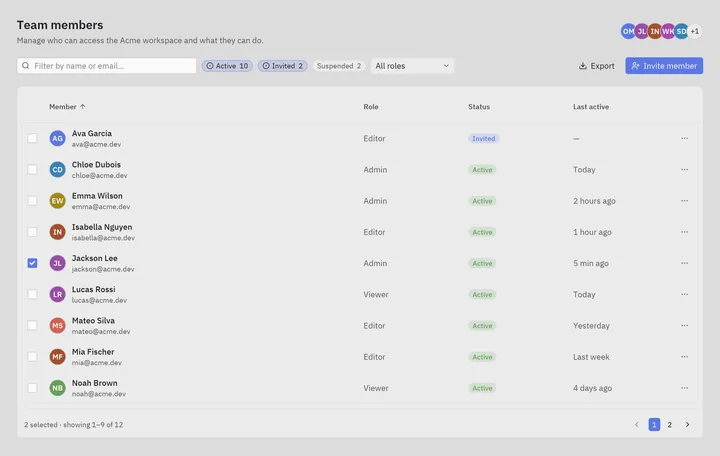
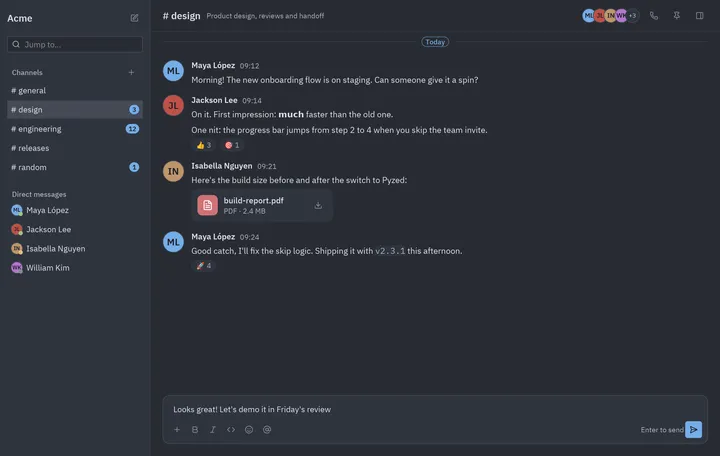
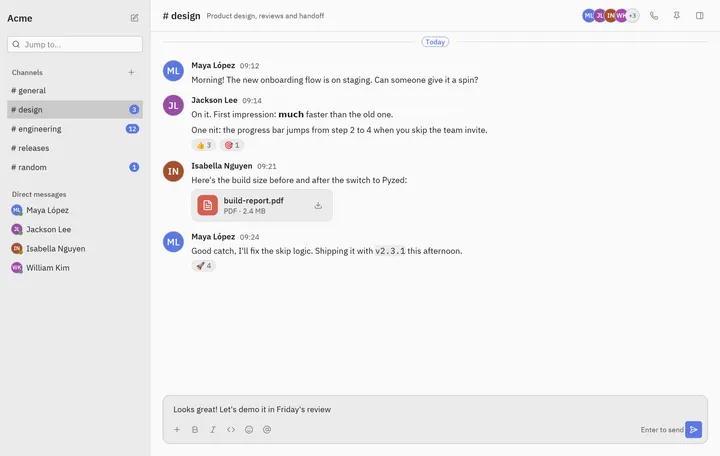
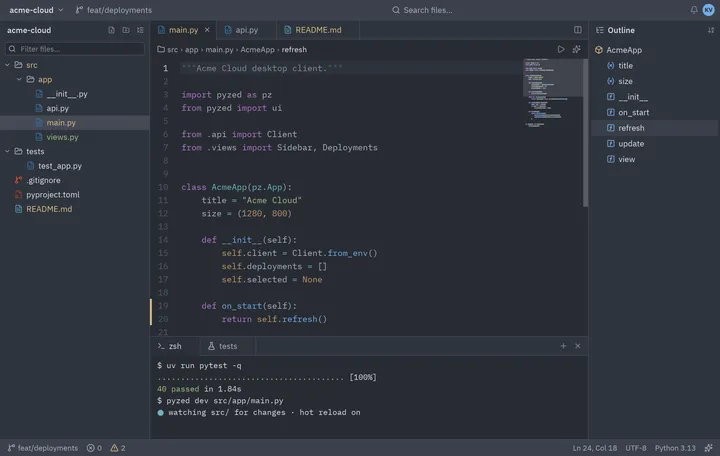
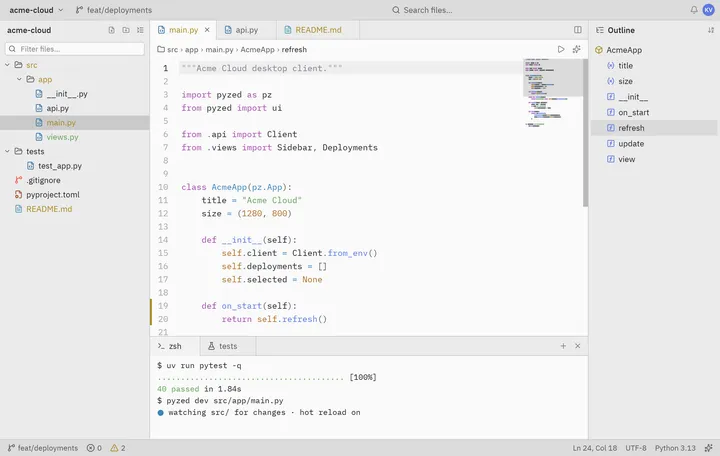
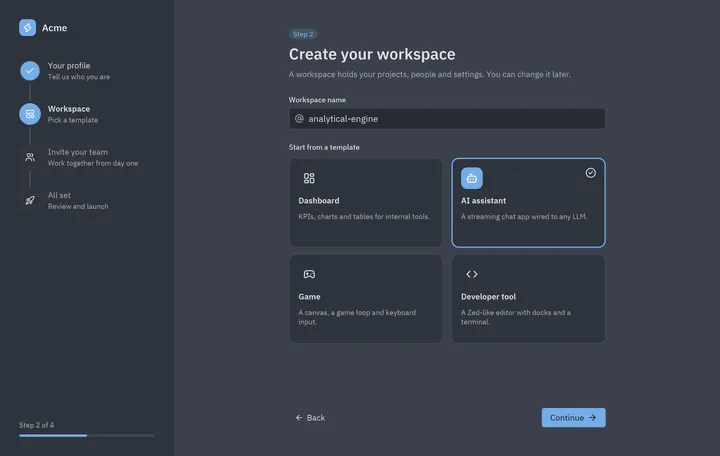
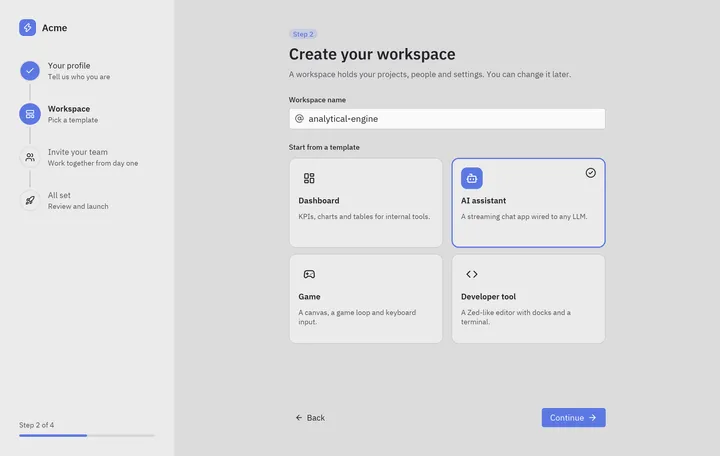
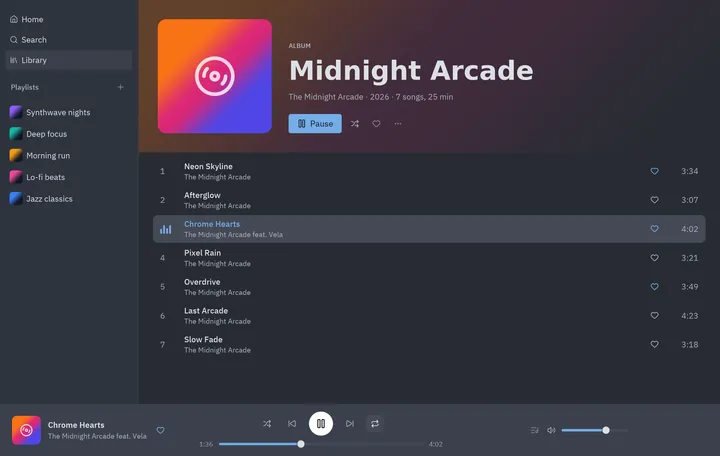
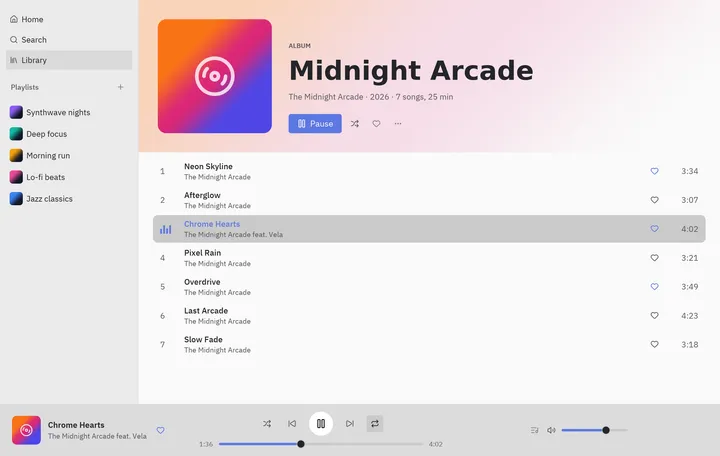
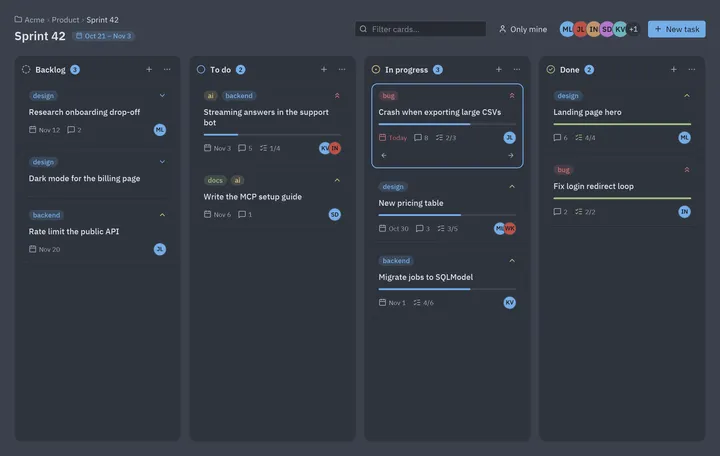
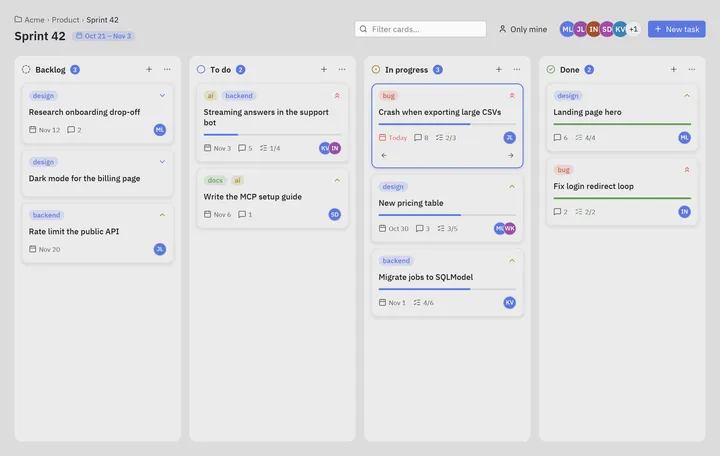
Ready-made Python desktop UI screens to copy: login, dashboard, settings, data table, chat, IDE layout, onboarding wizard, music player and kanban, built with Pyzed components.
Blocks are complete screens built from Pyzed’s components, in the spirit of
shadcn/ui’s blocks: open one, run it, copy the code into your app and change what you need. Each block is a single
runnable file in examples/blocks/, tested in CI
in light and dark themes, so the code on these pages always works with the current Pyzed.
How to use a block
Section titled “How to use a block”- Open its page and look at the screenshot in light and dark (switch the site’s theme).
- Run it:
python examples/blocks/<name>.py, or copy the Code section into a file. - Keep what you need. Blocks are ordinary
pz.Appclasses: their pieces are methods (sidebar(),header()…) that return widgets, so you can lift one into your own app as is.
Make them yours
Section titled “Make them yours”- Theme. Set
theme = "Gruvbox Dark"(or any theme) on the app, or derive one with your brand color:pz.themes.get("One Dark").with_accent("#e11d48"). Every block uses theme tokens ("accent","panel","text_muted"…), never fixed colors for its surfaces. - Data. The sample data is at the top of each file. Replace it with a database query, an HTTP call or files; slow work goes in a coroutine so the window never blocks (see Async).
- Components. When a piece grows its own state, turn it into a
pz.Componentso it shows up in Pyzed Design’s toolbox too. - AI. With the MCP server connected, ask your agent: “Start from the dashboard block and
make it show our GitHub issues”. It can read every block with
read_example("blocks/dashboard").