
Download Pyzed Design
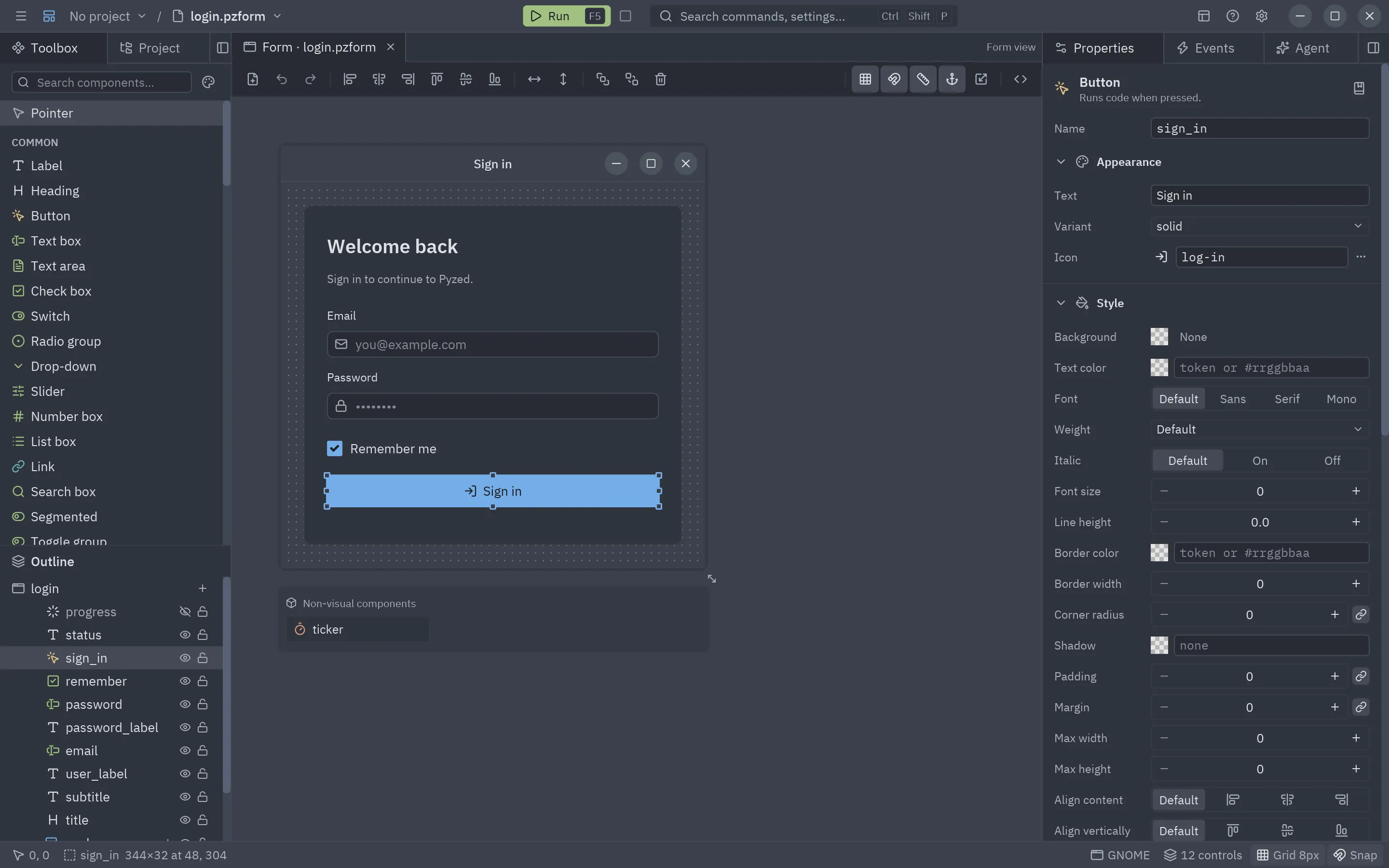
Pyzed Design is the visual designer of Pyzed as a standalone app: draw windows and components, write their code with completion and diagnostics, manage your project’s dependencies and run everything with F5. Pick your platform; we select the one you are using.
Latest stable release: v1.9.0 · 2026-10-22What's new →
Pyzed Design for Windows
Windows 10 or 11, 64-bit · File: pyzed-design-windows-x86_64-setup.exe (v1.9.0)
Install
- Download the installer and open it. It installs for your user, without administrator rights.
- Open Pyzed Design from the Start menu (or the desktop shortcut, if you chose one).
- It updates itself. To remove it: Settings → Apps.
If SmartScreen warns about an unrecognized app, choose More info → Run anyway.
Pyzed Design for macOS
A Mac with an M1 chip or newer · File: pyzed-design-macos-arm64.dmg (v1.9.0)
Install
- Download the
.dmgand open it. - Drag Pyzed Design into your Applications folder.
- The first time, right-click (or Control-click) the app → Open and confirm.
If Gatekeeper still refuses to open it, run xattr -dr com.apple.quarantine "/Applications/Pyzed Design.app". On Intel Macs, install it with pip (below).
Pyzed Design for Linux
A recent 64-bit distribution · File: pyzed-design-linux-x86_64.zip (v1.9.0)
Install
- Install it from a terminal:
curl -fsSL https://albakore.github.io/pyzed/install.sh | sh - Open it from your apps menu or with
pyzed-design. It updates itself. - Prefer the portable build? Download the zip with the button and unpack it anywhere.
Works on X11 and Wayland. Without a GPU it falls back to the software renderer (tiny-skia).
How it installs
Section titled “How it installs”Pyzed Design installs with the usual tool of each system and then keeps itself up to date:
| System | Installer | Where it goes |
|---|---|---|
| Windows | pyzed-design-windows-x86_64-setup.exe |
%LOCALAPPDATA%\Programs\Pyzed Design, for your user only (no administrator rights), with a Start menu entry, an optional desktop shortcut and .pzform files opening in it. Remove it from Settings → Apps. |
| macOS | pyzed-design-macos-arm64.dmg (Intel: -x86_64.dmg) |
Drag the app into Applications. |
| Linux | curl -fsSL https://albakore.github.io/pyzed/install.sh | sh |
~/.local/share/pyzed-design, with the pyzed-design command in ~/.local/bin and an entry in your apps menu. |
The Linux script checks the download against the release’s SHA256SUMS and needs no root. Run it again to
reinstall, or with --uninstall to remove the app (curl -fsSL https://albakore.github.io/pyzed/install.sh | sh -s -- --uninstall).
PYZED_VERSION=1.3.0 installs a given version.
Each release also has a portable zip per platform (pyzed-design-<os>-<arch>.zip): unpack it anywhere and run
it. That zip is what the app’s updater downloads. Releases up to 1.2.0 only have the zips.
What’s included
Section titled “What’s included”Every installer and zip has everything Pyzed Design needs, so nothing else has to be installed:
- Python and pyzed-ui, the same version as the release you download.
- The uv binary, used to create projects (
uv init), add dependencies (uv add) and run your forms in each project’s own.venv. See Projects. - The IBM Plex fonts and the Lucide icons.
The code editor’s language servers (ty and ruff) are installed per project with
uv add --dev ty ruff, from the Project tab; see the code editor.
Updates
Section titled “Updates”Pyzed Design updates itself, so you never download it again by hand. It checks GitHub for a newer release at launch (once a day) and every few hours while it is open (turn it off in Help → Check for updates automatically, or check now with Help → Check for updates). A new version downloads in the background, verified against the release’s SHA-256, and a softly blinking Restart to update button appears at the top right of the title bar: it swaps the app for the new version. With automatic checks off, the button reads Update to X.Y.Z and downloads it on click. Help → What’s new shows the release notes at any time. Your projects and settings live outside the app, so they are kept.
There are two channels: stable (the default) takes final releases, and preview
also takes pre-releases (X.Y.Z-rc.N) to try what is coming. Switch with Help → Get preview releases.
The installers put the app in a folder of your own (on Windows, Settings → Apps shows the new version after an update). If the app cannot write to its own folder, download the new installer or zip from this page instead. The changelog lists what changed, and all releases are on GitHub. More in Projects → Updates.
Install with pip instead
Section titled “Install with pip instead”If you already use Python (3.10 or newer), or your platform has no prebuilt download (for example a Mac with an Intel chip or Linux on ARM), install the library and start the designer from it:
uv tool install "pyzed-ui[designer]"pyzed designpython3 -m venv .venvsource .venv/bin/activatepip install "pyzed-ui[designer]"pyzed designpy -m venv .venv.venv\Scripts\Activate.ps1pip install "pyzed-ui[designer]"pyzed designpython3 -m pip install "pyzed-ui[designer]"python3 -m pyzed designpy -m pip install "pyzed-ui[designer]"py -m pyzed designThe designer extra adds the ty and ruff language servers; plain pip install pyzed-ui works too. Inside a
project, uv run pyzed design opens the designer with that project’s environment. See
Installation for details.
Build it yourself
Section titled “Build it yourself”The downloads are made by scripts/build_designer.py with PyInstaller, on each operating system:
uv syncuv run --with pyinstaller --with uv python scripts/build_designer.py # dist/Pyzed Design/ and dist/pyzed-design-<os>-<arch>.zipuv run --with pyinstaller --with uv python scripts/build_designer.py --installer # also the setup .exe (needs Inno Setup 6) or the .dmgpython3 -m venv .venvsource .venv/bin/activatepip install pyzed-ui pyinstaller uvpython scripts/build_designer.py # dist/Pyzed Design/ and dist/pyzed-design-<os>-<arch>.zippython scripts/build_designer.py --installer # also the setup .exe (needs Inno Setup 6) or the .dmgpy -m venv .venv.venv\Scripts\Activate.ps1pip install pyzed-ui pyinstaller uvpython scripts/build_designer.py # dist/Pyzed Design/ and dist/pyzed-design-<os>-<arch>.zippython scripts/build_designer.py --installer # also the setup .exe (needs Inno Setup 6) or the .dmgpython3 -m pip install pyzed-ui pyinstaller uvpython3 scripts/build_designer.py # dist/Pyzed Design/ and dist/pyzed-design-<os>-<arch>.zippython3 scripts/build_designer.py --installer # also the setup .exe (needs Inno Setup 6) or the .dmgpy -m pip install pyzed-ui pyinstaller uvpy scripts/build_designer.py # dist/Pyzed Design/ and dist/pyzed-design-<os>-<arch>.zippy scripts/build_designer.py --installer # also the setup .exe (needs Inno Setup 6) or the .dmg