
Welcome and examples
When Pyzed Design starts without a file, the welcome window opens. On the left you can start a new project, open one, create a form or read the documentation, and reopen a recent project. On the right is the gallery of example projects: each example has a thumbnail, a title and a description.
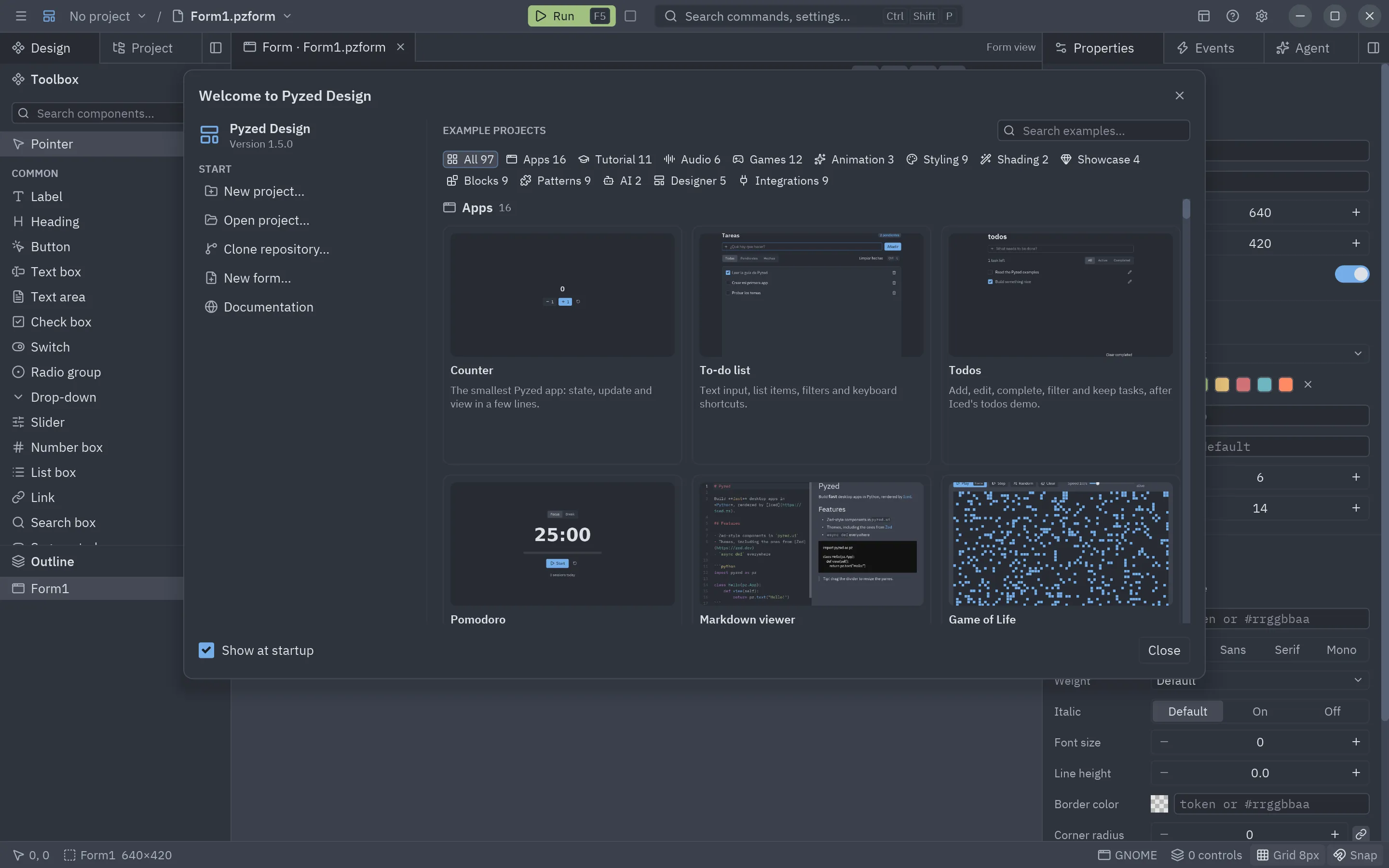
Open it again at any time from Help → Welcome, or Help → Example projects… to see every example. Uncheck Show at startup (or turn off Welcome window in Settings) to start straight on an empty form.
The gallery
Section titled “The gallery”The buttons above the gallery filter the examples by category (each shows how many it has), and the search box filters them by title and description. All shows every category under its own heading:
| Category | Examples |
|---|---|
| Apps | Counter, To-do list, Todos, Pomodoro, Markdown viewer, Game of Life, Analog clock, Stopwatch, QR code, Color picker, Image viewer, Several windows, Custom window frame, Component gallery, Mini editor, Zed-like editor. |
| Tutorial | The five steps of the tutorial (Hello, State, Layout, Async work, Notes app), Layout basics, Lists and tables, Navigation, Talking to the user, Theme switcher, Contacts with SQLite. |
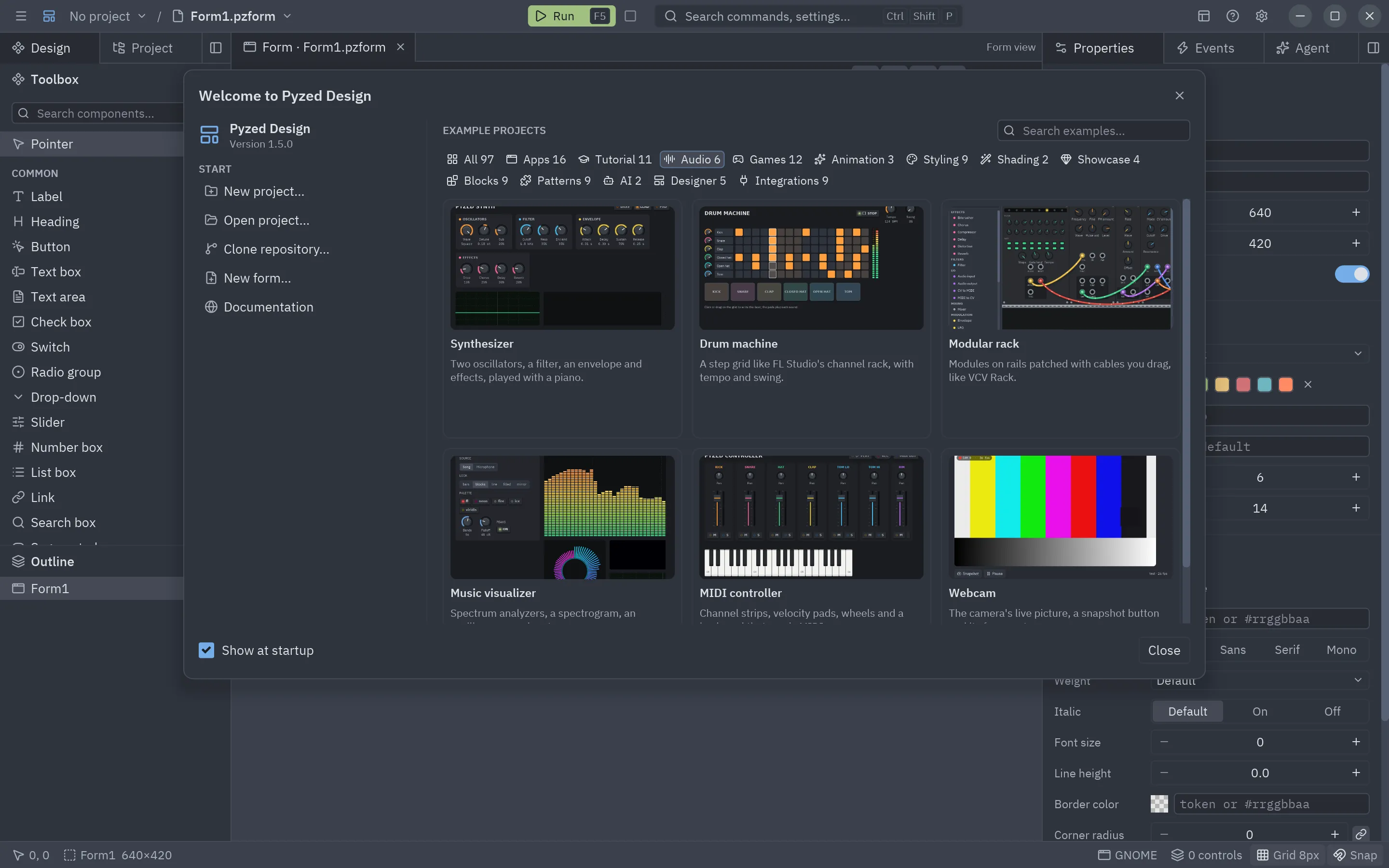
| Audio | Synthesizer, Drum machine, Modular rack, Music visualizer, MIDI controller, Webcam. |
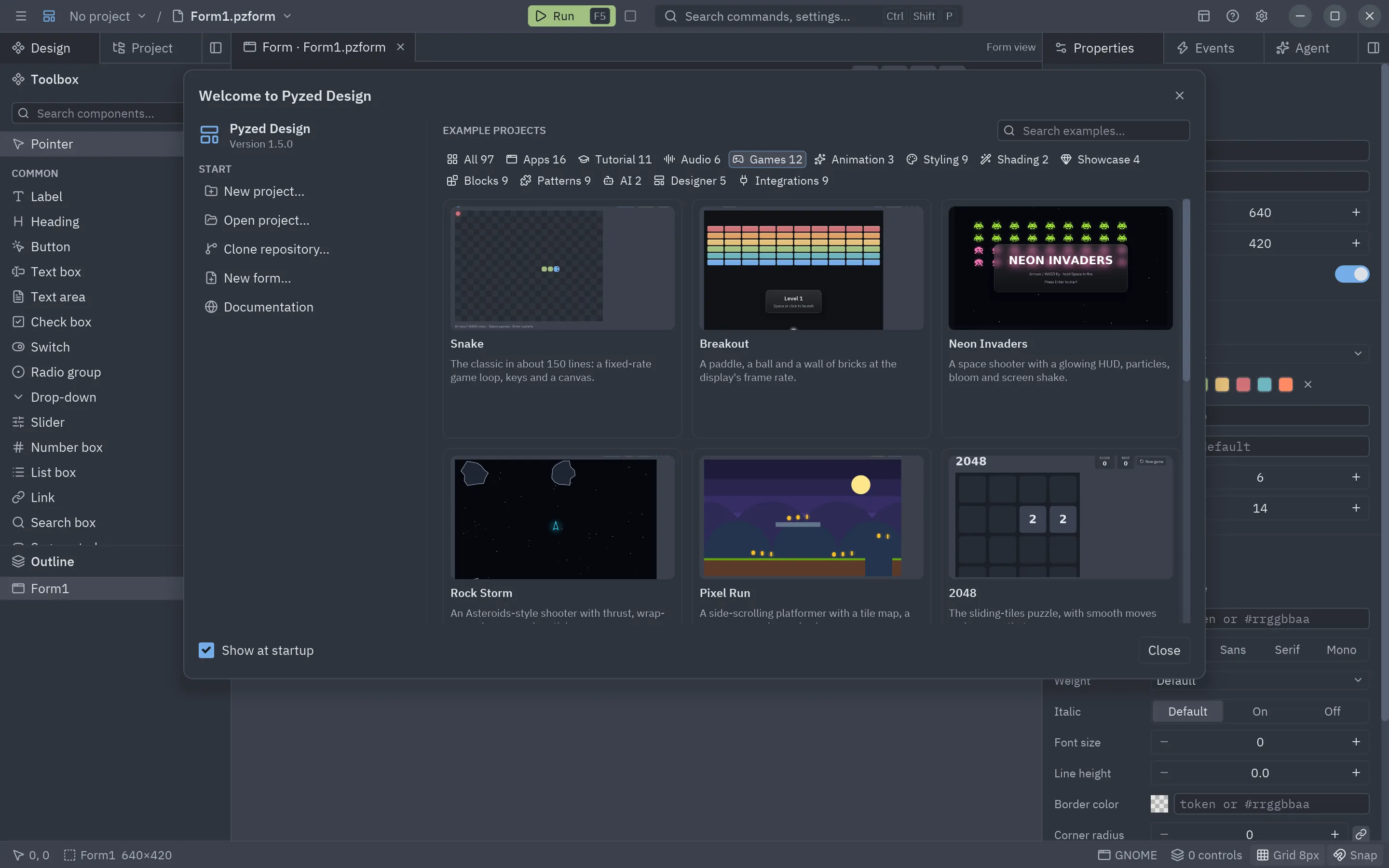
| Games | Snake, Breakout, Neon Invaders, Rock Storm, Pixel Run, 2048, Coin Chase, Jump Lab, Walker, Orb Rush, Target Rush, Dodge. |
| Animation | Animations, Effects, Timeline. |
| Styling | Styles, Web-style layout, Theming playground, and the themes Brand, Glassy dark, Pastel, Retro terminal, High contrast and Two themes. |
| Shading | Shader gallery, Aurora shader. |
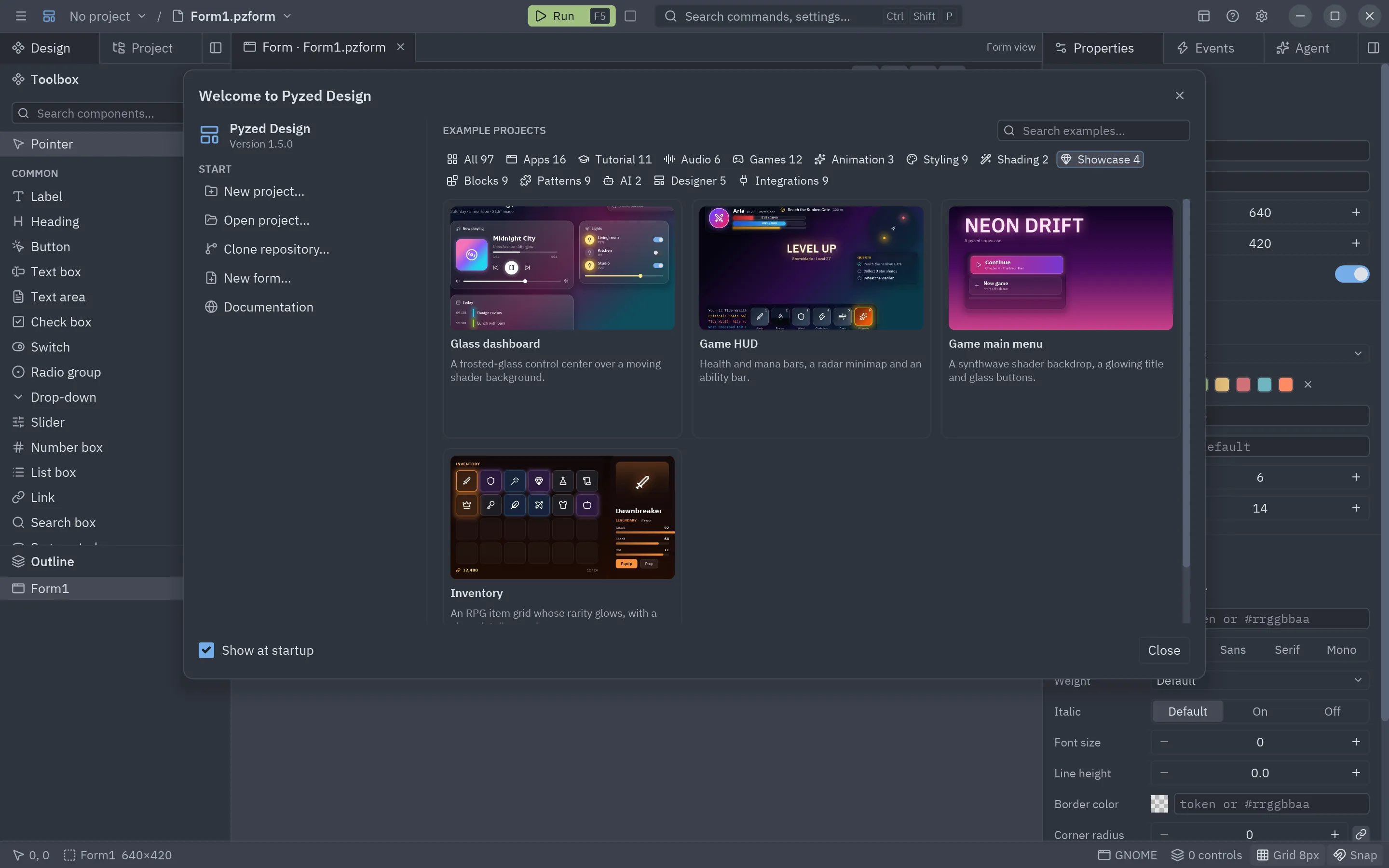
| Showcase | Glass dashboard, Game HUD, Game main menu, Inventory. |
| Blocks | Dashboard, Kanban board, Music player, Chat, Settings, Data table, IDE layout, Sign-in screen, Onboarding wizard. |
| Patterns | Services (timer, worker, process, clipboard, settings), Custom components, Docks and grids, Resizable panes, Context menu, Dialogs and languages, Background work, Download progress, Live data. |
| AI | Pyzed agent (an agent that calls tools, with a demo model that needs no key), AI chat. |
| Designer | Forms made in Pyzed Design: Login form, Task runner (the non-visual components), Project explorer (tree, breadcrumbs, tabs, sortable table and other toolbox controls), Mini IDE (a Dock with panels on every side), Component cards, Bound sign-up form, Form over a shader. |
| Integrations | SQLModel heroes, SQLModel inventory, Pydantic sign-up, PyPI with httpx, Downloads with httpx, SQLAlchemy contacts, SQLAlchemy quick start, Async SQLite journal, FastAPI heroes. |
Creating a project from an example
Section titled “Creating a project from an example”Click an example to name the new project and choose where it goes (by default ~/Pyzed Projects/<name>; Browse…
picks another folder). Create project then:
- copies the example into the folder as a normal uv project, with
pyzed-uiand the packages the example needs inpyproject.toml; - opens it in the Project panel, with its script (or, for the Designer example, its main form) in front;
- installs its packages with
uv syncin the background.
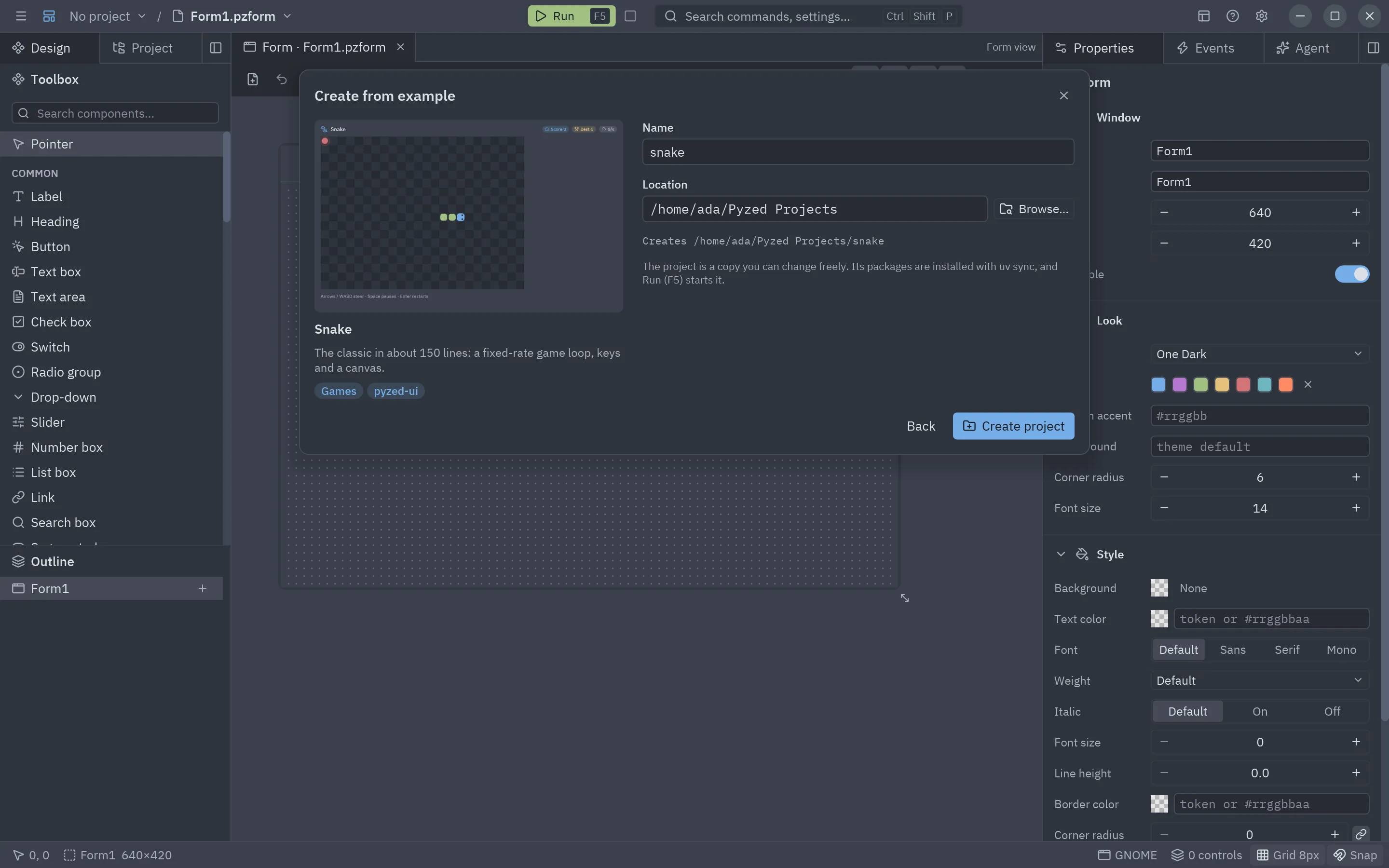
The copy is yours: change it freely, the original example is not touched.
Running it
Section titled “Running it”Projects made from a code example have a script in [tool.pyzed]:
[tool.pyzed]ui = "ui"script = "snake.py"When no form is open, Run (F5) starts that script with uv run, and its output goes to the
console. Run → Run project script does the same at any time. Open
project files with unsaved changes are saved first.
Where the examples come from
Section titled “Where the examples come from”The standalone Pyzed Design app carries every example and its thumbnail inside it (about 5 MB), so the gallery
works without a connection. A designer installed with pip does not include them: the gallery offers Download
examples, which fetches them once from the release of the installed version. Creating the project’s environment
with uv sync needs a connection the first time, to download Python and the packages.