
Shaders and effects
Pyzed draws everything with the GPU, so a desktop app can have what games have: moving backgrounds, light that spills out of bright things, frosted glass. There are two layers to it:
- Shaders: a small program that the graphics card runs for every pixel of a widget, every frame. In Pyzed you
make them as graphs of nodes in the Shader view of Pyzed Design, saved as
.pzshadfiles, or in Python withpyzed.shading.Graph. No shader language to learn. - Effects:
glass,bloom,glow,blur, rotation and animations, which any widget has throughwidget.style(...)andwidget.animate(...).
The shader gallery
Section titled “The shader gallery”Six graphs side by side, with a slider that changes the speed variable of all of them at once. Variables
(uniforms) are just values, so changing them never recompiles the shader.
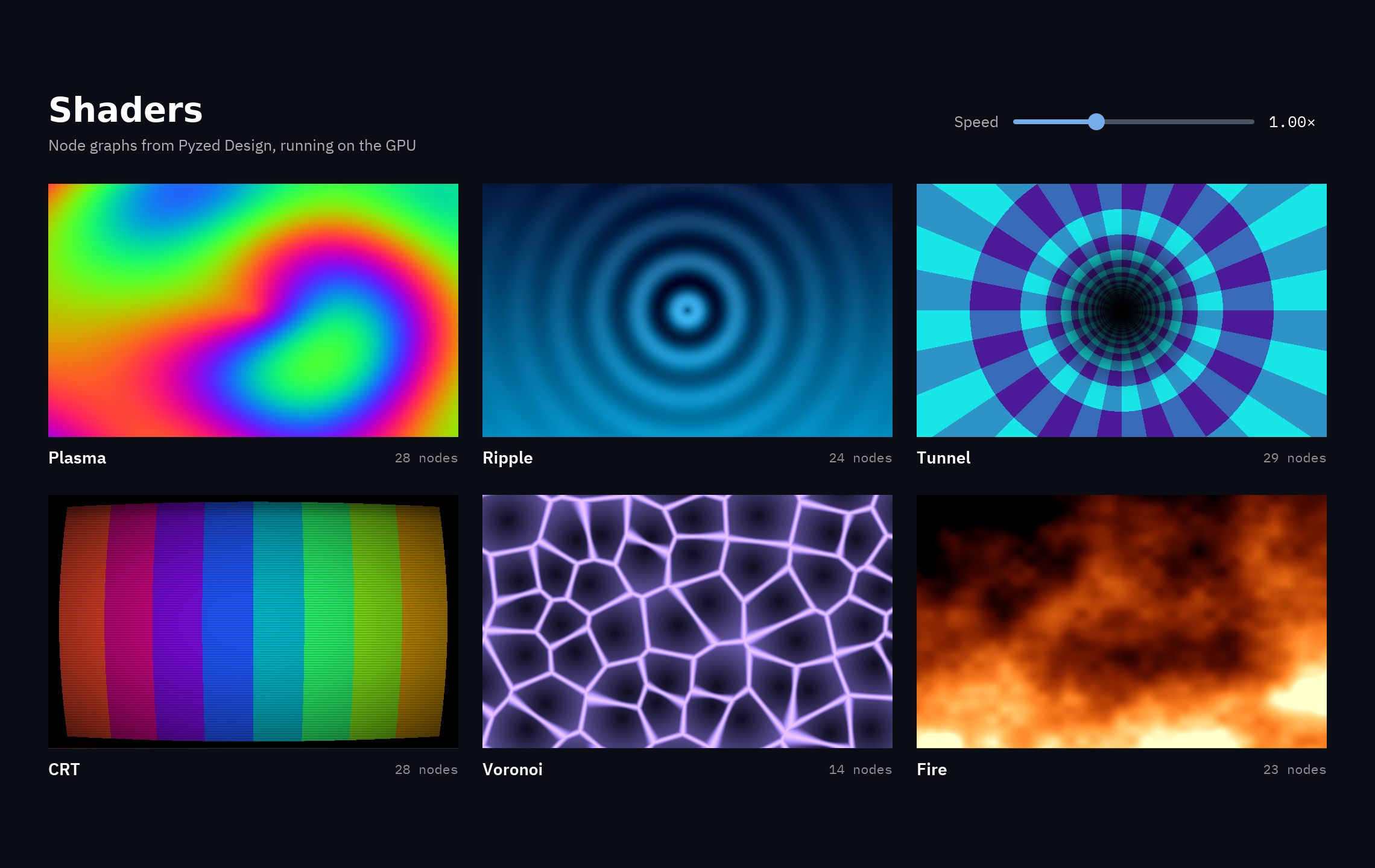
uv run --with pyzed-ui python examples/showcase/shaders.pypython3 -m venv .venvsource .venv/bin/activatepython -m pip install pyzed-uipython examples/showcase/shaders.pypy -m venv .venv.venv\Scripts\Activate.ps1python -m pip install pyzed-uipython examples\showcase\shaders.pypython3 examples/showcase/shaders.pypy examples\showcase\shaders.pyfrom pyzed import shading
plasma = shading.load("shaders/plasma.pzshad") # compile oncepz.shader(plasma, uniforms={"speed": self.speed}, # variables by name, from your state width=340, height=210, fallback=pz.Gradient(["#7c3aed", "#ec4899"])) # shown where shaders are not availableFull code: examples/showcase/shaders.py
"""A gallery of shader graphs: plasma, a ripple that follows the pointer, a tunnel, a CRTscreen, Voronoi cells and a fire. Each is a ``.pzshad`` file in ``shaders/`` made of nodes(no WGSL to write): open one in Pyzed Design (``pyzed design shaders/fire.pzshad``) to seeand change its graph.
    python examples/showcase/shaders.py
``pz.shader`` compiles the graph and runs it on the GPU for every pixel, every frame::
    pz.shader("shaders/plasma.pzshad", uniforms={"speed": 2.0}, width=340, height=210)
``uniforms`` sets the shader's mutable variables by name; the slider below changes``speed`` on every shader without recompiling."""
from pathlib import Path
import pyzed as pzfrom pyzed import shading
HERE = Path(__file__).parent / "shaders"NAMES = {"Plasma": "plasma", "Ripple": "ripple", "Tunnel": "tunnel", "CRT": "crt", "Voronoi": "voronoi",         "Fire": "fire"}SHADERS = {name: shading.load(HERE / f"{file}.pzshad") for name, file in NAMES.items()}FALLBACKS = {    "Plasma": pz.Gradient(["#7c3aed", "#ec4899", "#f59e0b"], angle=45),    "Ripple": pz.Gradient(["#0c4a6e", "#0891b2"], angle=180),    "Tunnel": pz.Gradient(["#1e1b4b", "#0e7490"], angle=135),    "CRT": pz.Gradient(["#ef4444", "#22c55e", "#3b82f6"], angle=90),    "Voronoi": pz.Gradient(["#111827", "#4c1d95"], angle=135),    "Fire": pz.Gradient(["#000000", "#b91c1c", "#fbbf24"], angle=180),}TINTS = {"Ripple": "#7dd3fc", "Voronoi": "#a78bfa"}

class Shaders(pz.App):    title = "Shaders"    size = (1140, 720)    theme = pz.themes.ONE_DARK
    def __init__(self):        self.speed = 1.0
    def set_speed(self, value):        self.speed = value
    def tile(self, name):        shader = SHADERS[name]        uniforms = {"speed": self.speed}        if name in TINTS:            uniforms["tint"] = TINTS[name]        art = pz.shader(shader, uniforms=uniforms, width=340, height=210, fallback=FALLBACKS[name])        label = pz.row([            pz.text(name, size=14, weight="semibold", color="#ffffff"),            pz.space(width="fill"),            pz.text(f"{len(shader.graph.nodes)} nodes", size=11, color="#ffffff88", font="mono"),        ], width=340, align="center")        return pz.column([art, label],                         spacing=8).animate("lift", on="hover")
    def view(self):        names = list(SHADERS)        grid = pz.column([pz.row([self.tile(n) for n in names[i:i + 3]], spacing=20) for i in (0, 3)],                         spacing=22)        header = pz.row([            pz.column([                pz.text("Shaders", size=28, weight="bold", color="#ffffff"),                pz.text("Node graphs from Pyzed Design, running on the GPU", size=13, color="#ffffffaa"),            ], spacing=2),            pz.space(width="fill"),            pz.text("Speed", size=13, color="#ffffffaa"),            pz.slider(0.0, 3.0, self.speed, step=0.05, on_change=self.set_speed, width=200),            pz.text(f"{self.speed:.2f}×", size=13, color="#ffffff", font="mono", width=48),        ], spacing=12, align="center", width=1060)        return pz.container(pz.column([header, pz.row(pz.stagger([grid], "fade_in_up"))], spacing=24),                            width="fill", height="fill", align_x="center", align_y="center").style(            background="#0b0d14")

if __name__ == "__main__":    pz.run(Shaders)
Every graph
Section titled “Every graph”All eleven graphs live in examples/showcase/shaders.
Click one to see its file, or open it in the designer to see and change the nodes:
pyzed design examples/showcase/shaders/fire.pzshad.
.pzshad drawn with pz.shader.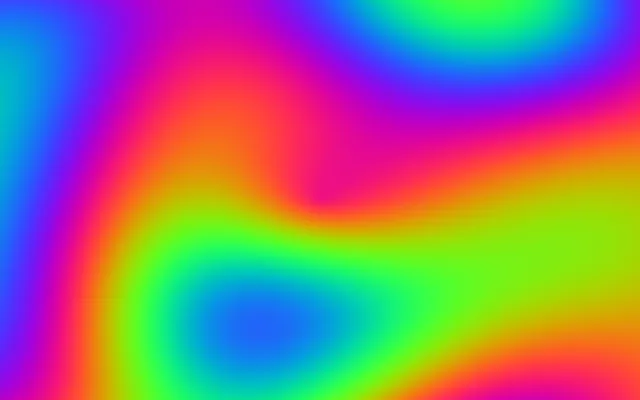 28 nodesPlasmaFour sine waves summed into moving color. Variable:
 speed. MouseRippleRings of waves around the pointer. Variables:
 speed, tint.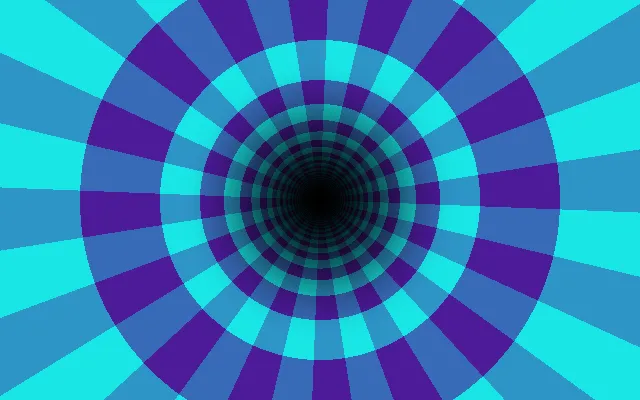 29 nodesTunnelA checkered tunnel rushing towards you. Variable:
 speed.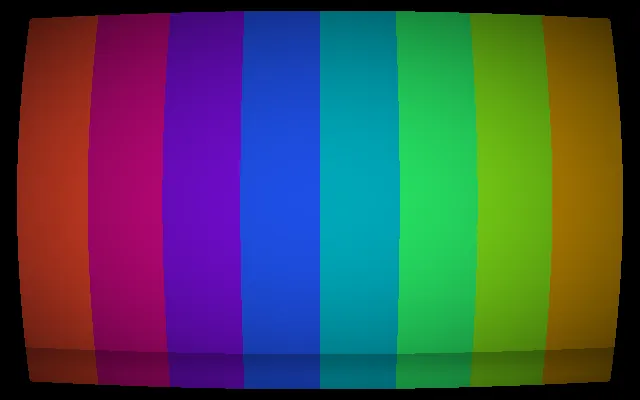 28 nodesCRTColor bars on a curved screen, with scanlines and a rolling band. Variable:
 speed.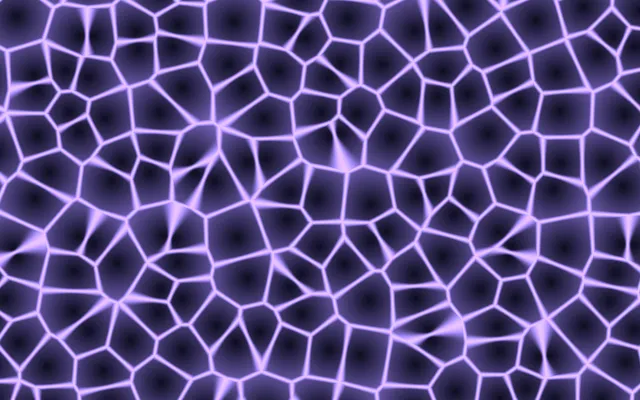 14 nodesVoronoiWandering cells with glowing borders. Variables:
 speed, tint.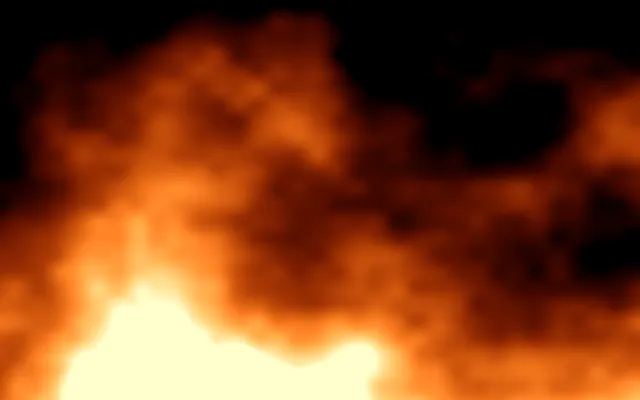 23 nodesFireFractal noise flames rising from the bottom. Variable:
 speed.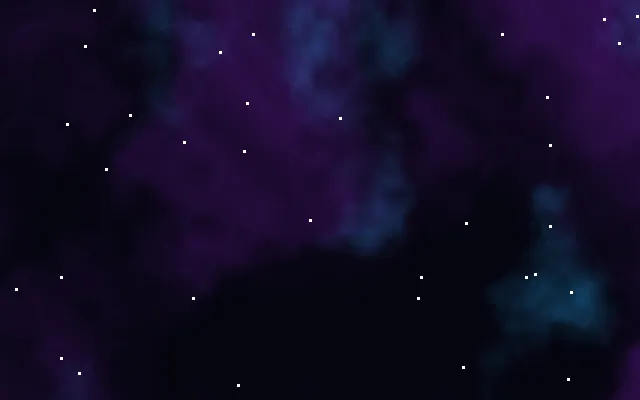 40 nodesNebulaWarped noise clouds and twinkling stars; the HUD's backdrop. Variable:
 drift.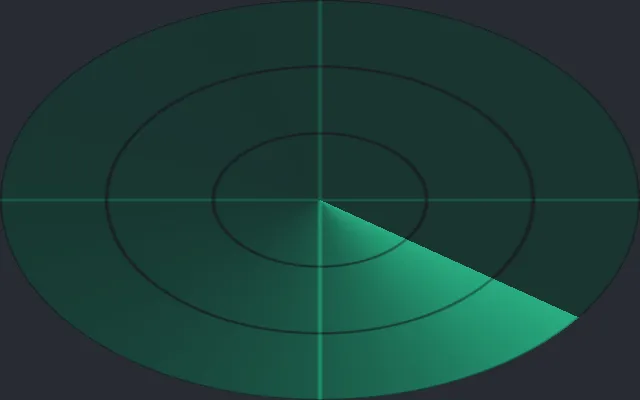 41 nodesRadarA sweep with a fading trail, rings and a cross; the HUD's minimap. Variables:
 accent, sweep.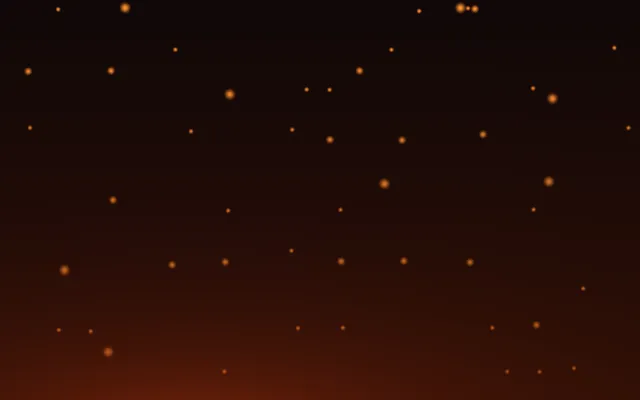 100 nodesEmbersSparks drifting up from a warm glow; the inventory's backdrop. Variable:
 rise.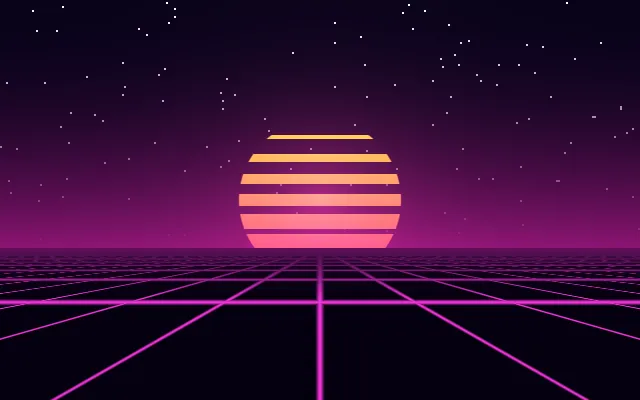 MouseSynthwaveDusk sky, stars, a striped sun and a grid that leans towards the pointer; the main menu's backdrop.
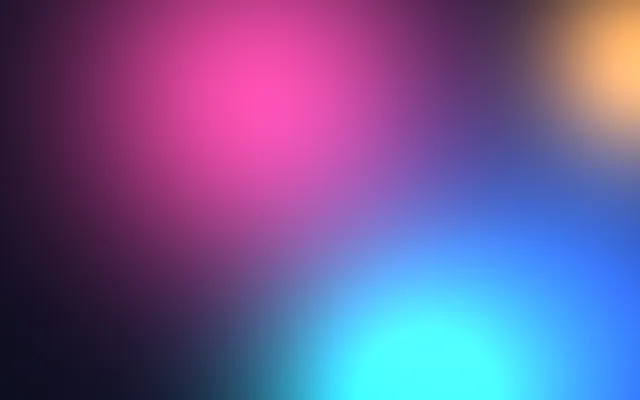 74 nodesBlobsSoft color blobs drifting slowly, made to sit behind glass panels. Variable:
 speed.Effects on any widget
Section titled “Effects on any widget”Rotation, frosted glass, bloom and blur, applied with style(...) and animated. The buttons at the bottom animate
blur and size; size, padding and font size reflow the layout as they move.
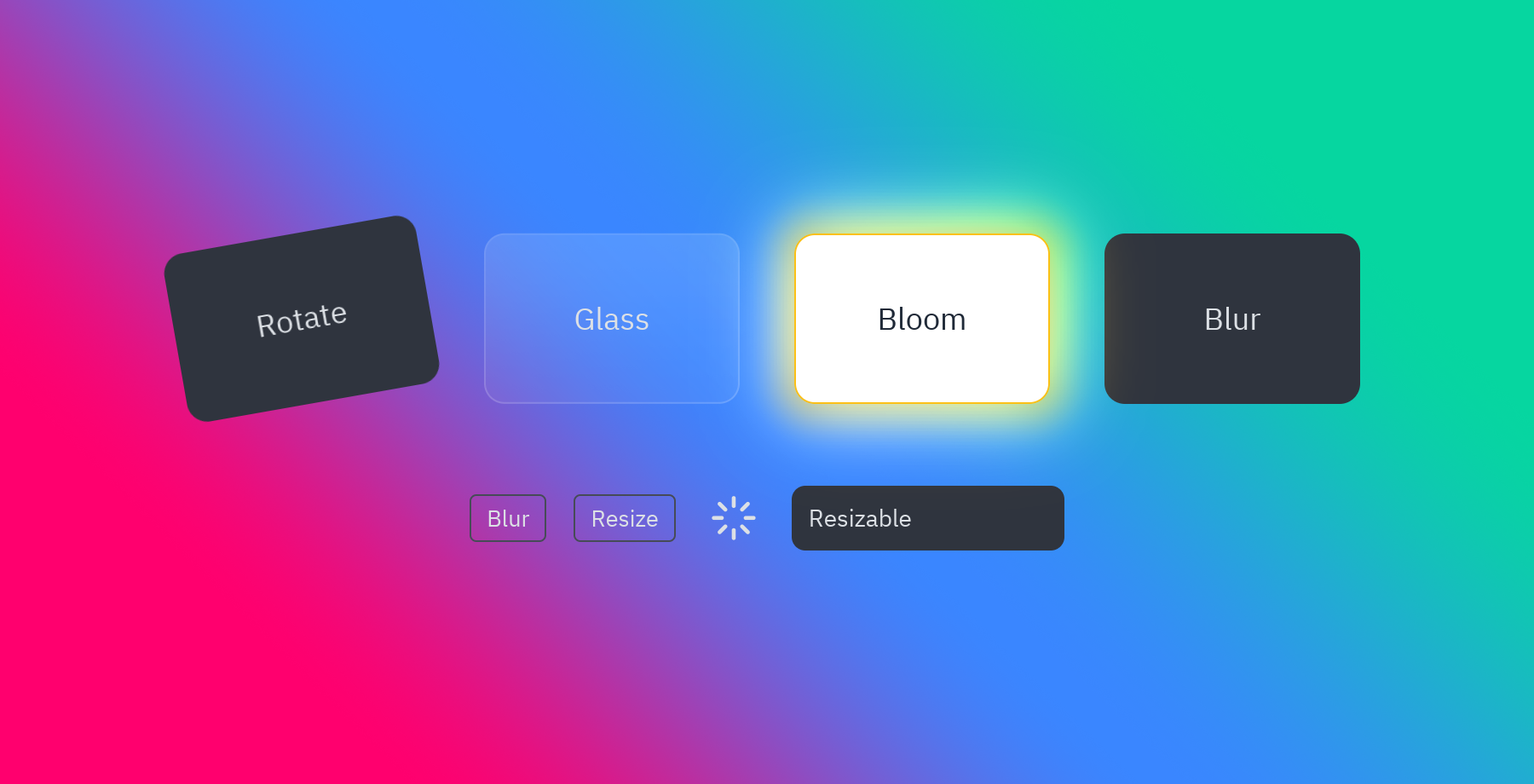
card.style(rotate=-8) # turn itcard.style(glass=True) # a tinted panel that blurs what is behind itcard.style(bloom=("#fbbf24", 0.8)) # light around its bright partscard.style(blur=4) # blur the widget itselfspinner.animate("spin") # a looping presetuv run --with pyzed-ui python examples/effects.pypython3 -m venv .venvsource .venv/bin/activatepython -m pip install pyzed-uipython examples/effects.pypy -m venv .venv.venv\Scripts\Activate.ps1python -m pip install pyzed-uipython examples\effects.pypython3 examples/effects.pypy examples\effects.pyFull code: examples/effects.py
"""Effects drawn by the renderer: rotation, blur, backdrop blur, glass and bloom, animated.
    python examples/effects.py
- ``style(rotate=-8)`` turns a widget, ``blur=4`` blurs it and ``backdrop_blur=12`` blurs  what is behind it; ``glass=True`` is a tinted panel with a backdrop blur.- ``bloom=(color, intensity)`` lights up the area around the bright parts of a widget.- ``animate("spin")`` and ``transition(rotate=..., blur=..., width=..., font_size=...)``  animate them; size, padding and font size reflow the layout as they move."""
import pyzed as pzfrom pyzed import ui
BACKDROP = pz.Gradient(["#ff006e", "#3a86ff", "#06d6a0"], angle=45)

class Effects(pz.App):    title = "Effects"    size = (900, 460)
    def __init__(self):        self.focused = True        self.wide = False
    def toggle_focus(self):        self.focused = not self.focused
    def toggle_wide(self):        self.wide = not self.wide
    def card(self, title, **style):        return pz.container(pz.text(title, size=18), padding=20, width=150, height=100,                            align_x="center", align_y="center").style(radius=12, **style)
    def view(self):        cards = pz.row([            self.card("Rotate", background="panel", rotate=-10).animate("tilt", on="hover"),            self.card("Glass", glass=True),            self.card("Bloom", background="#ffffff", color="#1f2937", bloom=("#ffbe0b", 1.0)),            self.card("Blur", background="panel").transition(blur=0 if self.focused else 6),        ], spacing=32, align="center")        loader = pz.container(pz.icon("loader", size=28), padding=4).animate("spin")        bar = pz.container(pz.text("Resizable", size=14), padding=10).style(background="panel", radius=8) \            .transition(width=420 if self.wide else 160, font_size=20 if self.wide else 14, duration=260,                        easing="ease_out_cubic")        controls = pz.row([            ui.button("Blur" if self.focused else "Focus", self.toggle_focus, variant="outline"),            ui.button("Resize", self.toggle_wide, variant="outline"),            loader,            bar,        ], spacing=16, align="center")        return pz.container(pz.column([cards, controls], spacing=48, align="center"), width="fill",                            height="fill", align_x="center", align_y="center").style(background=BACKDROP)

if __name__ == "__main__":    Effects().run()
Animations
Section titled “Animations”Every preset, played on click or on hover; glass, glow, bloom and opacity over a gradient; and transitions that animate a panel, a page and a wrong password.
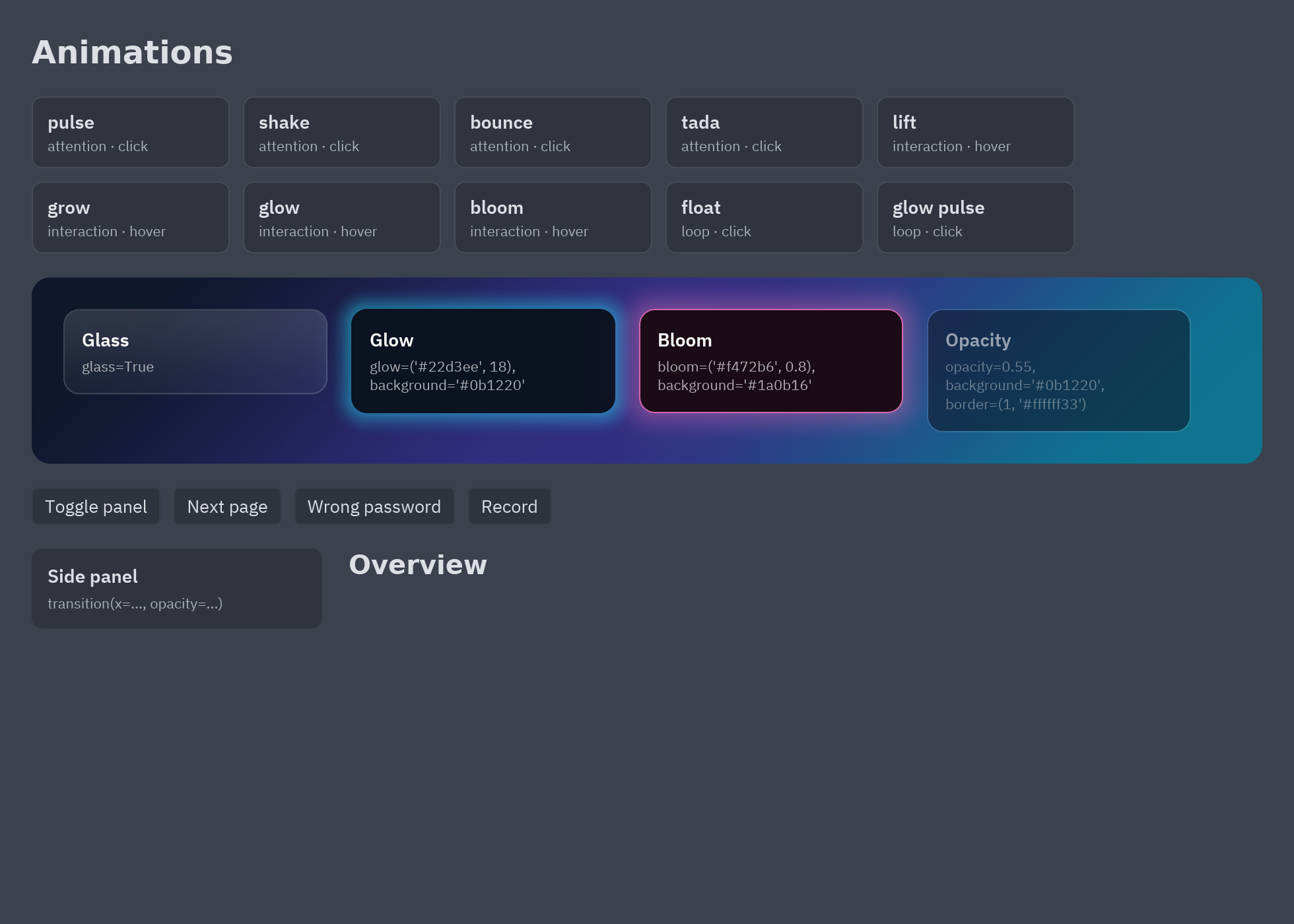
button.animate("lift", on="hover").animate("shrink", on="press") # on eventstitle.animate("fade_in_up") # when it appearspanel.transition(x=0 if self.open else -260, opacity=1 if self.open else 0) # when a value changespz.presence(page, key=self.page) # out and in when the key changesuv run --with pyzed-ui python examples/animations.pypython3 -m venv .venvsource .venv/bin/activatepython -m pip install pyzed-uipython examples/animations.pypy -m venv .venv.venv\Scripts\Activate.ps1python -m pip install pyzed-uipython examples\animations.pypython3 examples/animations.pypy examples\animations.pyFull code: examples/animations.py
"""Animations and effects: presets, hover and press motion, transitions, presence and glass.
    python examples/animations.py
- ``widget.animate("fade_in_up")`` plays a preset when the widget appears; ``on="hover"``,  ``"press"``, ``"focus"``, ``"click"`` and ``"active"`` play it on events.- ``widget.transition(opacity=...)`` animates a value whenever it changes, like CSS.- ``pz.presence(content, key=...)`` animates content out and in when ``key`` changes.- ``style(glass=True)``, ``glow=``, ``bloom=`` and ``opacity=`` are visual effects."""
import pyzed as pzfrom pyzed import ui
AURORA = pz.Gradient(["#0f172a", "#312e81", "#0e7490"], angle=135)PAGES = ("Overview", "Activity", "Settings")

class Animations(pz.App):    title = "Animations"    size = (980, 700)    transition = "zoom"
    def __init__(self):        self.page = 0        self.panel = True        self.errors = 0        self.recording = False
    def toggle_panel(self):        self.panel = not self.panel
    def next_page(self):        self.page = (self.page + 1) % len(PAGES)
    def fail(self):        self.errors += 1
    def toggle_recording(self):        self.recording = not self.recording
    def tile(self, name):        preset = pz.animation.PRESETS[name]        on = preset.on if preset.on != "mount" else "click"        repeat = 1 if preset.category == "loop" and on == "click" else None        return pz.column([            pz.text(name.replace("_", " ")).style(weight="semibold"),            pz.text(f"{preset.category} · {on}").style(size=11, color="text_muted"),        ], spacing=2).style(background="elevated", border=(1, "border"), radius=8, padding=(10, 12),                           width=150).animate(name, on=on, repeat=repeat)
    def effects(self):        card = lambda label, **style: pz.column([  # noqa: E731            pz.text(label).style(weight="semibold", color="#ffffff"),            pz.text(", ".join(f"{k}={v!r}" for k, v in style.items())).style(size=11, color="#ffffffaa"),        ], spacing=4).style(padding=14, width=200, radius=12, **style)        return pz.row([            card("Glass", glass=True),            card("Glow", glow=("#22d3ee", 18), background="#0b1220"),            card("Bloom", bloom=("#f472b6", 0.8), background="#1a0b16"),            card("Opacity", opacity=0.55, background="#0b1220", border=(1, "#ffffff33")),        ], spacing=18).style(padding=24, background=AURORA, radius=14, width="fill")
    def view(self):        tiles = [self.tile(n) for n in ("pulse", "shake", "bounce", "tada", "lift", "grow", "glow", "bloom",                                        "float", "glow_pulse")]        side = pz.column([            pz.text("Side panel").style(weight="semibold"),            pz.text("transition(x=..., opacity=...)").style(size=11, color="text_muted"),        ], spacing=4).style(background="elevated", radius=8, padding=12, width=220).transition(            x=0 if self.panel else -24, opacity=1 if self.panel else 0, duration=220, easing="ease_out_cubic")        page = pz.presence(            pz.text(PAGES[self.page]).style(size=20, weight="bold"),            key=self.page, enter="fade_in_right", exit="fade_out_left", id="pages")        controls = pz.row([            ui.button("Toggle panel", self.toggle_panel),            ui.button("Next page", self.next_page),            ui.button("Wrong password", self.fail).animate("shake", key=self.errors),            ui.button("Record" if not self.recording else "Stop", self.toggle_recording).animate(                "glow_pulse", active=self.recording).animate("shrink"),        ], spacing=10)        return pz.column([            pz.text("Animations").style(size=24, weight="bold").animate("fade_in_down"),            pz.row(pz.stagger(tiles, "fade_in_up", step=40), spacing=10, wrap=True, line_spacing=10),            self.effects().animate("fade_in_up", delay=200),            controls,            pz.row([side, page], spacing=20),        ], spacing=18).style(padding=24, background="background", width="fill", height="fill")

if __name__ == "__main__":    pz.run(Animations)
Styles
Section titled “Styles”The CSS-like side: borders, radius, gradients, shadows, typography, named styles with pz.define_style, and
paints with an opacity mask.
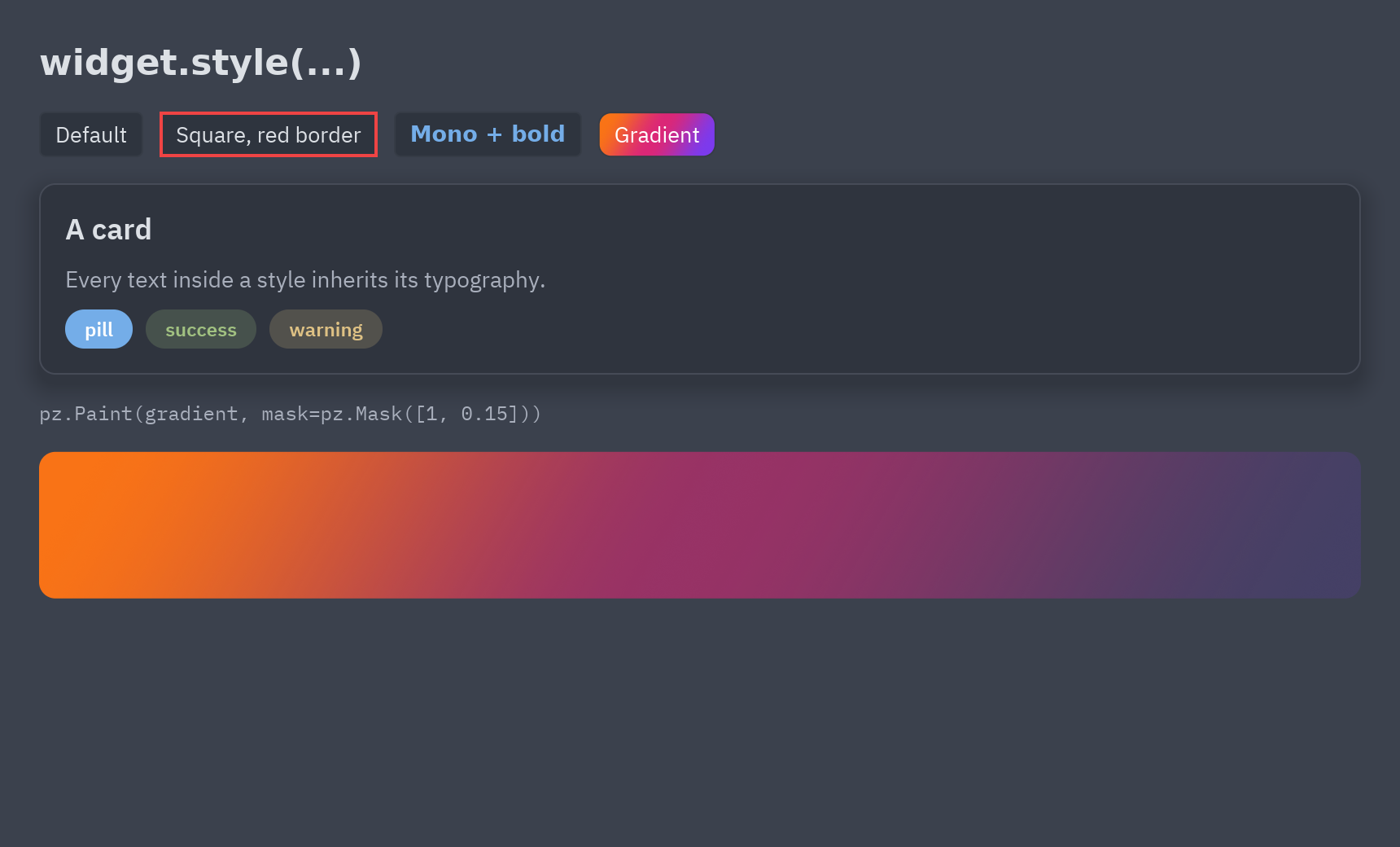
uv run --with pyzed-ui python examples/styles.pypython3 -m venv .venvsource .venv/bin/activatepython -m pip install pyzed-uipython examples/styles.pypy -m venv .venv.venv\Scripts\Activate.ps1python -m pip install pyzed-uipython examples\styles.pypython3 examples/styles.pypy examples\styles.pyMore in Animation and effects and the Theming section.
Where they are used
Section titled “Where they are used”- Game HUD: the Nebula and Radar graphs, glass panels and bloom.
- Game main menu: the Synthwave graph and a glowing title.
- RPG inventory: the Embers graph, bloom by rarity and animated stats.
- Glass control center: the Blobs graph behind frosted-glass cards.