
Vectors and UV
Every example on this page runs after these two lines, and ends by sending a color to the Output node:
from pyzed import shading
g = shading.Graph("demo")
Vector
Section titled “Vector”Vectors are groups of 2, 3 or 4 numbers: a position (x, y), a color (r, g, b) or a color with alpha (r, g, b, a). These nodes build, split and measure them.
Compose
Section titled “Compose”compose · Vector · g.compose(...)
Builds a vector from its components.
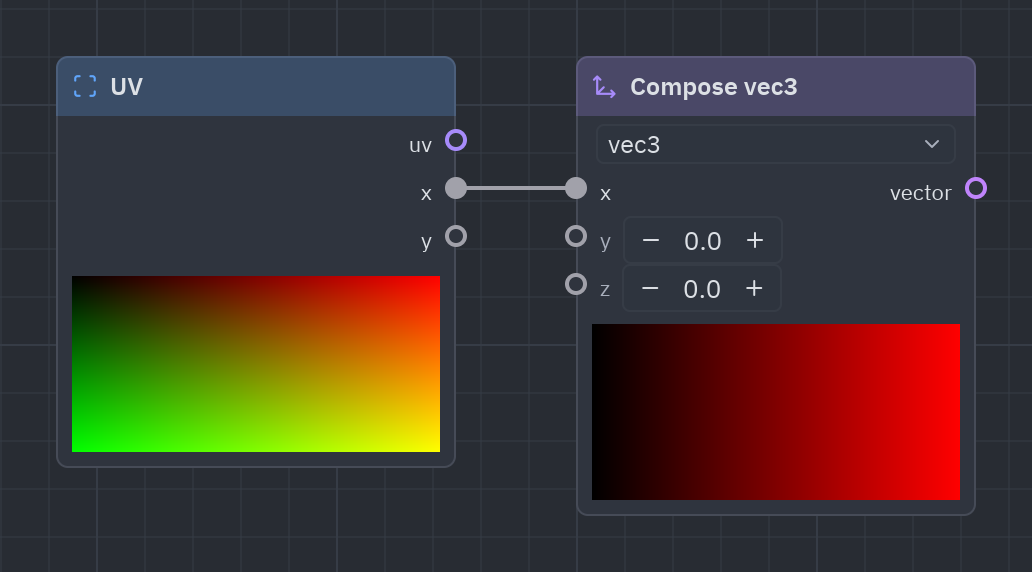
Builds a vector from separate numbers: three values into an RGB color, two into a point. The type setting picks vec2, vec3 or vec4 (the sidebar has Compose vec2 and Compose vec4 too).
| Input | Type | Default |
|---|---|---|
x |
float |
0 |
y |
float |
0 |
z |
float |
0 |
| Output | Type |
|---|---|
vector |
vec3 |
| Setting | Values | Default |
|---|---|---|
type |
vec2, vec3, vec4 |
vec3 |
The inputs follow the type setting: x and y for vec2, up to w for vec4.
Sidebar entries
| Entry | What it does | In Python |
|---|---|---|
| Compose | Builds a vector from its components. | g.compose(...) |
| Compose vec2 | Builds a vec2 from x and y. | g.compose_vec2(...) |
| Compose vec4 | Builds a vec4 from x, y, z and w. | g.compose_vec4(...) |
uv = g.uv()rgb = g.compose(uv["x"], uv["y"], 0.5)g.output(g.rgba(rgb, 1.0))Decompose
Section titled “Decompose”decompose · Vector · g.decompose(...)
The components of a vector (x, y, z and w; r, g, b and a for colors).
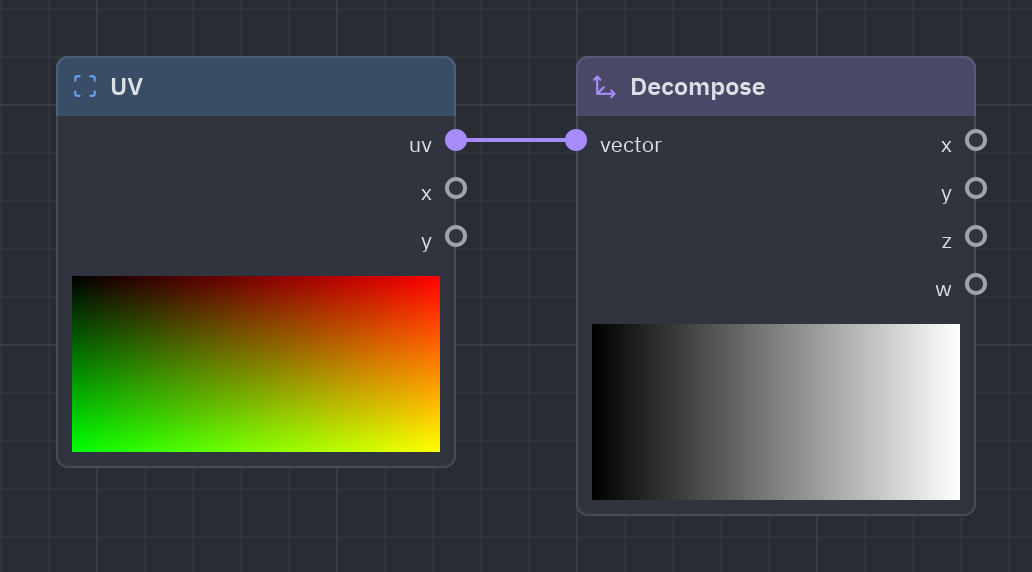
Splits a vector into its components: x, y, z, w (the red, green, blue and alpha of a color).
| Input | Type | Default |
|---|---|---|
vector |
T |
(0, 0, 0, 1) |
| Output | Type |
|---|---|
x |
float |
y |
float |
z |
float |
w |
float |
c = g.color("#f97316")parts = g.decompose(c)g.output(g.rgba(parts["x"], 1.0))Swizzle
Section titled “Swizzle”swizzle · Vector · g.swizzle(...)
Picks and reorders components: “yx”, “zzz”, “rgb”, “x”…
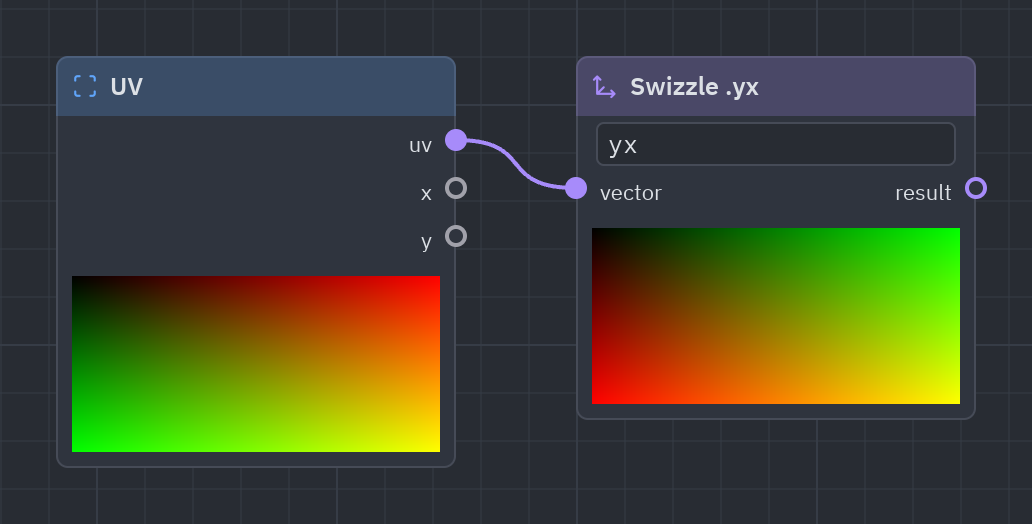
Picks and reorders components with a mask: yx swaps x and y, rgb drops alpha, xxx repeats one. In Python, port.yx or port.rgb adds it for you.
| Input | Type | Default |
|---|---|---|
vector |
T |
(0, 0, 0, 1) |
| Output | Type |
|---|---|
result |
vec2 |
| Setting | Values | Default |
|---|---|---|
mask |
text |
yx |
uv = g.uv()["uv"]g.output(g.rgba(g.compose(uv.y, uv.x, 0.0), 1.0))dot · Vector · g.dot(...)
The dot product of a and b: how much they point the same way.
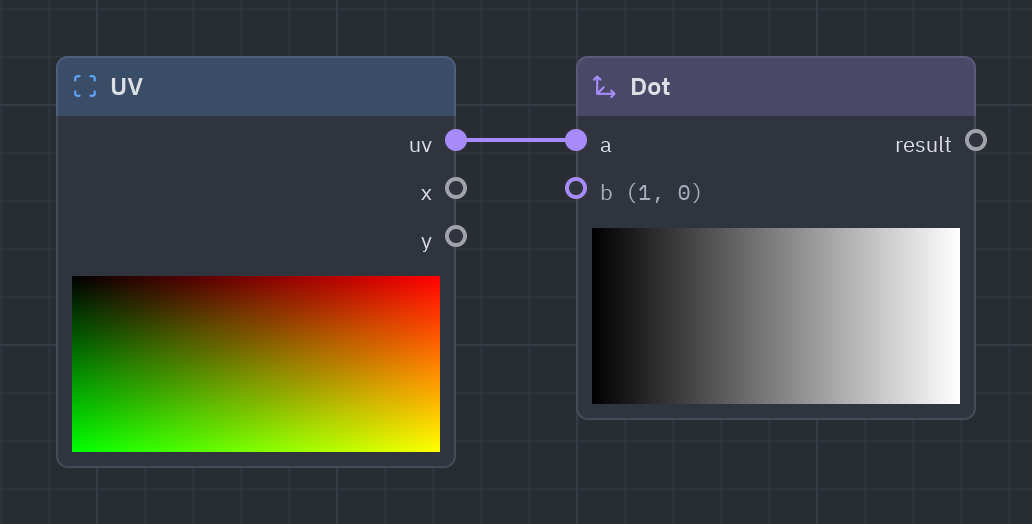
The dot product: how much two directions point the same way (1 same, 0 square, −1 opposite). Also p · p is the squared length.
| Input | Type | Default |
|---|---|---|
a |
T |
(1, 0) |
b |
T |
(1, 0) |
| Output | Type |
|---|---|
result |
float |
p = g.uv()["uv"] - 0.5d = g.dot(p, p)g.output(g.rgba(1.0 - d * 4.0, 1.0))cross · Vector · g.cross(...)
The cross product of two vec3.
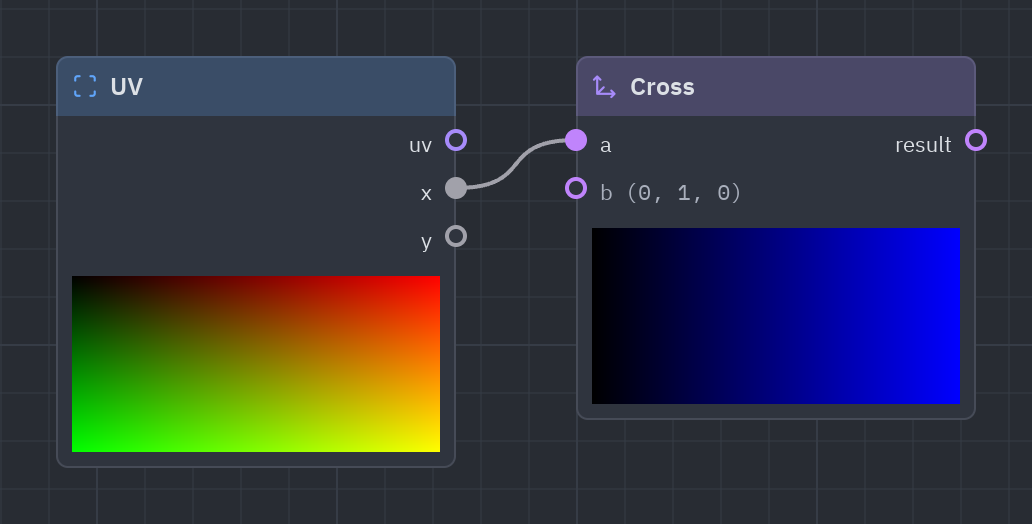
The cross product of two 3D vectors: a direction perpendicular to both. Mostly for lighting tricks.
| Input | Type | Default |
|---|---|---|
a |
vec3 |
(1, 0, 0) |
b |
vec3 |
(0, 1, 0) |
| Output | Type |
|---|---|
result |
vec3 |
n = g.cross([1.0, 0.0, 0.0], [0.0, 1.0, 0.0])g.output(g.rgba(n, 1.0))Length
Section titled “Length”length · Vector · g.length(...)
How long a vector is.
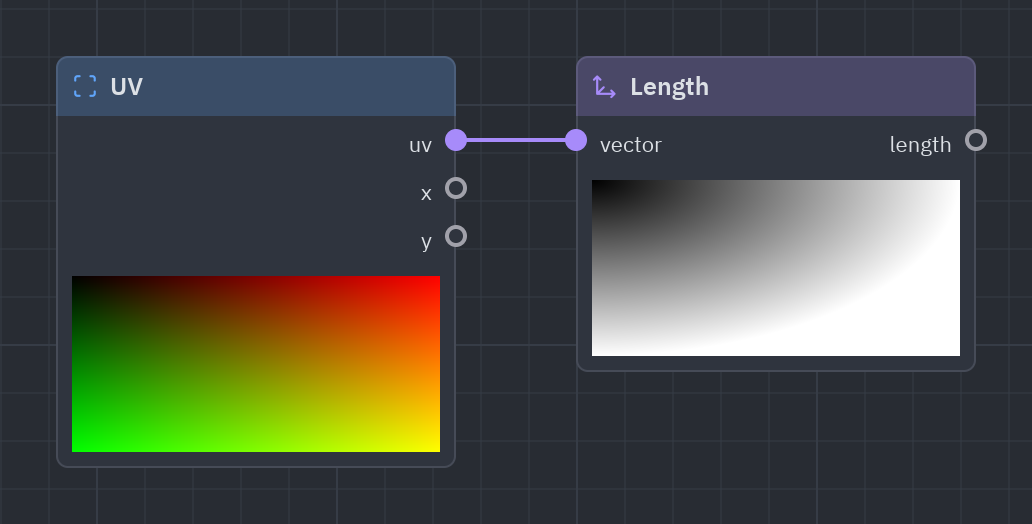
How long a vector is. The length of Centered UV is the distance to the center: a circle in one node.
| Input | Type | Default |
|---|---|---|
vector |
T |
(1, 1) |
| Output | Type |
|---|---|
length |
float |
d = g.length(g.centered_uv()["centered"])g.output(g.rgba(1.0 - d, 1.0))Distance
Section titled “Distance”distance · Vector · g.distance(...)
How far apart a and b are.
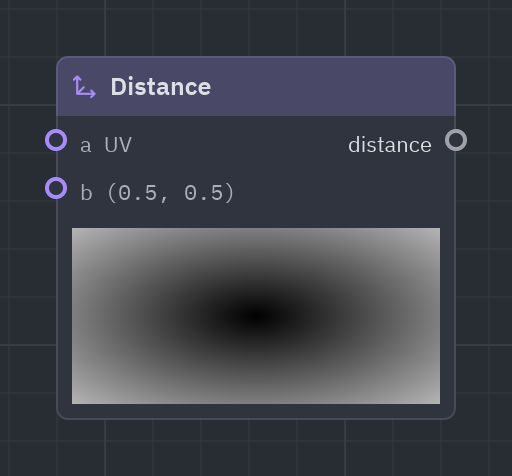
How far apart two points are. By default a is the pixel’s UV, so it measures from the pixel to b.
| Input | Type | Default |
|---|---|---|
a |
T |
UV (context) |
b |
T |
(0.5, 0.5) |
| Output | Type |
|---|---|
distance |
float |
d = g.distance(b=[0.5, 0.5])g.output(g.rgba(g.smoothstep(0.3, 0.0, d), 1.0))Normalize
Section titled “Normalize”normalize · Vector · g.normalize(...)
The vector made 1 long.
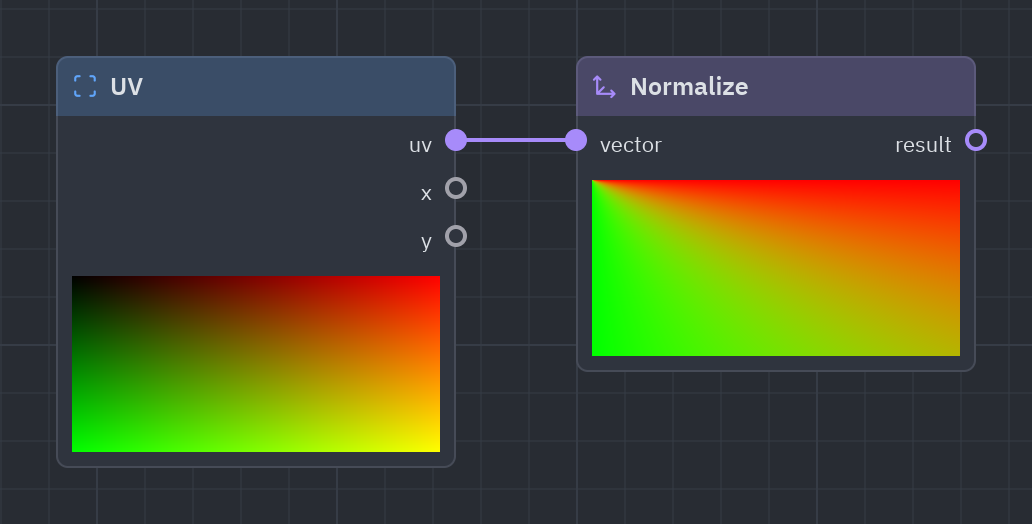
The same direction with a length of 1: for directions, light vectors and reflections.
| Input | Type | Default |
|---|---|---|
vector |
T |
(1, 1) |
| Output | Type |
|---|---|
result |
T |
n = g.normalize(g.uv()["uv"] - 0.5)g.output(g.rgba(g.compose(n.x, n.y, 0.5) * 0.5 + 0.5, 1.0))Reflect
Section titled “Reflect”reflect · Vector · g.reflect(...)
The direction i bounced off a surface facing n.
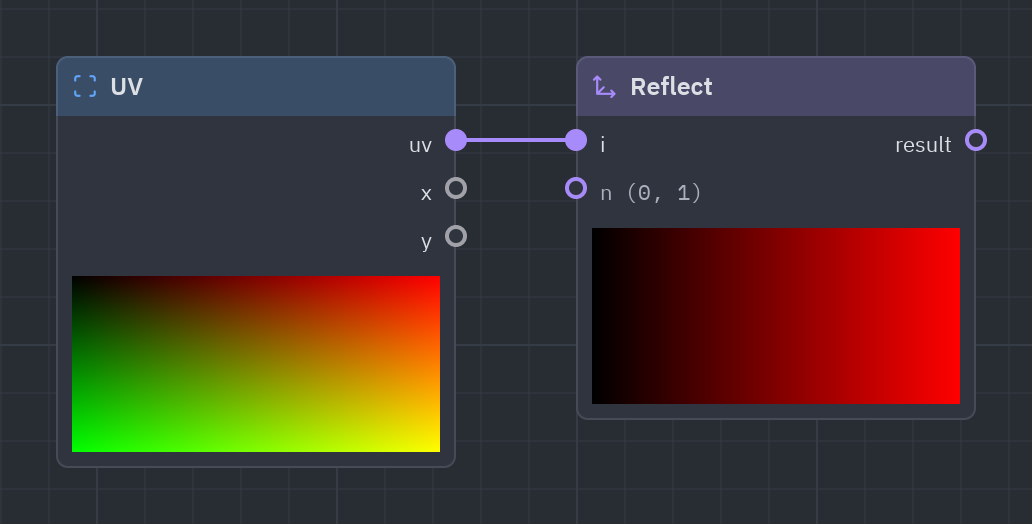
Bounces direction i off a surface that faces n, like a ball off a wall.
| Input | Type | Default |
|---|---|---|
i |
T |
(1, -1) |
n |
T |
(0, 1) |
| Output | Type |
|---|---|
result |
T |
r = g.reflect(g.uv()["uv"] - 0.5, [0.0, 1.0])g.output(g.rgba(g.compose(r.x, r.y, 0.5) + 0.5, 1.0))polar · Vector · g.polar(...)
The distance and angle of the pixel around center (aspect kept): angle in radians (−π..π) and from 0 to 1.
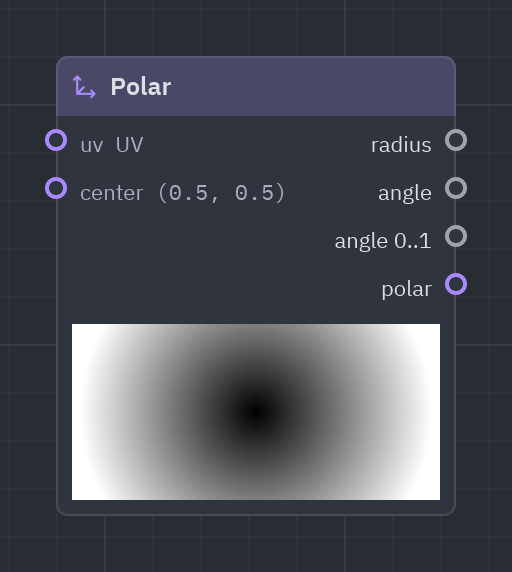
Distance and angle around a center: the key to radial things such as radar sweeps, pie charts, sun rays and spirals. angle01 goes 0..1 around the circle.
| Input | Type | Default |
|---|---|---|
uv |
vec2 |
UV (context) |
center |
vec2 |
(0.5, 0.5) |
| Output | Type |
|---|---|
radius |
float |
angle |
float |
angle01 · angle 0..1 |
float |
polar |
vec2 |
p = g.polar()rays = g.step(0.5, g.fract(p["angle01"] * 12.0))g.output(g.rgba(rays, 1.0))UV nodes change where the next nodes look, not the color: feed their uv output into the uv (or p) input of a pattern, a noise or a shape to move, repeat, rotate or distort it.
Tiling and offset
Section titled “Tiling and offset”tiling_offset · UV · g.tiling_offset(...)
uv × tiling + offset: repeats and moves what uses it.
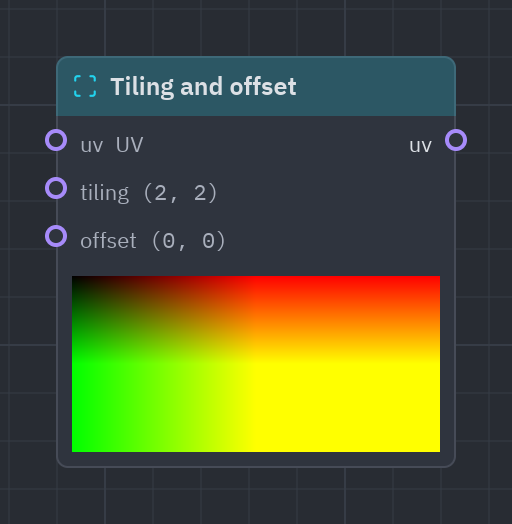
Repeats and moves what comes next: tiling (2, 2) shows it twice in each direction, offset slides it.
| Input | Type | Default |
|---|---|---|
uv |
vec2 |
UV (context) |
tiling |
vec2 |
(2, 2) |
offset |
vec2 |
(0, 0) |
| Output | Type |
|---|---|
uv |
vec2 |
uv = g.tiling_offset(tiling=[4.0, 4.0])g.output(g.rgba(g.fract(uv["uv"]).x, 1.0))Scroll
Section titled “Scroll”scroll · UV · g.scroll(...)
Moves uv over time: uv + speed × time.
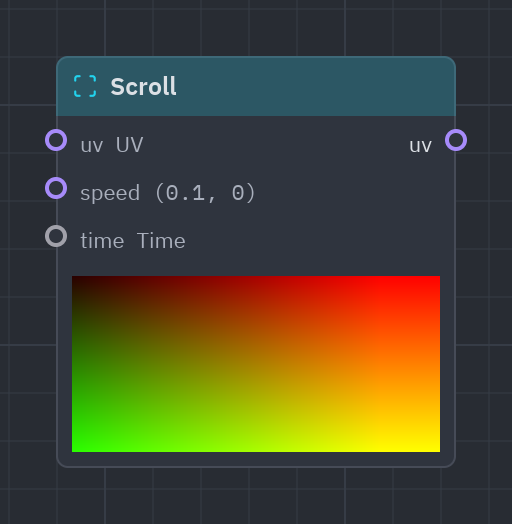
Moves the coordinates over time: wire it before a noise or a pattern to make it drift like clouds or a conveyor belt.
| Input | Type | Default |
|---|---|---|
uv |
vec2 |
UV (context) |
speed |
vec2 |
(0.1, 0) |
time |
float |
Time (context) |
| Output | Type |
|---|---|
uv |
vec2 |
uv = g.scroll(speed=[0.1, 0.0])n = g.fbm(uv["uv"], scale=3.0)g.output(g.rgba(n, 1.0))Rotate
Section titled “Rotate”rotate · UV · g.rotate(...)
Turns uv around center by angle (radians).
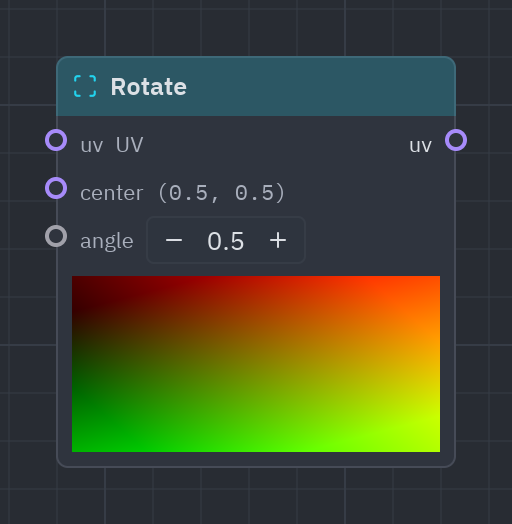
Turns the coordinates around center by angle radians (wire Time into it to spin).
| Input | Type | Default |
|---|---|---|
uv |
vec2 |
UV (context) |
center |
vec2 |
(0.5, 0.5) |
angle |
float |
0.5 |
| Output | Type |
|---|---|
uv |
vec2 |
uv = g.rotate(angle=g.time()["time"])s = g.stripes(uv["uv"], count=8.0)g.output(g.rgba(s, 1.0))twirl · UV · g.twirl(...)
Twists uv around center, more the farther away.
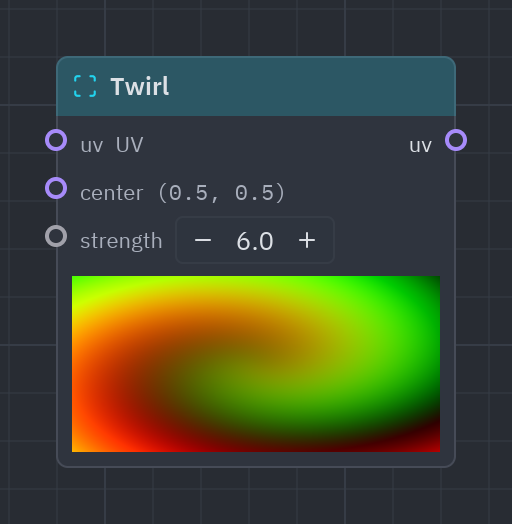
Twists the coordinates around a center, more the farther away: whirlpools and portals.
| Input | Type | Default |
|---|---|---|
uv |
vec2 |
UV (context) |
center |
vec2 |
(0.5, 0.5) |
strength |
float |
6 |
| Output | Type |
|---|---|
uv |
vec2 |
uv = g.twirl(strength=8.0)c = g.checker(uv["uv"], cells=[8.0, 8.0])g.output(g.rgba(c, 1.0))Pixelate
Section titled “Pixelate”pixelate · UV · g.pixelate(...)
Snaps uv to a grid of cells, for a pixel-art look.
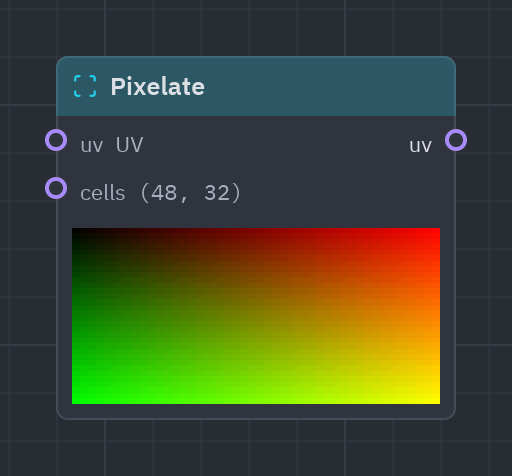
Snaps the coordinates to a grid of cells, so whatever comes next looks like pixel art.
| Input | Type | Default |
|---|---|---|
uv |
vec2 |
UV (context) |
cells |
vec2 |
(48, 32) |
| Output | Type |
|---|---|
uv |
vec2 |
uv = g.pixelate(cells=[24.0, 16.0])g.output(g.gradient(g.noise(uv["uv"], scale=4.0)))Barrel
Section titled “Barrel”barrel · UV · g.barrel(...)
Bends uv like a curved CRT screen; inside is 0 where the bent uv leaves the screen.
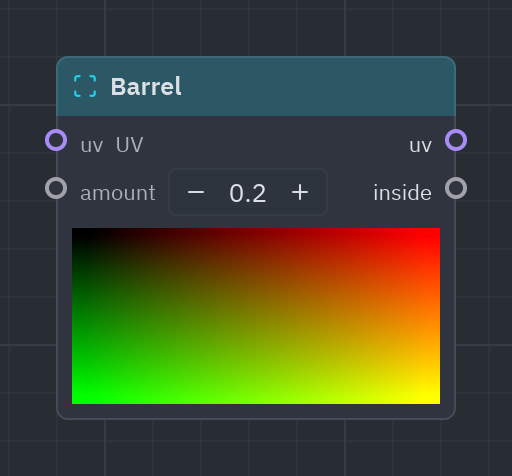
Bends the coordinates like the curved glass of an old CRT. Multiply the color by inside to black out the corners that fall off the screen.
| Input | Type | Default |
|---|---|---|
uv |
vec2 |
UV (context) |
amount |
float |
0.25 |
| Output | Type |
|---|---|
uv |
vec2 |
inside |
float |
b = g.barrel(amount=0.3)c = g.checker(b["uv"], cells=[10.0, 8.0])g.output(g.rgba(c * b["inside"], 1.0))Kaleidoscope
Section titled “Kaleidoscope”kaleidoscope · UV · g.kaleidoscope(...)
Mirrors uv around center into segments.
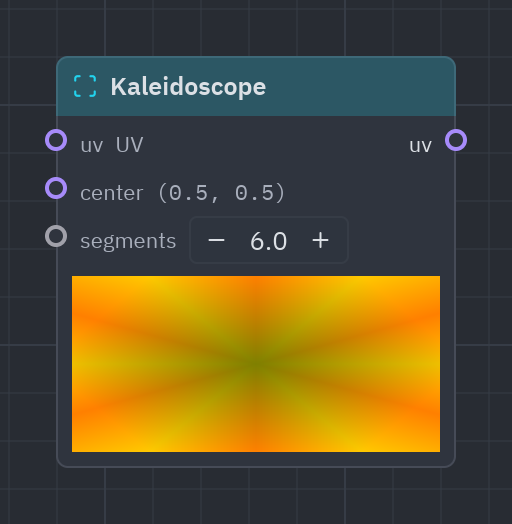
Mirrors the coordinates into segments slices around a center, like a kaleidoscope.
| Input | Type | Default |
|---|---|---|
uv |
vec2 |
UV (context) |
center |
vec2 |
(0.5, 0.5) |
segments |
float |
6 |
| Output | Type |
|---|---|
uv |
vec2 |
uv = g.kaleidoscope(segments=8.0)n = g.noise(uv["uv"], scale=6.0)g.output(g.rgba(g.palette(n), 1.0))flip · UV · g.flip(...)
Mirrors uv horizontally, vertically or both.
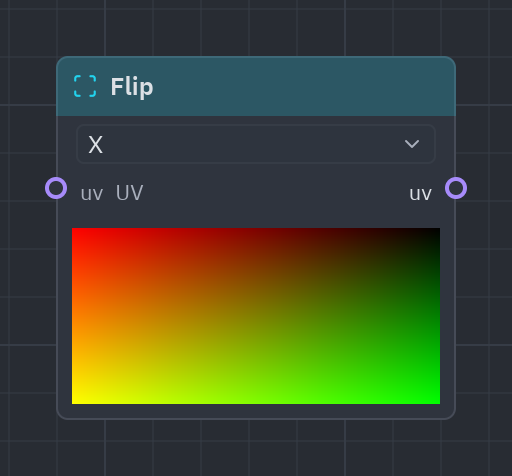
Mirrors the coordinates horizontally (x), vertically (y) or both.
| Input | Type | Default |
|---|---|---|
uv |
vec2 |
UV (context) |
| Output | Type |
|---|---|
uv |
vec2 |
| Setting | Values | Default |
|---|---|---|
axis |
x, y, both |
x |
uv = g.flip(axis="y")g.output(g.gradient(uv["uv"].y))Repeat
Section titled “Repeat”repeat · UV · g.repeat(...)
Repeats space in cells around (0, 0): draw one shape, get a grid of them. Cell is which cell the pixel is in.
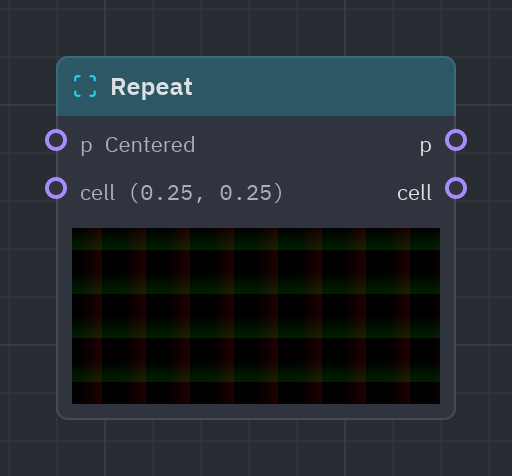
Repeats space in cells: draw one shape and get a whole grid of them. cell tells which cell a pixel is in, to give each copy its own color.
| Input | Type | Default |
|---|---|---|
p |
vec2 |
Centered (context) |
cell |
vec2 |
(0.25, 0.25) |
| Output | Type |
|---|---|
p |
vec2 |
cell |
vec2 |
r = g.repeat(cell=[0.25, 0.25])d = g.circle(r["p"], radius=0.08)g.output(g.rgba(g.fill(d), 1.0))See also: Getting started · The Shader view · Recipes · Shader graphs in Python