
Inputs, parameters and constants
Every example on this page runs after these two lines, and ends by sending a color to the Output node:
from pyzed import shading
g = shading.Graph("demo")Where the pixel being painted is, how big the area is, the time and the mouse. Almost every graph starts with one of these.
uv · Input · g.uv(...)
Where the pixel is, from (0, 0) at the top left to (1, 1) at the bottom right.
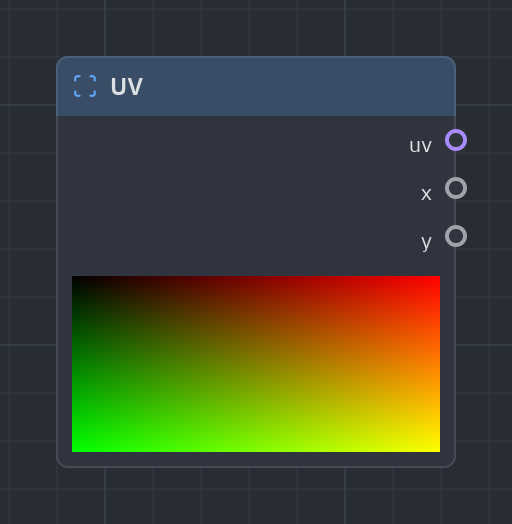
The most used node. x goes from 0 at the left to 1 at the right and y from 0 at the top to 1 at the bottom, whatever the size of the widget. Wire x into a Gradient to get a horizontal ramp.
| Output | Type |
|---|---|
uv |
vec2 |
x |
float |
y |
float |
uv = g.uv()g.output(g.gradient(uv["x"]))pixel · Input · g.pixel(...)
Where the pixel is, in pixels from the top left.
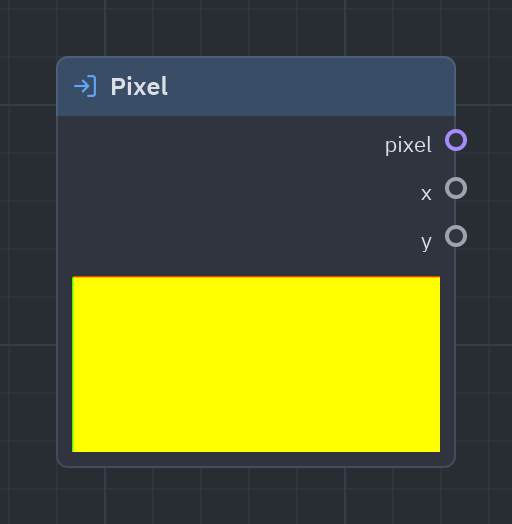
The same as UV but in pixels: use it for things that must keep their size in pixels when the widget grows, such as scanlines every 3 pixels.
| Output | Type |
|---|---|
px · pixel |
vec2 |
x |
float |
y |
float |
px = g.pixel()lines = g.fract(px["y"] / 4.0)g.output(g.rgba(g.step(0.5, lines), 1.0))size · Input · g.size(...)
The size of the shaded area in pixels, and its aspect ratio (width / height).
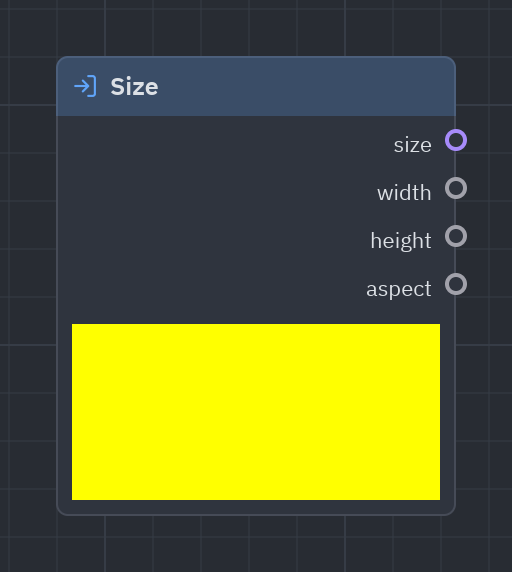
The width and height of the area in pixels. aspect (width ÷ height) keeps circles round on wide widgets; Centered UV already uses it for you.
| Output | Type |
|---|---|
size |
vec2 |
width |
float |
height |
float |
aspect |
float |
s = g.size()g.output(g.rgba(g.fract(s["aspect"]), 1.0))time · Input · g.time(...)
Seconds since the app started (times scale), and their sine and cosine.
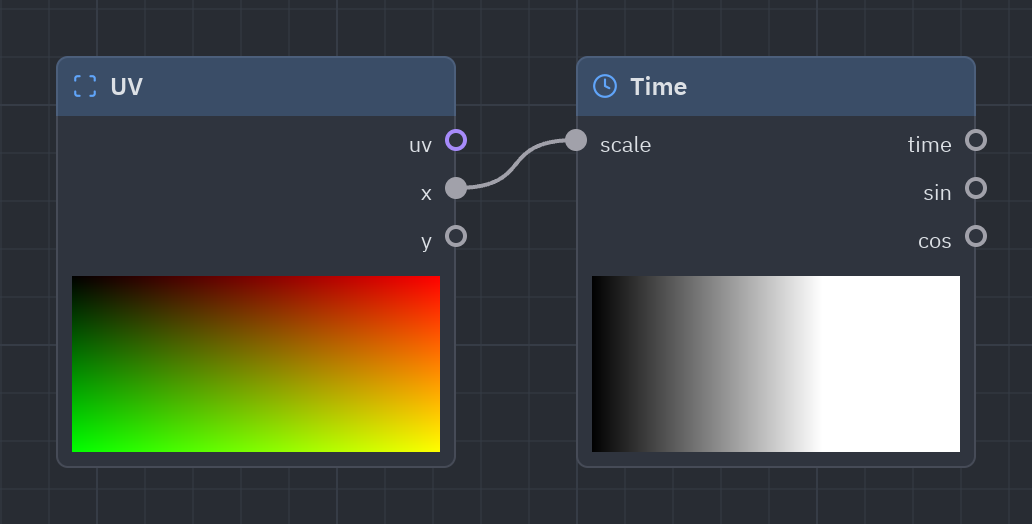
Seconds since the app started: anything wired to it moves. sin and cos swing smoothly between −1 and 1, perfect for pulses. scale speeds it up or slows it down.
| Input | Type | Default |
|---|---|---|
scale |
float |
1 |
| Output | Type |
|---|---|
time |
float |
sin |
float |
cos |
float |
t = g.time(scale=2.0)pulse = t["sin"] * 0.5 + 0.5g.output(g.rgba(g.hsv_to_rgb(0.6, 0.8, pulse), 1.0))mouse · Input · g.mouse(...)
Where the pointer is from 0 to 1 (the center while it is outside), and whether it is over the shader.
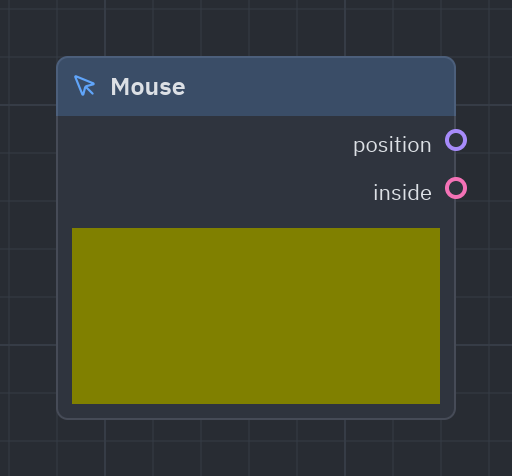
Where the pointer is, in UV (0 to 1). While it is outside the shader, position is the center and inside is false. Great for spotlights and hover effects.
| Output | Type |
|---|---|
position |
vec2 |
inside |
bool |
m = g.mouse()light = g.radial_gradient(center=m["position"], radius=0.3)g.output(g.rgba(light, 1.0))Centered UV
Section titled “Centered UV”centered_uv · Input · g.centered_uv(...)
UV with (0, 0) in the middle and circles kept round: the place to draw shapes. Aspect UV goes from 0 to the aspect ratio across, so noise and cells stay square.
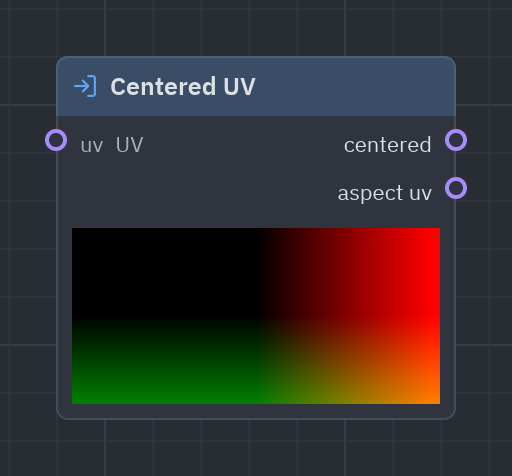
The coordinates to draw shapes with: (0, 0) is the middle and one unit is the height, so a circle stays round on any widget. aspect_uv keeps noise and cells square.
| Input | Type | Default |
|---|---|---|
uv |
vec2 |
UV (context) |
| Output | Type |
|---|---|
centered |
vec2 |
aspect_uv · aspect uv |
vec2 |
c = g.centered_uv()d = g.length(c["centered"])g.output(g.rgba(g.smoothstep(0.4, 0.0, d), 1.0))Parameters
Section titled “Parameters”A Parameter node reads one of the shader’s variables: the values your Python code (or a slider in the Preview tab) changes.
Parameter
Section titled “Parameter”parameter · Parameters · g.parameter(...)
Reads a variable of the shader (see the Variables list): a mutable one changes without recompiling, a constant is built into the code.
Your shader’s knobs. g.uniform(...) adds a mutable variable and a Parameter node at once; in the designer, drag a variable from the Outline onto the graph. A color variable gives color, rgb and alpha outputs.
| Output | Type |
|---|---|
value |
float |
| Setting | Values | Default |
|---|---|---|
name |
variable |
— |
The output takes the variable’s type; a color variable gives color, rgb and alpha.
tint = g.uniform("tint", "color", "#22d3ee")glow = g.radial_gradient(radius=0.6)g.output(g.rgba(tint["rgb"] * glow, 1.0))Constants
Section titled “Constants”Fixed values written into the shader. When a value never changes, a constant is the simplest choice; when you want to change it from code, use a variable instead.
float · Constants · g.float(...)
A fixed number.
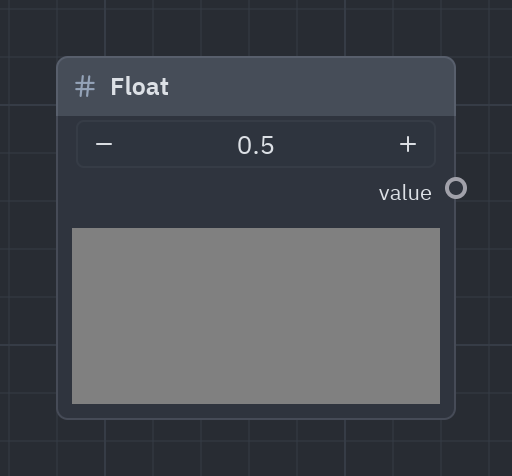
One fixed number. Most inputs already take a typed value directly, so you only need this node to feed the same number into several places.
| Output | Type |
|---|---|
value |
float |
| Setting | Values | Default |
|---|---|---|
value |
float |
0.5 |
half = g.float(0.5)g.output(g.rgba(g.compose(half, half, 1.0), 1.0))int · Constants · g.int(...)
A fixed whole number.
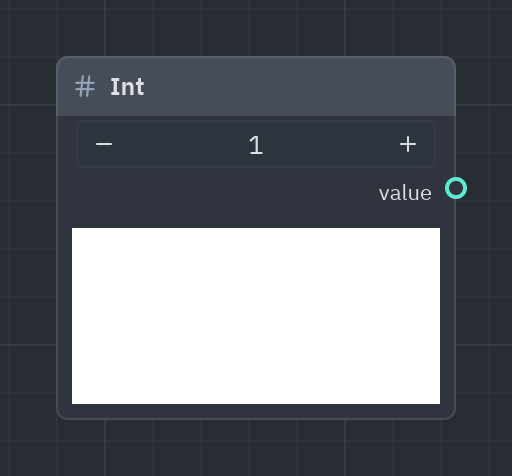
A fixed whole number, for inputs such as the octaves of Fractal noise.
| Output | Type |
|---|---|
value |
int |
| Setting | Values | Default |
|---|---|---|
value |
int |
1 |
octaves = g.int(3)n = g.fbm(octaves=octaves)g.output(g.rgba(n, 1.0))bool · Constants · g.bool(...)
A fixed true or false.
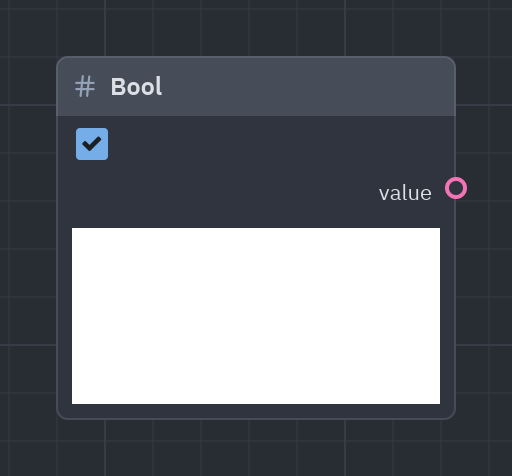
A fixed true or false, for Select and Logic nodes.
| Output | Type |
|---|---|
value |
bool |
| Setting | Values | Default |
|---|---|---|
value |
bool |
true |
on = g.bool(True)g.output(g.rgba(g.select(on, 1.0, 0.2), 1.0))Vector2
Section titled “Vector2”vec2 · Constants · g.vec2(...)
Two fixed numbers.
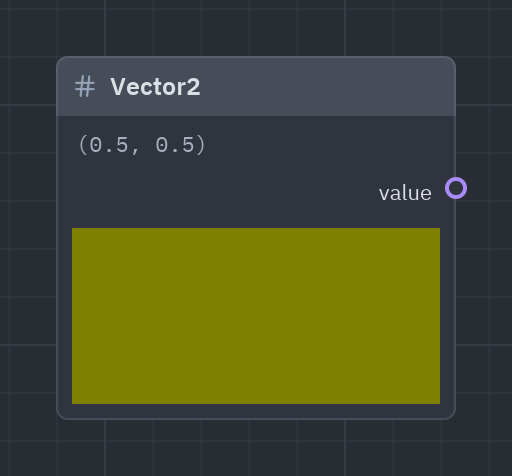
Two fixed numbers: a point or a size.
| Output | Type |
|---|---|
value |
vec2 |
| Setting | Values | Default |
|---|---|---|
value |
vec2 |
(0.5, 0.5) |
center = g.vec2([0.3, 0.5])g.output(g.rgba(g.radial_gradient(center=center, radius=0.3), 1.0))Vector3
Section titled “Vector3”vec3 · Constants · g.vec3(...)
Three fixed numbers.
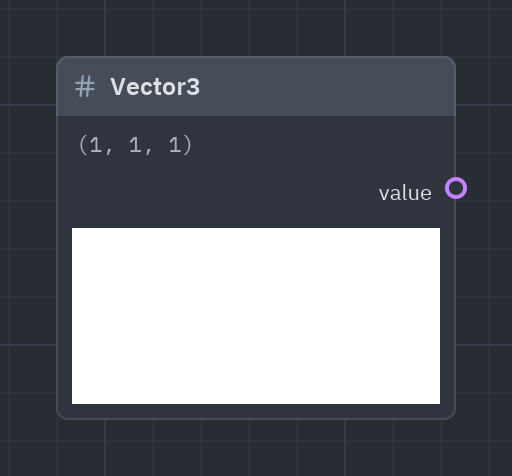
Three fixed numbers: often an RGB color written as numbers from 0 to 1.
| Output | Type |
|---|---|
value |
vec3 |
| Setting | Values | Default |
|---|---|---|
value |
vec3 |
(1, 1, 1) |
orange = g.vec3([1.0, 0.5, 0.0])g.output(g.rgba(orange, 1.0))Vector4
Section titled “Vector4”vec4 · Constants · g.vec4(...)
Four fixed numbers.
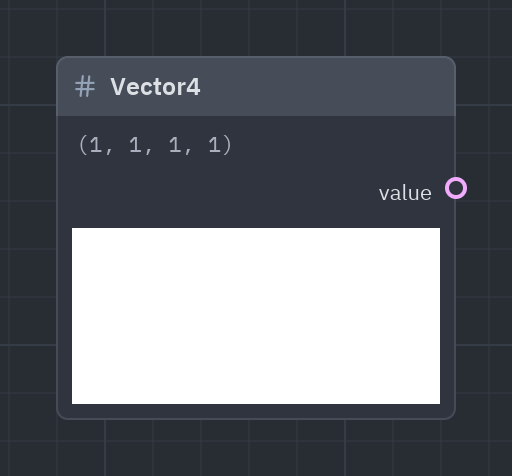
Four fixed numbers: a color with alpha, as numbers.
| Output | Type |
|---|---|
value |
vec4 |
| Setting | Values | Default |
|---|---|---|
value |
vec4 |
(1, 1, 1, 1) |
g.output(g.vec4([0.1, 0.2, 0.4, 1.0]))color · Constants · g.color(...)
A fixed color.
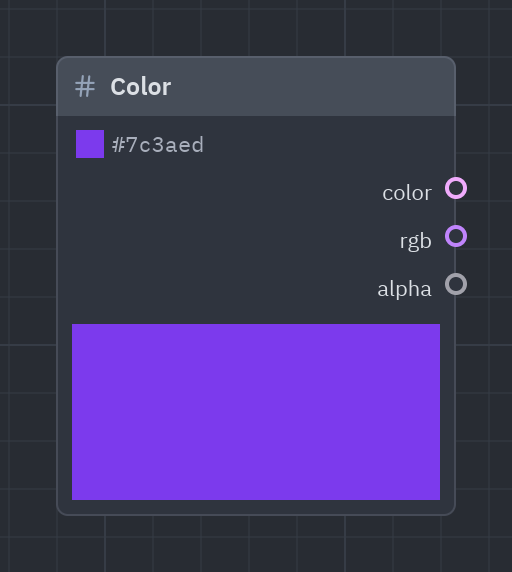
A fixed color picked with the color picker (or written as #rrggbb).
| Output | Type |
|---|---|
color |
vec4 |
rgb |
vec3 |
alpha |
float |
| Setting | Values | Default |
|---|---|---|
value |
color |
#7c3aed |
g.output(g.color("#7c3aed"))Math constants
Section titled “Math constants”math_constants · Constants · g.math_constants(...)
π, τ (2π), e and the golden ratio.
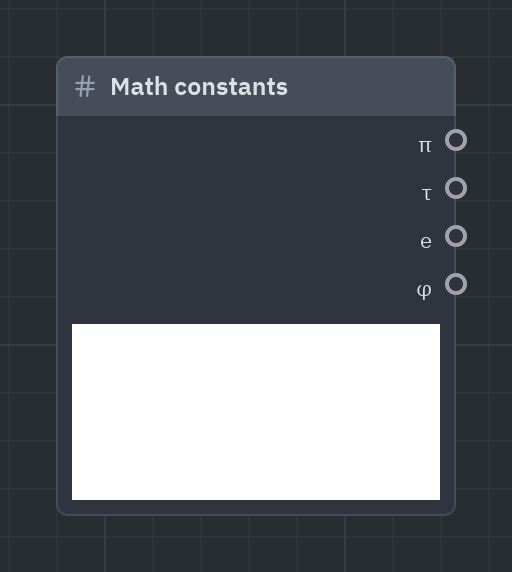
π, τ (2π), e and φ, so you don’t have to type 3.14159. Multiply a 0..1 value by τ to get a full turn in radians.
| Output | Type |
|---|---|
pi · π |
float |
tau · τ |
float |
e |
float |
phi · φ |
float |
k = g.math_constants()wave = g.sin(g.uv()["x"] * k["tau"] * 3.0) * 0.5 + 0.5g.output(g.rgba(wave, 1.0))See also: Getting started · The Shader view · Recipes · Shader graphs in Python