
Math
Every example on this page runs after these two lines, and ends by sending a color to the Output node:
from pyzed import shading
g = shading.Graph("demo")Every math node works on numbers and vectors: with a vec3 it works on each component (red, green and blue at once). Their inputs and outputs have the generic type T.
math · Math · g.math(...)
An arithmetic operation on two values (of any type: vectors work per component).
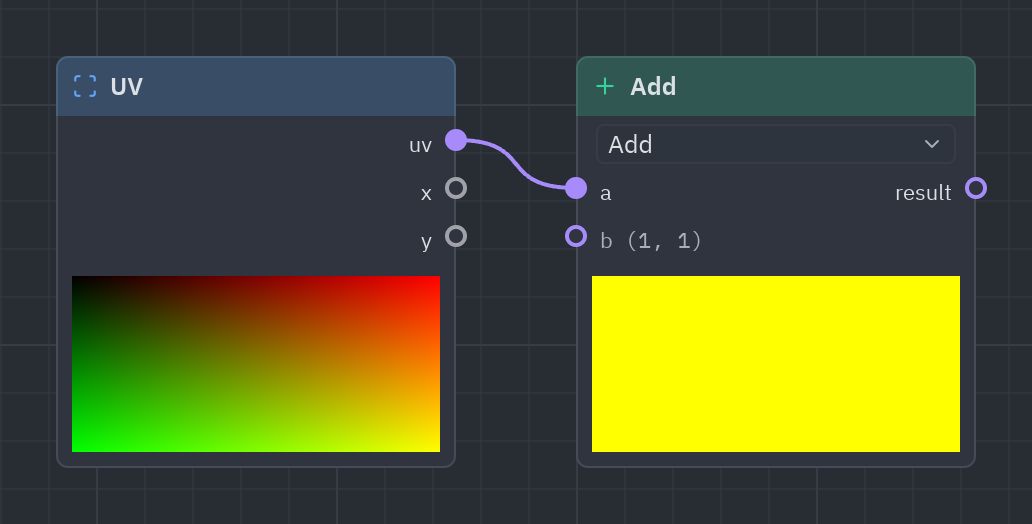
Two values in, one out. In Python you rarely add it by hand: a + b, a * 2 or a ** 2 on ports add Math nodes for you. Each operation is its own entry in the sidebar (Add, Multiply, Step…).
| Input | Type | Default |
|---|---|---|
a |
T |
0 |
b |
T |
1 |
| Output | Type |
|---|---|
result |
T |
| Setting | Values | Default |
|---|---|---|
op |
add, subtract, multiply, divide, modulo, power, min, max, step, atan2, snap |
add |
Sidebar entries
| Entry | What it does | In Python |
|---|---|---|
| Add | a + b | g.add(...) |
| Subtract | a − b | g.subtract(...) |
| Multiply | a × b | g.multiply(...) |
| Divide | a ÷ b | g.divide(...) |
| Modulo | The remainder of a ÷ b (always the sign of b). | g.modulo(...) |
| Power | a to the power of b. | g.power(...) |
| Min | The smaller of a and b. | g.min(...) |
| Max | The larger of a and b. | g.max(...) |
| Step | 0 where b is below the edge a, 1 from there on. | g.step(...) |
| Atan2 | The angle of the point (b, a) in radians: a is y, b is x. | g.atan2(...) |
| Snap | a rounded to the nearest multiple of b. | g.snap(...) |
uv = g.uv()stripes = g.step(0.5, g.fract(uv["x"] * 8.0))g.output(g.rgba(stripes * 0.8 + 0.1, 1.0))Function
Section titled “Function”func · Math · g.func(...)
A function of one value (vectors work per component).
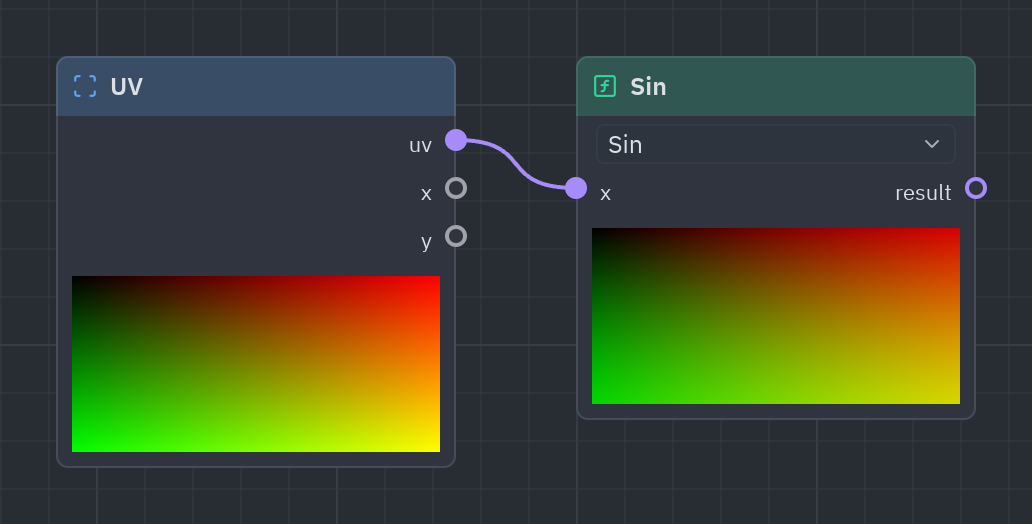
One value in, one out: rounding, roots, powers, trigonometry and more. Each function is its own entry in the sidebar (Sin, Fract, Abs…) and a method in Python (g.sin(x), g.fract(x)).
| Input | Type | Default |
|---|---|---|
x |
T |
0 |
| Output | Type |
|---|---|
result |
T |
| Setting | Values | Default |
|---|---|---|
op |
abs, negate, sign, floor, ceil, round, fract, trunc, sqrt, inverse_sqrt, square, exp, exp2, log, log2, sin, cos, tan, asin, acos, atan, sinh, cosh, tanh, one_minus, reciprocal, saturate, degrees, radians |
sin |
Sidebar entries
| Entry | What it does | In Python |
|---|---|---|
| Abs | x without its sign. | g.abs(...) |
| Negate | −x | g.negate(...) |
| Sign | −1, 0 or 1: the sign of x. | g.sign(...) |
| Floor | x rounded down. | g.floor(...) |
| Ceil | x rounded up. | g.ceil(...) |
| Round | x rounded to the nearest whole number. | g.round(...) |
| Fract | What is after the point: x − floor(x). Repeats every 1. | g.fract(...) |
| Trunc | x without what is after the point. | g.trunc(...) |
| Sqrt | The square root of x. | g.sqrt(...) |
| Inverse sqrt | 1 / √x | g.inverse_sqrt(...) |
| Square | x × x | g.square(...) |
| Exp | e to the power of x. | g.exp(...) |
| Exp2 | 2 to the power of x. | g.exp2(...) |
| Log | The natural logarithm of x. | g.log(...) |
| Log2 | The base 2 logarithm of x. | g.log2(...) |
| Sin | The sine of x (radians). | g.sin(...) |
| Cos | The cosine of x (radians). | g.cos(...) |
| Tan | The tangent of x (radians). | g.tan(...) |
| Asin | The arc sine of x, in radians. | g.asin(...) |
| Acos | The arc cosine of x, in radians. | g.acos(...) |
| Atan | The arc tangent of x, in radians. | g.atan(...) |
| Sinh | The hyperbolic sine of x. | g.sinh(...) |
| Cosh | The hyperbolic cosine of x. | g.cosh(...) |
| Tanh | The hyperbolic tangent of x: an S curve from −1 to 1. | g.tanh(...) |
| One minus | 1 − x: turns 0..1 around. | g.one_minus(...) |
| Reciprocal | 1 / x | g.reciprocal(...) |
| Saturate | x kept between 0 and 1. | g.saturate(...) |
| Degrees | Radians to degrees. | g.degrees(...) |
| Radians | Degrees to radians. | g.radians(...) |
t = g.time()["time"]wave = g.abs(g.sin(g.uv()["x"] * 10.0 + t))g.output(g.rgba(wave, 1.0))mix · Math · g.mix(...)
Blends from a (t = 0) to b (t = 1): a lerp.
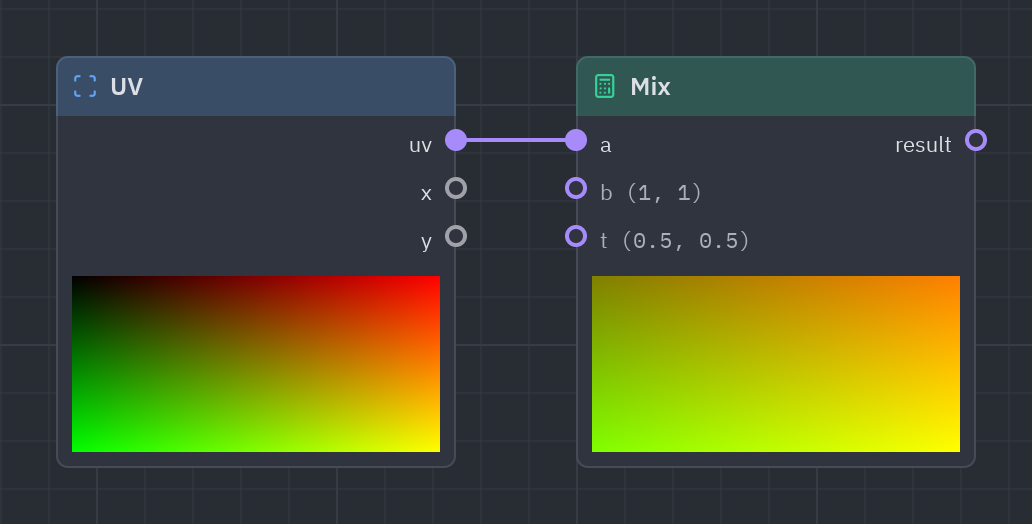
Blends two values: t = 0 gives a, 1 gives b, 0.5 half of each. The node you will use most to combine colors.
| Input | Type | Default |
|---|---|---|
a |
T |
0 |
b |
T |
1 |
t |
T |
0.5 |
| Output | Type |
|---|---|
result |
T |
uv = g.uv()sky = g.mix([0.1, 0.2, 0.5], [0.9, 0.6, 0.3], uv["y"])g.output(g.rgba(sky, 1.0))clamp · Math · g.clamp(...)
x kept between min and max.
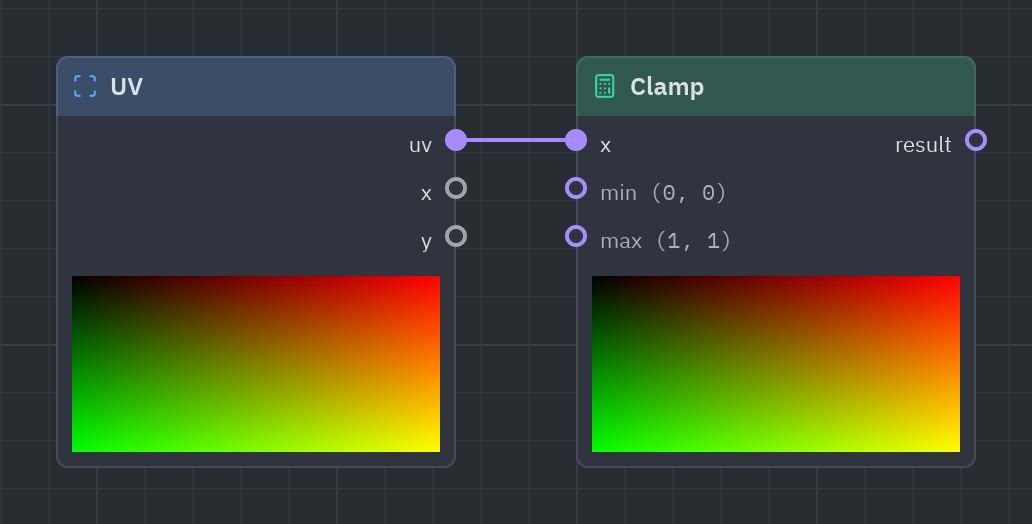
Keeps a value inside a range, so a bright spot never goes over 1 or a dark one under 0.
| Input | Type | Default |
|---|---|---|
x |
T |
0 |
min |
T |
0 |
max |
T |
1 |
| Output | Type |
|---|---|
result |
T |
v = g.uv()["x"] * 2.0 - 0.5g.output(g.rgba(g.clamp(v, 0.0, 1.0), 1.0))Smoothstep
Section titled “Smoothstep”smoothstep · Math · g.smoothstep(...)
0 below edge0, 1 above edge1 and a smooth curve between them.
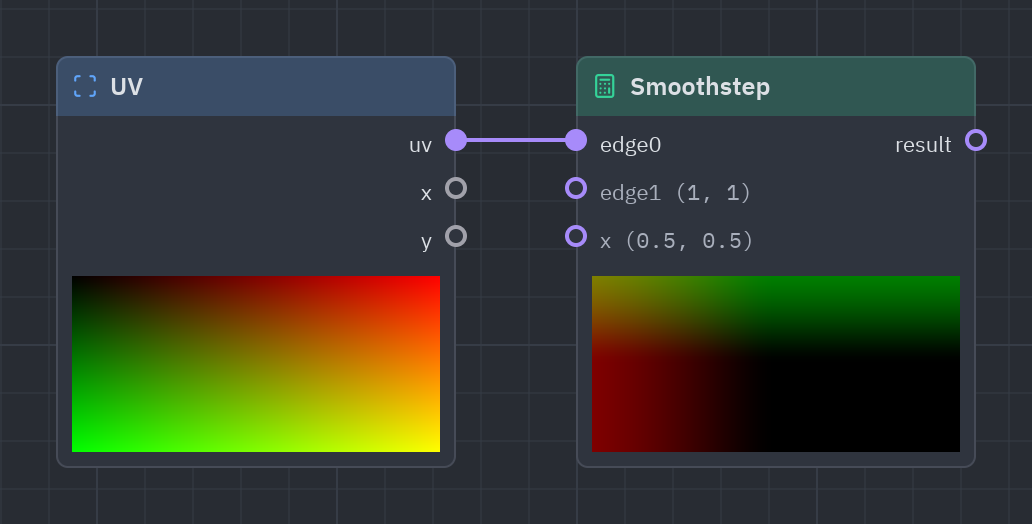
A soft threshold: 0 below edge0, 1 above edge1, and a smooth curve between. Use it to turn a distance or a noise into a soft-edged mask.
| Input | Type | Default |
|---|---|---|
edge0 |
T |
0 |
edge1 |
T |
1 |
x |
T |
0.5 |
| Output | Type |
|---|---|
result |
T |
n = g.noise(scale=6.0)mask = g.smoothstep(0.45, 0.55, n)g.output(g.rgba(mask, 1.0))remap · Math · g.remap(...)
x moved from the range in_min..in_max to out_min..out_max.
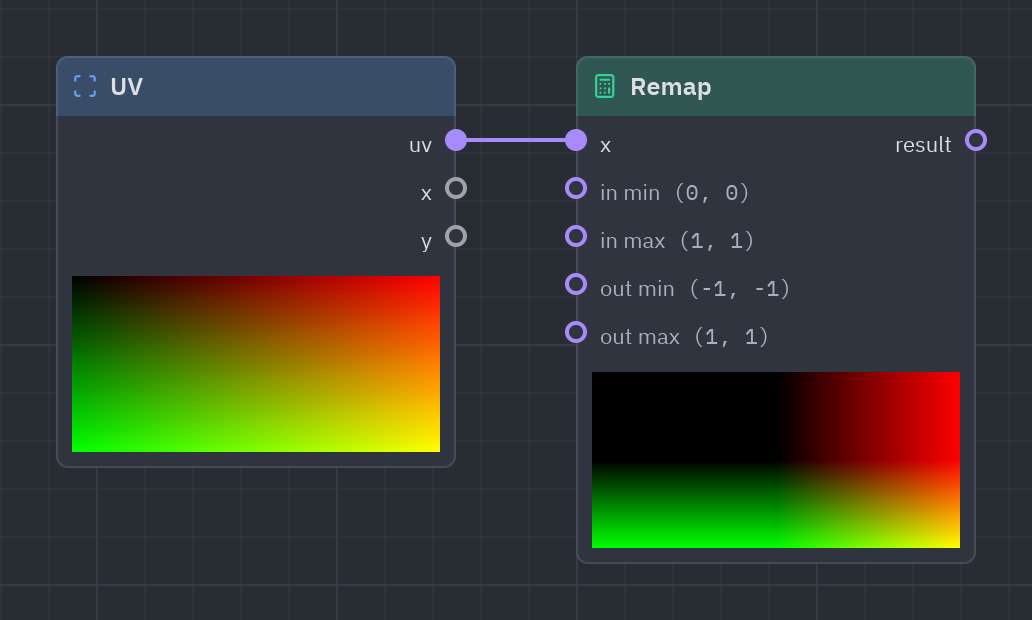
Moves a value from one range to another: −1..1 (a sine) to 0..1 (a color), or 0..1 to 0.2..0.8.
| Input | Type | Default |
|---|---|---|
x |
T |
0.5 |
in_min · in min |
T |
0 |
in_max · in max |
T |
1 |
out_min · out min |
T |
-1 |
out_max · out max |
T |
1 |
| Output | Type |
|---|---|
result |
T |
s = g.time()["sin"]v = g.remap(s, -1.0, 1.0, 0.2, 0.8)g.output(g.rgba(v, 1.0))Multiply add
Section titled “Multiply add”multiply_add · Math · g.multiply_add(...)
a × b + c
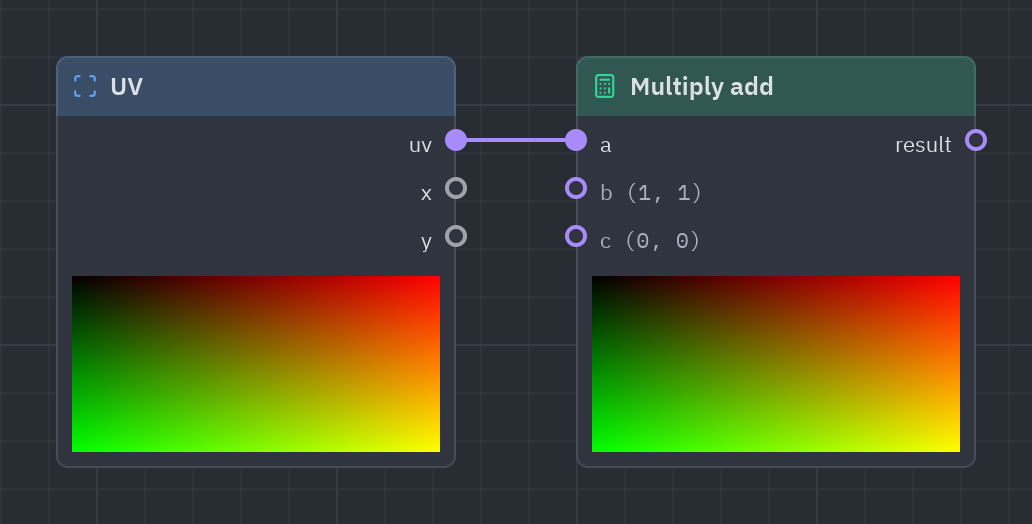
a × b + c in one node: scale and shift a value, such as sin × 0.5 + 0.5 to bring −1..1 into 0..1.
| Input | Type | Default |
|---|---|---|
a |
T |
1 |
b |
T |
1 |
c |
T |
0 |
| Output | Type |
|---|---|
result |
T |
s = g.time()["sin"]g.output(g.rgba(g.multiply_add(s, 0.5, 0.5), 1.0))See also: Getting started · The Shader view · Recipes · Shader graphs in Python