
Color, effects and textures
Every example on this page runs after these two lines, and ends by sending a color to the Output node:
from pyzed import shading
g = shading.Graph("demo")Colors are vec3 (r, g, b) or vec4 (r, g, b, a) with values from 0 to 1, not from 0 to 255: (1, 0.5, 0) is orange.
HSV to RGB
Section titled “HSV to RGB”hsv_to_rgb · Color · g.hsv_to_rgb(...)
A color from hue (0 to 1 around the wheel), saturation and value.
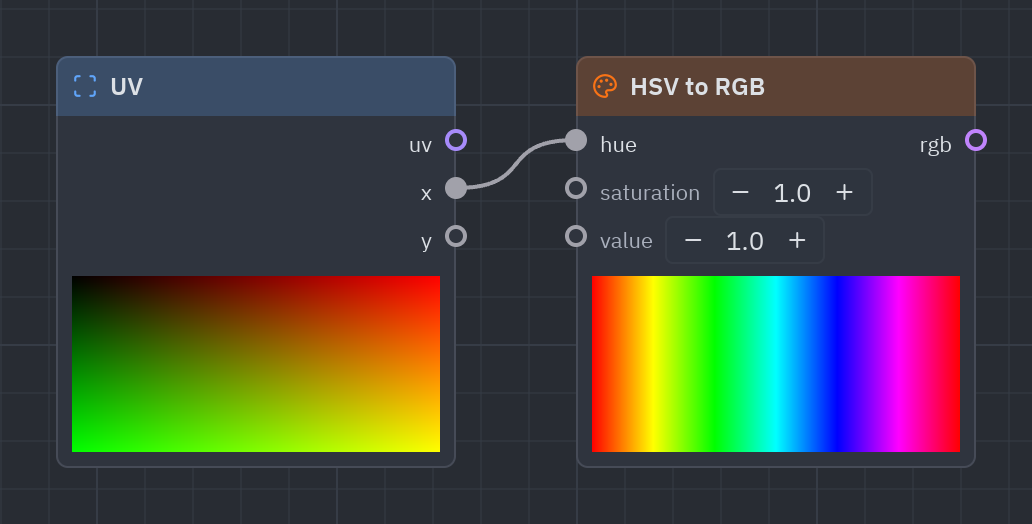
A color from hue (0..1 around the color wheel: red, yellow, green, cyan, blue, magenta, red), saturation and value. Wire Time into the hue for a rainbow that cycles.
| Input | Type | Default |
|---|---|---|
h · hue |
float |
0 |
s · saturation |
float |
1 |
v · value |
float |
1 |
| Output | Type |
|---|---|
rgb |
vec3 |
uv = g.uv()g.output(g.rgba(g.hsv_to_rgb(uv["x"], 0.8, 1.0), 1.0))RGB to HSV
Section titled “RGB to HSV”rgb_to_hsv · Color · g.rgb_to_hsv(...)
The hue, saturation and value of a color.
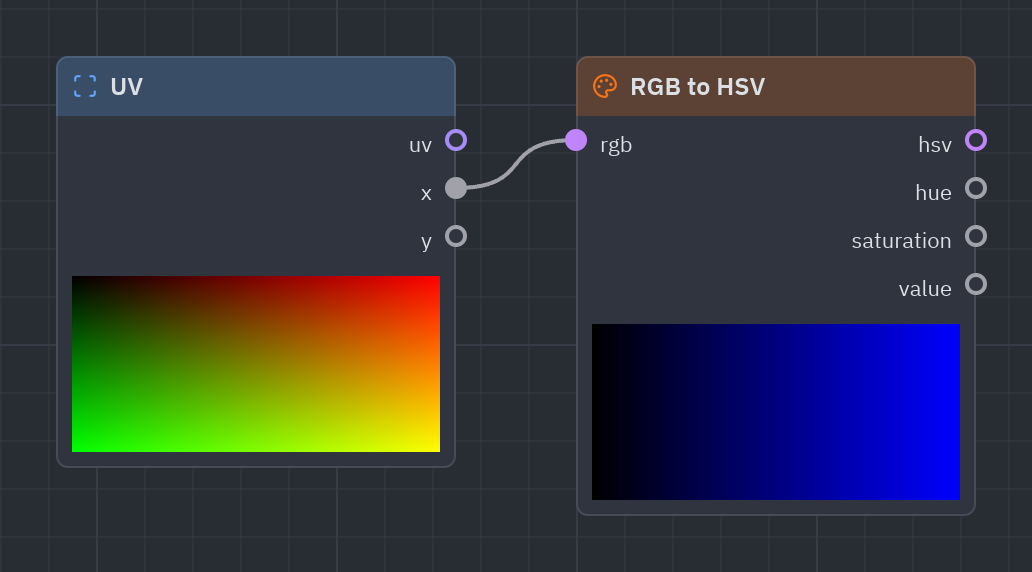
Splits a color into hue, saturation and value, to change one of them.
| Input | Type | Default |
|---|---|---|
rgb |
vec3 |
(1, 0, 0) |
| Output | Type |
|---|---|
hsv |
vec3 |
h · hue |
float |
s · saturation |
float |
v · value |
float |
hsv = g.rgb_to_hsv([1.0, 0.5, 0.0])g.output(g.rgba(g.hsv_to_rgb(hsv["h"], 0.3, hsv["v"]), 1.0))Hue shift
Section titled “Hue shift”hue_shift · Color · g.hue_shift(...)
Turns the hue of a color (shift from 0 to 1 is a full turn).
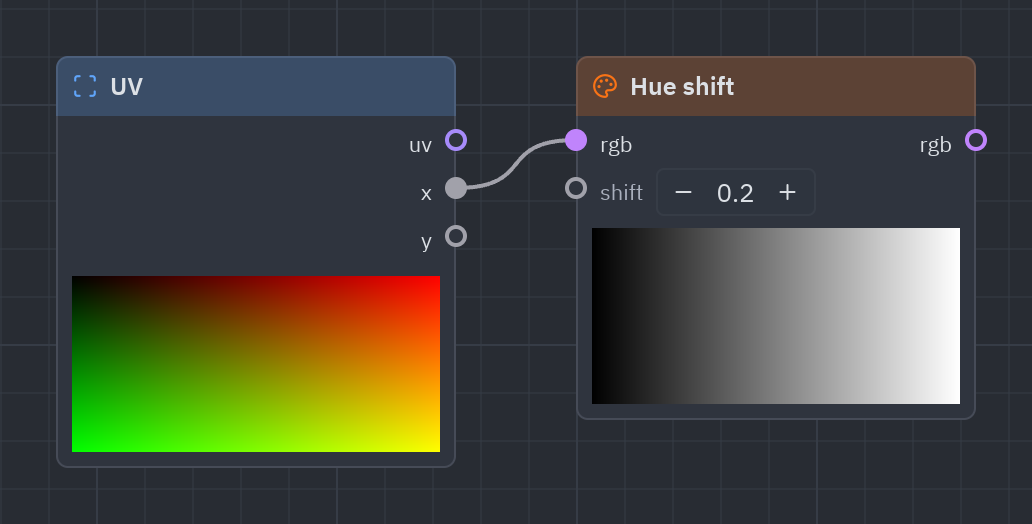
Turns the hue of a color around the wheel (shift 1 is a full turn).
| Input | Type | Default |
|---|---|---|
rgb |
vec3 |
(1, 0, 0) |
shift |
float |
0.25 |
| Output | Type |
|---|---|
rgb |
vec3 |
g.output(g.rgba(g.hue_shift([1.0, 0.2, 0.2], g.time(scale=0.2)["time"]), 1.0))Saturation
Section titled “Saturation”saturation · Color · g.saturation(...)
More (above 1) or less (below 1) colorful; 0 is gray.
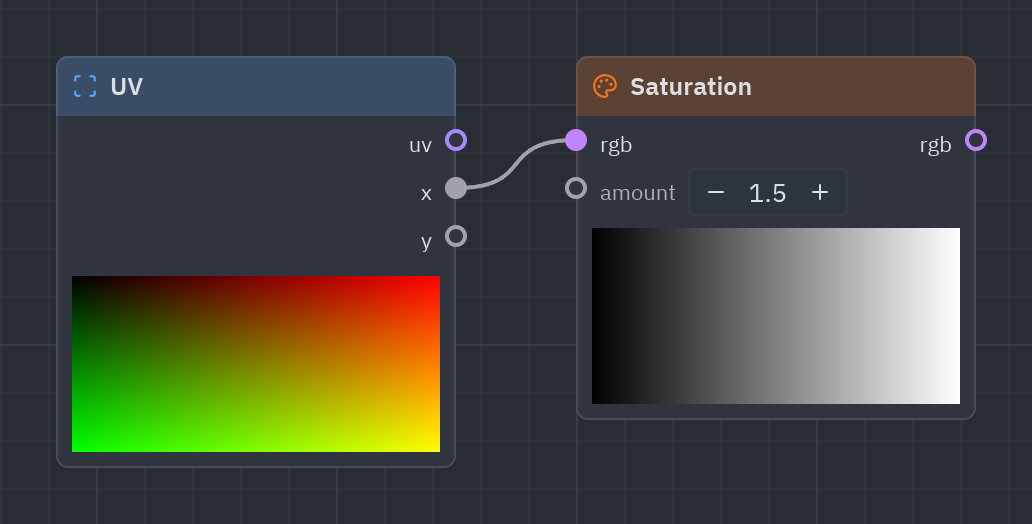
More (above 1) or less (below 1) colorful; 0 is gray.
| Input | Type | Default |
|---|---|---|
rgb |
vec3 |
(1, 0.5, 0) |
amount |
float |
1.5 |
| Output | Type |
|---|---|
rgb |
vec3 |
c = g.palette(g.uv()["x"])g.output(g.rgba(g.saturation(c, 0.4), 1.0))Brightness and contrast
Section titled “Brightness and contrast”brightness_contrast · Color · g.brightness_contrast(...)
Lighter or darker, and more or less contrast.
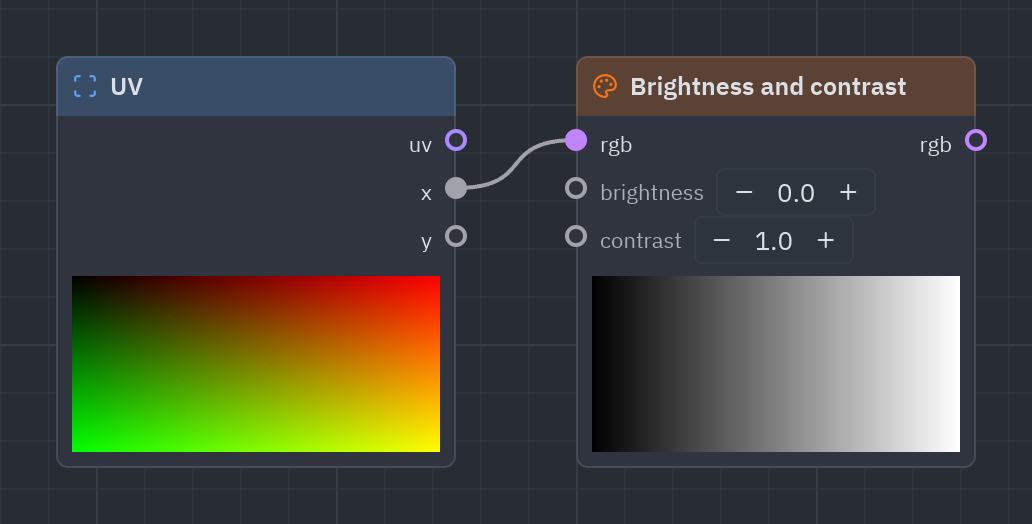
Lighter or darker, and more or less contrast, like a photo editor.
| Input | Type | Default |
|---|---|---|
rgb |
vec3 |
(0.5, 0.5, 0.5) |
brightness |
float |
0 |
contrast |
float |
1 |
| Output | Type |
|---|---|
rgb |
vec3 |
c = g.palette(g.uv()["x"])g.output(g.rgba(g.brightness_contrast(c, 0.1, 1.4), 1.0))Luminance
Section titled “Luminance”luminance · Color · g.luminance(...)
How bright a color looks, from 0 to 1.
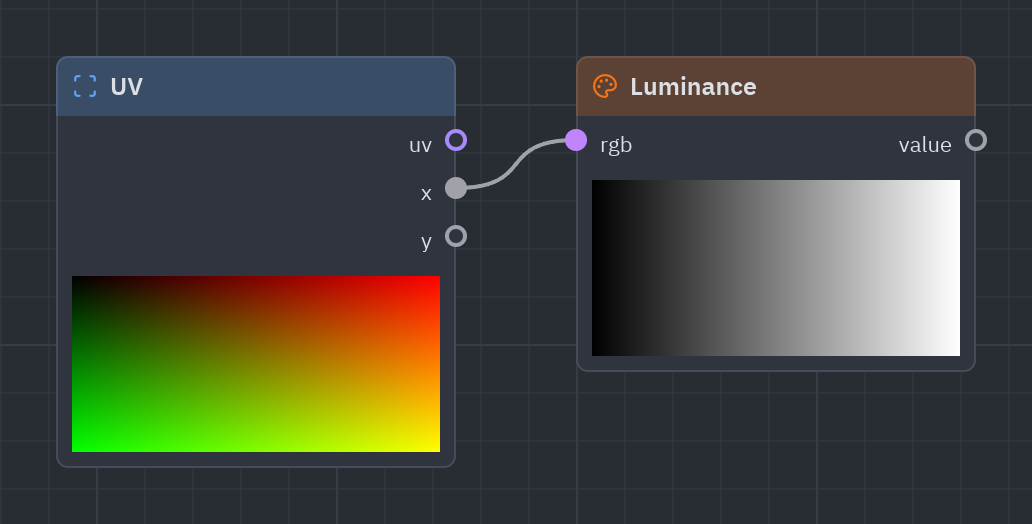
How bright a color looks to the eye, as one number from 0 to 1.
| Input | Type | Default |
|---|---|---|
rgb |
vec3 |
(1, 1, 1) |
| Output | Type |
|---|---|
value |
float |
l = g.luminance([0.2, 0.7, 0.3])g.output(g.rgba(l, 1.0))Grayscale
Section titled “Grayscale”grayscale · Color · g.grayscale(...)
The color in shades of gray.
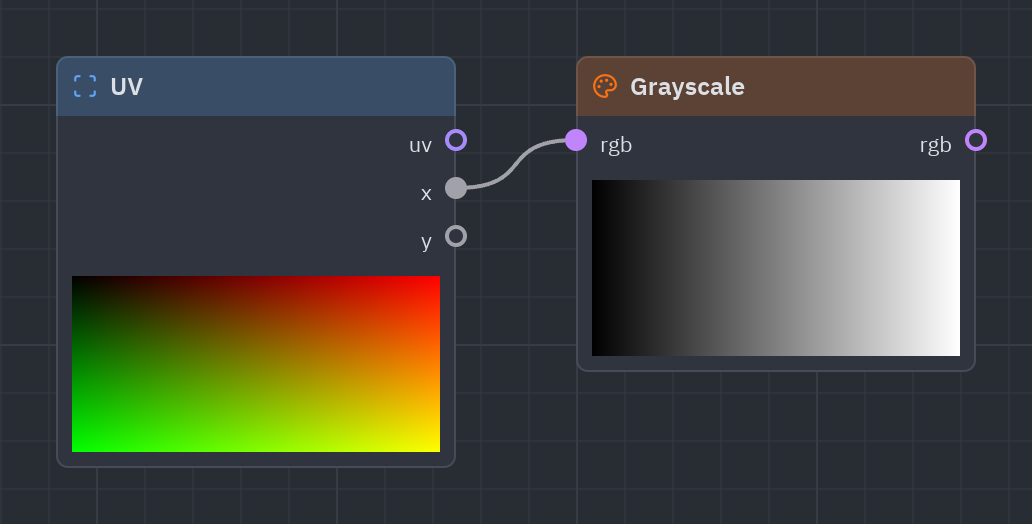
The color in shades of gray (black and white).
| Input | Type | Default |
|---|---|---|
rgb |
vec3 |
(1, 0.5, 0) |
| Output | Type |
|---|---|
rgb |
vec3 |
c = g.palette(g.uv()["x"])g.output(g.rgba(g.grayscale(c), 1.0))Invert
Section titled “Invert”invert · Color · g.invert(...)
The opposite color: 1 − color (alpha is kept).
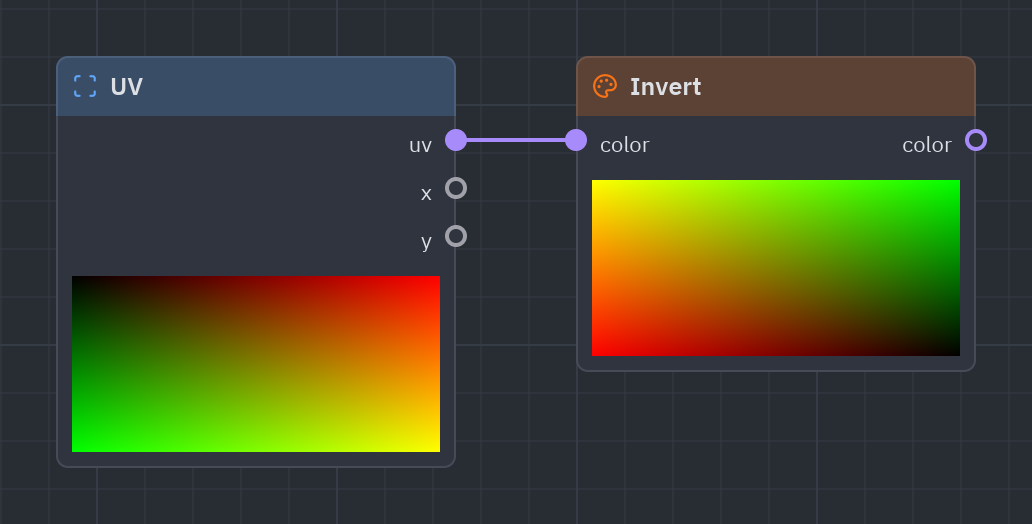
The negative of a color (1 − color); alpha is kept.
| Input | Type | Default |
|---|---|---|
color |
T |
(1, 0.5, 0) |
| Output | Type |
|---|---|
color |
T |
c = g.gradient(g.uv()["x"])g.output(g.invert(c["color"]))gamma · Color · g.gamma(...)
Brightens (above 1) or darkens (below 1) the midtones.
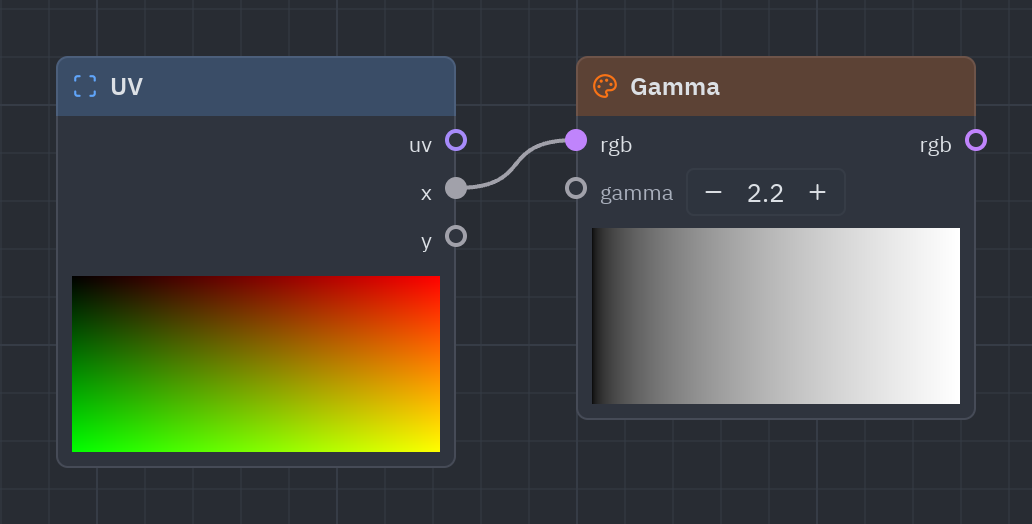
Brightens (above 1) or darkens (below 1) the midtones without touching black and white.
| Input | Type | Default |
|---|---|---|
rgb |
vec3 |
(0.5, 0.5, 0.5) |
gamma |
float |
2.2 |
| Output | Type |
|---|---|
rgb |
vec3 |
v = g.uv()["x"]g.output(g.rgba(g.gamma(g.compose(v, v, v), 2.2), 1.0))Posterize
Section titled “Posterize”posterize · Color · g.posterize(...)
Keeps only a few steps of each component.
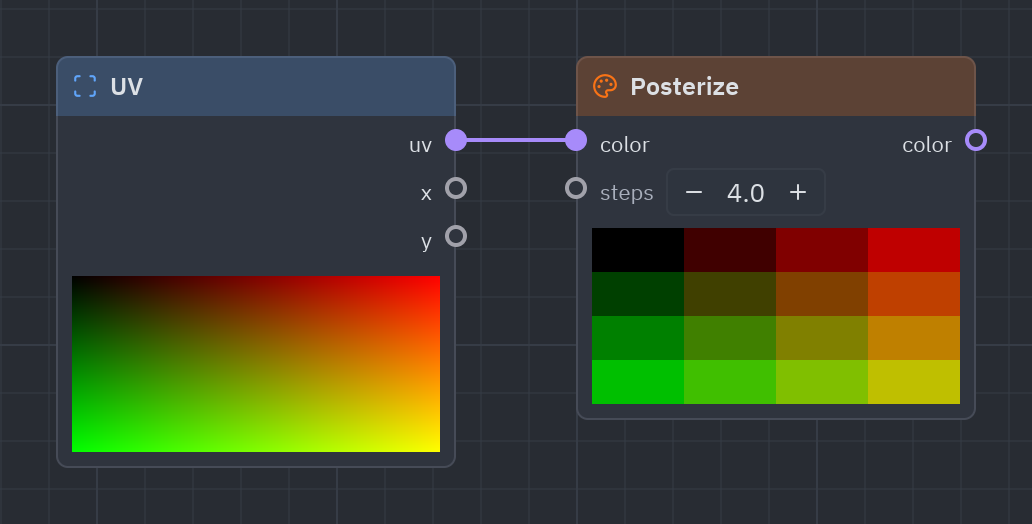
Keeps only a few steps of each color: cel shading and retro looks.
| Input | Type | Default |
|---|---|---|
color |
T |
(0.3, 0.6, 0.9) |
steps |
float |
4 |
| Output | Type |
|---|---|
color |
T |
c = g.palette(g.uv()["x"])g.output(g.rgba(g.posterize(c, 4.0), 1.0))blend · Color · g.blend(...)
Blends layer over base like an image editor’s layer modes.
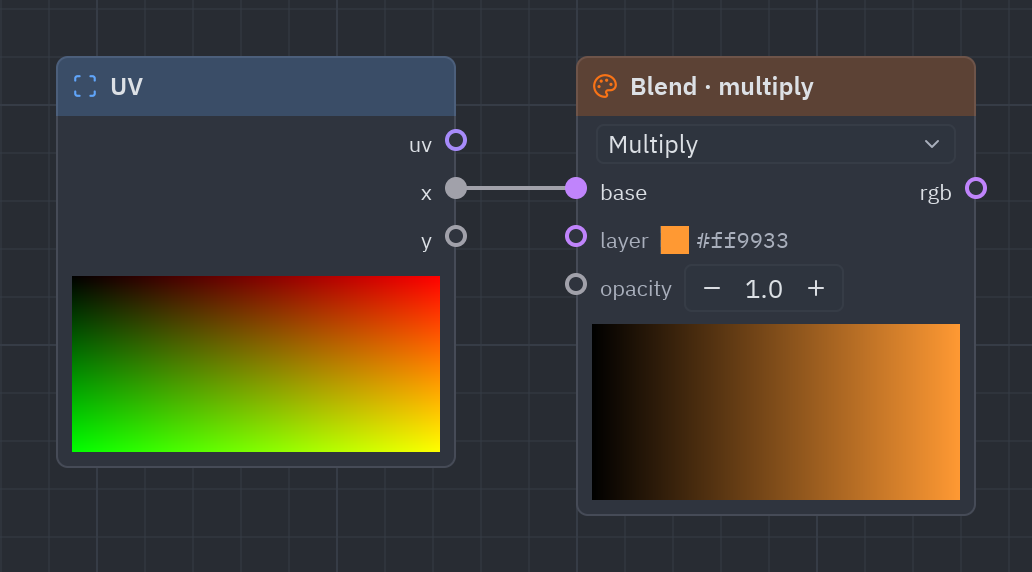
Blends layer over base like the layer modes of an image editor: normal, multiply, screen, overlay, add, subtract, difference, darken, lighten, soft light, color dodge and color burn.
| Input | Type | Default |
|---|---|---|
base |
vec3 |
(0.2, 0.4, 0.8) |
layer |
vec3 |
(1, 0.6, 0.2) |
opacity |
float |
1 |
| Output | Type |
|---|---|
rgb |
vec3 |
| Setting | Values | Default |
|---|---|---|
mode |
normal, multiply, screen, overlay, add, subtract, difference, darken, lighten, soft_light, color_dodge, color_burn |
multiply |
base = g.gradient(g.uv()["y"])clouds = g.fbm(scale=3.0)layer = g.compose(clouds, clouds, clouds)g.output(g.rgba(g.blend(base["rgb"], layer, 0.8, mode="screen"), 1.0))Palette
Section titled “Palette”palette · Color · g.palette(...)
A smooth rainbow-like color for t, from Inigo Quilez’s cosine palettes: a + b × cos(2π(c × t + d)).
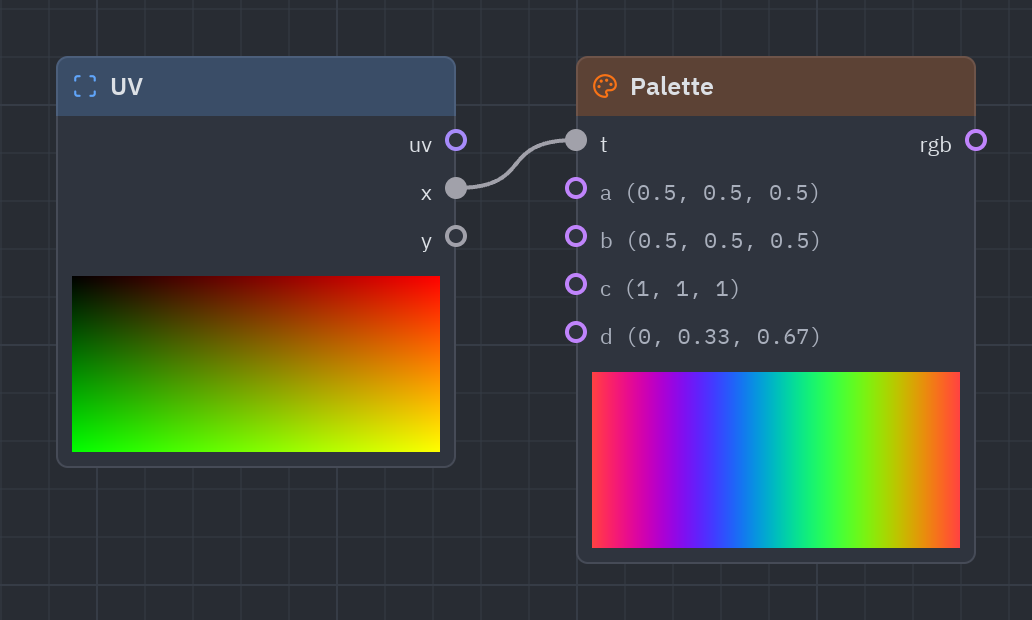
Turns a number from 0 to 1 into a smooth, rainbow-like color with a cosine formula. Change d to shift the colors; it is the quickest way to color noise.
| Input | Type | Default |
|---|---|---|
t |
float |
0 |
a |
vec3 |
(0.5, 0.5, 0.5) |
b |
vec3 |
(0.5, 0.5, 0.5) |
c |
vec3 |
(1, 1, 1) |
d |
vec3 |
(0, 0.33, 0.67) |
| Output | Type |
|---|---|
rgb |
vec3 |
n = g.noise(scale=4.0)g.output(g.rgba(g.palette(n), 1.0))Gradient
Section titled “Gradient”gradient · Color · g.gradient(...)
A color ramp: the color at t (0 to 1) between the stops you set.
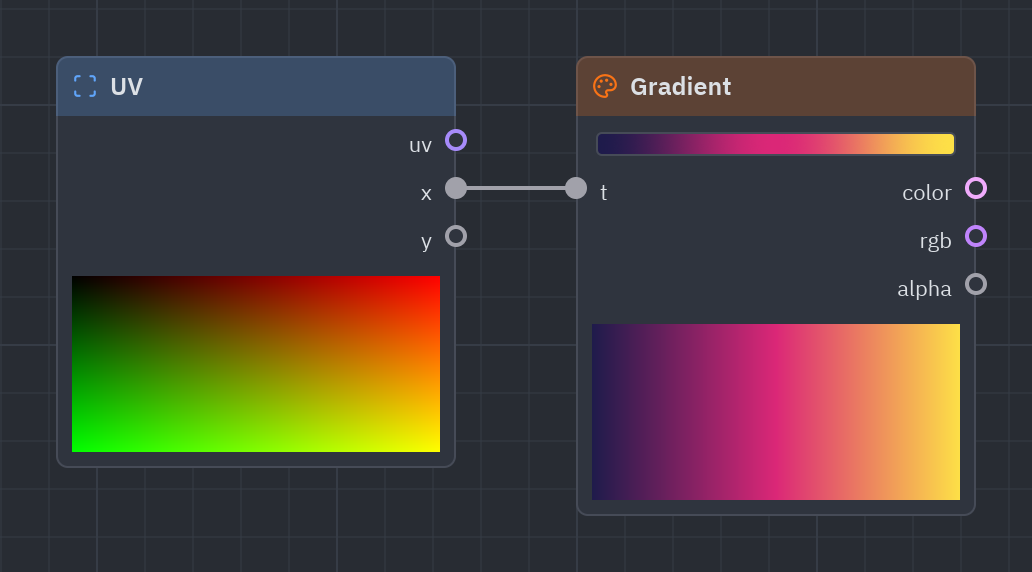
A color ramp you edit with stops: the color at t between the stops. In the designer you drag the stops; in Python pass stops=[[position, color], ...].
| Input | Type | Default |
|---|---|---|
t |
float |
0.5 |
| Output | Type |
|---|---|
color |
vec4 |
rgb |
vec3 |
alpha |
float |
| Setting | Values | Default |
|---|---|---|
stops |
stops |
0 #1e1b4b, 0.5 #db2777, 1 #fde047 |
ramp = g.gradient(g.uv()["x"], stops=[[0.0, "#0f172a"], [0.6, "#7c3aed"], [1.0, "#f472b6"]])g.output(ramp)rgba · Color · g.rgba(...)
A color with alpha from a vec3 color and an opacity.
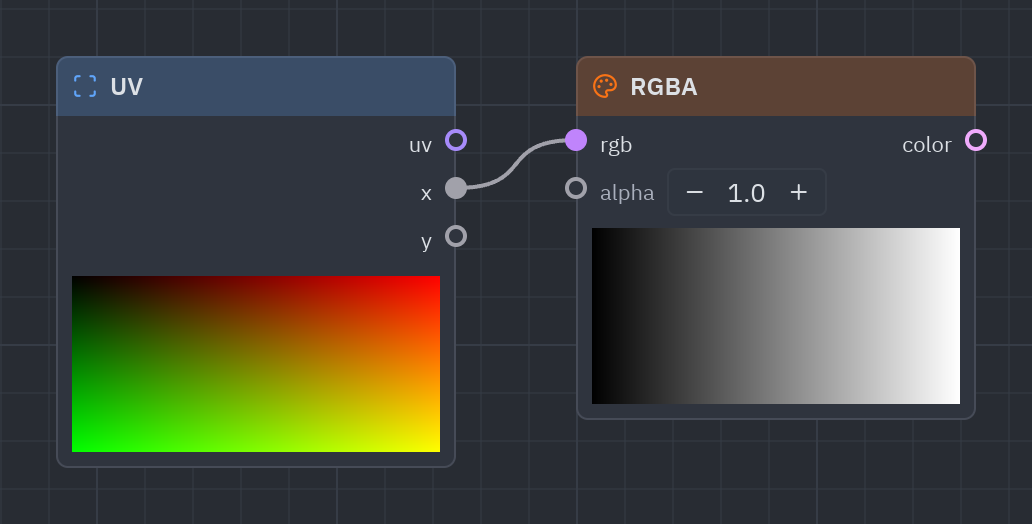
Joins an RGB color and an opacity into the vec4 the Output wants.
| Input | Type | Default |
|---|---|---|
rgb |
vec3 |
(1, 1, 1) |
alpha |
float |
1 |
| Output | Type |
|---|---|
color |
vec4 |
g.output(g.rgba([0.2, 0.6, 1.0], 0.5))layer · Color · g.layer(...)
Puts front over back using front’s alpha.
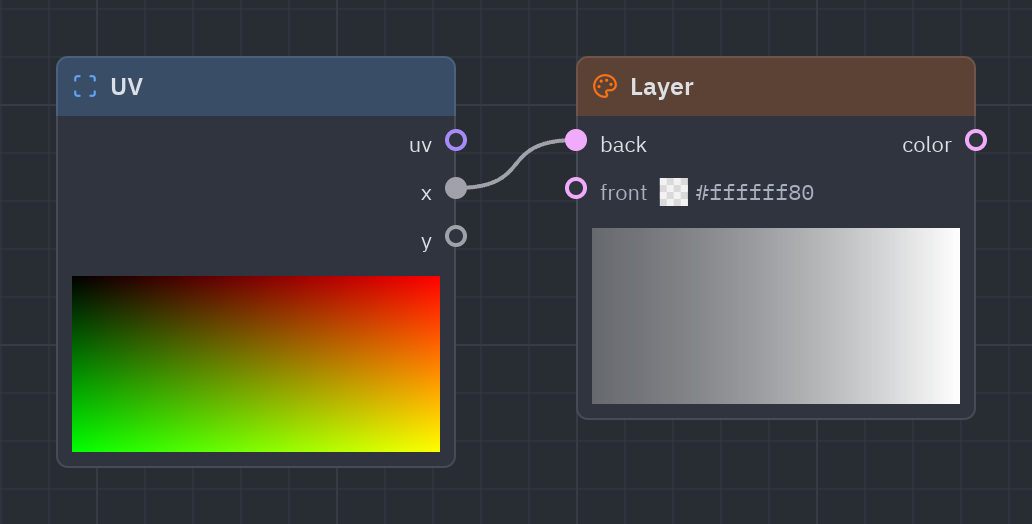
Puts front over back using front’s alpha, like stacking two layers.
| Input | Type | Default |
|---|---|---|
back |
vec4 |
(0, 0, 0, 1) |
front |
vec4 |
(1, 1, 1, 0.5) |
| Output | Type |
|---|---|
color |
vec4 |
back = g.gradient(g.uv()["y"])spot = g.rgba([1.0, 1.0, 1.0], g.fill(g.circle(radius=0.2)))g.output(g.layer(back["color"], spot))Effects
Section titled “Effects”Screen effects that return a number around 1: multiply your final color by them.
Vignette
Section titled “Vignette”vignette · Effects · g.vignette(...)
Darkens toward the corners: multiply a color by it.
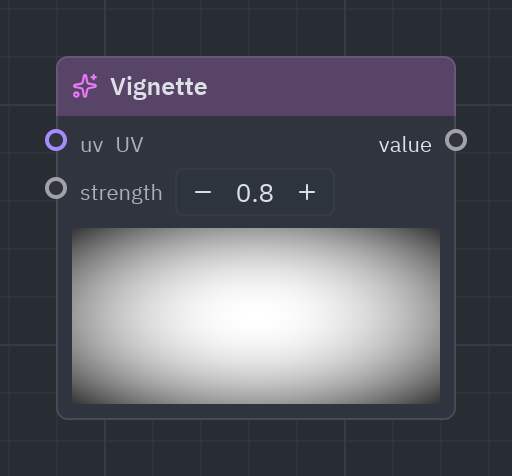
Darkens toward the corners, drawing the eye to the center.
| Input | Type | Default |
|---|---|---|
uv |
vec2 |
UV (context) |
strength |
float |
0.8 |
| Output | Type |
|---|---|
value |
float |
c = g.gradient(g.uv()["x"])g.output(g.rgba(c["rgb"] * g.vignette(strength=0.9), 1.0))Scanlines
Section titled “Scanlines”scanlines · Effects · g.scanlines(...)
The horizontal lines of a CRT screen: multiply a color by it.
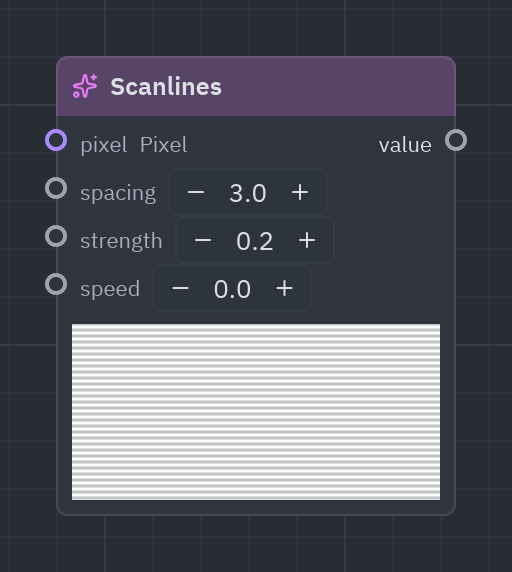
The horizontal lines of an old TV; speed makes them roll.
| Input | Type | Default |
|---|---|---|
px · pixel |
vec2 |
Pixel (context) |
spacing |
float |
3 |
strength |
float |
0.25 |
speed |
float |
0 |
| Output | Type |
|---|---|
value |
float |
c = g.gradient(g.uv()["y"])g.output(g.rgba(c["rgb"] * g.scanlines(spacing=3.0, strength=0.3), 1.0))Film grain
Section titled “Film grain”grain · Effects · g.grain(...)
Random speckles that change every frame: multiply a color by it.
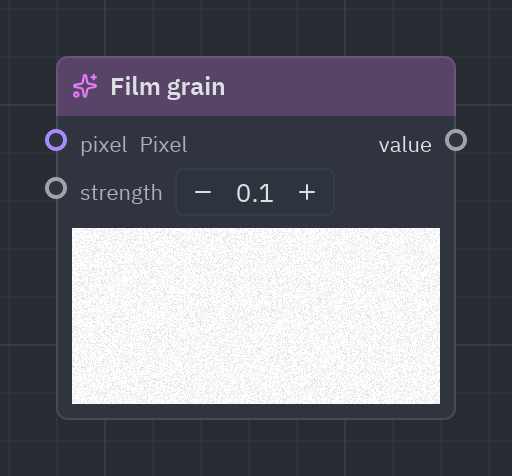
Random speckles that change every frame, like film.
| Input | Type | Default |
|---|---|---|
px · pixel |
vec2 |
Pixel (context) |
strength |
float |
0.12 |
| Output | Type |
|---|---|
value |
float |
c = g.gradient(g.uv()["x"])g.output(g.rgba(c["rgb"] * g.grain(strength=0.15), 1.0))Texture
Section titled “Texture”Images in a shader: add a texture variable (an image file) and read its colors.
Sample texture
Section titled “Sample texture”sample_texture · Texture · g.sample_texture(...)
The color of a texture (an image variable) at uv.
Reads the color of an image at a UV. Add a texture variable whose value is an image path (relative to the .pzshad), wire it into texture, and warp the UV first for ripples or pixelation.
| Input | Type | Default |
|---|---|---|
texture |
texture |
— |
uv |
vec2 |
UV (context) |
| Output | Type |
|---|---|
color |
vec4 |
rgb |
vec3 |
alpha |
float |
photo = g.uniform("photo", "texture", "photo.png")uv = g.pixelate(cells=[40.0, 30.0])g.output(g.sample_texture(photo, uv["uv"]))See also: Getting started · The Shader view · Recipes · Shader graphs in Python