
Shapes
Every example on this page runs after these two lines, and ends by sending a color to the Output node:
from pyzed import shading
g = shading.Graph("demo")
Shapes
Section titled “Shapes”Shapes are signed distances (SDF): each pixel gets its distance to the edge of the shape, negative inside and positive outside. A distance is not a picture yet: Fill, Stroke and Glow turn it into a mask from 0 to 1. Distances can be combined (union, subtract, intersect) before drawing, even with a smooth seam.
Circle
Section titled “Circle”circle · Shapes · g.circle(...)
The signed distance to a circle (negative inside). Use Fill or Stroke to draw it.
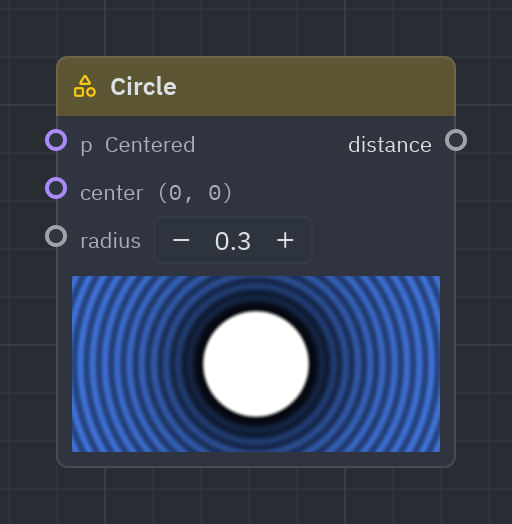
A circle around center with a radius (in units of the height). Draw it with Fill, Stroke or Glow.
| Input | Type | Default |
|---|---|---|
p |
vec2 |
Centered (context) |
center |
vec2 |
(0, 0) |
radius |
float |
0.3 |
| Output | Type |
|---|---|
distance |
float |
d = g.circle(radius=0.3)g.output(g.rgba(g.fill(d), 1.0))box · Shapes · g.box(...)
The signed distance to a rectangle of size (rounded by radius).
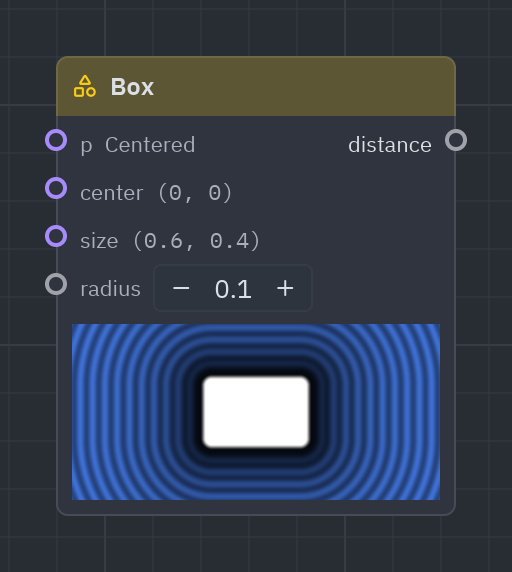
A rectangle of size, with corners rounded by radius: cards, buttons, panels.
| Input | Type | Default |
|---|---|---|
p |
vec2 |
Centered (context) |
center |
vec2 |
(0, 0) |
size |
vec2 |
(0.6, 0.4) |
radius |
float |
0.05 |
| Output | Type |
|---|---|
distance |
float |
d = g.box(size=[0.8, 0.5], radius=0.08)g.output(g.rgba(g.fill(d), 1.0))ring · Shapes · g.ring(...)
The signed distance to a ring of radius and thickness.
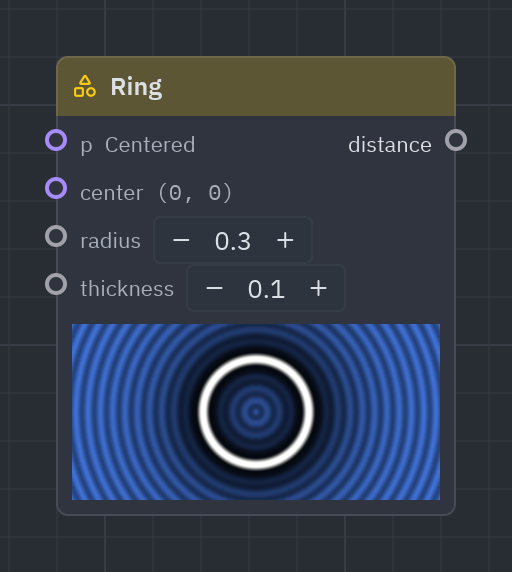
A ring (a donut outline) of radius and thickness: loaders, targets, halos.
| Input | Type | Default |
|---|---|---|
p |
vec2 |
Centered (context) |
center |
vec2 |
(0, 0) |
radius |
float |
0.3 |
thickness |
float |
0.05 |
| Output | Type |
|---|---|
distance |
float |
d = g.ring(radius=0.3, thickness=0.04)g.output(g.rgba(g.fill(d), 1.0))Segment
Section titled “Segment”segment · Shapes · g.segment(...)
The signed distance to a line from a to b, thickness wide.
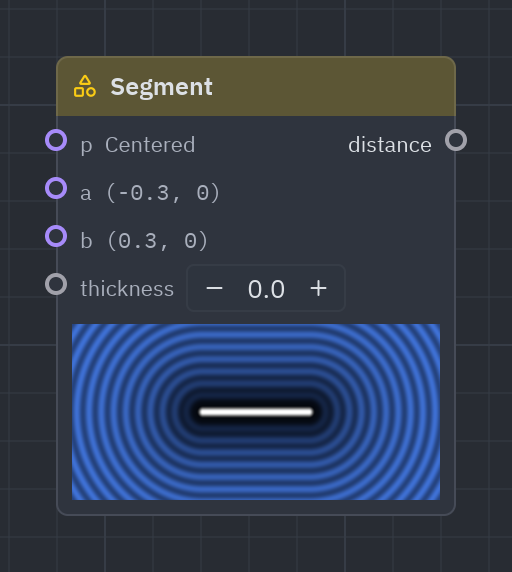
A line from a to b with round ends and a thickness.
| Input | Type | Default |
|---|---|---|
p |
vec2 |
Centered (context) |
a |
vec2 |
(-0.3, 0) |
b |
vec2 |
(0.3, 0) |
thickness |
float |
0.04 |
| Output | Type |
|---|---|
distance |
float |
d = g.segment(a=[-0.4, -0.2], b=[0.4, 0.2], thickness=0.05)g.output(g.rgba(g.fill(d), 1.0))Polygon
Section titled “Polygon”polygon · Shapes · g.polygon(...)
The signed distance to a regular polygon (sides corners, radius to them).
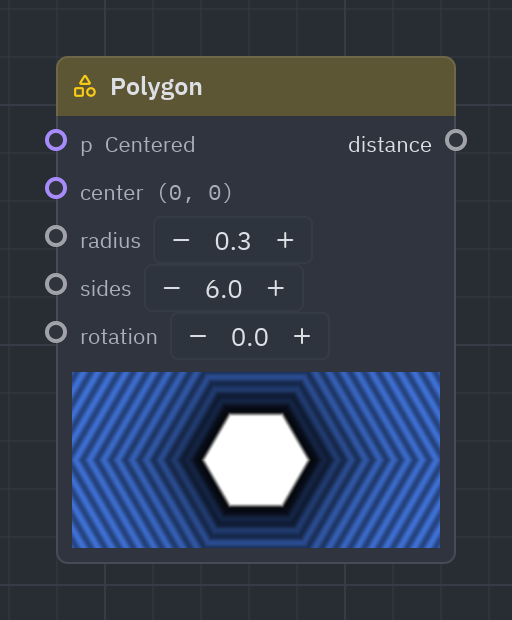
A regular polygon with sides corners: triangles, hexagons, octagons.
| Input | Type | Default |
|---|---|---|
p |
vec2 |
Centered (context) |
center |
vec2 |
(0, 0) |
radius |
float |
0.3 |
sides |
float |
6 |
rotation |
float |
0 |
| Output | Type |
|---|---|
distance |
float |
d = g.polygon(radius=0.35, sides=6.0)g.output(g.rgba(g.fill(d), 1.0))star · Shapes · g.star(...)
The signed distance to a star (inner is how deep its valleys are, 0 to 1).
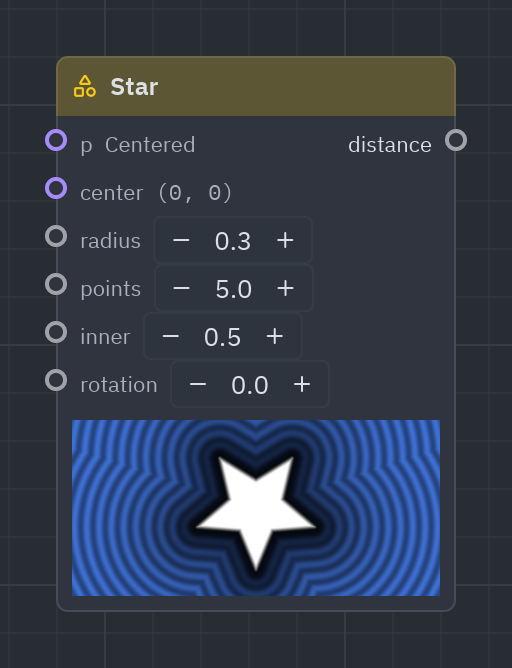
A star with points tips; inner is how deep the valleys between tips are.
| Input | Type | Default |
|---|---|---|
p |
vec2 |
Centered (context) |
center |
vec2 |
(0, 0) |
radius |
float |
0.35 |
points |
float |
5 |
inner |
float |
0.45 |
rotation |
float |
0 |
| Output | Type |
|---|---|
distance |
float |
d = g.star(radius=0.4, points=5.0, inner=0.45)g.output(g.rgba(g.fill(d), 1.0))Combine shapes
Section titled “Combine shapes”sdf_op · Shapes · g.sdf_op(...)
Joins two shapes (union), cuts b out of a (subtract) or keeps where they overlap (intersect); smooth melts the seam.
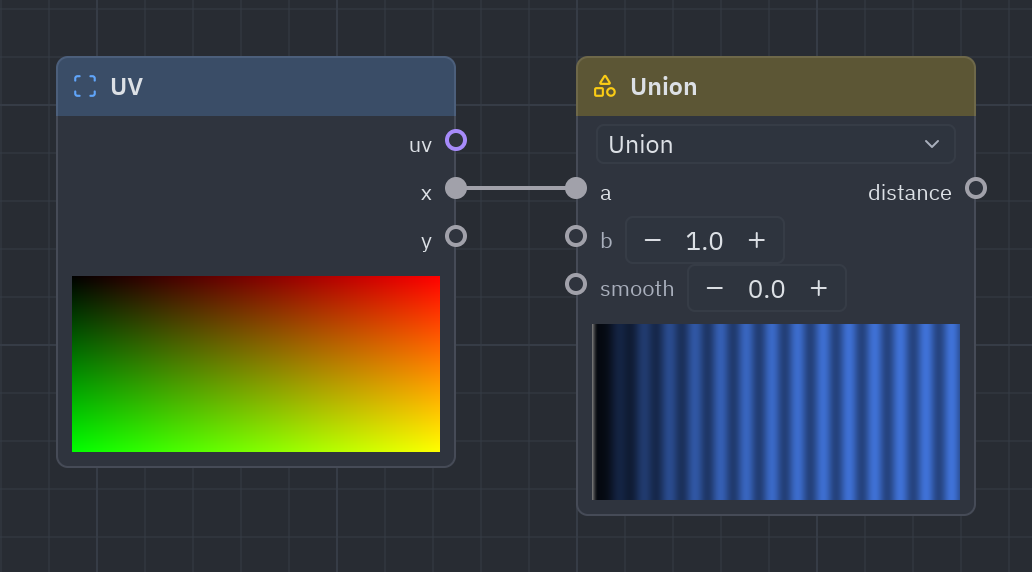
Combines two shapes before drawing them: Union joins them, Subtract shape cuts b out of a, Intersect keeps the overlap. smooth above 0 melts the seam, like two drops of water merging.
| Input | Type | Default |
|---|---|---|
a |
float |
1 |
b |
float |
1 |
smooth |
float |
0 |
| Output | Type |
|---|---|
distance |
float |
| Setting | Values | Default |
|---|---|---|
op |
union, subtract, intersect |
union |
Sidebar entries
| Entry | What it does | In Python |
|---|---|---|
| Union | Joins two shapes; smooth melts them together. | g.union(...) |
| Subtract shape | Cuts shape b out of shape a. | g.subtract_shape(...) |
| Intersect | Keeps where two shapes overlap. | g.intersect(...) |
a = g.circle(center=[-0.15, 0.0], radius=0.25)b = g.circle(center=[0.15, 0.0], radius=0.25)d = g.union(a, b, smooth=0.1)g.output(g.rgba(g.fill(d), 1.0))fill · Shapes · g.fill(...)
Draws a shape: 1 inside, 0 outside, with an antialiased edge softness pixels wide.
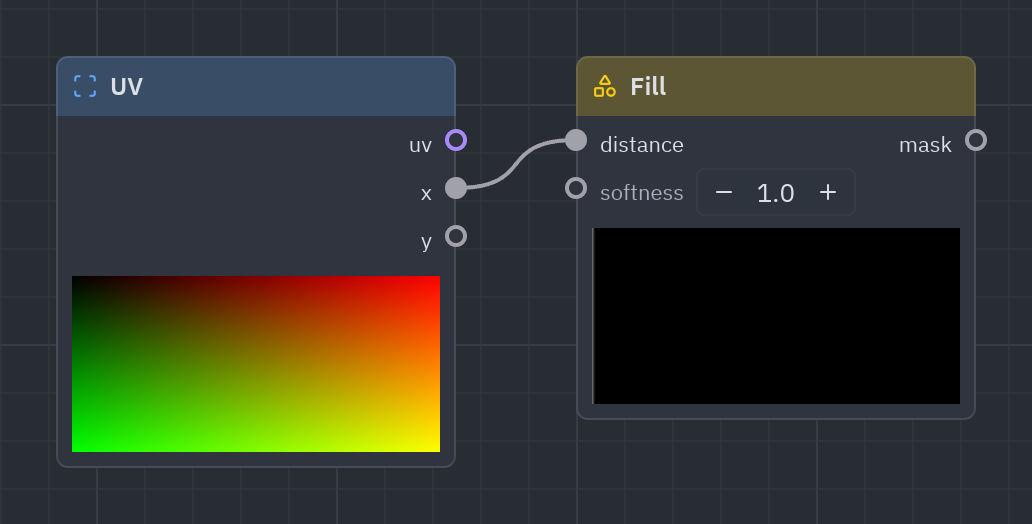
Draws a shape solid: 1 inside, 0 outside, with an antialiased edge softness pixels wide. Raise softness for a blurry edge.
| Input | Type | Default |
|---|---|---|
distance |
float |
0 |
softness |
float |
1 |
| Output | Type |
|---|---|
mask |
float |
d = g.box(size=[0.6, 0.6], radius=0.1)g.output(g.rgba(g.fill(d, softness=8.0), 1.0))Stroke
Section titled “Stroke”stroke · Shapes · g.stroke(...)
Draws the outline of a shape, width wide (in the shape’s units).
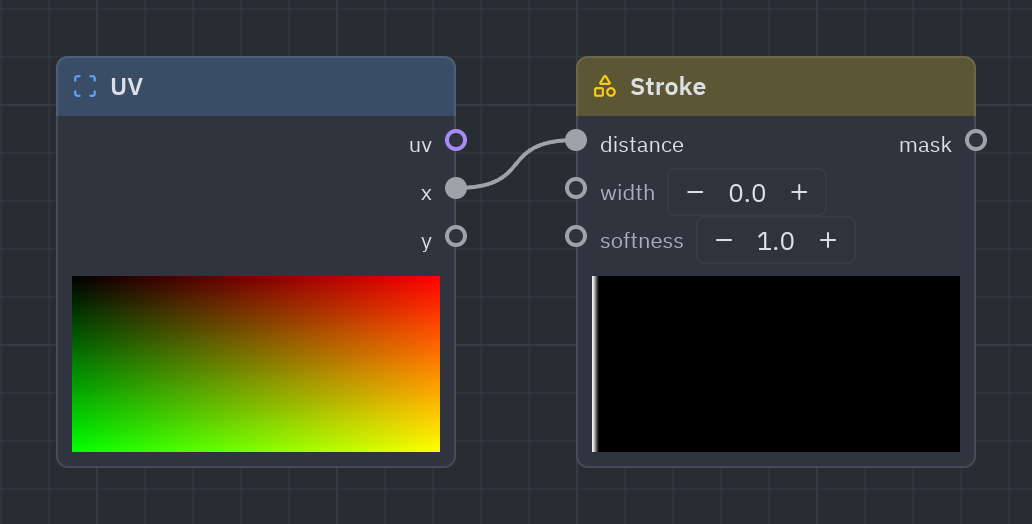
Draws only the outline of a shape, width wide.
| Input | Type | Default |
|---|---|---|
distance |
float |
0 |
width |
float |
0.02 |
softness |
float |
1 |
| Output | Type |
|---|---|
mask |
float |
d = g.star(radius=0.4)g.output(g.rgba(g.stroke(d, width=0.02), 1.0))glow · Shapes · g.glow(...)
A soft light around a shape that fades over radius.
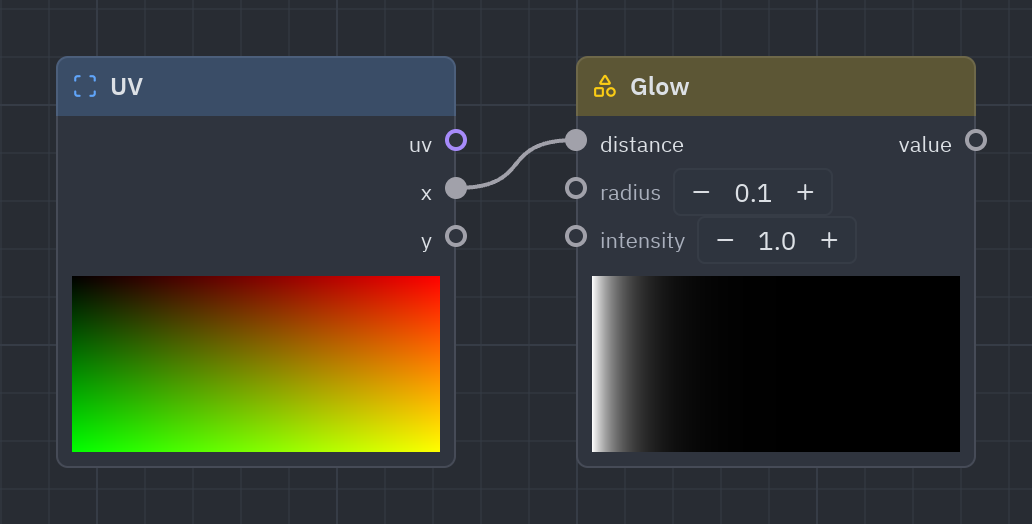
A soft light around a shape that fades over radius: neon signs and halos. Add it to a Fill for a solid shape with a glow.
| Input | Type | Default |
|---|---|---|
distance |
float |
0 |
radius |
float |
0.08 |
intensity |
float |
1 |
| Output | Type |
|---|---|
value |
float |
d = g.ring(radius=0.3, thickness=0.01)light = g.glow(d, radius=0.1)g.output(g.rgba(g.compose(0.1, 0.8, 1.0) * light, 1.0))See also: Getting started · The Shader view · Recipes · Shader graphs in Python