
Logic, variables and utility
Every example on this page runs after these two lines, and ends by sending a color to the Output node:
from pyzed import shading
g = shading.Graph("demo")True/false values and choosing between two values. Shaders run on every pixel at once, so prefer Mix and Smoothstep for soft transitions and keep Select for hard either/or choices.
Compare
Section titled “Compare”compare · Logic · g.compare(...)
Whether a is less, greater or equal to b (for vectors: every component).
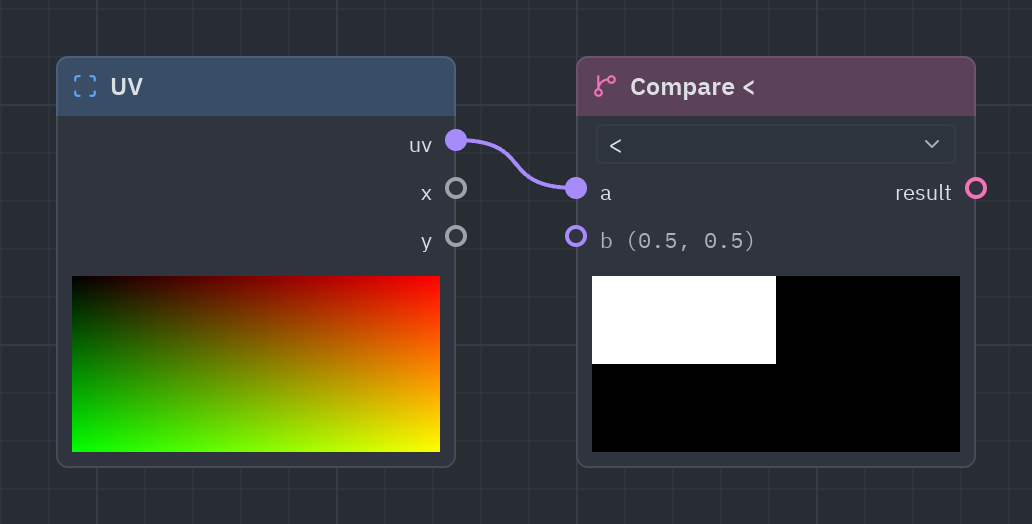
Compares a and b (<, <=, >, >=, ==, !=) and gives true or false.
| Input | Type | Default |
|---|---|---|
a |
T |
0 |
b |
T |
0.5 |
| Output | Type |
|---|---|
result |
bool |
| Setting | Values | Default |
|---|---|---|
op |
<, <=, >, >=, ==, != |
< |
left = g.compare(g.uv()["x"], 0.5, op="<")g.output(g.rgba(g.select(left, 1.0, 0.2), 1.0))Select
Section titled “Select”select · Logic · g.select(...)
if condition then a else b.
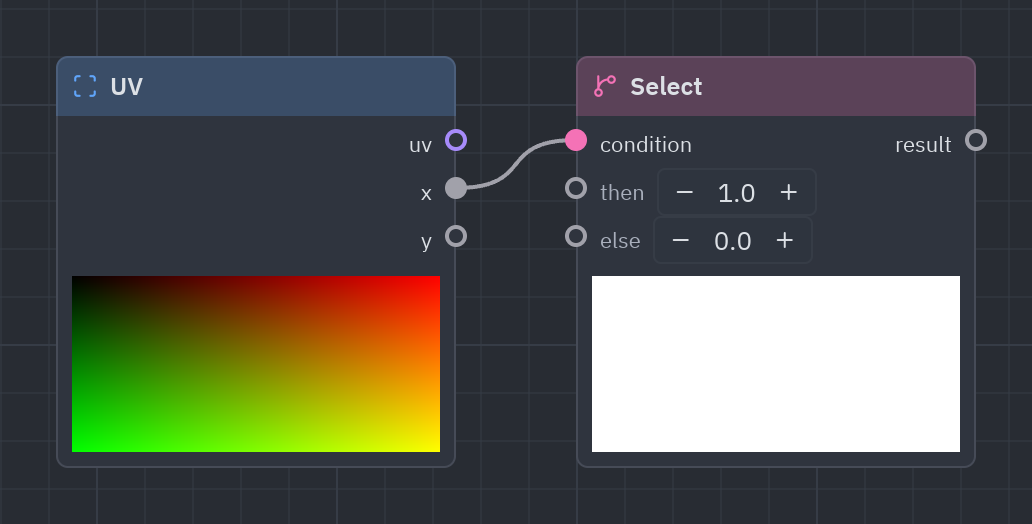
If condition is true, a (then); otherwise b (else).
| Input | Type | Default |
|---|---|---|
condition |
bool |
true |
a · then |
T |
1 |
b · else |
T |
0 |
| Output | Type |
|---|---|
result |
T |
inside = g.mouse()["inside"]g.output(g.rgba(g.select(inside, [0.2, 0.8, 0.4], [0.3, 0.3, 0.3]), 1.0))logic · Logic · g.logic(...)
and, or, xor and not of true/false values.
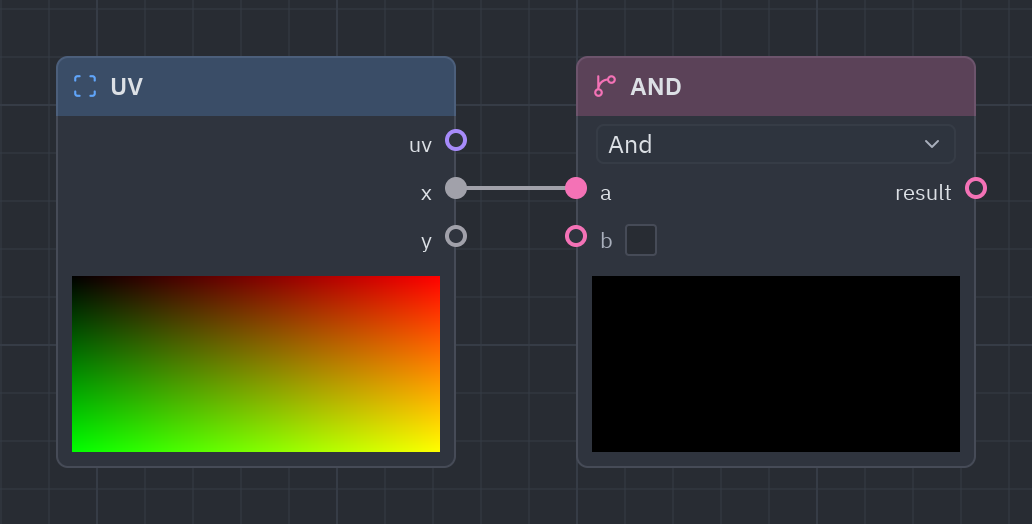
and, or, xor and not of true/false values.
| Input | Type | Default |
|---|---|---|
a |
bool |
true |
b |
bool |
false |
| Output | Type |
|---|---|
result |
bool |
| Setting | Values | Default |
|---|---|---|
op |
and, or, xor, not |
and |
uv = g.uv()both = g.logic(g.compare(uv["x"], 0.5, op=">"), g.compare(uv["y"], 0.5, op=">"), op="and")g.output(g.rgba(g.select(both, 1.0, 0.0), 1.0))Variables
Section titled “Variables”Named values inside the graph: compute something once, name it, and read it anywhere without a long wire across the canvas.
Set value
Section titled “Set value”set_var · Variables · g.set_var(...)
Gives a value a name, so Get value nodes can read it anywhere without a long wire.
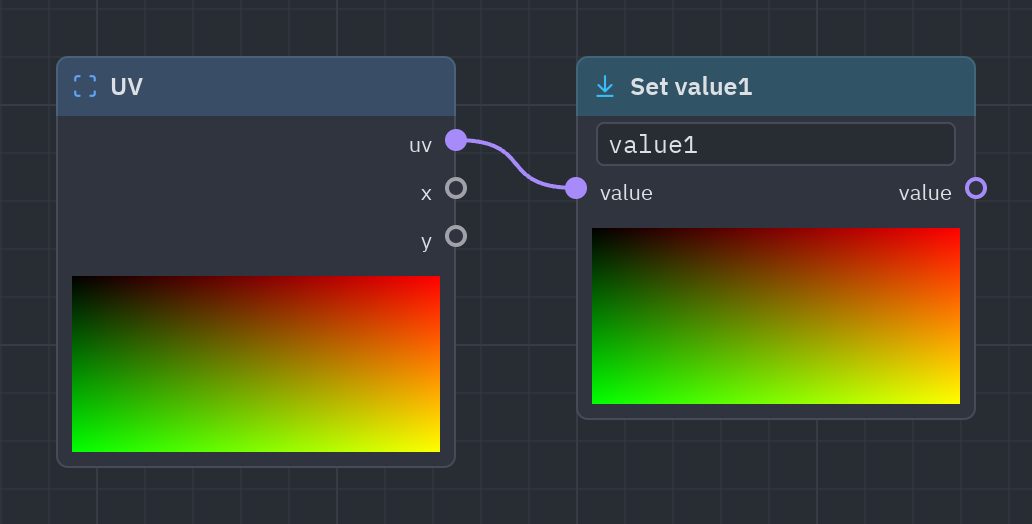
Gives a value a name. Any Get value with the same name reads it, so you can reuse it far away without a wire crossing the whole canvas.
| Input | Type | Default |
|---|---|---|
value |
T |
0 |
| Output | Type |
|---|---|
value |
T |
| Setting | Values | Default |
|---|---|---|
name |
text |
value1 |
g.set_var(g.noise(scale=4.0), name="n")n = g.get_var(name="n")g.output(g.rgba(g.palette(n), 1.0))Get value
Section titled “Get value”get_var · Variables · g.get_var(...)
Reads a value named by a Set value node.
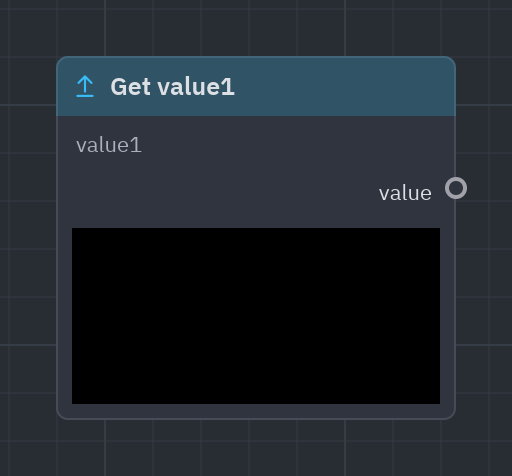
Reads a value named by a Set value node.
| Output | Type |
|---|---|
value |
T |
| Setting | Values | Default |
|---|---|---|
name |
local |
value1 |
g.set_var(g.uv()["x"], name="x")g.output(g.gradient(g.get_var(name="x")))Utility
Section titled “Utility”Nodes that keep big graphs tidy and let you go beyond the catalog.
Reroute
Section titled “Reroute”reroute · Utility · g.reroute(...)
A point to bend a wire around other nodes.
A dot that only bends a wire around other nodes: it changes nothing.
| Input | Type | Default |
|---|---|---|
in |
T |
0 |
| Output | Type |
|---|---|
out |
T |
x = g.reroute(g.uv()["x"])g.output(g.gradient(x))Expression
Section titled “Expression”expression · Utility · g.expression(...)
Your own WGSL: an expression of a, b, c and d (and uv, px, size, time), or a function body with return. The types of a to d follow what is connected.
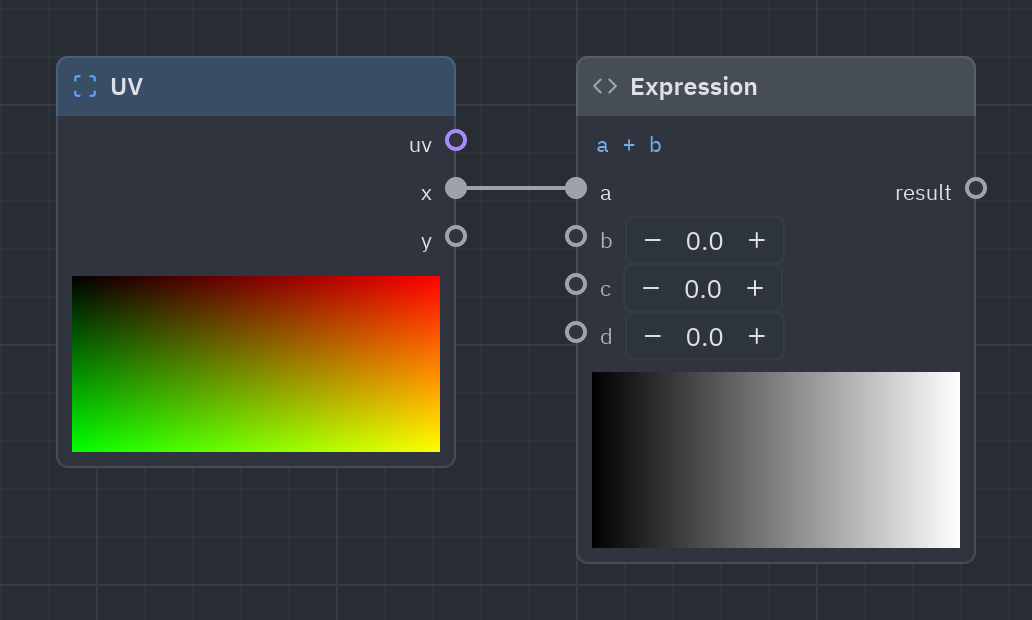
Your own line of WGSL when no node does what you need: an expression of a, b, c and d (plus uv, px, size and time), or a function body with return. Pick the result’s type.
| Input | Type | Default |
|---|---|---|
a |
any |
0 |
b |
any |
0 |
c |
any |
0 |
d |
any |
0 |
| Output | Type |
|---|---|
result |
float |
| Setting | Values | Default |
|---|---|---|
code |
code |
a + b |
type |
float, vec2, vec3, vec4, int, bool |
float |
The types of a to d follow what is wired to them (any); type sets the result’s.
e = g.expression(g.uv()["x"], 8.0, code="abs(sin(a * b + time))", type="float")g.output(g.rgba(e, 1.0))Shader function
Section titled “Shader function”subgraph · Utility · g.subgraph(...)
Another .pzshad used as a function: its mutable variables are inputs, its output is the color. Feed uv to move, tile or warp it.
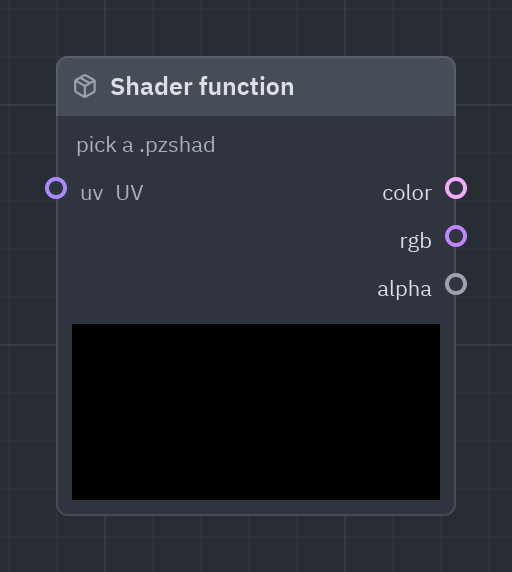
Uses another .pzshad as a function: its mutable variables become inputs and its color the output. Feed uv to move, tile or warp the whole shader.
| Input | Type | Default |
|---|---|---|
uv |
vec2 |
UV (context) |
| Output | Type |
|---|---|
color |
vec4 |
rgb |
vec3 |
alpha |
float |
| Setting | Values | Default |
|---|---|---|
path |
file |
— |
Besides uv, every mutable variable of the other shader becomes an input.
A Shader function needs another .pzshad file: g.subgraph(path="plasma.pzshad", uv=...). In the designer, double-click the node to open that file.
Comment
Section titled “Comment”comment · Utility · g.comment(...)
A note on the graph.
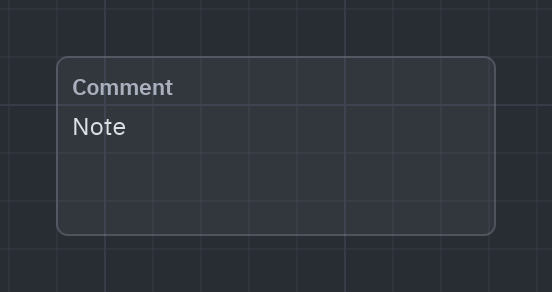
A note on the canvas to explain a part of the graph. It has no effect on the shader.
| Setting | Values | Default |
|---|---|---|
text |
text |
Note |
g.comment(text="Sky: gradient from top to bottom")g.output(g.gradient(g.uv()["y"]))Output
Section titled “Output”Every shader has one Output node: what reaches it is the color of the pixel.
Output
Section titled “Output”output · Output · g.output(...)
The color of every pixel. Alpha, when connected, replaces color’s alpha.
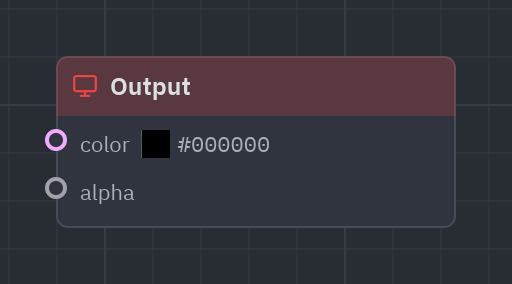
The end of the graph: the color it receives is the color of the pixel. If alpha is connected it replaces the color’s alpha. g.output(color) adds or finds it in Python.
| Input | Type | Default |
|---|---|---|
color |
vec4 |
(0, 0, 0, 1) |
alpha |
float |
— (not used until connected) |
g.output([1.0, 0.4, 0.1, 1.0], alpha=g.radial_gradient(radius=0.5))See also: Getting started · The Shader view · Recipes · Shader graphs in Python