Errors and missing pages
error.py
Section titled “error.py”error.py catches what fails below it: its pages, nested layouts, their load and the
middleware of those addresses. reset drops the failed data and tries again:
import pyzed as pzfrom pyzed import ui

def error(error, reset):    return pz.column([        ui.heading("Something went wrong", level=2),        ui.label(str(error), color="text_muted"),        ui.button("Try again", reset, icon="rotate-ccw"),    ], spacing=12)
The error shows inside the layouts above it, so the sidebar stays usable. An error.py does
not catch its own folder’s layout: that one is caught one level up, as in Next.js. The
traceback is printed in the terminal too.
The function also receives info, a pz.ErrorInfo with the error’s type, message and
traceback, for an error card with details:
def error(error, reset, info): return ui.error_card(info, actions=[ui.button("Try again", reset)])not_found.py
Section titled “not_found.py”not_found.py shows for addresses that match no page, and wherever a page, a load or a
middleware calls pz.not_found(). The closest one above wins:
async def load(params): product = await api.product(params["id"]) if product is None: pz.not_found() # shows the closest not_found.py return product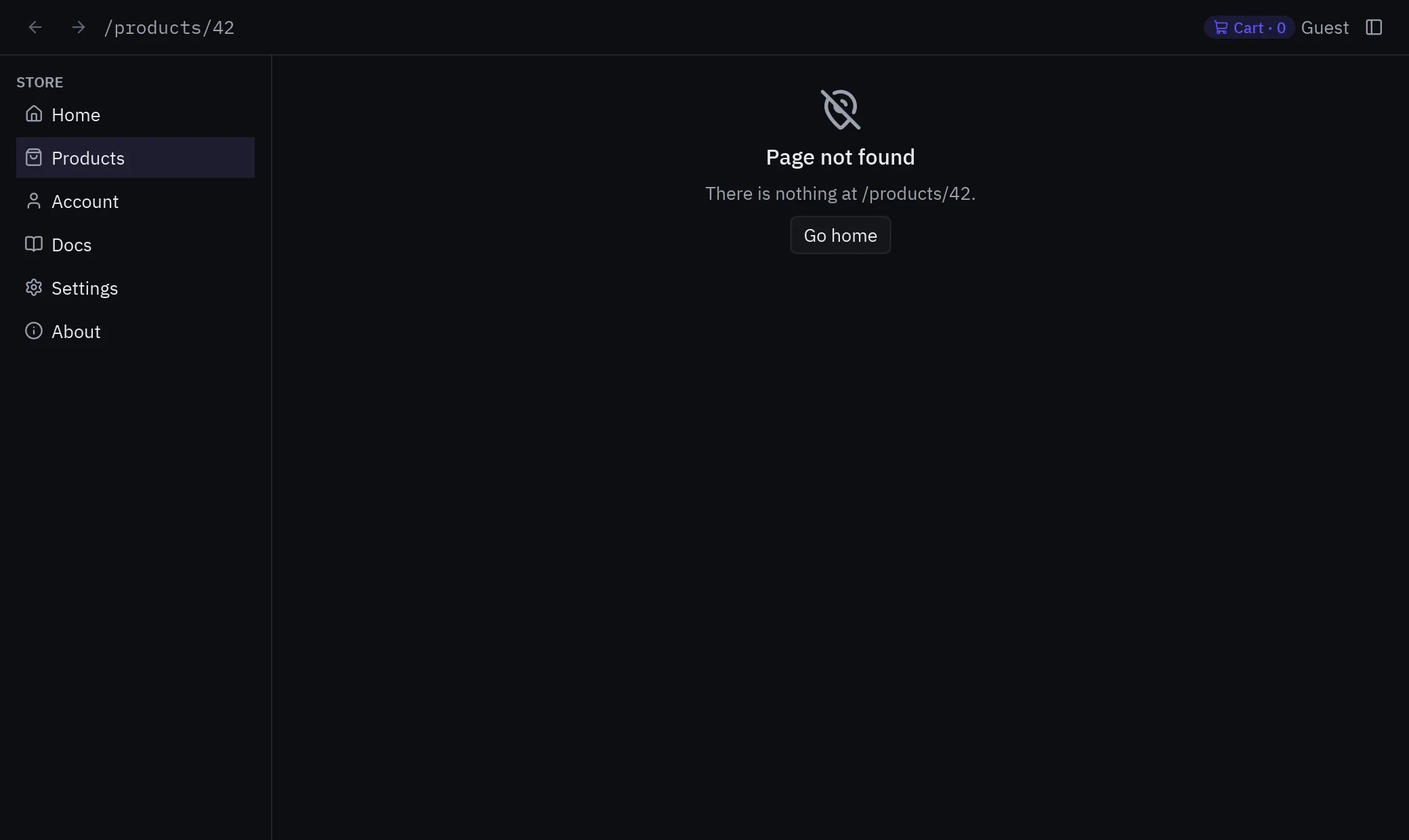
Redirects
Section titled “Redirects”pz.redirect("/login") goes to another page instead of the one being drawn, replacing the
history entry (push=True adds one instead). It works in pages, layouts and load; for checks
that run before any page, use middleware.
# app/settings/page.py: /settings shows its first tabdef page(): pz.redirect("/settings/profile")Without these files
Section titled “Without these files”Pyzed shows its own error card (with the traceback in the terminal and a “Try again”) and its own “Page not found”, in the app’s language.