Desktop notifications
pz.notify shows the operating system’s own notifications: toasts on Windows 10 and 11, the
Notification Center on macOS and the notification server on Linux (GNOME, KDE, Cinnamon, XFCE,
dunst, mako…).
import pyzed as pz
pz.notify("Order shipped", "Your monitor is on its way", href="/orders/3")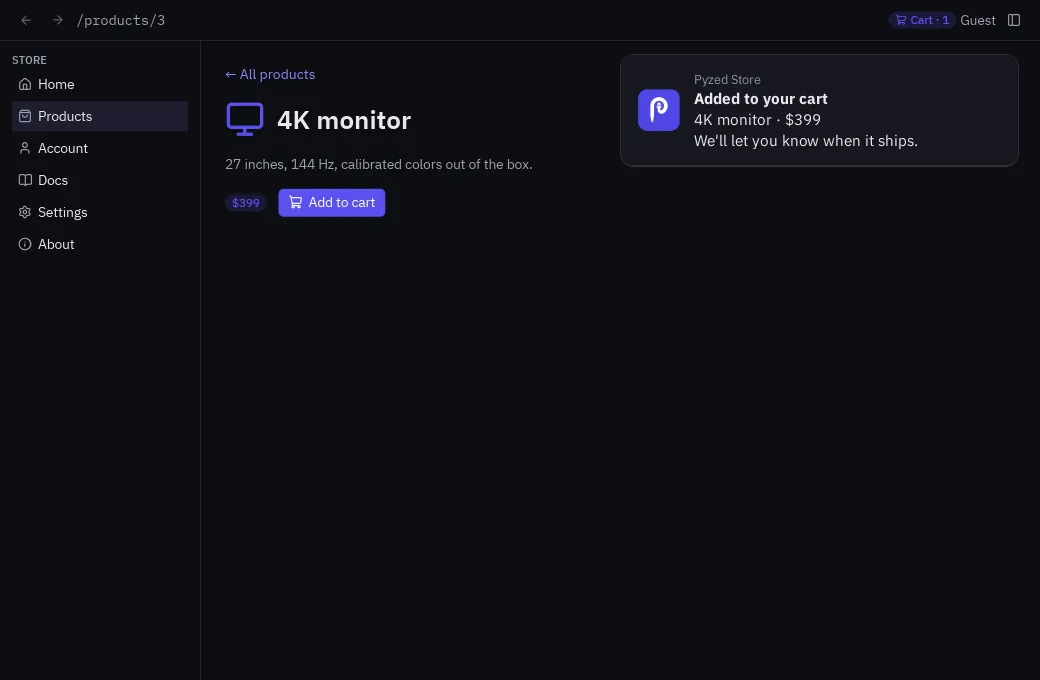
Clicking it brings the window to the front and, with href, goes to that page.
Buttons
Section titled “Buttons”pz.notify("New message", "Ana: are we still on for today?", actions={"reply": "Reply", "/inbox": "Open inbox"}, on_action=lambda action: print("pressed", action))actions is {id: label} or a list of labels. A button whose id is an address (/inbox,
?tab=unread) opens that page by itself; the others call on_action(id).
Every option
Section titled “Every option”| Option | What it does |
|---|---|
title, body |
the text |
icon, image |
a path or PNG bytes; image is a bigger picture where the system shows one |
actions |
the buttons |
href |
the page a click opens |
on_click(notification), on_action(id), on_close(reason) |
run on the UI thread |
urgency |
"low", "normal" or "critical" (stays until answered) |
sound |
True (the system’s), False, or a sound’s name |
timeout |
seconds on screen; 0 until dismissed; None the system’s default |
tag |
a new notification with the same tag replaces the old one |
on_close receives "expired", "dismissed", "closed" or "unknown".
The notification it returns
Section titled “The notification it returns”progress = pz.notify("Downloading", "0 %", tag="download")progress.update(body="60 %")progress.close()notification.native says whether the system’s notifications showed it, closed whether it
left the screen and reason why.
With actions and the router
Section titled “With actions and the router”The usual place is the on_done of an action, or the action
itself:
@pz.action(refresh=False)async def add_to_cart(product): await api.place_order([product.id]) cart.add(product.id) pz.notify("Added to your cart", product.name, actions={"/cart": "See cart"})Each system
Section titled “Each system”| System | How | Good to know |
|---|---|---|
| Linux | org.freedesktop.Notifications over D-Bus |
buttons, clicks and closing reasons depend on the server; pz.notifications.capabilities() lists them |
| Windows 10/11 | WinRT toasts | from a script they show as PowerShell’s; a packaged app sets pz.notifications.app_id to its AppUserModelID |
| macOS | the Notification Center | from a script they show as the terminal’s; a packaged app sets app_id to its bundle identifier. One button, or a menu of them |
pz.notifications.app_name is the name shown (the window’s title by default) and
pz.notifications.supported() says whether native notifications work here. Where they don’t (a
Linux session without a notification server, Android), pz.notify falls back to notify-send,
osascript or PowerShell: the text shows, without buttons or clicks.
In Pyzed Design
Section titled “In Pyzed Design”The Notification component of the toolbox (System category) does the same without code: set
its title, text, buttons (one per line) and the page a click opens, then call show() from an
event. Its clicked, action and closed events follow what the user does.