
Shaders y efectos
Pyzed lo dibuja todo con la GPU, así que una app de escritorio puede tener lo que tienen los videojuegos: fondos en movimiento, luz que desborda de lo brillante, cristal esmerilado. Hay dos capas:
- Shaders: un pequeño programa que la tarjeta gráfica ejecuta para cada píxel de un widget, en cada fotograma.
En Pyzed los haces como grafos de nodos en la vista de shader de Pyzed Design, guardados
como archivos
.pzshad, o en Python conpyzed.shading.Graph. No hay que aprender un lenguaje de shaders. - Efectos:
glass,bloom,glow,blur, rotación y animaciones, que cualquier widget tiene conwidget.style(...)ywidget.animate(...).
Seis shaders a la vez
Sección titulada «Seis shaders a la vez»Seis grafos lado a lado, con un deslizador que cambia la variable speed de todos a la vez. Las variables
(uniforms) son solo valores, así que cambiarlas nunca recompila el shader.
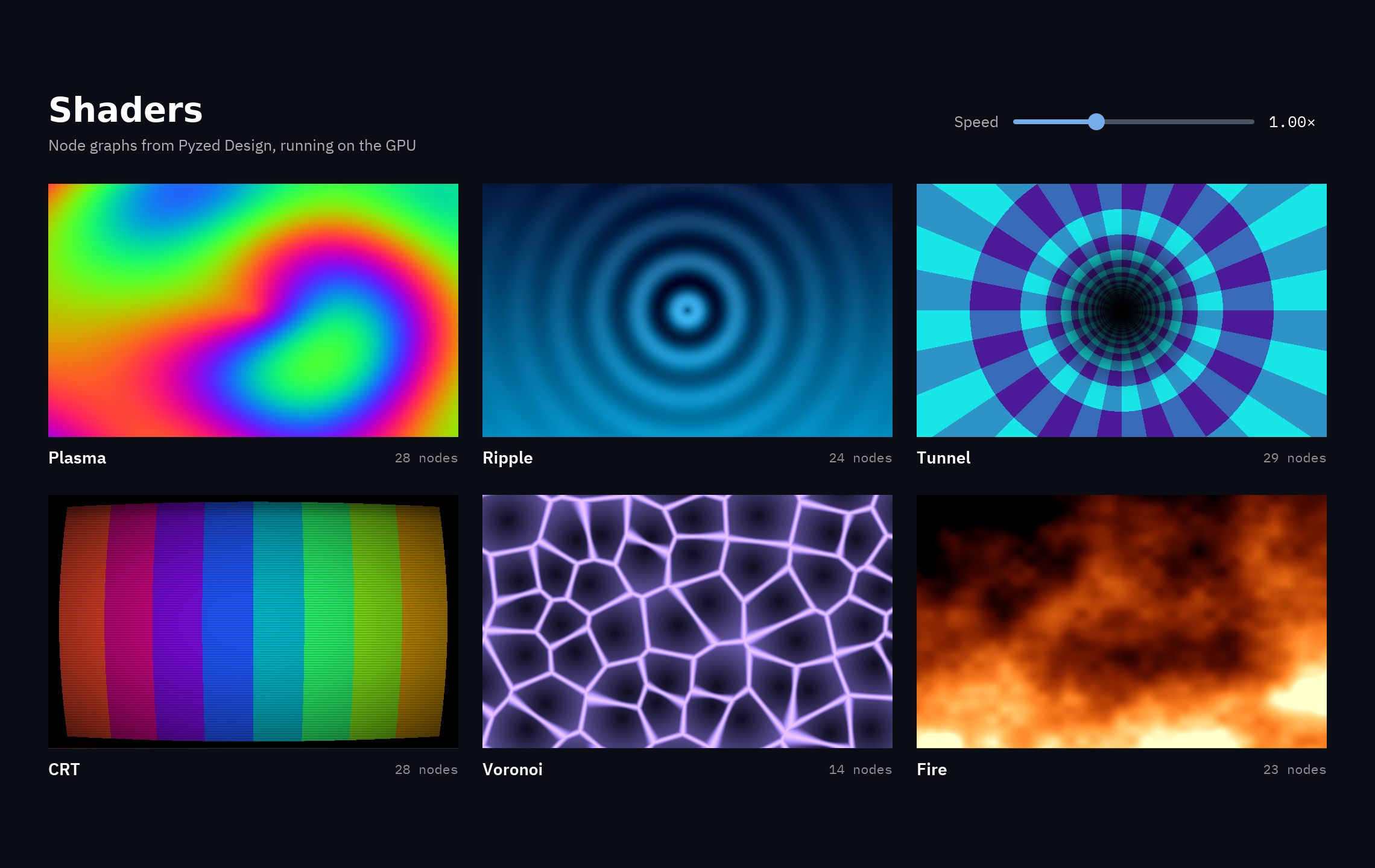
uv run --with pyzed-ui python examples/showcase/shaders.pypython3 -m venv .venvsource .venv/bin/activatepython -m pip install pyzed-uipython examples/showcase/shaders.pypy -m venv .venv.venv\Scripts\Activate.ps1python -m pip install pyzed-uipython examples\showcase\shaders.pypython3 examples/showcase/shaders.pypy examples\showcase\shaders.pyfrom pyzed import shading
plasma = shading.load("shaders/plasma.pzshad") # se compila una vezpz.shader(plasma, uniforms={"speed": self.speed}, # variables por nombre, desde tu estado width=340, height=210, fallback=pz.Gradient(["#7c3aed", "#ec4899"])) # se muestra donde no hay shadersCódigo completo: examples/showcase/shaders.py
"""A gallery of shader graphs: plasma, a ripple that follows the pointer, a tunnel, a CRTscreen, Voronoi cells and a fire. Each is a ``.pzshad`` file in ``shaders/`` made of nodes(no WGSL to write): open one in Pyzed Design (``pyzed design shaders/fire.pzshad``) to seeand change its graph.
    python examples/showcase/shaders.py
``pz.shader`` compiles the graph and runs it on the GPU for every pixel, every frame::
    pz.shader("shaders/plasma.pzshad", uniforms={"speed": 2.0}, width=340, height=210)
``uniforms`` sets the shader's mutable variables by name; the slider below changes``speed`` on every shader without recompiling."""
from pathlib import Path
import pyzed as pzfrom pyzed import shading
HERE = Path(__file__).parent / "shaders"NAMES = {"Plasma": "plasma", "Ripple": "ripple", "Tunnel": "tunnel", "CRT": "crt", "Voronoi": "voronoi",         "Fire": "fire"}SHADERS = {name: shading.load(HERE / f"{file}.pzshad") for name, file in NAMES.items()}FALLBACKS = {    "Plasma": pz.Gradient(["#7c3aed", "#ec4899", "#f59e0b"], angle=45),    "Ripple": pz.Gradient(["#0c4a6e", "#0891b2"], angle=180),    "Tunnel": pz.Gradient(["#1e1b4b", "#0e7490"], angle=135),    "CRT": pz.Gradient(["#ef4444", "#22c55e", "#3b82f6"], angle=90),    "Voronoi": pz.Gradient(["#111827", "#4c1d95"], angle=135),    "Fire": pz.Gradient(["#000000", "#b91c1c", "#fbbf24"], angle=180),}TINTS = {"Ripple": "#7dd3fc", "Voronoi": "#a78bfa"}

class Shaders(pz.App):    title = "Shaders"    size = (1140, 720)    theme = pz.themes.ONE_DARK
    def __init__(self):        self.speed = 1.0
    def set_speed(self, value):        self.speed = value
    def tile(self, name):        shader = SHADERS[name]        uniforms = {"speed": self.speed}        if name in TINTS:            uniforms["tint"] = TINTS[name]        art = pz.shader(shader, uniforms=uniforms, width=340, height=210, fallback=FALLBACKS[name])        label = pz.row([            pz.text(name, size=14, weight="semibold", color="#ffffff"),            pz.space(width="fill"),            pz.text(f"{len(shader.graph.nodes)} nodes", size=11, color="#ffffff88", font="mono"),        ], width=340, align="center")        return pz.column([art, label],                         spacing=8).animate("lift", on="hover")
    def view(self):        names = list(SHADERS)        grid = pz.column([pz.row([self.tile(n) for n in names[i:i + 3]], spacing=20) for i in (0, 3)],                         spacing=22)        header = pz.row([            pz.column([                pz.text("Shaders", size=28, weight="bold", color="#ffffff"),                pz.text("Node graphs from Pyzed Design, running on the GPU", size=13, color="#ffffffaa"),            ], spacing=2),            pz.space(width="fill"),            pz.text("Speed", size=13, color="#ffffffaa"),            pz.slider(0.0, 3.0, self.speed, step=0.05, on_change=self.set_speed, width=200),            pz.text(f"{self.speed:.2f}×", size=13, color="#ffffff", font="mono", width=48),        ], spacing=12, align="center", width=1060)        return pz.container(pz.column([header, pz.row(pz.stagger([grid], "fade_in_up"))], spacing=24),                            width="fill", height="fill", align_x="center", align_y="center").style(            background="#0b0d14")

if __name__ == "__main__":    pz.run(Shaders)
Todos los grafos
Sección titulada «Todos los grafos»Los once grafos viven en
examples/showcase/shaders. Haz clic en uno
para ver su archivo, o ábrelo en el diseñador para ver y cambiar los nodos:
pyzed design examples/showcase/shaders/fire.pzshad.
.pzshad dibujado con pz.shader.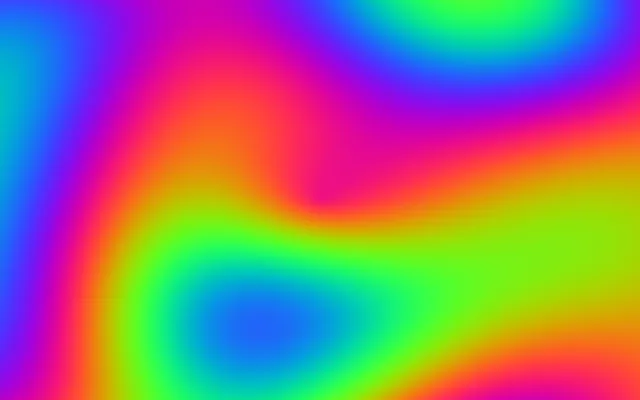 28 nodosPlasmaCuatro ondas senoidales sumadas en un color que se mueve. Variable:
 speed.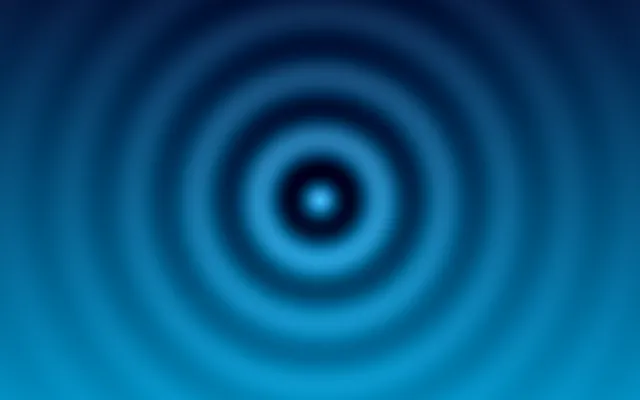 MouseRippleAnillos de ondas alrededor del puntero. Variables:
 speed, tint.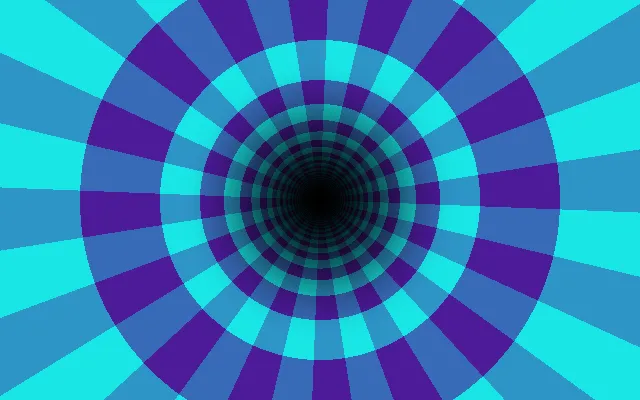 29 nodosTunnelUn túnel a cuadros que viene hacia ti. Variable:
 speed.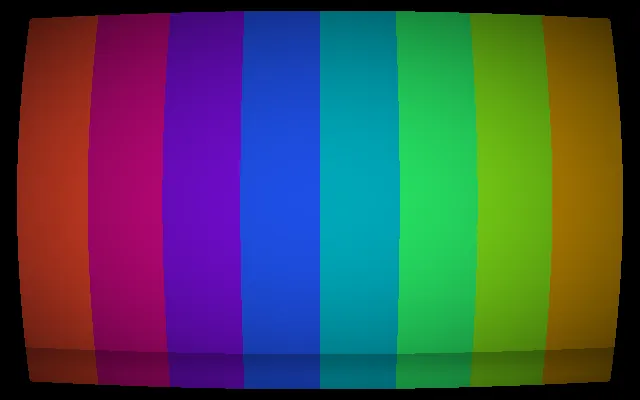 28 nodosCRTBarras de color en una pantalla curva, con líneas de barrido y una banda que rueda. Variable:
 speed.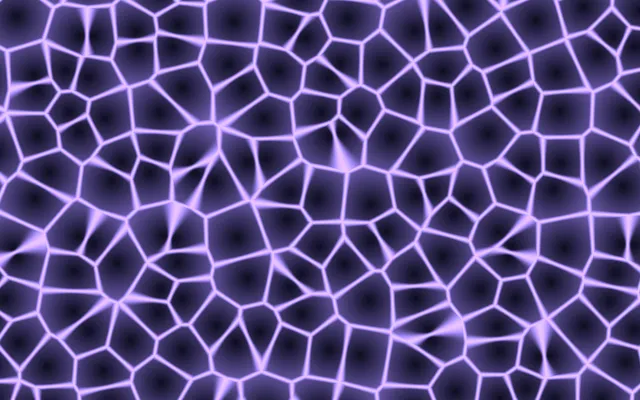 14 nodosVoronoiCeldas que se desplazan con bordes brillantes. Variables:
 speed, tint.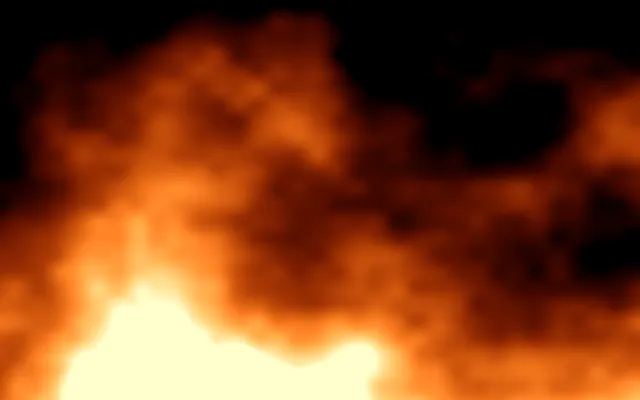 23 nodosFireLlamas de ruido fractal que suben desde abajo. Variable:
 speed.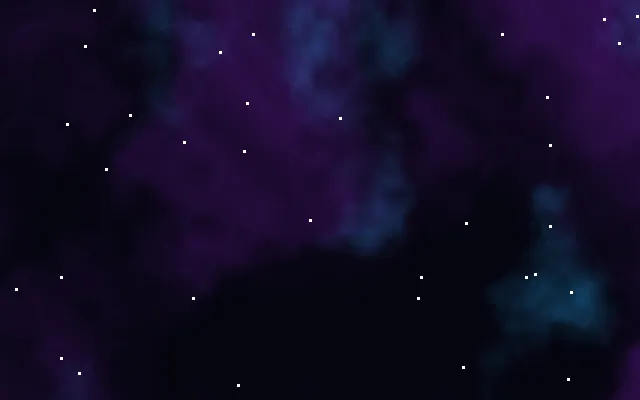 40 nodosNebulaNubes de ruido deformado y estrellas que titilan; el fondo del HUD. Variable:
 drift.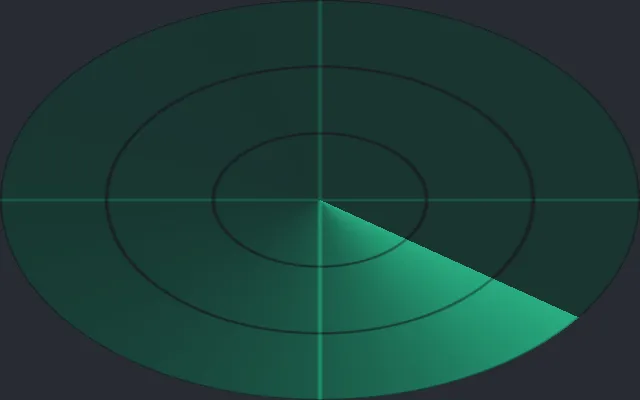 41 nodosRadarUn barrido con estela, anillos y una cruz; el minimapa del HUD. Variables:
 accent, sweep.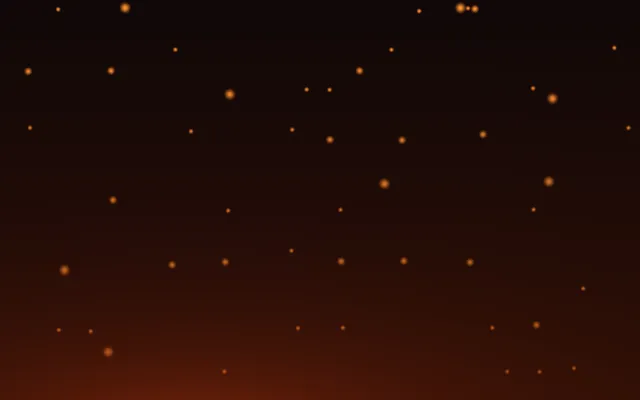 100 nodosEmbersChispas que suben desde un resplandor cálido; el fondo del inventario. Variable:
 rise.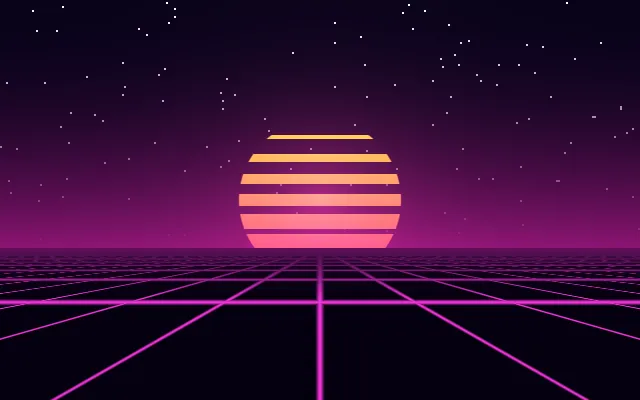 MouseSynthwaveCielo de atardecer, estrellas, un sol a rayas y una cuadrícula que se inclina hacia el puntero; el fondo del menú principal.
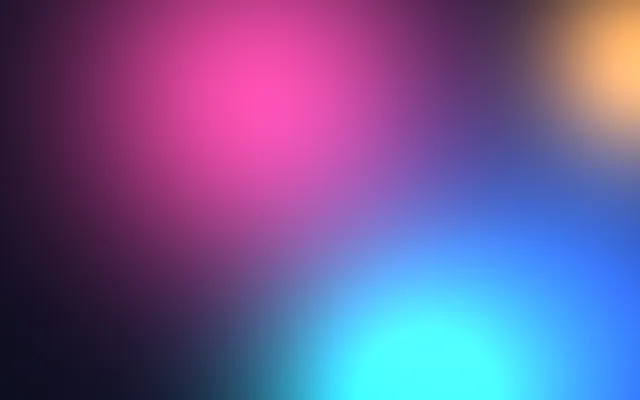 74 nodosBlobsManchas de color suaves que se desplazan lento, pensadas para ir detrás de paneles de cristal. Variable:
 speed.Efectos en cualquier widget
Sección titulada «Efectos en cualquier widget»Rotación, cristal esmerilado, bloom y desenfoque, aplicados con style(...) y animados. Los botones de abajo animan
el desenfoque y el tamaño; el tamaño, el relleno y el tamaño de letra recolocan el layout mientras se mueven.
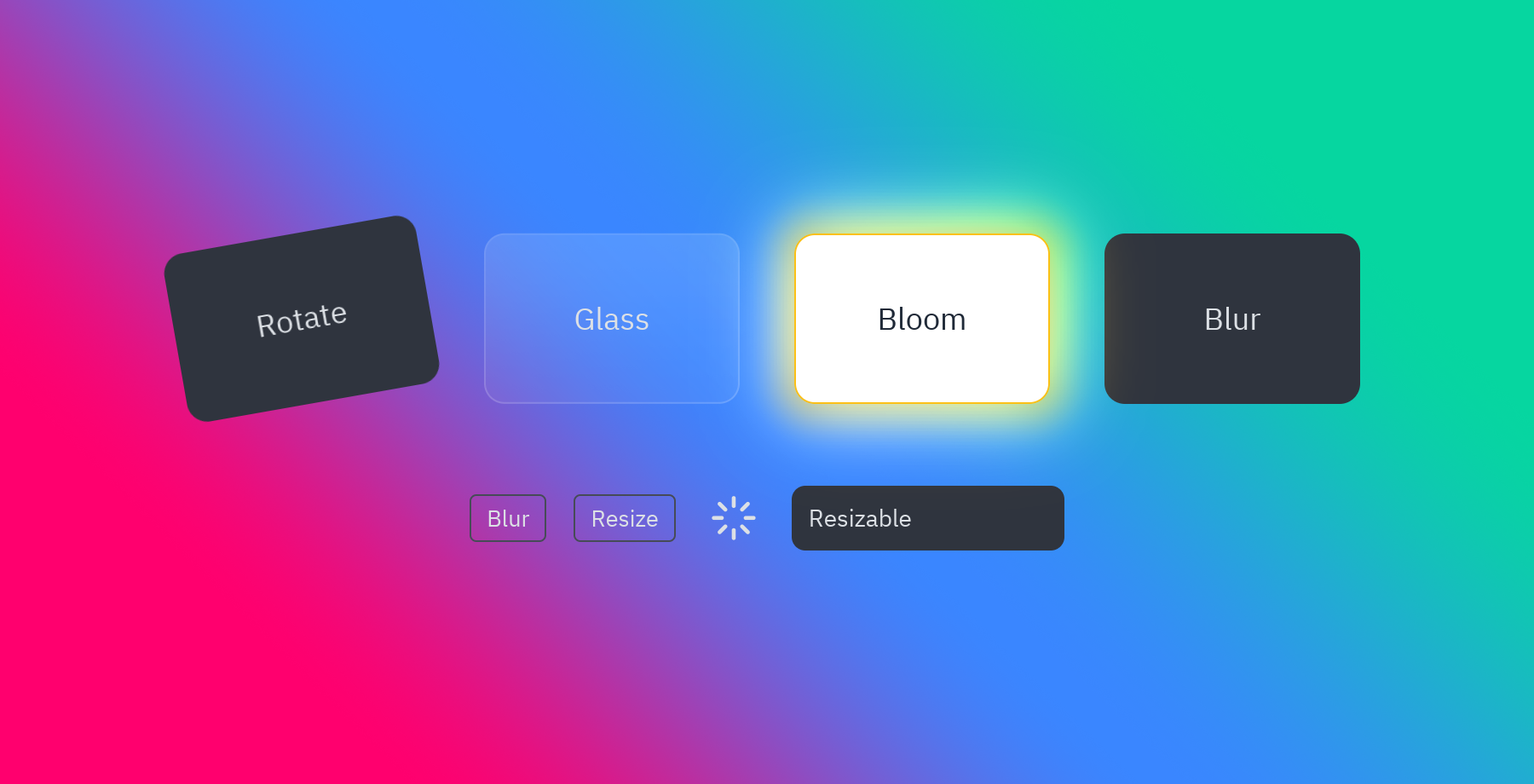
card.style(rotate=-8) # girarlacard.style(glass=True) # un panel tintado que desenfoca lo que tiene detráscard.style(bloom=("#fbbf24", 0.8)) # luz alrededor de sus partes brillantescard.style(blur=4) # desenfocar el propio widgetspinner.animate("spin") # un preset que se repiteuv run --with pyzed-ui python examples/effects.pypython3 -m venv .venvsource .venv/bin/activatepython -m pip install pyzed-uipython examples/effects.pypy -m venv .venv.venv\Scripts\Activate.ps1python -m pip install pyzed-uipython examples\effects.pypython3 examples/effects.pypy examples\effects.pyCódigo completo: examples/effects.py
"""Effects drawn by the renderer: rotation, blur, backdrop blur, glass and bloom, animated.
    python examples/effects.py
- ``style(rotate=-8)`` turns a widget, ``blur=4`` blurs it and ``backdrop_blur=12`` blurs  what is behind it; ``glass=True`` is a tinted panel with a backdrop blur.- ``bloom=(color, intensity)`` lights up the area around the bright parts of a widget.- ``animate("spin")`` and ``transition(rotate=..., blur=..., width=..., font_size=...)``  animate them; size, padding and font size reflow the layout as they move."""
import pyzed as pzfrom pyzed import ui
BACKDROP = pz.Gradient(["#ff006e", "#3a86ff", "#06d6a0"], angle=45)

class Effects(pz.App):    title = "Effects"    size = (900, 460)
    def __init__(self):        self.focused = True        self.wide = False
    def toggle_focus(self):        self.focused = not self.focused
    def toggle_wide(self):        self.wide = not self.wide
    def card(self, title, **style):        return pz.container(pz.text(title, size=18), padding=20, width=150, height=100,                            align_x="center", align_y="center").style(radius=12, **style)
    def view(self):        cards = pz.row([            self.card("Rotate", background="panel", rotate=-10).animate("tilt", on="hover"),            self.card("Glass", glass=True),            self.card("Bloom", background="#ffffff", color="#1f2937", bloom=("#ffbe0b", 1.0)),            self.card("Blur", background="panel").transition(blur=0 if self.focused else 6),        ], spacing=32, align="center")        loader = pz.container(pz.icon("loader", size=28), padding=4).animate("spin")        bar = pz.container(pz.text("Resizable", size=14), padding=10).style(background="panel", radius=8) \            .transition(width=420 if self.wide else 160, font_size=20 if self.wide else 14, duration=260,                        easing="ease_out_cubic")        controls = pz.row([            ui.button("Blur" if self.focused else "Focus", self.toggle_focus, variant="outline"),            ui.button("Resize", self.toggle_wide, variant="outline"),            loader,            bar,        ], spacing=16, align="center")        return pz.container(pz.column([cards, controls], spacing=48, align="center"), width="fill",                            height="fill", align_x="center", align_y="center").style(background=BACKDROP)

if __name__ == "__main__":    Effects().run()
Animaciones
Sección titulada «Animaciones»Cada preset, que se reproduce al hacer clic o al pasar el puntero; cristal, resplandor, bloom y opacidad sobre un degradado; y transiciones que animan un panel, una página y una contraseña incorrecta.
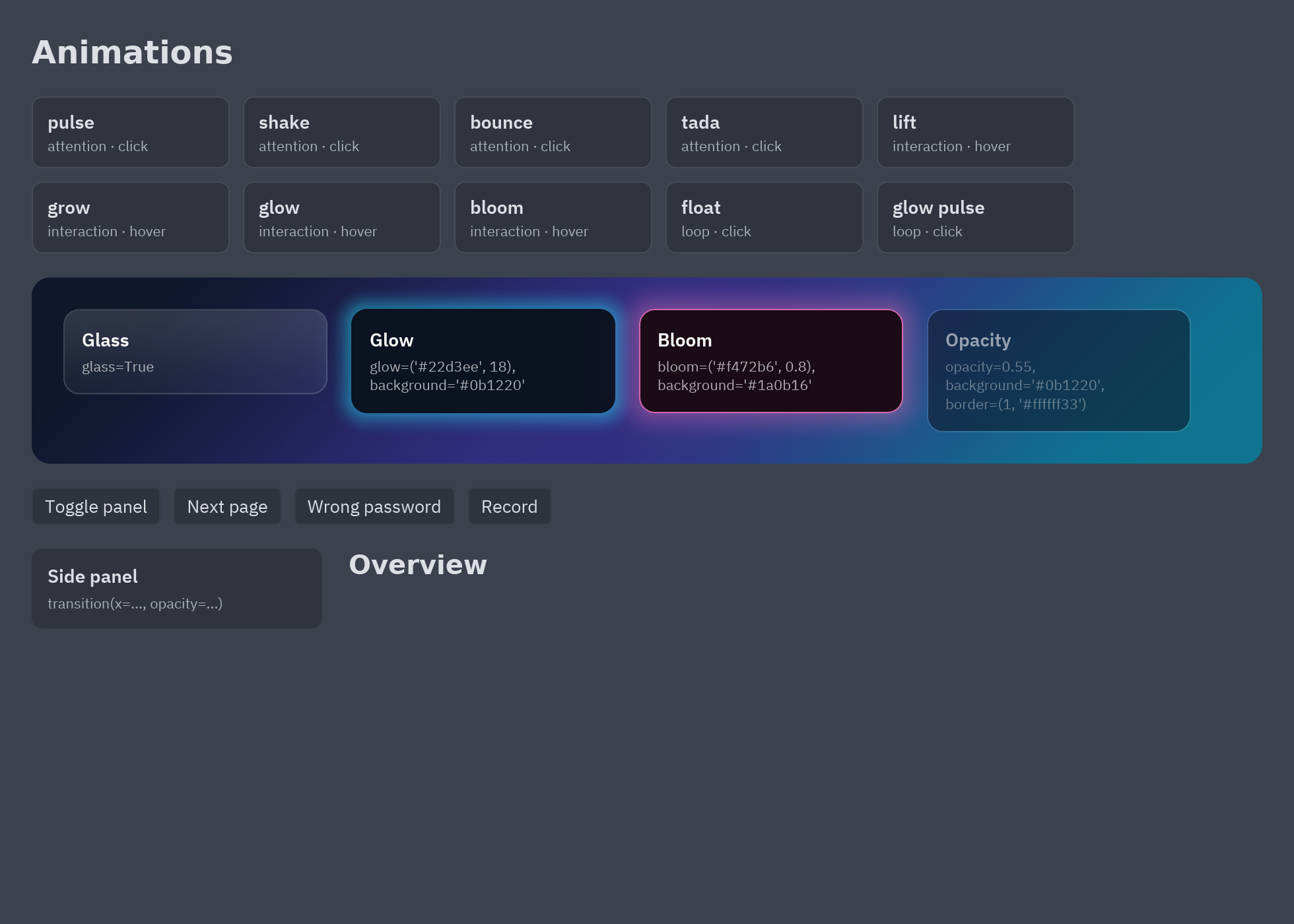
button.animate("lift", on="hover").animate("shrink", on="press") # con eventostitle.animate("fade_in_up") # al aparecerpanel.transition(x=0 if self.open else -260, opacity=1 if self.open else 0) # al cambiar un valorpz.presence(page, key=self.page) # sale y entra al cambiar la keyuv run --with pyzed-ui python examples/animations.pypython3 -m venv .venvsource .venv/bin/activatepython -m pip install pyzed-uipython examples/animations.pypy -m venv .venv.venv\Scripts\Activate.ps1python -m pip install pyzed-uipython examples\animations.pypython3 examples/animations.pypy examples\animations.pyCódigo completo: examples/animations.py
"""Animations and effects: presets, hover and press motion, transitions, presence and glass.
    python examples/animations.py
- ``widget.animate("fade_in_up")`` plays a preset when the widget appears; ``on="hover"``,  ``"press"``, ``"focus"``, ``"click"`` and ``"active"`` play it on events.- ``widget.transition(opacity=...)`` animates a value whenever it changes, like CSS.- ``pz.presence(content, key=...)`` animates content out and in when ``key`` changes.- ``style(glass=True)``, ``glow=``, ``bloom=`` and ``opacity=`` are visual effects."""
import pyzed as pzfrom pyzed import ui
AURORA = pz.Gradient(["#0f172a", "#312e81", "#0e7490"], angle=135)PAGES = ("Overview", "Activity", "Settings")

class Animations(pz.App):    title = "Animations"    size = (980, 700)    transition = "zoom"
    def __init__(self):        self.page = 0        self.panel = True        self.errors = 0        self.recording = False
    def toggle_panel(self):        self.panel = not self.panel
    def next_page(self):        self.page = (self.page + 1) % len(PAGES)
    def fail(self):        self.errors += 1
    def toggle_recording(self):        self.recording = not self.recording
    def tile(self, name):        preset = pz.animation.PRESETS[name]        on = preset.on if preset.on != "mount" else "click"        repeat = 1 if preset.category == "loop" and on == "click" else None        return pz.column([            pz.text(name.replace("_", " ")).style(weight="semibold"),            pz.text(f"{preset.category} · {on}").style(size=11, color="text_muted"),        ], spacing=2).style(background="elevated", border=(1, "border"), radius=8, padding=(10, 12),                           width=150).animate(name, on=on, repeat=repeat)
    def effects(self):        card = lambda label, **style: pz.column([  # noqa: E731            pz.text(label).style(weight="semibold", color="#ffffff"),            pz.text(", ".join(f"{k}={v!r}" for k, v in style.items())).style(size=11, color="#ffffffaa"),        ], spacing=4).style(padding=14, width=200, radius=12, **style)        return pz.row([            card("Glass", glass=True),            card("Glow", glow=("#22d3ee", 18), background="#0b1220"),            card("Bloom", bloom=("#f472b6", 0.8), background="#1a0b16"),            card("Opacity", opacity=0.55, background="#0b1220", border=(1, "#ffffff33")),        ], spacing=18).style(padding=24, background=AURORA, radius=14, width="fill")
    def view(self):        tiles = [self.tile(n) for n in ("pulse", "shake", "bounce", "tada", "lift", "grow", "glow", "bloom",                                        "float", "glow_pulse")]        side = pz.column([            pz.text("Side panel").style(weight="semibold"),            pz.text("transition(x=..., opacity=...)").style(size=11, color="text_muted"),        ], spacing=4).style(background="elevated", radius=8, padding=12, width=220).transition(            x=0 if self.panel else -24, opacity=1 if self.panel else 0, duration=220, easing="ease_out_cubic")        page = pz.presence(            pz.text(PAGES[self.page]).style(size=20, weight="bold"),            key=self.page, enter="fade_in_right", exit="fade_out_left", id="pages")        controls = pz.row([            ui.button("Toggle panel", self.toggle_panel),            ui.button("Next page", self.next_page),            ui.button("Wrong password", self.fail).animate("shake", key=self.errors),            ui.button("Record" if not self.recording else "Stop", self.toggle_recording).animate(                "glow_pulse", active=self.recording).animate("shrink"),        ], spacing=10)        return pz.column([            pz.text("Animations").style(size=24, weight="bold").animate("fade_in_down"),            pz.row(pz.stagger(tiles, "fade_in_up", step=40), spacing=10, wrap=True, line_spacing=10),            self.effects().animate("fade_in_up", delay=200),            controls,            pz.row([side, page], spacing=20),        ], spacing=18).style(padding=24, background="background", width="fill", height="fill")

if __name__ == "__main__":    pz.run(Animations)
Estilos
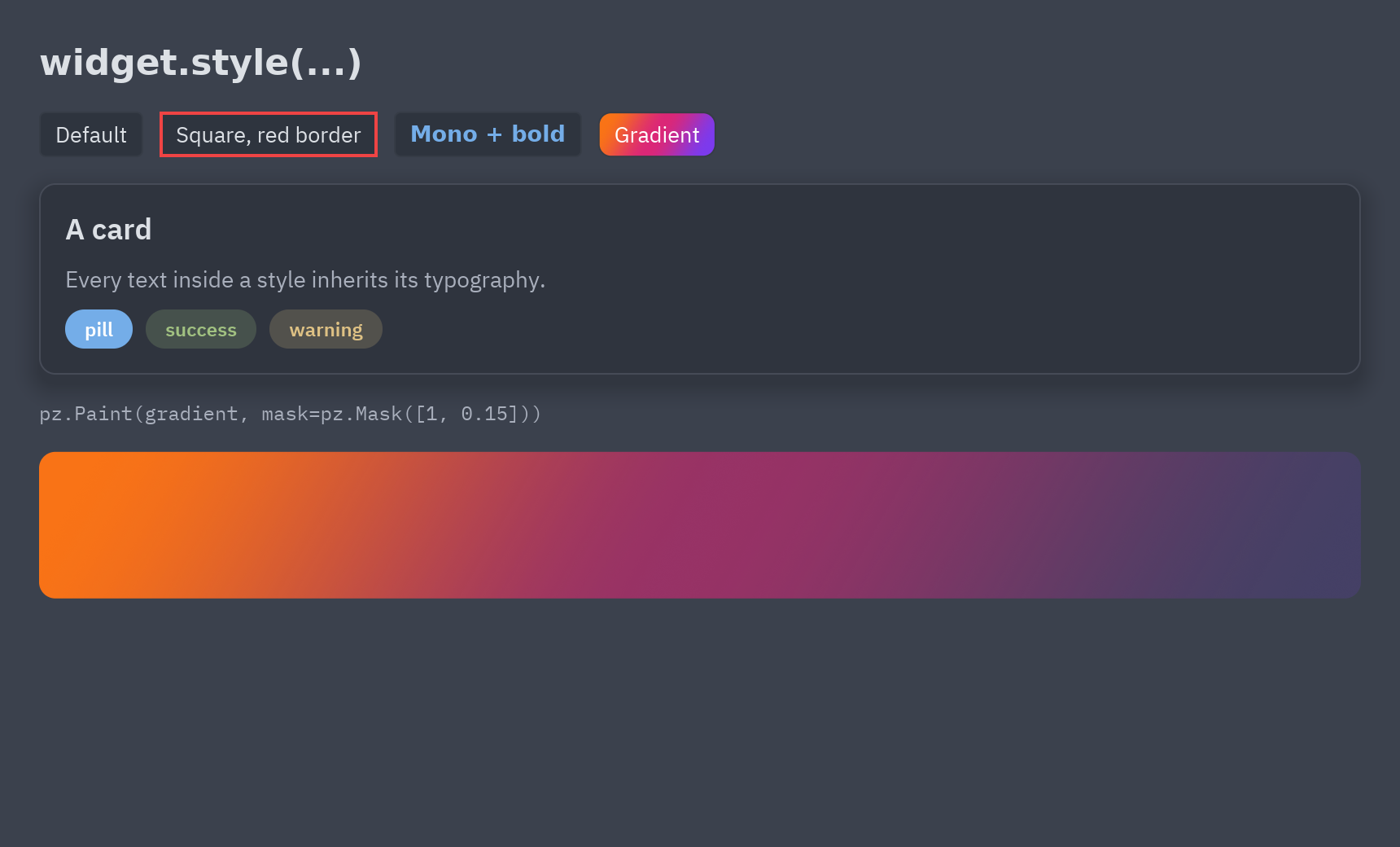
Sección titulada «Estilos»La parte parecida a CSS: bordes, radios, degradados, sombras, tipografía, estilos con nombre con
pz.define_style y pinturas con máscara de opacidad.
uv run --with pyzed-ui python examples/styles.pypython3 -m venv .venvsource .venv/bin/activatepython -m pip install pyzed-uipython examples/styles.pypy -m venv .venv.venv\Scripts\Activate.ps1python -m pip install pyzed-uipython examples\styles.pypython3 examples/styles.pypy examples\styles.pyMás en Animación y efectos y en la sección de Temas y estilos.
Dónde se usan
Sección titulada «Dónde se usan»- HUD de videojuego: los grafos Nebula y Radar, paneles de cristal y bloom.
- Menú principal: el grafo Synthwave y un título brillante.
- Inventario RPG: el grafo Embers, bloom según la rareza y estadísticas animadas.
- Centro de control de cristal: el grafo Blobs detrás de tarjetas de cristal esmerilado.